
Remote Desktop Sharing
Certain tickets raised in AssetExplorer application may require technicians to access machines in remote locations. Say for instance, a SAP related issue in New York requires immediate attention and your support team is located in California. Likewise, when a request is raised via phone call, it would be great if your technician can access the requesters machine from his desk to resolve the issue instantly.
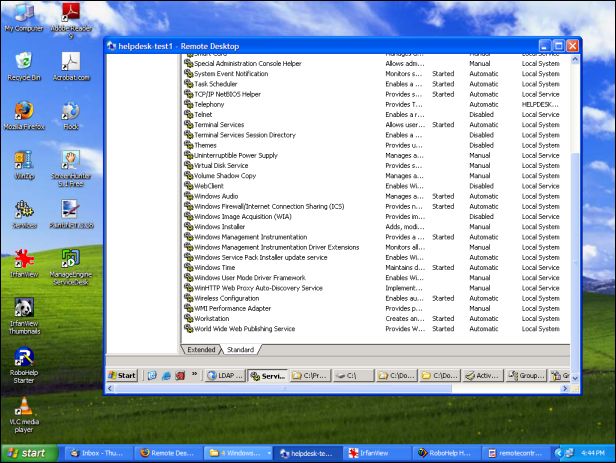
That is where Remote Desktop Sharing comes into play ! Instead of launching a whole bunch of different softwares to access remote machines, AssetExplorer Remote Desktop Sharing helps you to access all your scanned workstations and resolve issue in no time.
Browsers compatible for accessing remote desktop
InternetExplorer (version 5.5 and above)
Firefox
Accessing Remote Control
Click the Asset tab in the header pane.
From the Resources block, select Workstations under IT assets. The list of all the workstations is displayed.
Select the workstation you wish to gain remote access.
From the workstation details page, click on Remote Control tab.
|
Note |
Please note that the credentials should be configured before selecting the remote control tab. If the credentials are not configured then the log-in credentials window pops up. |

Click Save and Remote Control. The connection is established between the server and the remote machine.

The Remote Control can be accessed in Agent mode. So if you are launching Remote Control for the first time on an Agentless mode, you need to install the agent. To push the agent to remote machine from Active Directory click here.
Installing the Agent and starting the Service
Once the agent is installed, the remote workstation can be accessed. The ports to install and start the agent as service in WMI are TCP 135, 445 and one random port greater than 1024. The ports used in agent based scanning is TCP 9000. The service starts with the name ManageEngine AssetExplorer-RemoteControl.
|
Note |
You can verify the installation of the agent by check the files under the directory C:\ProgramFiles\ManageEngine\AssetExplorer\ of the remote machine. |
Installing ActiveX Viewer in the browser
On starting the service in the remote machine, the ActiveX viewer is installed in the client machine, which connects the remote machines as add on to the browser. In Firefox 2 browser, the viewer is installed each time the remote control button is selected.
Meeting
The Meeting is established between the remote machine and the client machine (this may or may not be server machine) from which you try to connect the remote machine. The port TCP/ 10443 should be opened in the firewall between the remote machine and the client machine for this communication.
Disconnect Remote Control
When you close the pop up window of Remote Control, the service running in the target computer will be stopped using WMI.