Powershell Scripts Engine not installed
Problem
You are trying to install powershell scripts using custom script configuration and you get an error message "Powershell Script Engine is not installed in the client computer"
Cause
You will get this error message if powershell script engine is not installed in the client computer.
Resolution
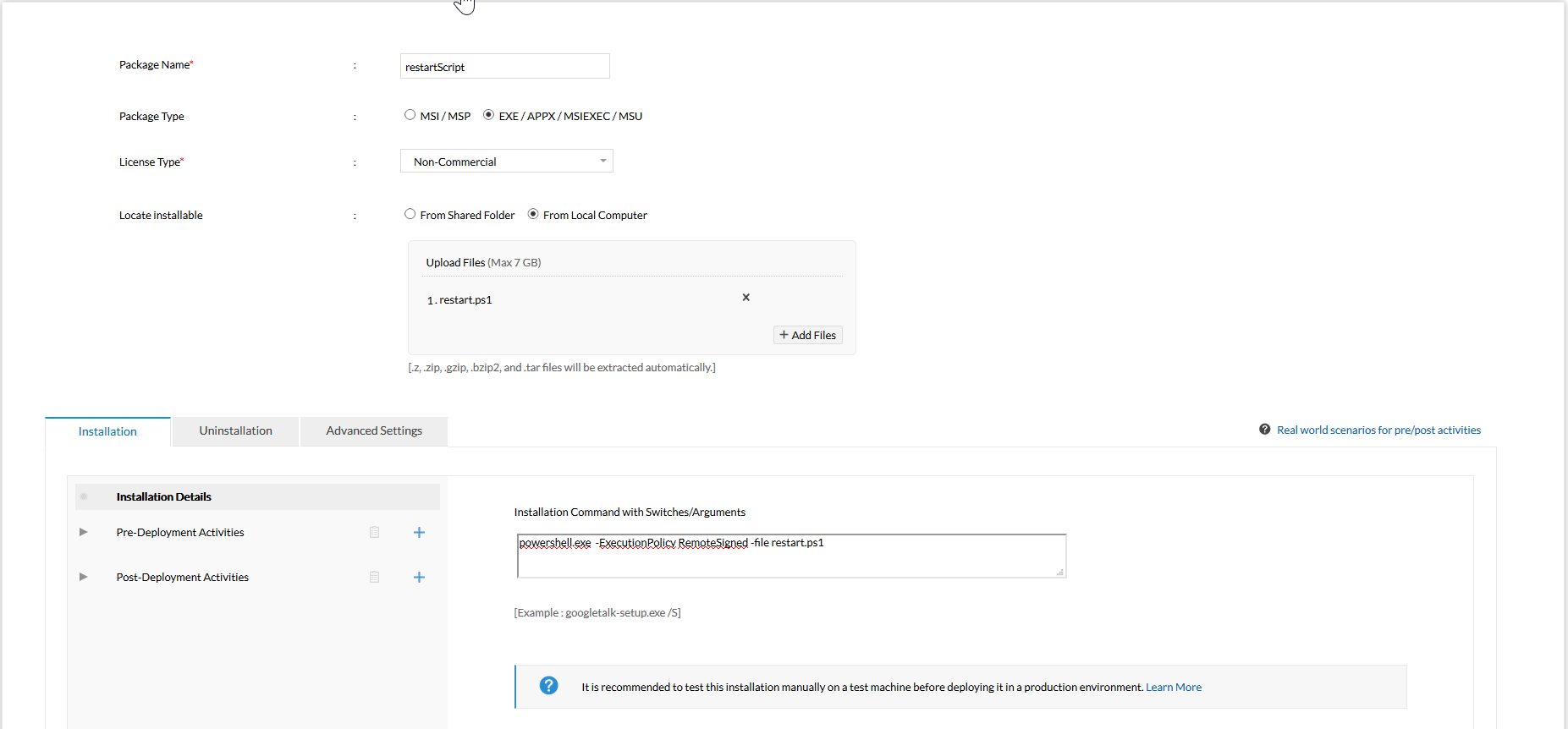
To resolve this issue, we recommend you to install the Powershell script engine in the client computers. To install the powershell script engine follow the steps mentioned below;
- Go to Software Deployment tab and select Add Package.
- Create a package using Templates
Choose the appropriate template from the below mentioned list as per your system requirement,
Windows Management Framework Core for Windows XP 32bit
Windows Management Framework Core for Windows Vista 64bit
Windows Management Framework Core for Windows Vista 32bit
Windows Management Framework Core for Windows 2003 64bit
Windows Management Framework Core for Windows 2003 32bit
Windows Management Framework Core for Windows 2008 X64bit
Windows Management Framework Core for Windows 2008 X86
- Click Go To Package
- Click the Package and Under Action specify whether it need to be deployed to computers or users
- Specify the Configuration Name and Description
- Deploy it to the Target Computers.
You can now see that powershell script engine will be deployed on the specified client machines.
Applies to: Powershell Script, Configuration Failure, Custom Script Execution
Keywords: Powershell Script engine, Install Software on Remote desktops, Custom Script Execution Failure
| Unable to resolve this issue? |
If you feel this KB article is incomplete or does not contain the information required to help you resolve your issue, upload the required logs, fill up and submit the form given below. Include details of the issue along with your correct e-mail ID and phone number. Our support team will contact you shortly and give you priority assistance and a resolution for the issue you are facing. * Mandatory Fields
|
| Other KB articles |
24/5 Support |
|
|
Support will be available 24hrs a day and five days a week (Monday through Friday), excluding USA & India public holidays.
Tel : +1-888-720-9500 Email : desktopcentral-support@manageengine.com
Speak to us
- Join the Desktop Central Community, to get instant answers for your queries, register with our Forum.
- Look out for the latest happenings in Desktop Management, follow our Tweets on Twitter.
- Get to know the latest updates and Best Practices in Desktop Management through our Blog.
|