


ManageEngine Logo

MibBrowser Free Tool

The ManageEngine MibBrowser is a complete SNMP MibBrowser that can be used for MIB Browsing and SNMP Operations.

Features of ManageEngine MibBrowser :

Introduction

The ManageEngine MibBrowser is a complete SNMP MibBrowser that can be used to provide MIB Browsing and related functions to users. SNMP MibBrowsers allow the user to view and operate on data available through an SNMP agent on a managed device, e.g. a router.

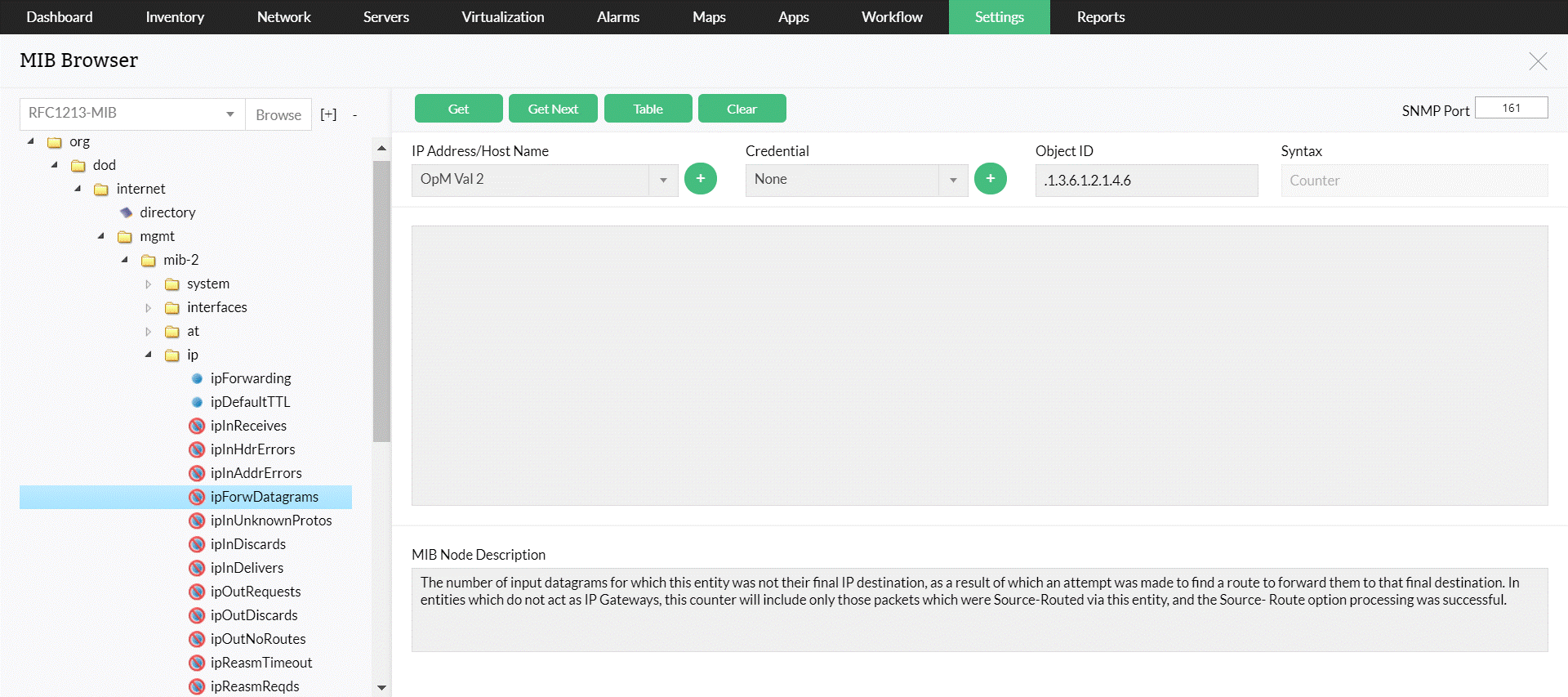
In order to enable a better view of the data available on the SNMP agent a MIB file is usually provided with the managed device. This MIB file contains a description of the object hierarchy on the managed device, as well as the syntax and access privileges for each variable in the MIB. The ManageEngine MibBrowser provides the capability to load and view multiple MIB modules and traverse the MIB tree to look at the definitions for each MIB tree.

It allows "GET", "GETNEXT" and "SET" SNMP requests to a particular variable in the MIB of an SNMP managed device. It also has the capability to view multiple real-time graphs of data on the managed device as it changes over time. It also enables viewing SNMP tables.

Overview

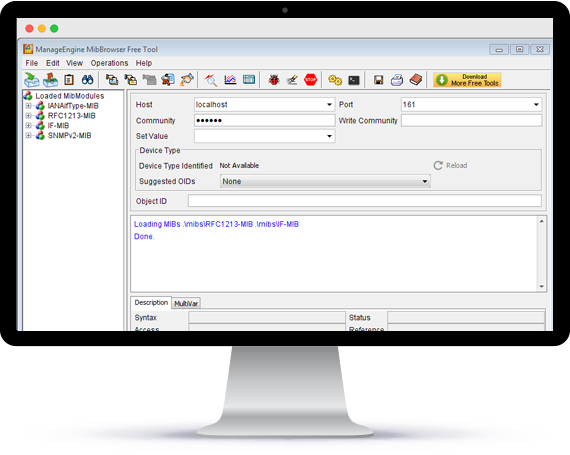
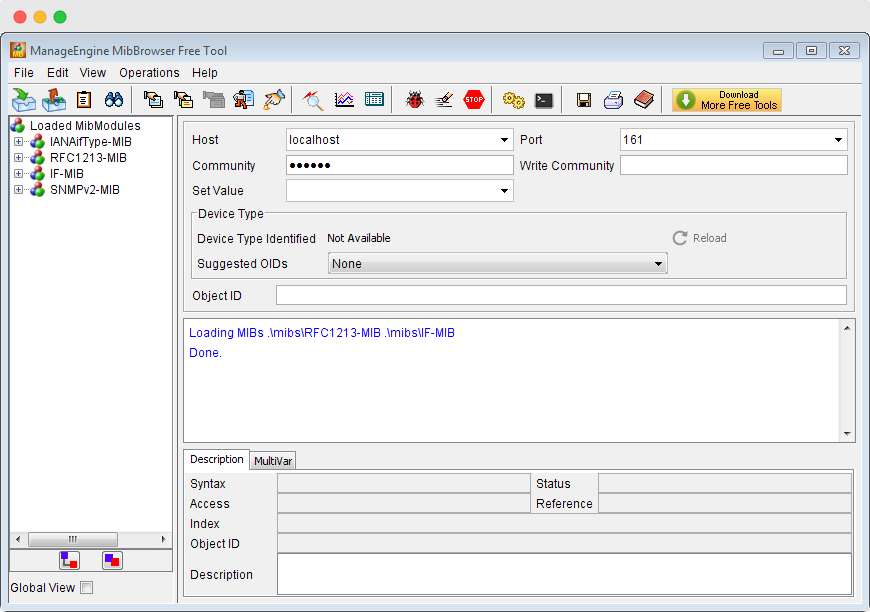
The primary window of the ManageEngine MibBrowser is made up of two frames. The left frame is the MIB Tree in which the MIB files are loaded and the right frame is for setting options and for the result display. The right frame includes fields for

  • SNMP agent name or address (Host),
  • community name,
  • writeCommunity value used for a set request
  • The current Node OID that's being operated upon the current MIB module context name and context engine ID fields for SNMPV3 request
  • text area to view query results.
Depending on the option selected in the menu bar the following is also visible:
  • A checkbox to select multiple request,
  • A list to add and delete the varbinds
  • Buttons to add and delete the varbinds from the list.

User can show/hide the Toolbar, Mib Description panel, Muti varbind panel and Result display panel.