
Event log monitoring is a process of tracking and analyzing the event logs generated by network devices. These logs basically are activities taking place within a network thereby event logs provide real-time insights of the network's performance. Tracking event logs from time to time helps detect network issues well before they affect the network operation.
What are Windows Event Logs?
The event logs contain the most important information for diagnosing application and operating system failures, determining the health and status of a system and verifying that system and applications are operating properly. Windows systems store all logs in binary .Evt files and there are three basic event logs: Application (AppEvent.Evt), System (SysEvent.Evt), and Security (SecEvent.Evt). Windows 2000 (and later) servers may contain additional event logs: DNS Server (DNSEvent.Evt), File Replication Service (NtFrs.Evt), and on Active Directory domain controllers, Directory Service (NTDS.Evt).
System log tracks miscellaneous system events like startup, shutdown and events like hardware and controller failures. The Application log is an important source for application status information. When properly integrated with the Windows operating system, applications can report their errors to the event log by recording an event entry into the application log. Security log tracks events such as logon, logoff, changes to access rights, and system startup and shutdown.
Why is Event Log monitoring important?
The ultimate purpose of installing an event log monitoring tool is protecting your network from internal attacks. A recent study by Gartner indicates that "the most damaging penetrations to an enterprise's security system often come with help from the inside". The study goes on to state that 70% of security incidents that actually cause loss to enterprises involve insiders. Having firewalls & virus scanners may protect you from hackers of the outside world but won't help you against attacks from inside. The only way to protect your systems from such attacks is by monitoring the Windows 2000/XP/2003 Servers logs and auto-generating alerts in real time.
Windows Event Log Monitoring Tool Challenges
Here are a few challenges in monitoring Windows event log.
- Securing your network from internal attacks.
- Monitoring availability of your critical applications.
- Centralized event log management integrated with your network monitoring software.
These challenges could be resolved by choosing a good event log monitoring software.
OpManager's Windows Event Log Monitoring Software Features
Below is how OpManager can help you with eventlog monitoring.
Security eventLog monitoring - Not an expert, not a problem
OpManager's Windows Event Log Monitoring provides several automatic rules to monitor critical security logs across all windows servers and workstations in your network. You can easily detect events such as failed logons, logon failures due to bad passwords, account lockouts, failed attempts to access secure files, security log tampering etc. You can also create any number of custom rules to enforce the security policies adopted by your company.
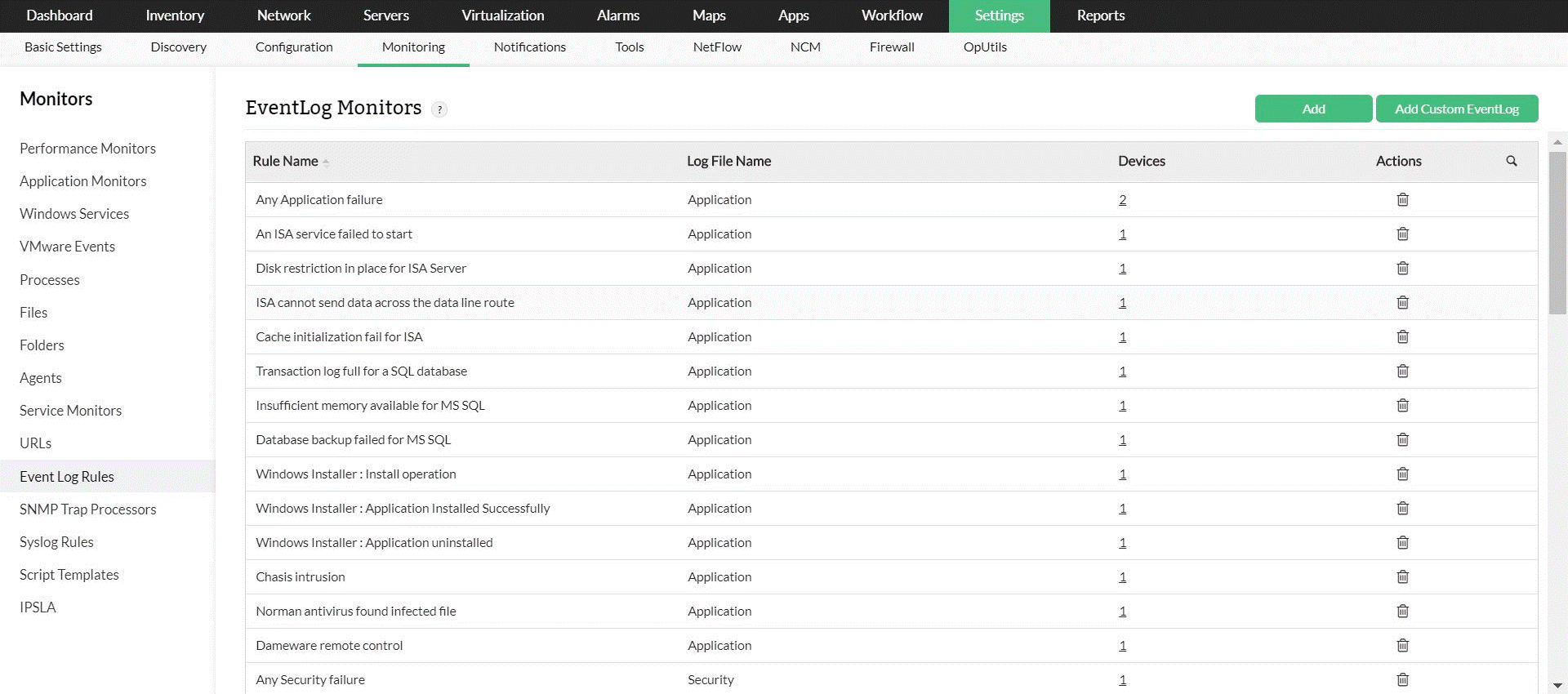
Application & System log monitoring - Monitor IIS, Exchange, SQL and ISA Servers
In addition to security logs, OpManager's Windows event log monitor can monitor application, system and other event logs. Several rules are available out-of-the-box to monitor mission-critical applications like Exchange, IIS, MS-SQL and ISA servers. You can also add custom rules to monitor events generated by any application. Rules are also available to monitor directory services, DNS server and file replication servers.
Integrated Event Log Monitor - Eliminate the need for an additional console
Instead of treating Windows event log monitoring as an isolated stand-alone solution, OpManager Windows event log monitoring allows you to monitor windows event logs as part of an integrated network, server and application management solution. This way your operators need not learn one more interface for the sake of monitoring windows event logs.
To learn more about these features and how it can help manage your network better, take a free personalized demo or download a free, 30-day trial today.
Make your network monitoring simple and efficient!
Download OpManager nowCustomer reviews
More than 1,000,000 IT admins trust ManageEngine ITOM solutions to monitor their IT infrastructure securely


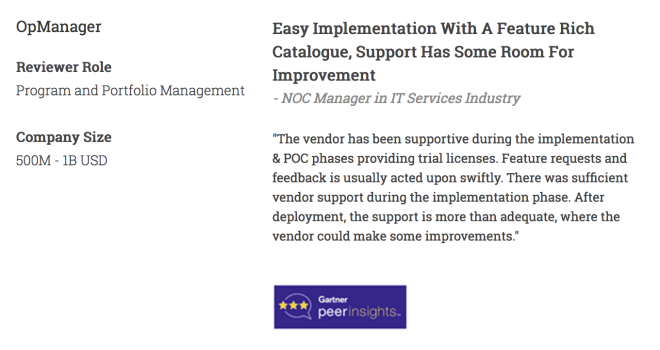
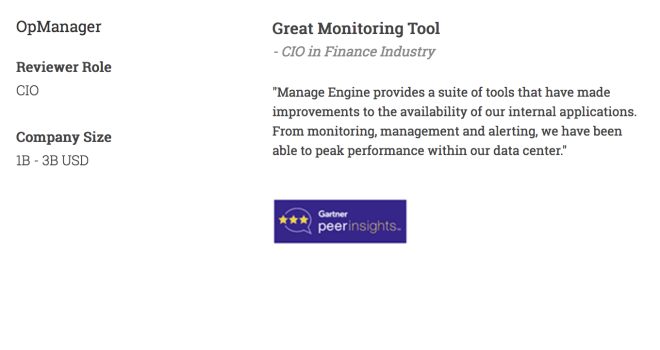
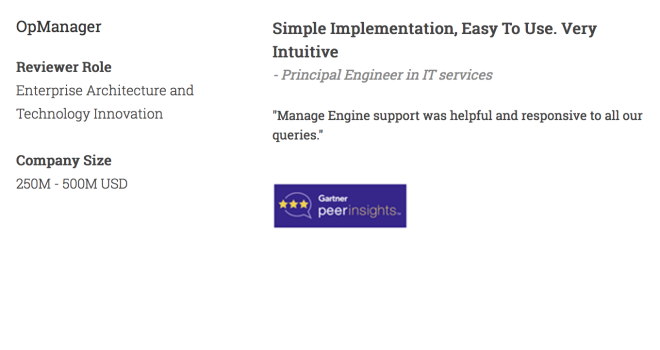
Case Studies - OpManager
Awards & Honors
- Recognized as a May 2019 Gartner Peer Insights Customers' Choice for Network Performance Monitoring and Diagnostics Software
- Recognised as an April 2019 Gartner Peer Insights Customers' Choice for IT Infrastructure Monitoring Tools.
- Network Management and Monitor Vendor of the Year 2018, 2019
- Entered the 2019 Gartner NPMD Magic Quadrant.
- Ranked #2 in the Infotech Research Software Reviews Data Quadrant 2018.