
OS imaging is the process of capturing an OS image from a specific computer using a desktop imaging tool. This OS image can then be easily deployed to multiple computers as per the needs of the organization.
An OS image is a file that contains the OS, your executable, and any data files that might be related to your programs.
The OS imaging software tool starts by capturing the OS image, which is then deployed to systems as and when required. Capture the desktop images of various OS that you use using our OS imaging software. You can then store them in an image repository, which is a network share. Deploy these images to either new computers or corrupt PCs as and when needed.
OS Deployer is a completely simplified computer imaging tool which supports imaging a system in both offline and online mode.
Some of the key benefits of our OS Imaging software include:
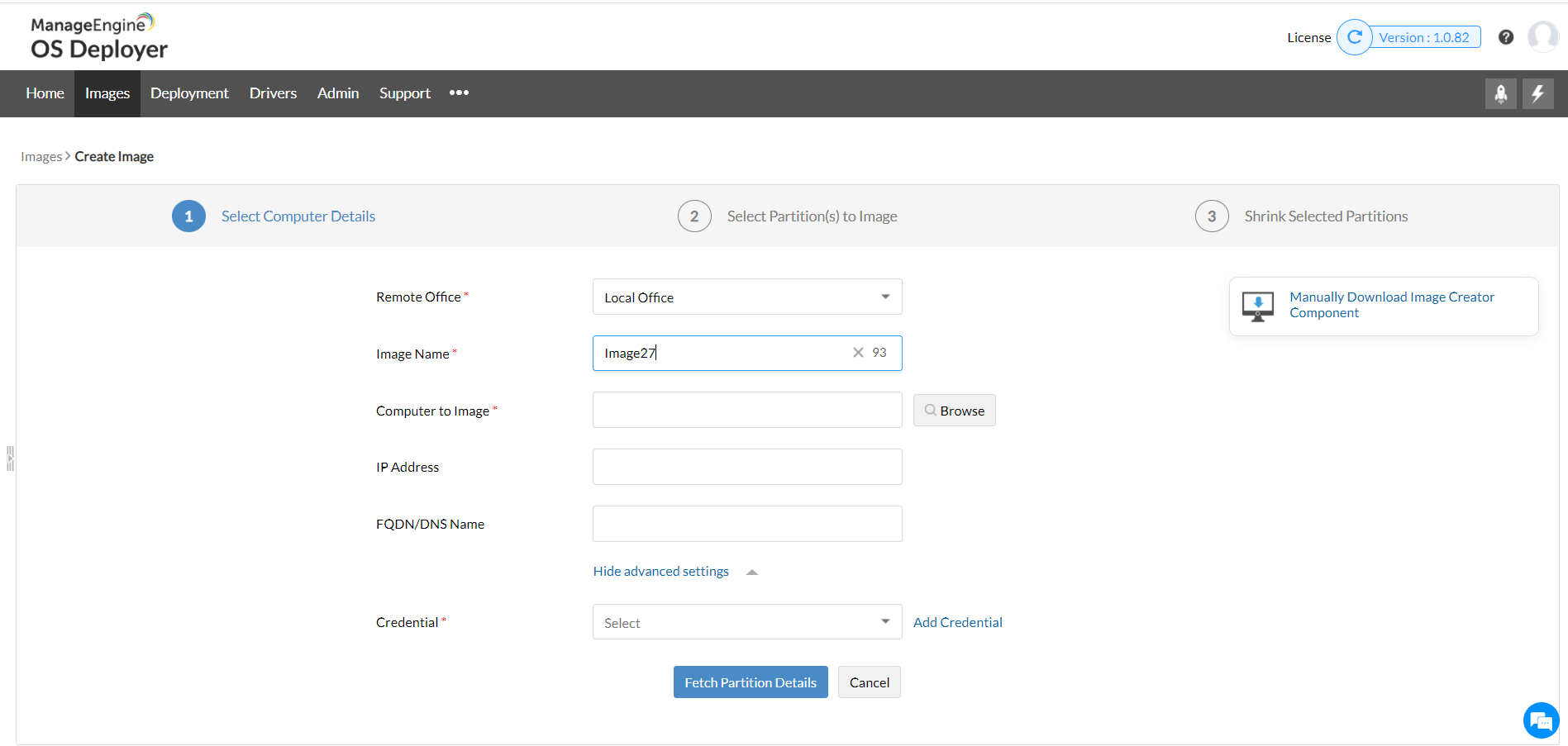
With online imaging the master system is imaged live using the imaging tool, without suspending operations or requiring a reboot. Online imaging can be performed to create OS images remotely whenever necessary.
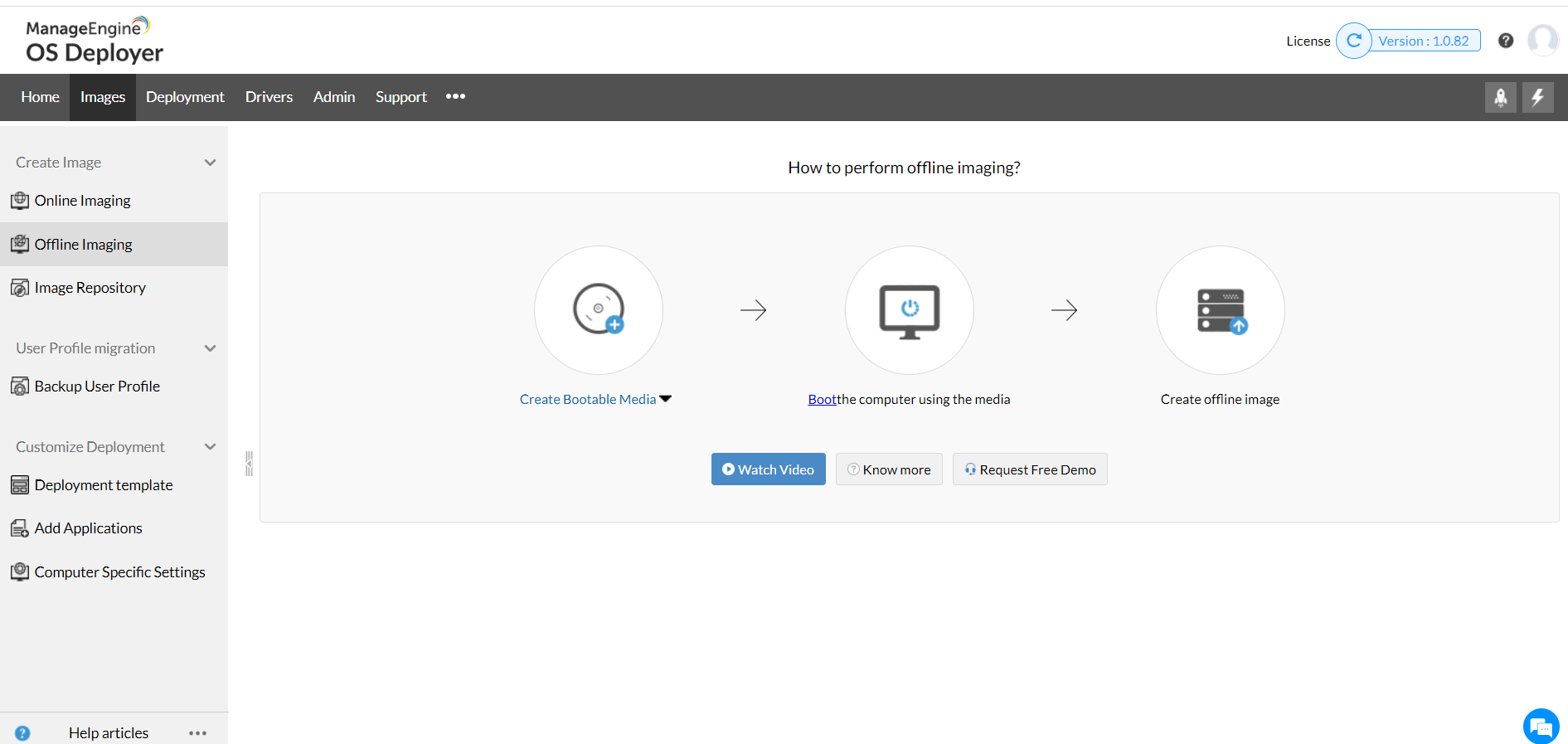
In offline imaging, the master system is stopped and the master computer boots into ManageEngine (or PE) environment. This offline desktop imaging can be even in the non-productive hours of the enterprise.
The advanced capabilites of disk imaging tool of OS Deployer can be found in this document.
There are certain advantages for using an OS imaging software that make users prefer OS imaging over cloning. Let us look at some of the benefits of an OS imaging software: