Rebranding Password Manager Pro
If you want to replace Password Manager Pro logo appearing on the login screen and on the web interface with that of yours, you can do so from the web interface itself. It is preferable to have your logo of the size 210*50 pixels.
1. Rebranding
To rebrand the logo,
- Navigate to Admin >> Customization >> Rebrand.
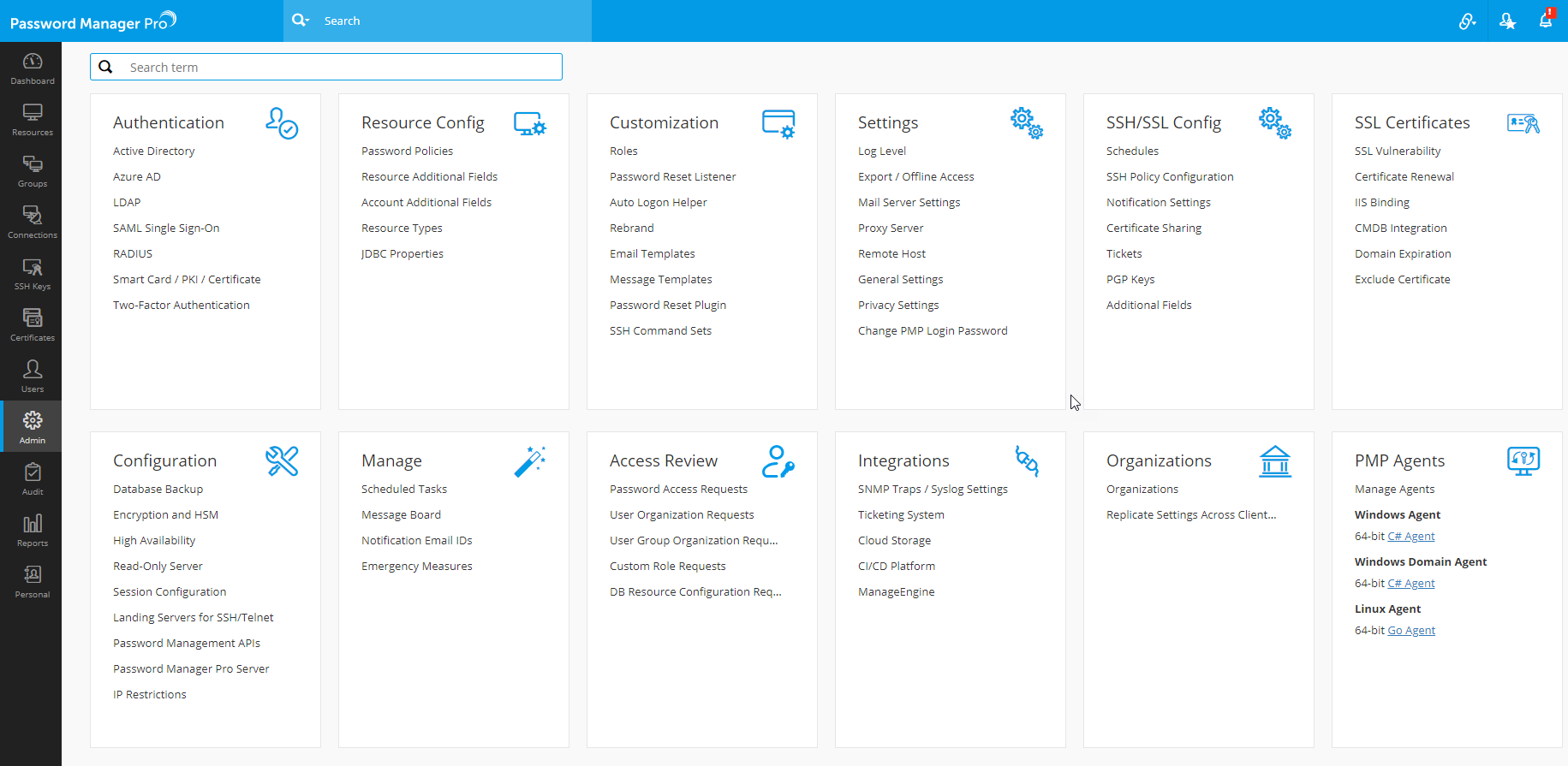
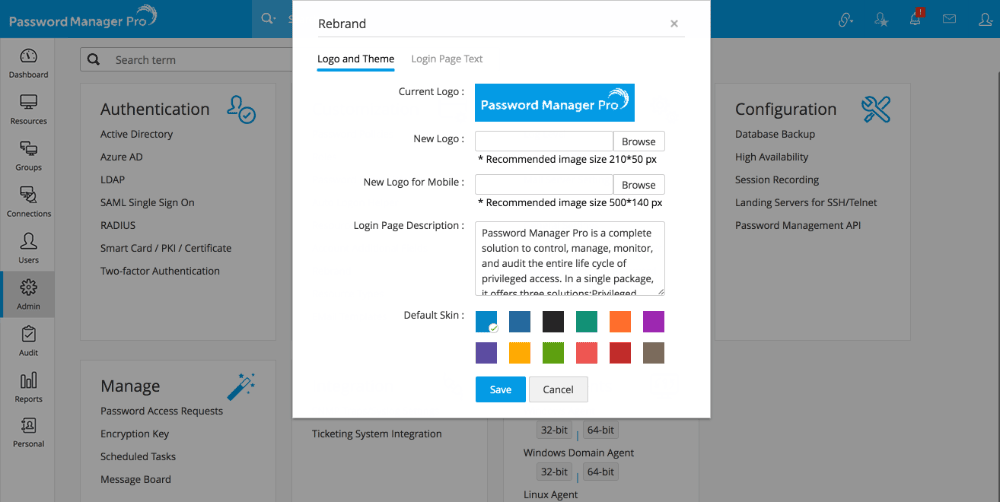
- In the dialog box that opens, browse and choose the required image against the New Logo field. The recommended size is 210*50 pixels.
- You can also choose a New Logo for Mobile, with the recommended image size of 500*140 pixels.
- Enter content for the login page description. The content you provide here will be displayed in the login page of Password Manager Pro for all users.
- You can also choose a default color for the login page.
- Click Save. Password Manager Pro will appear with the rebranded look.
2. Configuring legal banner and privacy policy banner in the login page
Password Manager Pro provides an option to add policies and/or conditions in its login page. If you want your users to accept the legal and/or privacy policies before logging into Password Manager Pro, you may configure and enable this option. At any point, this configuration can be disabled.
- Navigate to Admin >> Customization >> Rebrand.
- To configure the legal banner:
- Switch to Login Page Text tab in the Rebrand window and enable the checkbox for Display Legal Banner.
- Specify the label you want to give for the legal banner beside Display Label for Legal Banner, for example, "Terms and Conditions".
- Provide the detailed Legal Content that has to be displayed upon clicking the legal banner link.
- To configure the privacy policy banner:
- Enable the checkbox for Display Privacy Policy Banner in the Login Page Text tab.
- Specify the label you want to give for the privacy policy banner beside Display Label for Privacy Policy Banner, for example, "Privacy Policy".
- Provide the detailed Privacy Policy Content that has to be displayed upon clicking the privacy policy banner link.
- Specify the label for the Text for Acceptance Button, for example, "Accept and Login".
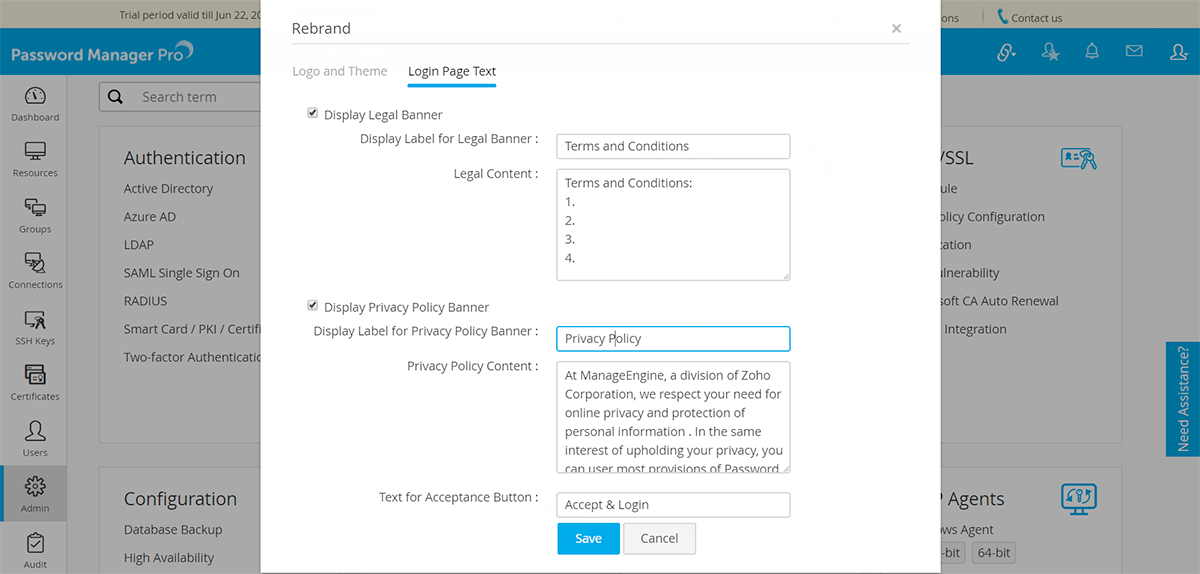
- Click Save. Once this is done, from the next login onwards, these configurations will be displayed in the login page, as shown below:
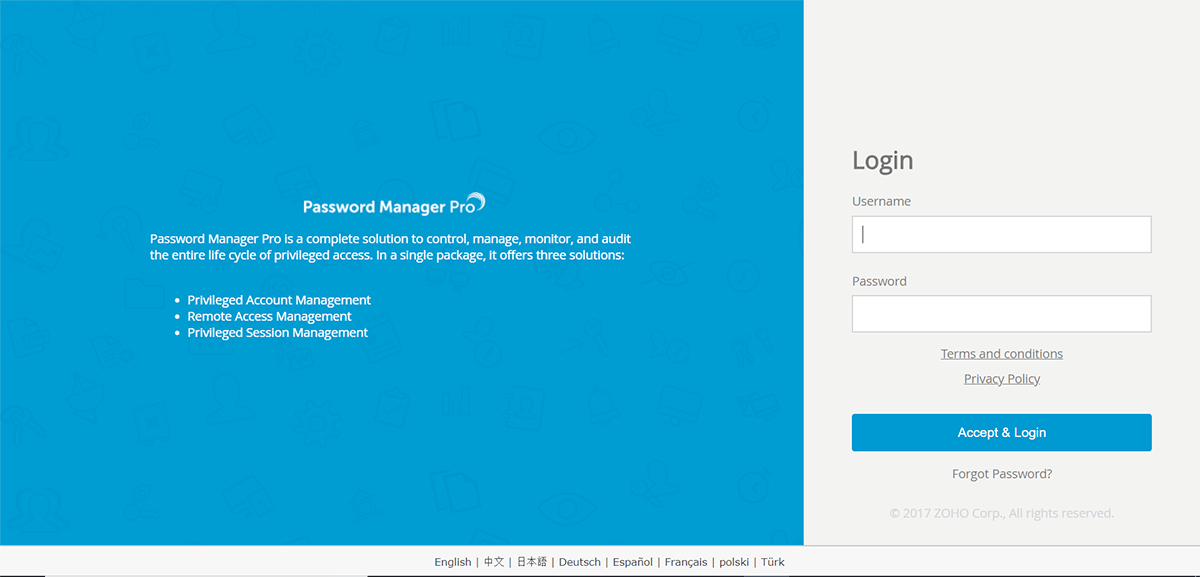
- You can view the content for both the banners by clicking them.
Note: The legal and privacy policy banners will be shown in the login page only if their respective content fields are filled. If these fields are empty, the settings cannot be saved.