Import rollback
Import rollback allows users with administrator privileges to revert datasets to a previously stable configuration by undoing any changes made during recent sync cycles. This feature helps correct errors in the data without interrupting operations and reduces the risk of data loss. It is useful in collaborative environments where multiple users access the data and make changes.
Note:
- Data can be reverted to its previous state within 4 hours of the import.
- Deleted columns will not be reverted during the import rollback.
- Any actions, such as adding a new column, creating formulas, formatting columns, and having lookups defined, will be preserved during the import rollback.
Follow the below steps to revert the data import to the previous version,
- Open the data table, which needs to be reverted.
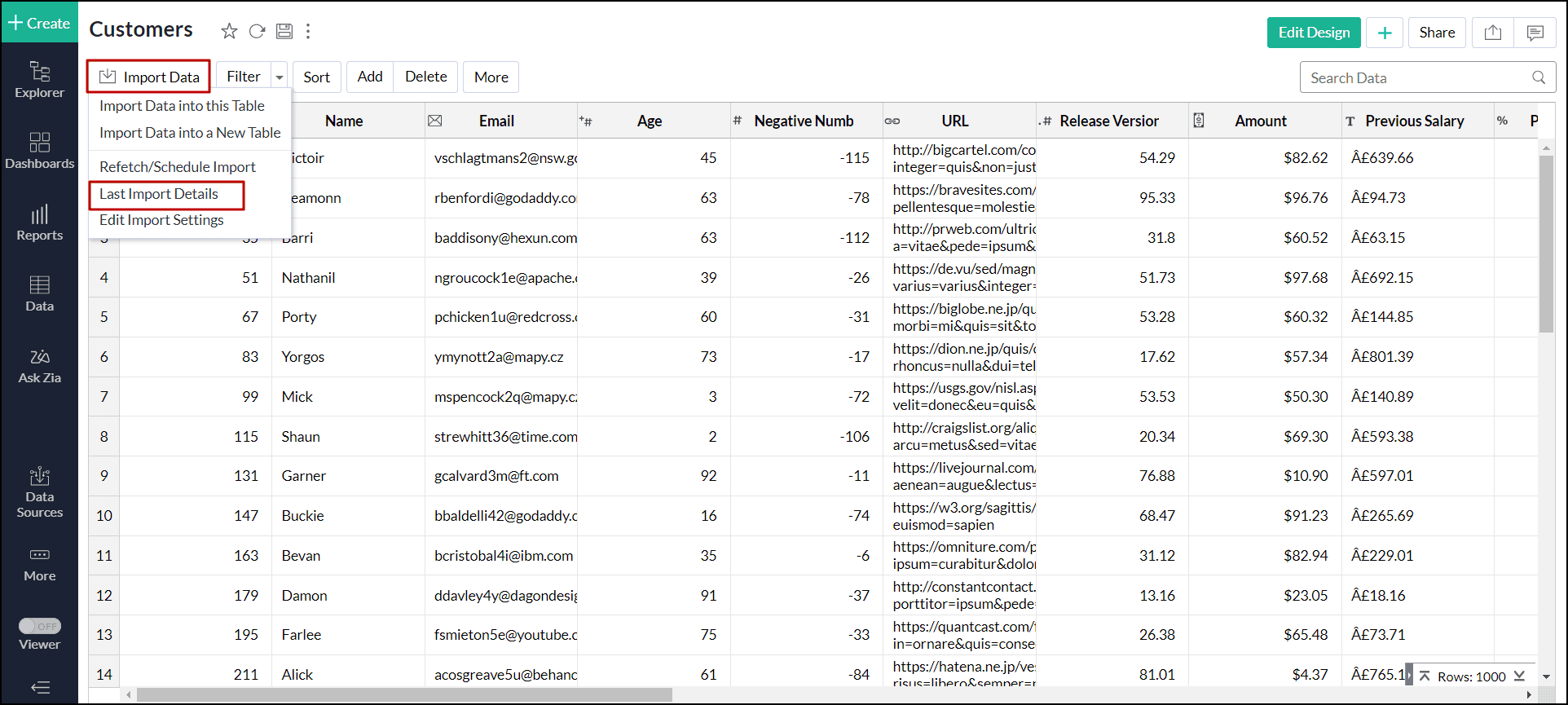
- Click Import Data > Last Import Details.
- Click Rollback to revert to the previous instance.

Import rollback will be initiated, displaying the status along with the details of the admin who performed the action and the time of execution.
