Import customers to the customer portal
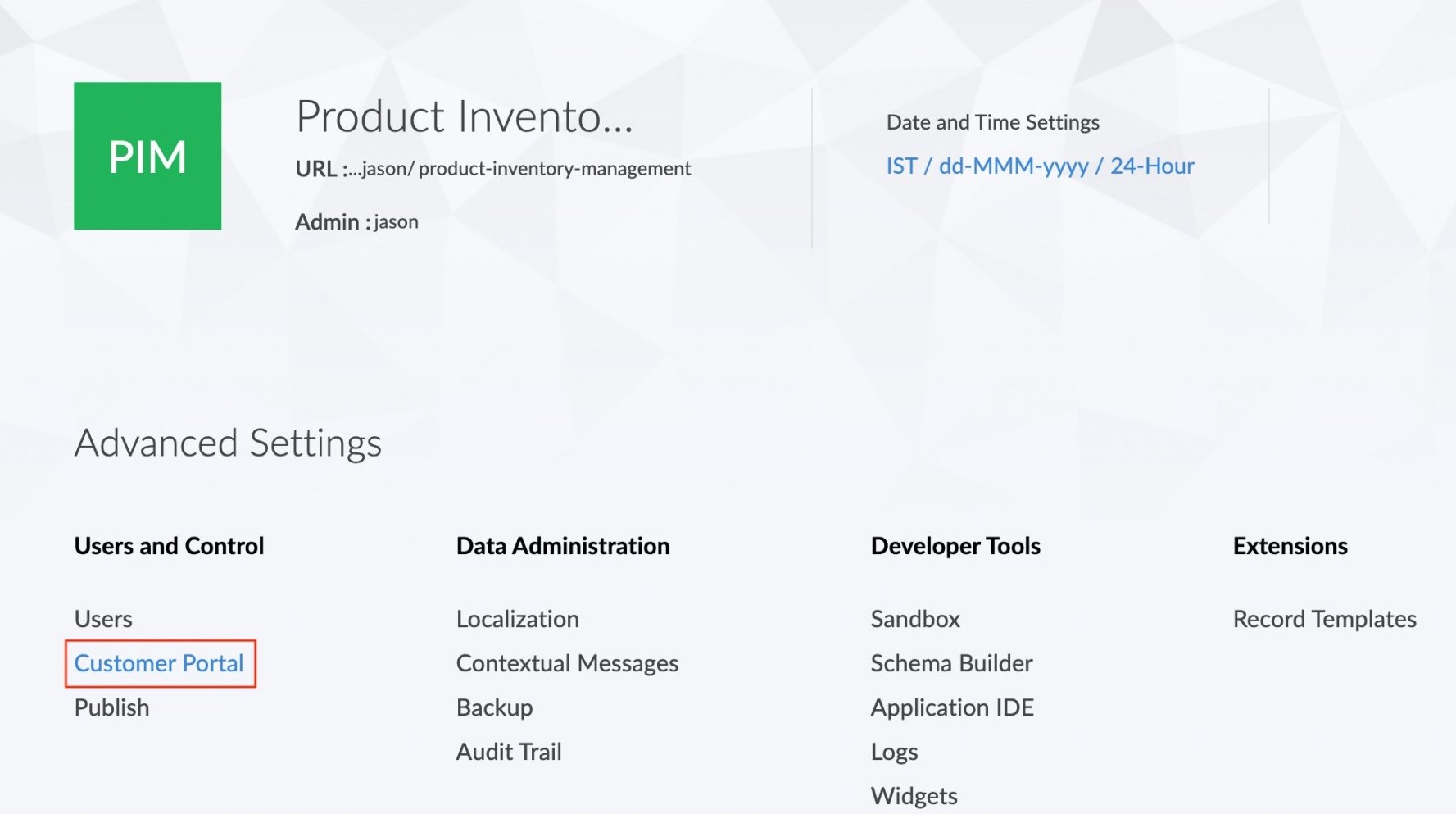
To import customers:- Click the Customer Portal option under the Users and Control section in the Settings page.
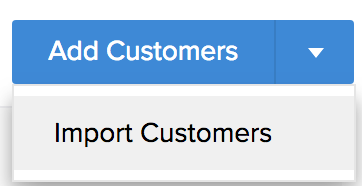
- Click the
 icon next to the Add Customers button.
 - A dropdown list will appear. Select the Import Customers option from the list.
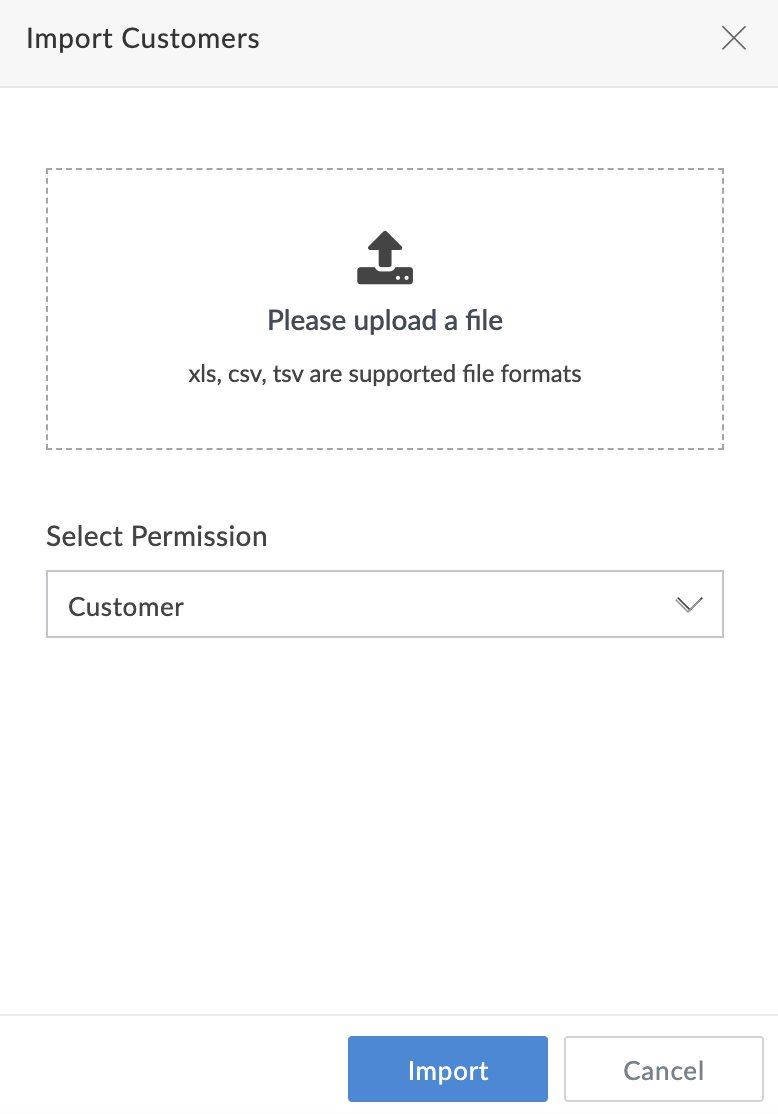
- The Import customers tab will appear. Select the file containing the customer details. Select the type of permission for the customer. Then click Import.
- The details of the users imported from the file will be displayed in the next tab. Now click Add Users.
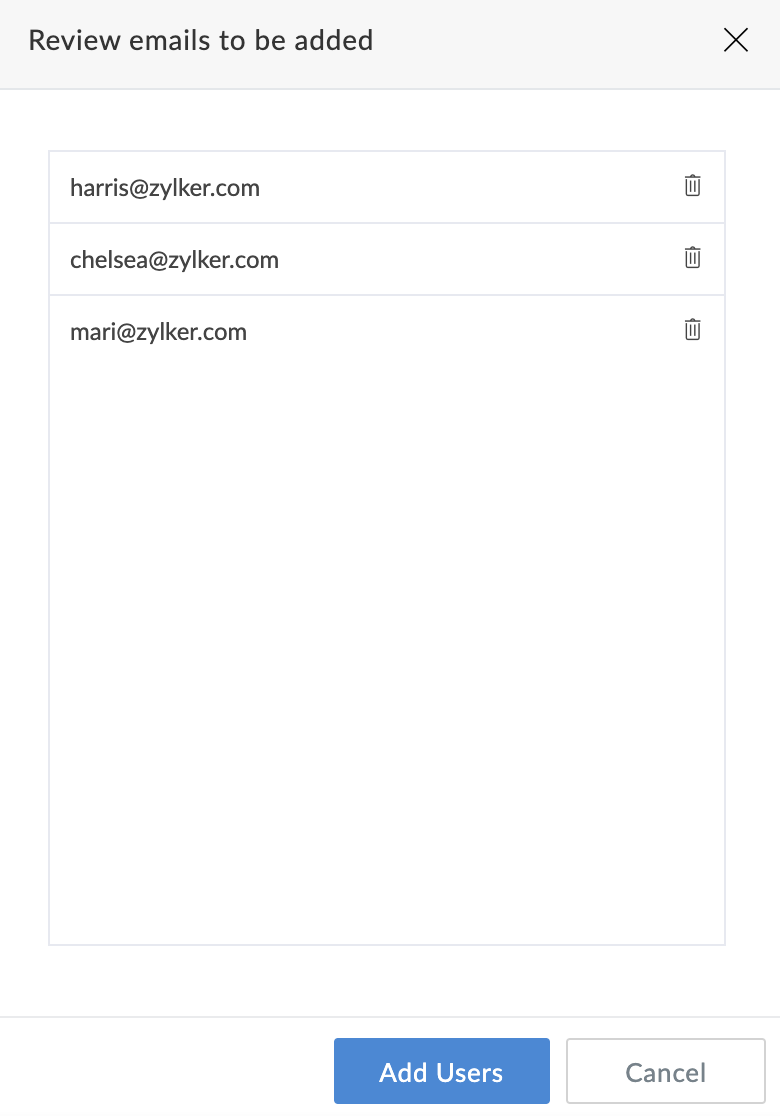
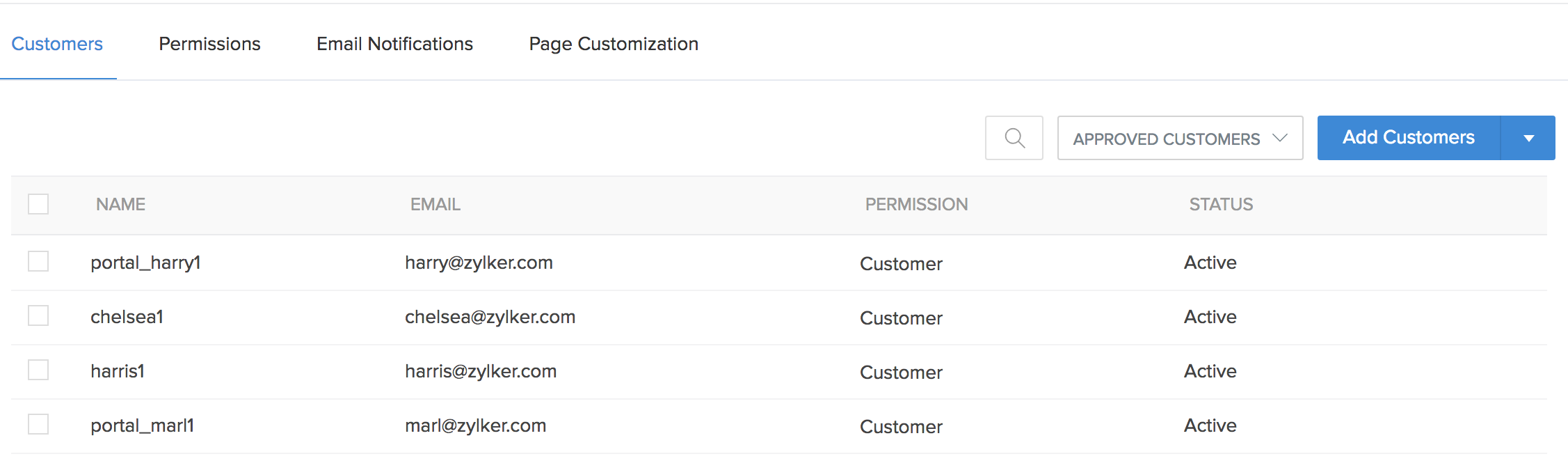
- The imported users will now be listed in the customer portal page.