Republish pages
To republish a page:
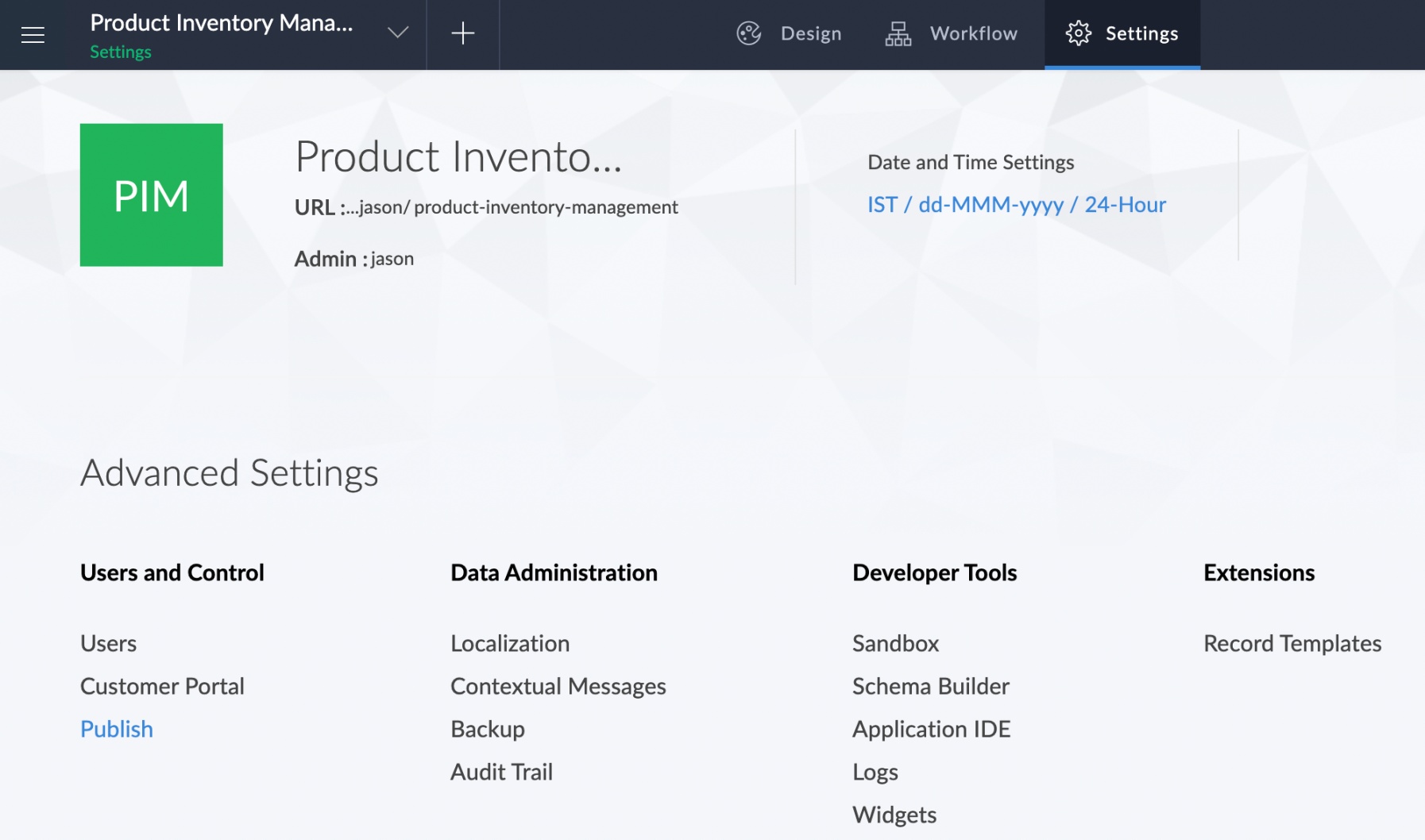
- Click the Publish option under the Users and Control section of the Settings page.
- The Publish page will appear and list all the components that have been published.
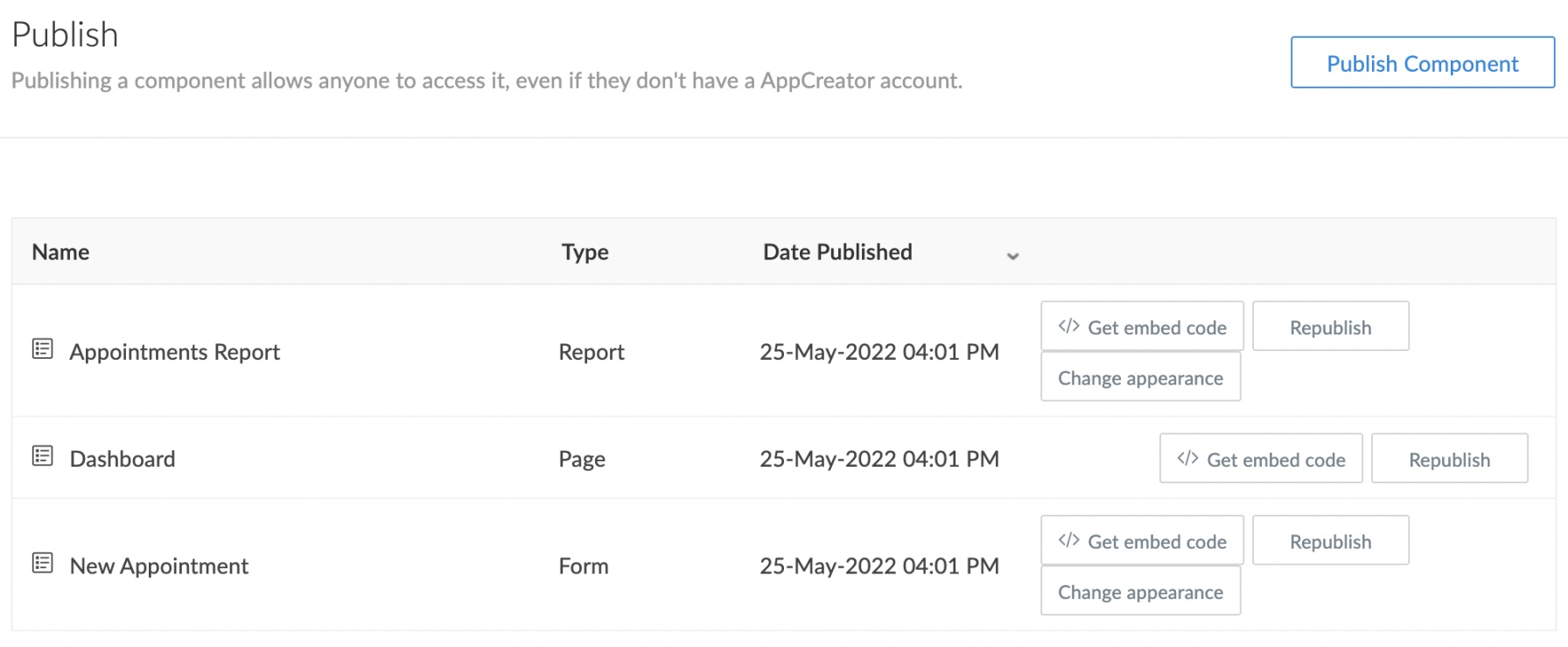
- Click the Republish button next to the component that is to be republished.

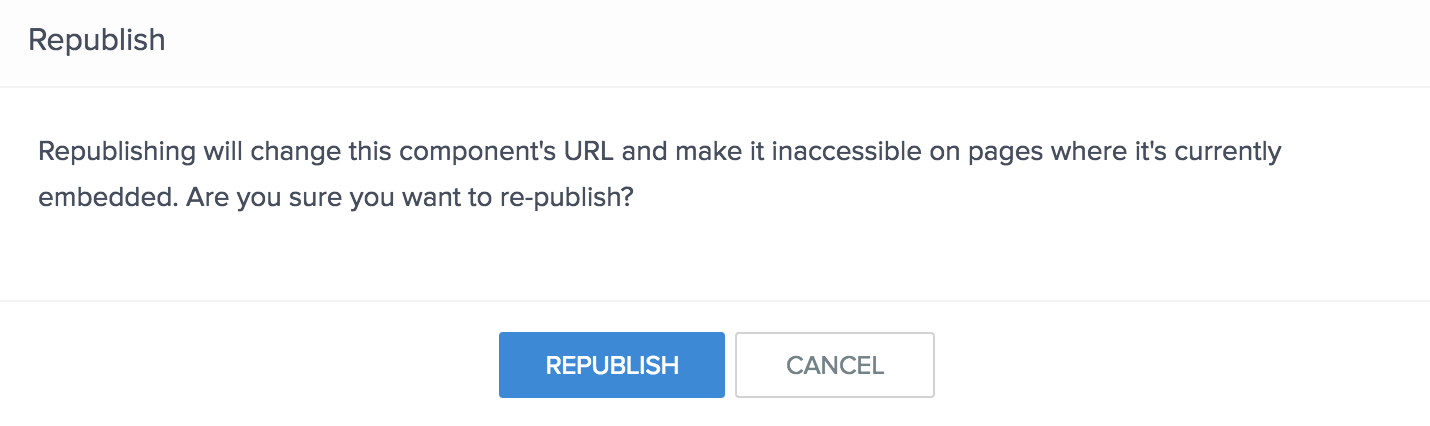
- The Republish pop-up will appear with a warning. To proceed, click Republish.
- The component will be republished and the Published URL pop-up will appear displaying the new permalink and embed code.