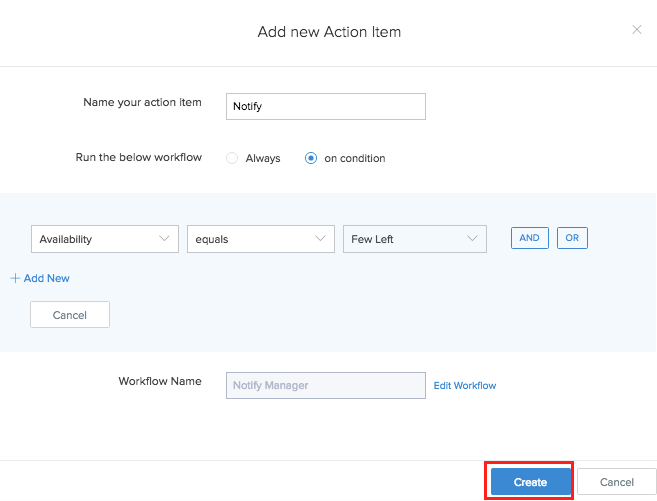
Create action item
Custom actions (action items) configured in your reports will not be exported.
To create an action item:
- Navigate to Design page.
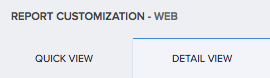
- Select Quick View or Detail View tab.
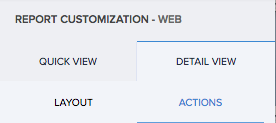
- Select the Actions section.
- Click the plus icon for one of the following:
- For single record
- For right click of record
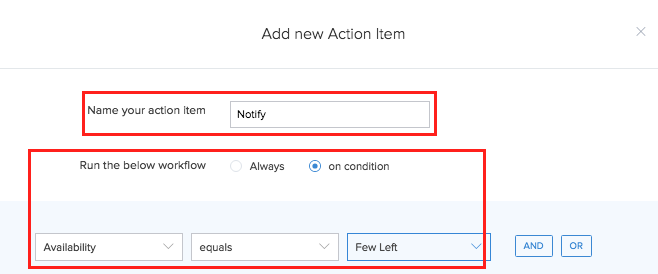
- Enter the name of your action item.
- Select the event at which the workflow must run.
- Specify the condition, if you have selected On Condition option.
- Enter the name of the workflow.
- Click the Create Workflow button. The workflow builder appears
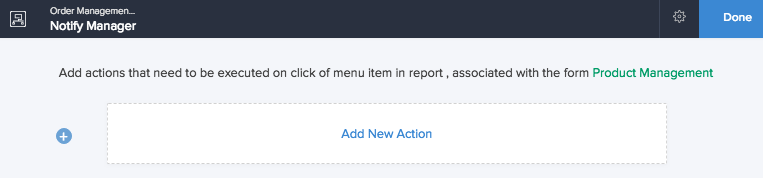
- Click Add New Action.
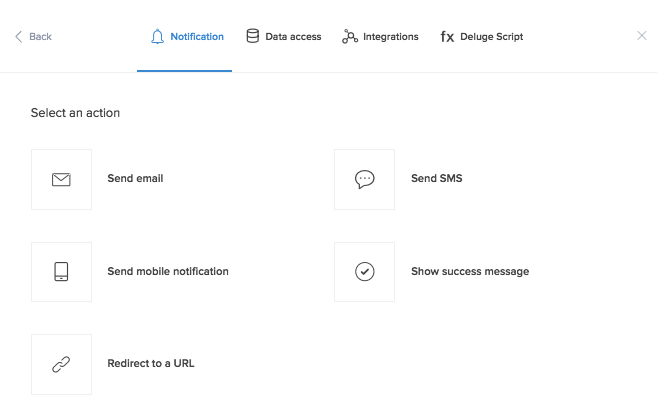
- Select required Action Type.
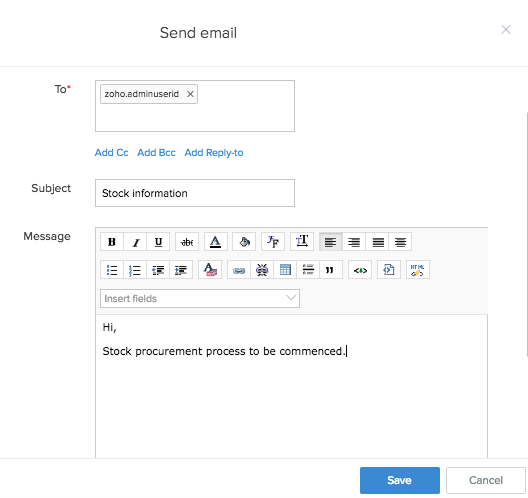
- Define specifics pertaining to the action.
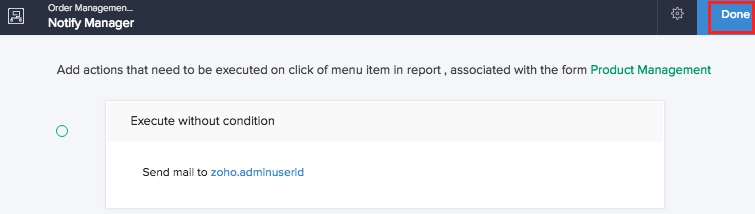
- Click Done.
- Click Create button. The action is included.