Create a spreadsheet report
To create a spreadsheet report navigate to the Design page:
- Navigate to Design page.
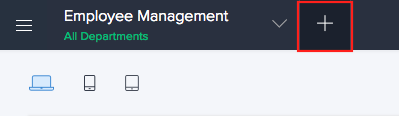
- Click the Create icon (+) from the top.
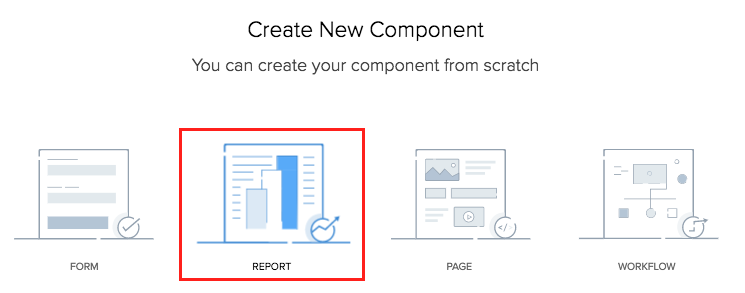
- Click Report.
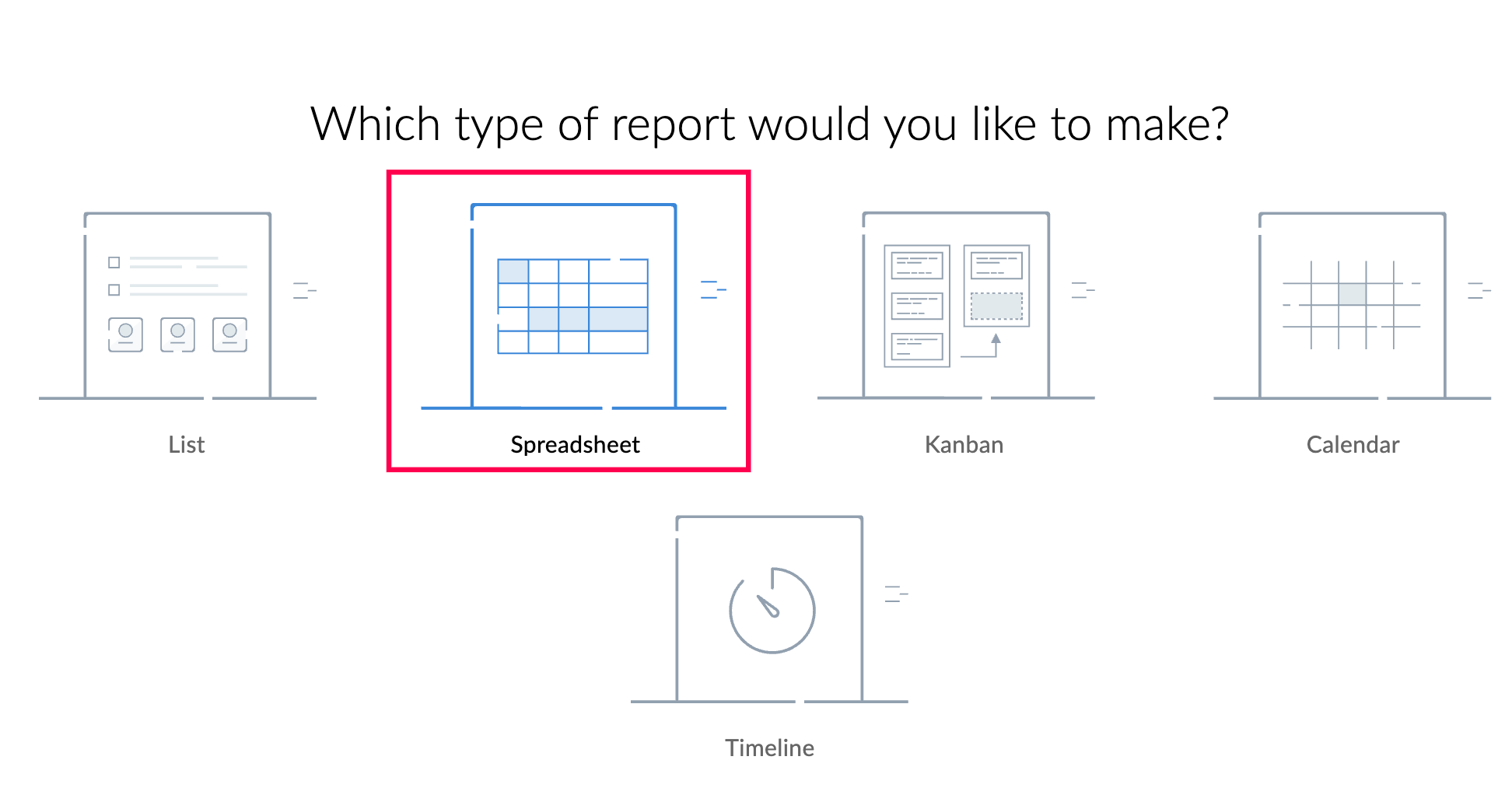
- Select Spreadsheet report type.
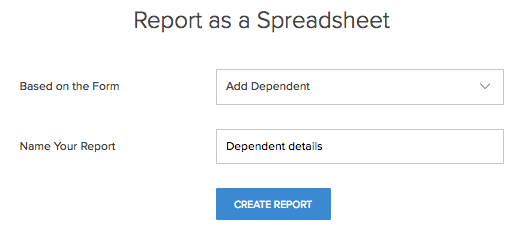
- Select the form the report will be based on.
- Name your report.
- Click the Create Report button.
The design page will appear with a preview of the created spreadsheet report.