The definitive app development platform for IT admins
IT admins form the backbone of any tech-driven enterprise, ensuring that computer systems, servers, and networks are efficiently managed and maintained to operate smoothly, securely, and in line with organizational goals.
ManageEngine AppCreator is a low-code application platform (LCAP). One of AppCreator’s core strengths is enabling IT teams to build apps tailored to their internal processes. It enables IT admins to build, automate, and optimize internal tools with minimal coding. From custom dashboards to automated workflows, AppCreator helps streamline operations, reduce manual effort, and accelerate response times, all with enterprise-grade security and control.
DOWNLOAD APPCREATOR
Challenges faced by IT admins
Legacy systems and compatibility issues
IT environments often include aging systems that are not built to integrate with modern tools. This makes process automation complex and expensive. IT admins must often work around outdated infrastructure, leading to patchwork solutions that are hard to maintain and scale.
Manual and repetitive tasks
From resetting passwords to setting up user access, IT admins spend a significant amount of time on routine tasks. These manual processes not only reduce productivity but also increase the risk of human error. Without automation, teams often struggle to focus on higher-value initiatives that drive business impact.
Security and compliance concerns
IT processes must comply with strict security and regulatory requirements. Automating workflows while maintaining data privacy, access controls, and auditability is a constant challenge. Even small missteps can lead to compliance issues or security risks, putting added pressure on IT admins to ensure every process runs safely.
Lack of centralized tools and visibility
IT admins often deal with a mix of disconnected tools that don’t work well together. This lack of integration creates data silos, limits visibility, and causes operational inefficiencies. Without centralized control and real-time insights, IT management becomes inconsistent and prone to errors.
How IT admins can benefit from AppCreator

Intuitive visual development tools
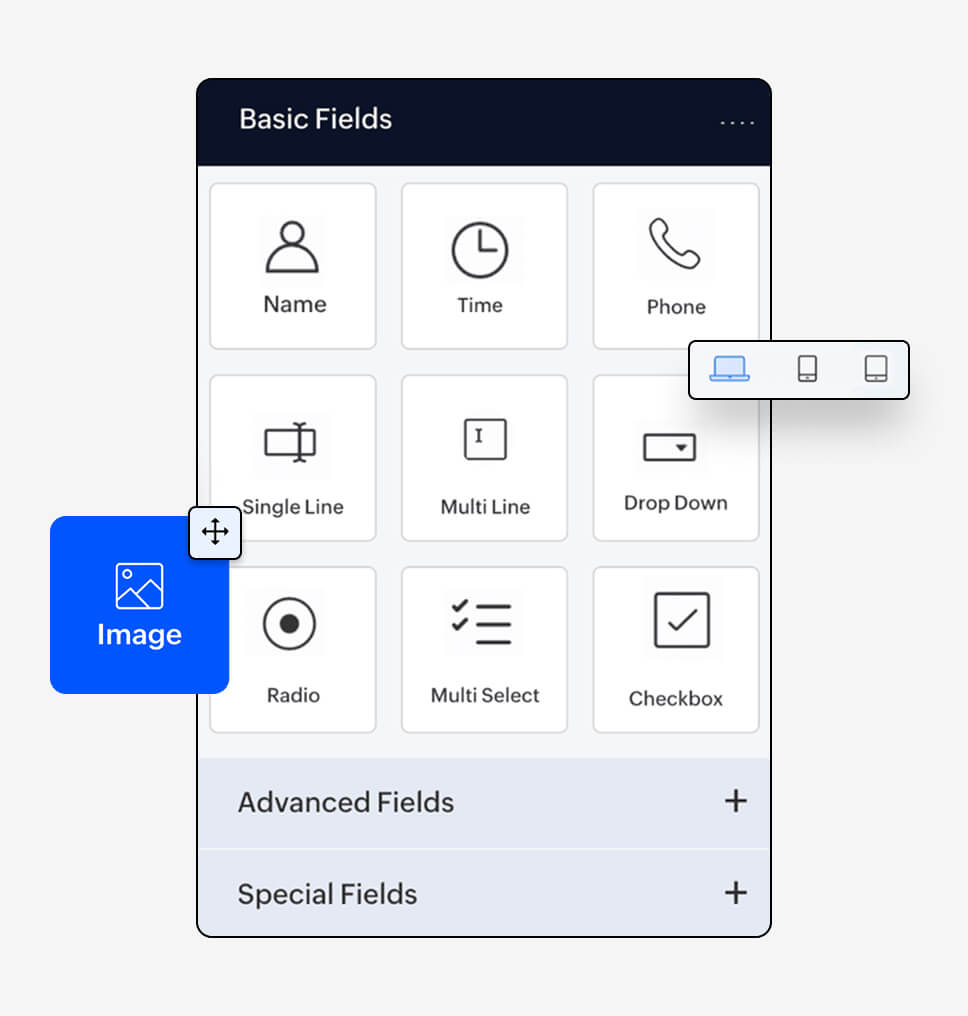
AppCreator’s drag-and-drop builders make it easy to build forms, pages, reports, and workflows from scratch with little to no coding. Pre-built templates help IT admins get started quickly by providing ready-made components for common use cases, accelerating automation and deployment.
Built-in automation capabilities
Leverage these to automate routine tasks like ticket assignments, user onboarding, and asset tracking with powerful workflow features. With these capabilities, AppCreator helps reduce human error, save time, and boost operational efficiency across IT operations.

Cross-platform accessibility
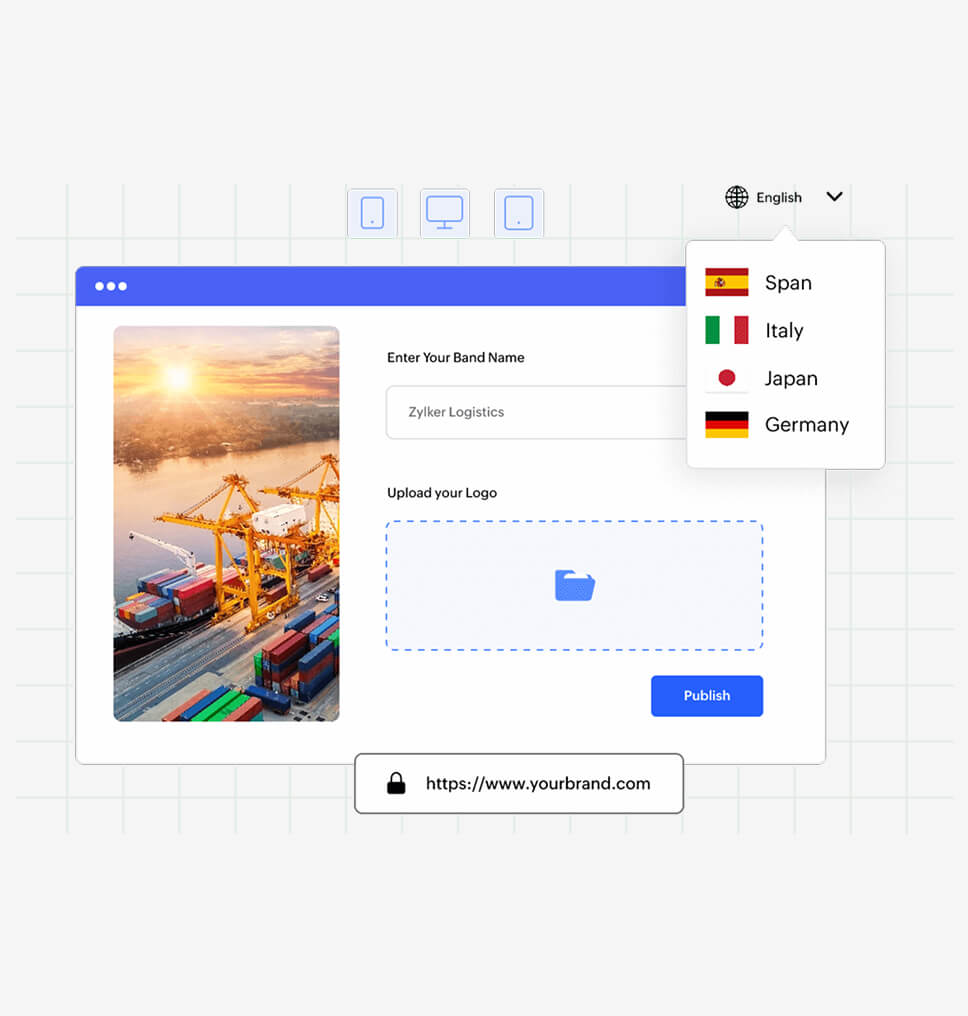
Apps built with AppCreator can be instantly deployed to web, iOS, and Android devices. This ensures team members and end users can access tools and data wherever they are, from any device.
Robust security controls
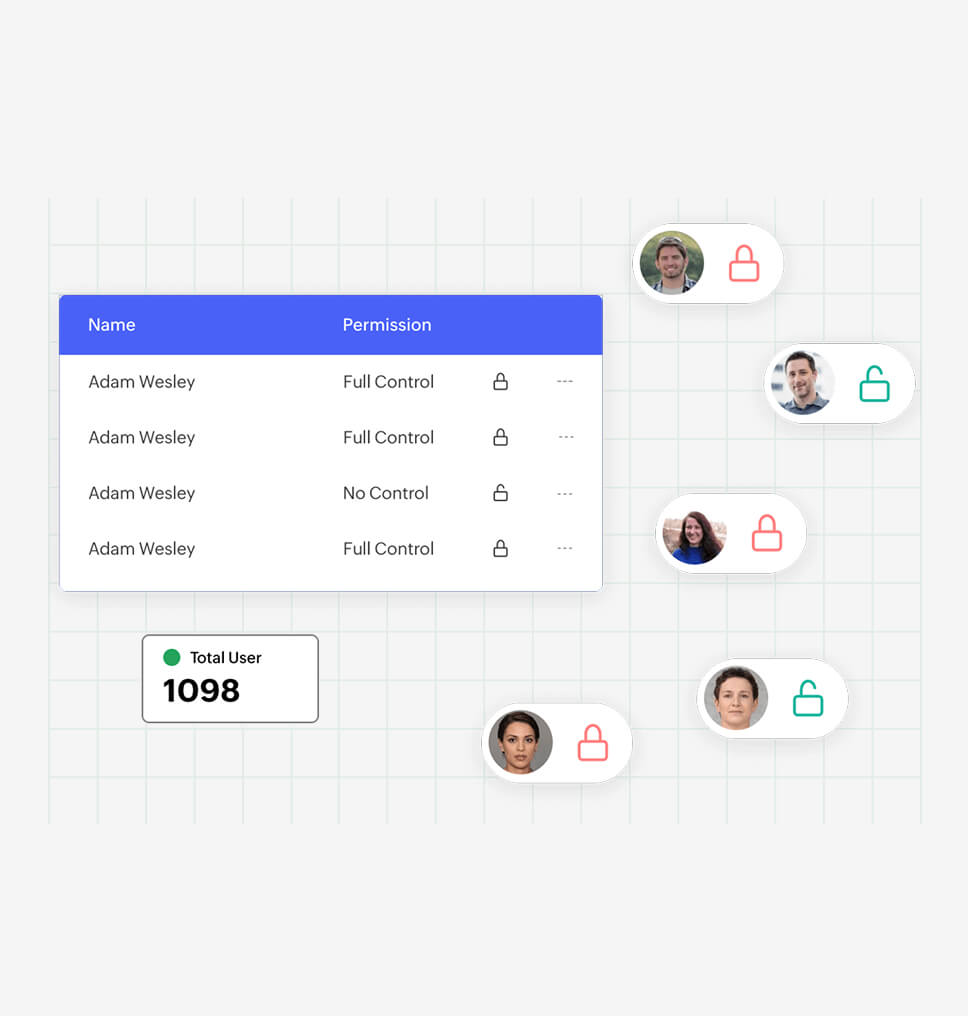
AppCreator provides fine-grained access control, so users only see what they need. This helps IT admins enforce data governance, maintain compliance, and protect sensitive information without sacrificing data confidentiality and integrity.
Integration capabilities
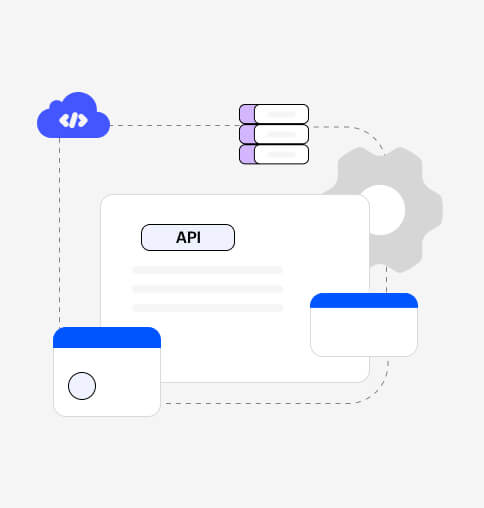
Easily connect to external systems, ManageEngine, and third-party apps. AppCreator enables real-time data exchange through built-in connectors, helping IT admins create a unified ecosystem and eliminate workflow silos.
Apps IT admins can build on AppCreator
Asset management
An asset management app allows IT admins to monitor hardware and software assets in a centralized system. It offers real-time insights into the status, location, maintenance, and ownership of assets, streamlining life cycle management and minimizing asset loss.
Compliance and security management
Compliance apps can help sysadmins streamline compliance efforts by managing security protocols, audit logs, and regulatory checklists in a single dashboard. Built-in reminders and reporting tools help ensure ongoing alignment with industry standards and internal policies.
Ticket management
Build a custom help desk solution to log, assign, and resolve IT support tickets. Automate issue categorization, track response and resolution times, and generate reports to boost accountability and improve IT service delivery.
User access management
A user access management app can be used to control user access with precision, create workflows to provision new users, assign roles, and manage permissions across systems. IT admins can also incorporate multi-level approvals and make use of detailed audit logs to maintain security and compliance.
Software deployment tracker
Plan, monitor, and manage software rollouts across the organization with a software deployment tracker. Track installation progress, version updates, licensing, and device compatibility to ensure smooth deployments and minimize disruptions.
Unlocking possibilities for IT admins with AppCreator
AppCreator is a low-code development platform built for IT admins to streamline and automate their IT processes, enabling them to create, automate, and streamline internal tools without extensive coding. It tackles core IT challenges such as integrating legacy systems, minimizing manual workloads, meeting compliance demands, and enhancing visibility across operations.
With intuitive visual development tools, enterprise-grade security, cross-platform compatibility, and powerful automation and integration capabilities, AppCreator empowers IT teams to deliver solutions faster and with greater control. With AppCreator, IT admins gain the flexibility and control they need to modernize systems, automate tasks, and simplify complex processes.
TRY APPCREATOR