
- What is workflow automation?
- Benefits of workflow automation
- Workflow automation checklist to automate your workflow
- Automate workflows with ManageEngine AppCreator
- Frequently asked questions
What is workflow automation?
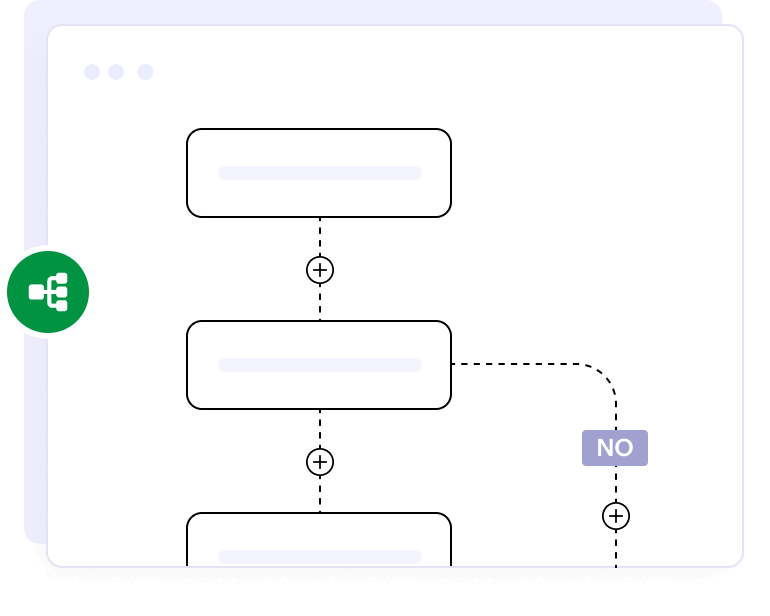
Workflow automation is the use of software to automatically complete repetitive tasks when predefined triggers occur. By reducing manual effort and minimizing human error, workflow automation saves time and streamlines operations. This enables teams to focus on strategic work and enhances the overall efficiency of the organization.
Looking for a workflow automation software for your organization?
EXPLORE NOWBenefits of workflow automation
Workflow automation provides several significant benefits, including these:
Increases efficiency
Automation speeds up processes by minimizing manual intervention, enabling tasks to be completed faster and more accurately.
Reduces human errors
Automated workflows eliminate the risk of mistakes caused by manual data entry or human oversight.
Saves time on repetitive tasks
Routine tasks are handled automatically, freeing up employees to focus on strategic, value-added projects.
Enhances accountability
Workflow automation tracks who did what and when, making it easier to monitor responsibilities and follow up on tasks.
Ensures process consistency
Standardized workflows ensure that tasks are completed the same way every time, maintaining quality and compliance.
Enables real-time tracking
Managers can monitor progress in real-time, identify bottlenecks quickly, and make data-driven decisions.
Workflow automation checklist to automate your workflow
Here is an 8-step checklist to help you automate your workflows efficiently and optimally:
1. Identify processes
Start by pinpointing repetitive, rule-based tasks or workflows that can be automated to save time and reduce manual effort.
2. Define goals
Clearly outline what you want to achieve through automation, such as faster turnaround times, fewer errors, or improved customer experience.
3. Diagram workflows
Create a visual representation of the existing workflow to understand each step, its dependencies, and potential inefficiencies.
4. Gather data
Collect relevant data on the current process performance, user input, and task outcomes to inform your automation design team and ensure that the solution aligns with actual needs and pain points within the workflow.
5. Involve stakeholders
Engage key team members, end users, and decision-makers to ensure the automation aligns with their needs and expectations.
6. Design the automation
Build or configure the automated workflow based on the mapped process, ensuring it follows the correct sequence of tasks, incorporates necessary decision points, and integrates seamlessly with existing systems and tools.
7. Test thoroughly
Run multiple test scenarios to catch bugs, confirm functionality, and ensure the automation works smoothly in real-world conditions.
8. Implement and monitor the process
Launch the automation and continuously monitor its performance, making adjustments as needed to optimize results and handle exceptions.
Automate workflows with ManageEngine AppCreator
ManageEngine AppCreator is a low-code application development platform that helps you build applications and automate workflows using minimal coding. The platform supports end-to-end workflow automation triggering actions such as approvals, notifications, reminders, and updates. AppCreator also provides powerful workflow automation features like blueprints and custom functions. The platform plays a key role in empowering seasoned and citizen developers to build custom apps, automate repetitive tasks, and integrate seamlessly with existing systems. Whether you're mapping processes or deploying automation, AppCreator supports every stage with flexibility and scalability.
TRY APP CREATORFrequently Asked Questions
1. What are the must-have components of a workflow automation checklist?
Some of the key components include identifying processes, setting clear goals, mapping workflows, collecting data, involving stakeholders, designing automation, testing thoroughly, and setting up monitoring. These steps ensure a structured and efficient approach to automation.
2. What are some common mistakes to avoid when creating a workflow automation checklist?
Avoid neglecting stakeholder input, skipping thorough testing, or failing to define clear objectives. Rushing implementation without proper planning or monitoring can lead to automation gaps and inefficiencies.
3. How can a checklist help eliminate manual errors in automated workflows?
A checklist ensures critical steps, like data validation, process logic, and testing, are completed before launch. It serves as a step-by-step guide to double-check key steps, reduces the chance of skipping critical tasks, and helps ensure the workflow runs smoothly without manual errors.
4. What steps should be included in a checklist to avoid automation gaps?
Include steps for process analysis, stakeholder review, end-to-end testing, and monitoring. These help identify and address potential issues before they impact workflow continuity.
5. What checklist points ensure workflows remain flexible and adaptable?
We recommend adding steps for periodic review, feedback collection, and easy configuration updates. This enables workflows to evolve with business needs without complete overhauls.
6. How does a checklist help track and optimize automation performance?
A checklist helps you regularly review key performance metrics, ensuring your automation runs efficiently. It highlights areas that need improvement and keeps your workflows aligned with business goals.