Logo Rebranding
Analytics Plus allows the administrator to replace the logo displayed on the home page with a custom logo and configure a URL to be opened when the logo is clicked.
The Powered by Logo displayed in the footer of embedded or exported reports and dashboards can also be customized.
Note: Logo rebranding is available only in the Professional and Enterprise plans of Analytics Plus.
Uploading a New Logo
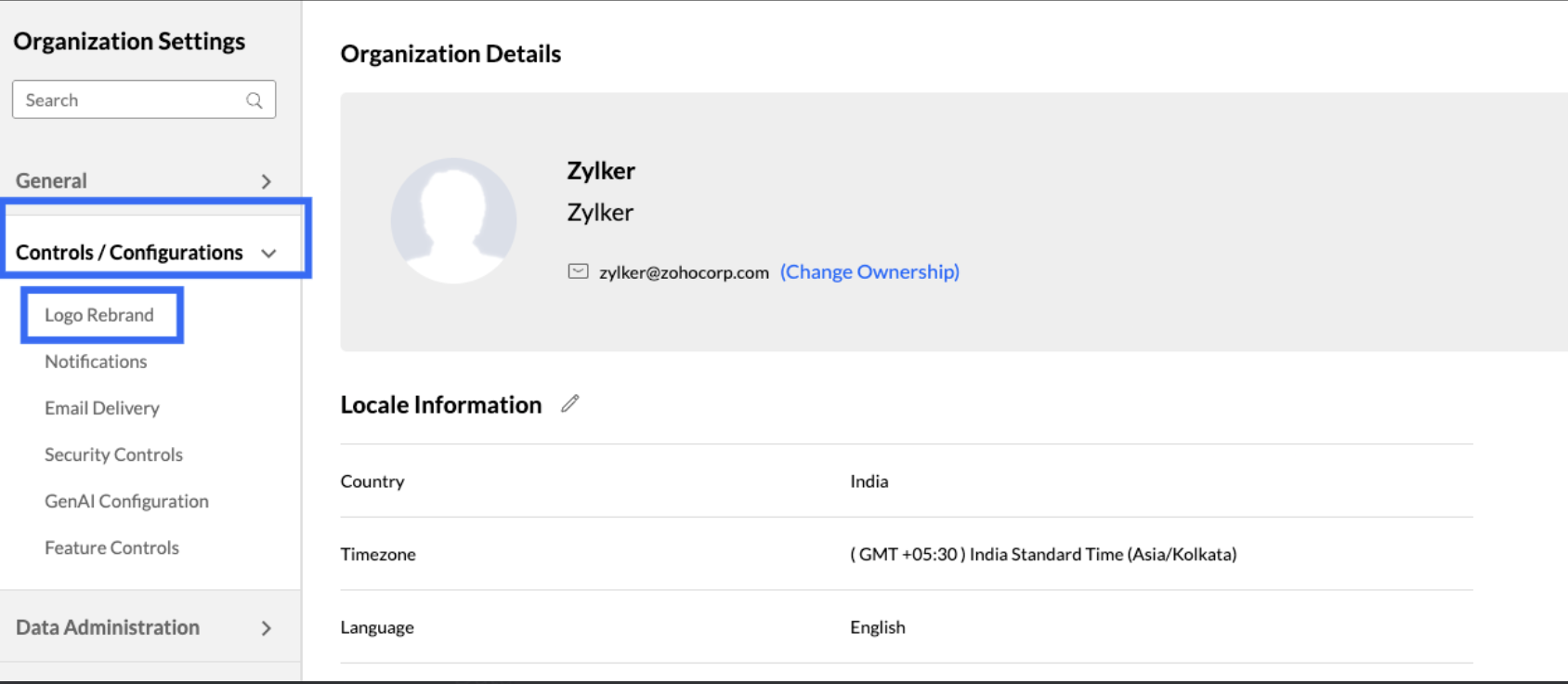
Log into Analytics Plus and click the Settings link at the top right corner.

Click Control / Configurations -> Logo Rebrand.
Click Change to browse and upload your new logo. It is recommended that you upload a logo with the below dimensions.
Width - 170px
Height -25px
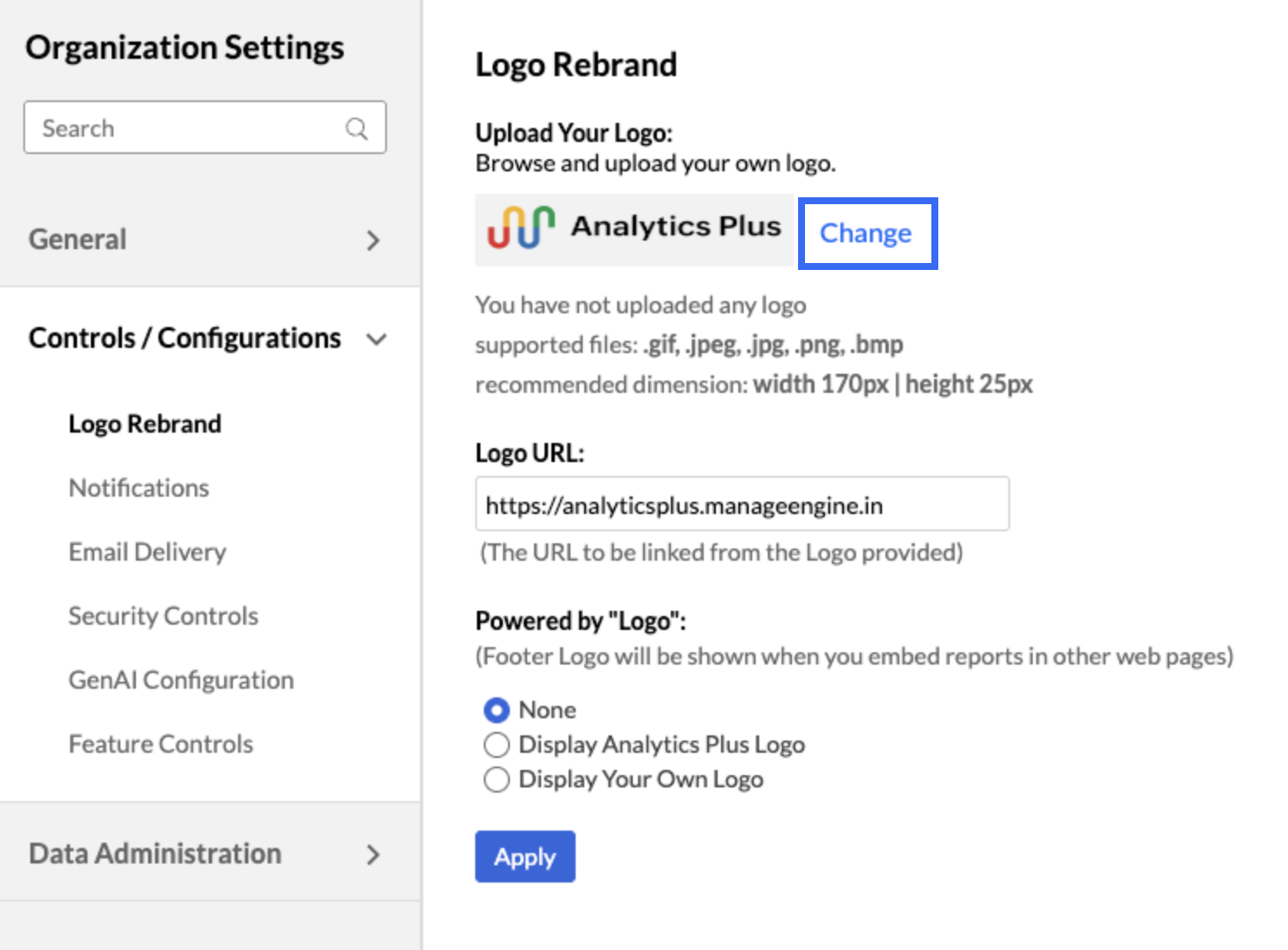
Enter the URL to be linked from within the logo in the Logo URL box. Clicking the logo will take the user to the specified URL.
In the Powered by Logo section, select the option you want to display in embedded reports and dashboards. For exported reports, the logo is displayed only when the export is in image format.
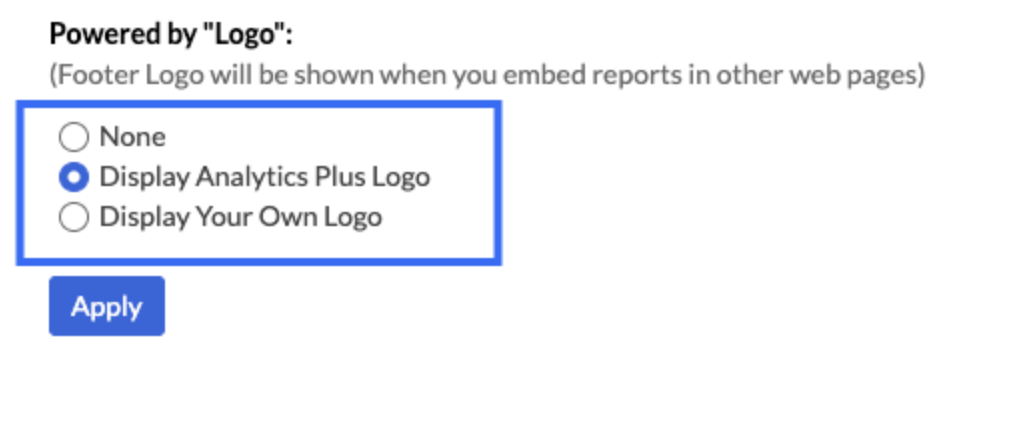
Click Save.