Coding Agent
The Coding Agent in Ask Zia helps you generate, explain, and optimize Python code for data preparation and machine learning in Code Studio. It uses the schema of the selected data frame as context, so you can describe the required IT analysis in natural language and review the generated code before using it.
Key capabilities
- Generate code: Create Python code for data transformation, feature engineering, statistical analysis, and machine learning.
- Explain code: Review a plain-language explanation of existing code, including its inputs, transformations, and output.
- Optimize code: Improve code readability, efficiency, and maintainability.
Invoke the Coding Agent
- Open the required workspace and launch Code Studio.
- Select the data frame that the Coding Agent should use as context.
- Open Ask Zia, and choose the coding option.
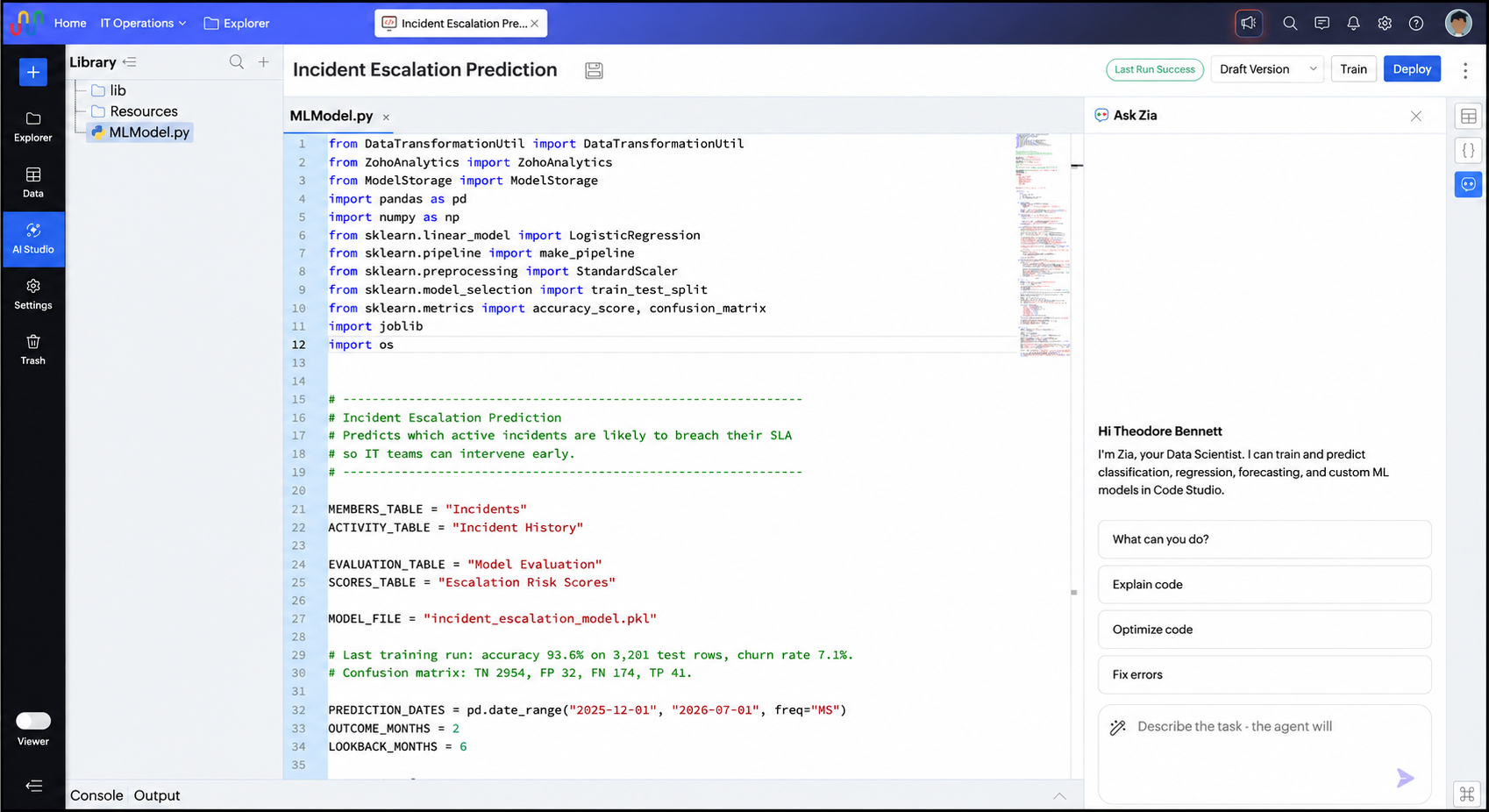
Use the Coding Agent
Generate code
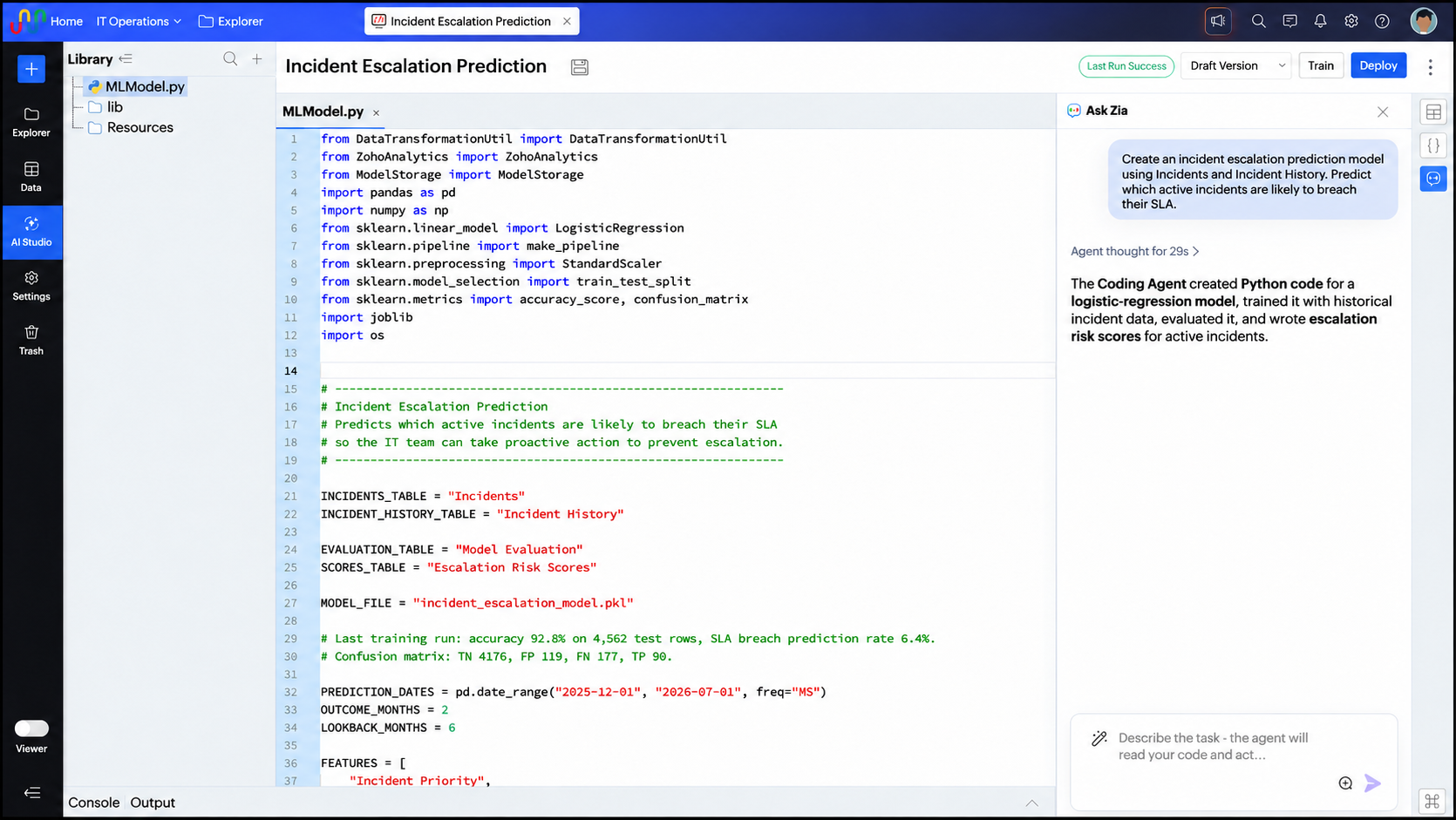
- Describe the code you need. Include the intended output and any important conditions. For example, ask the Coding Agent to build a model that predicts which incidents are likely to breach their SLA.
- Review the generated code and explanation.
- Insert the code into Code Studio, and test the result with the selected IT data.
Explain code
Select the code you want to understand, and ask the Coding Agent to explain it. The response describes the purpose of the code and the main processing steps.
Optimize code
Select the code you want to improve, and ask the Coding Agent to optimize it. Review the suggested changes before replacing the original code.