The problem
Manually setting up Exchange, Wi-Fi, and VPN on every device is slow, error-prone, and generates support tickets when a setting is mistyped. Handing employees a printed "how to set up your email" sheet is a relic — and it still goes wrong.
The feature
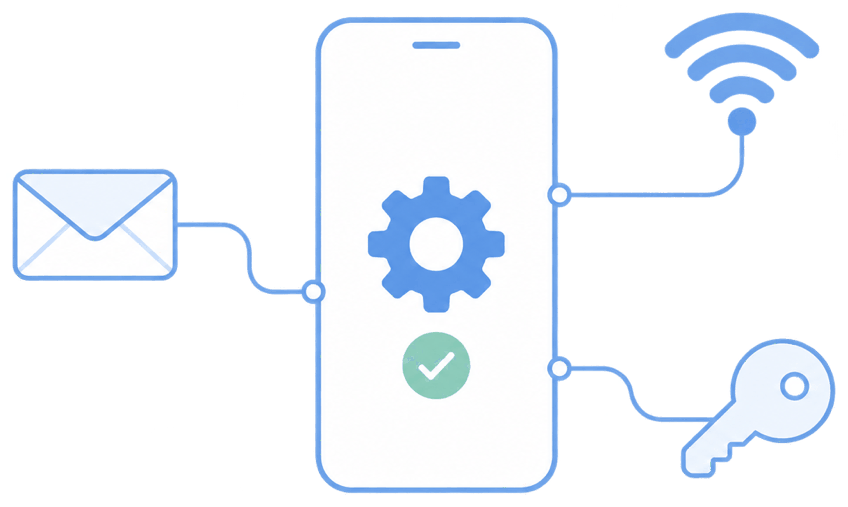
Quick answer: configuration profiles deliver email, Wi-Fi, and VPN settings automatically to enrolled devices.
You define the settings once — server, security, certificates, SSIDs, VPN endpoints — and push them to a group. Devices apply them silently, including certificate-based Wi-Fi and per-app VPN where supported.
The unique advantage
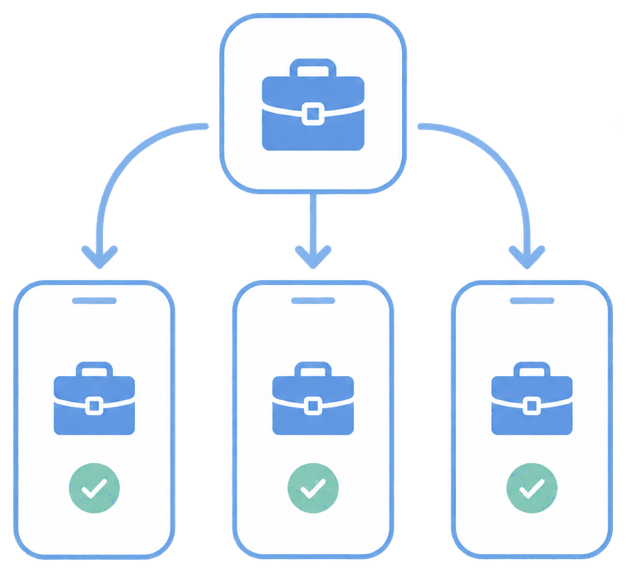
Combined with zero-touch enrollment, a device arrives fully connected before the user does anything — email flowing, Wi-Fi joined, VPN ready. Central management also means a Wi-Fi password change or a new VPN endpoint updates across the fleet in one action, not device by device.
How it looks in the console and device
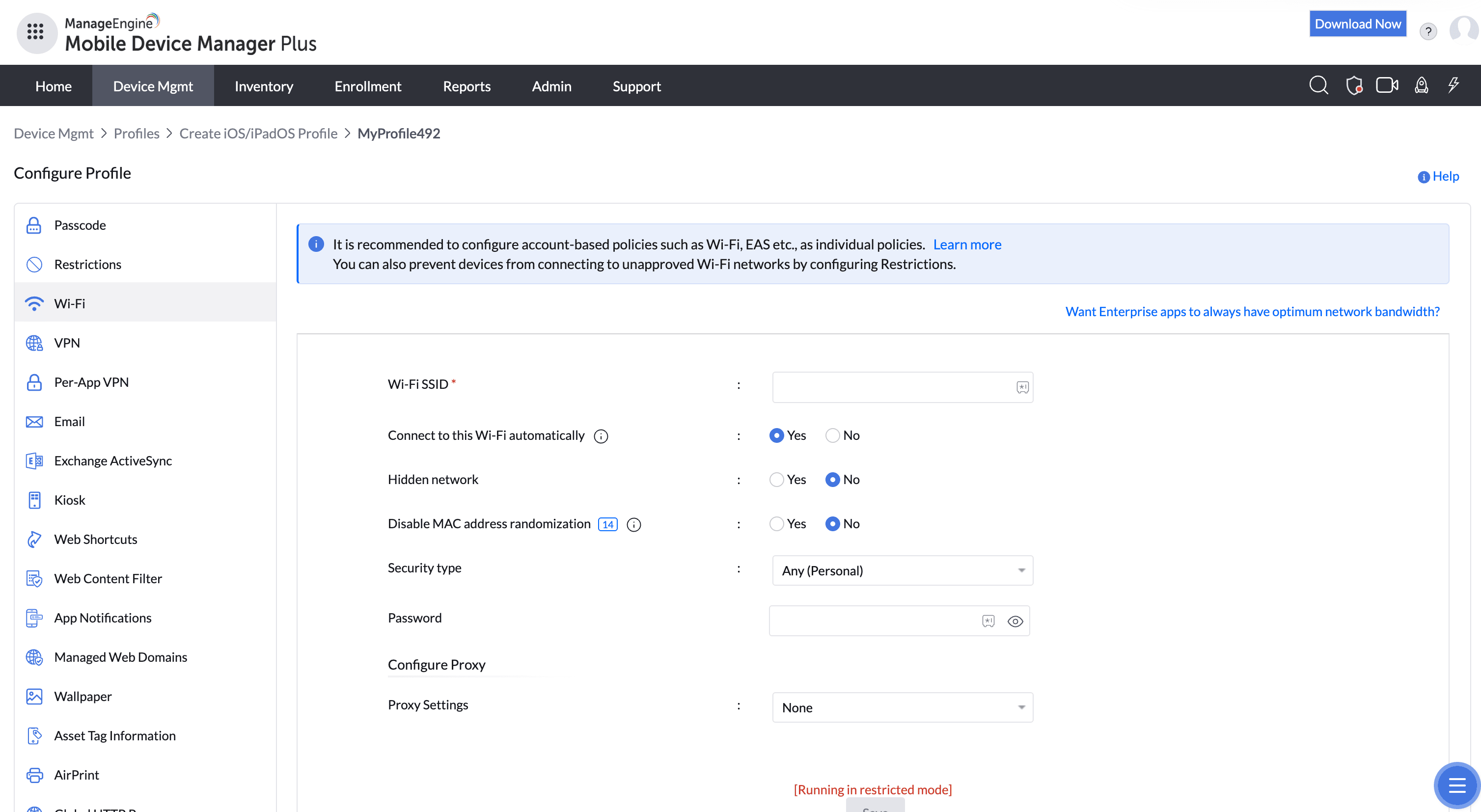
In the console you create the email/Wi-Fi/VPN profiles and associate them. On the device, the accounts and networks simply appear, pre-authenticated where certificates are used.
Use cases in different industries
Enterprise IT
Provision corporate email and secured Wi-Fi on every new device instantly.
Healthcare
Auto-join clinical Wi-Fi with certificate authentication.
Field & remote teams
Push always-ready VPN so remote access needs no setup.
Multi-site retail
Roll a Wi-Fi credential change to all stores at once.
Tips and troubleshooting
Use certificate-based Wi-Fi and email auth to avoid distributing passwords and to enable silent, secure connection.
Test a VPN profile on one device before fleet rollout — VPN behavior varies by client and OS version.
Update Wi-Fi and VPN centrally rather than reissuing instructions when credentials change.
Related use cases