The problem
A shop-floor tablet meant only for point-of-sale ends up running games, browsers, and social apps. Batteries drain, data leaks, and IT gets a ticket every time a device wanders somewhere it shouldn't. On shared and single-purpose devices, "just don't touch that" is not a control.
The feature
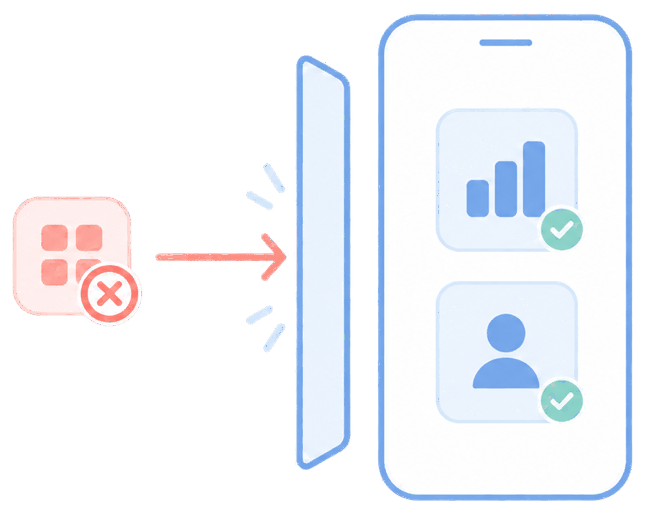
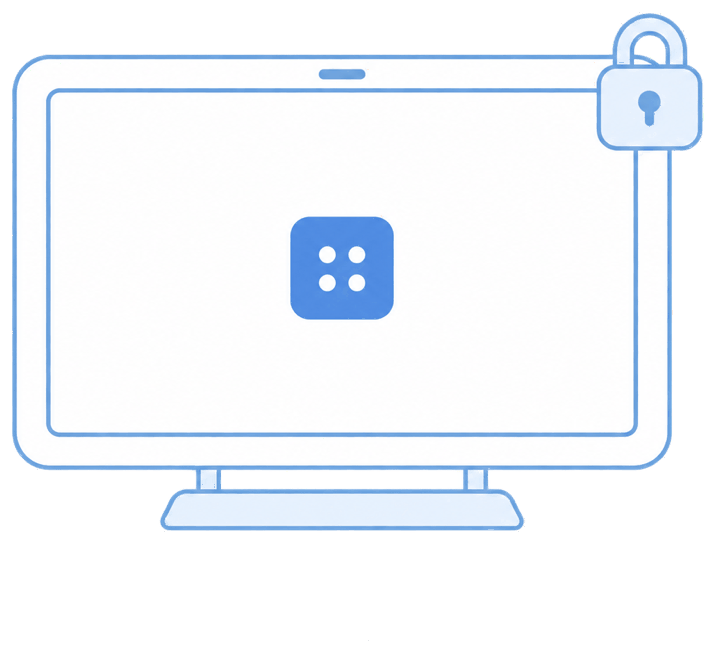
Quick answer: kiosk mode (single-app or multi-app) pins a device to only the apps you approve and hides everything else.
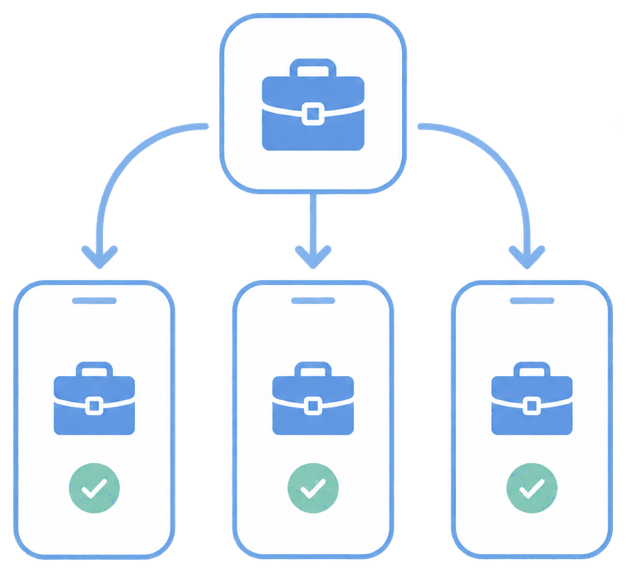
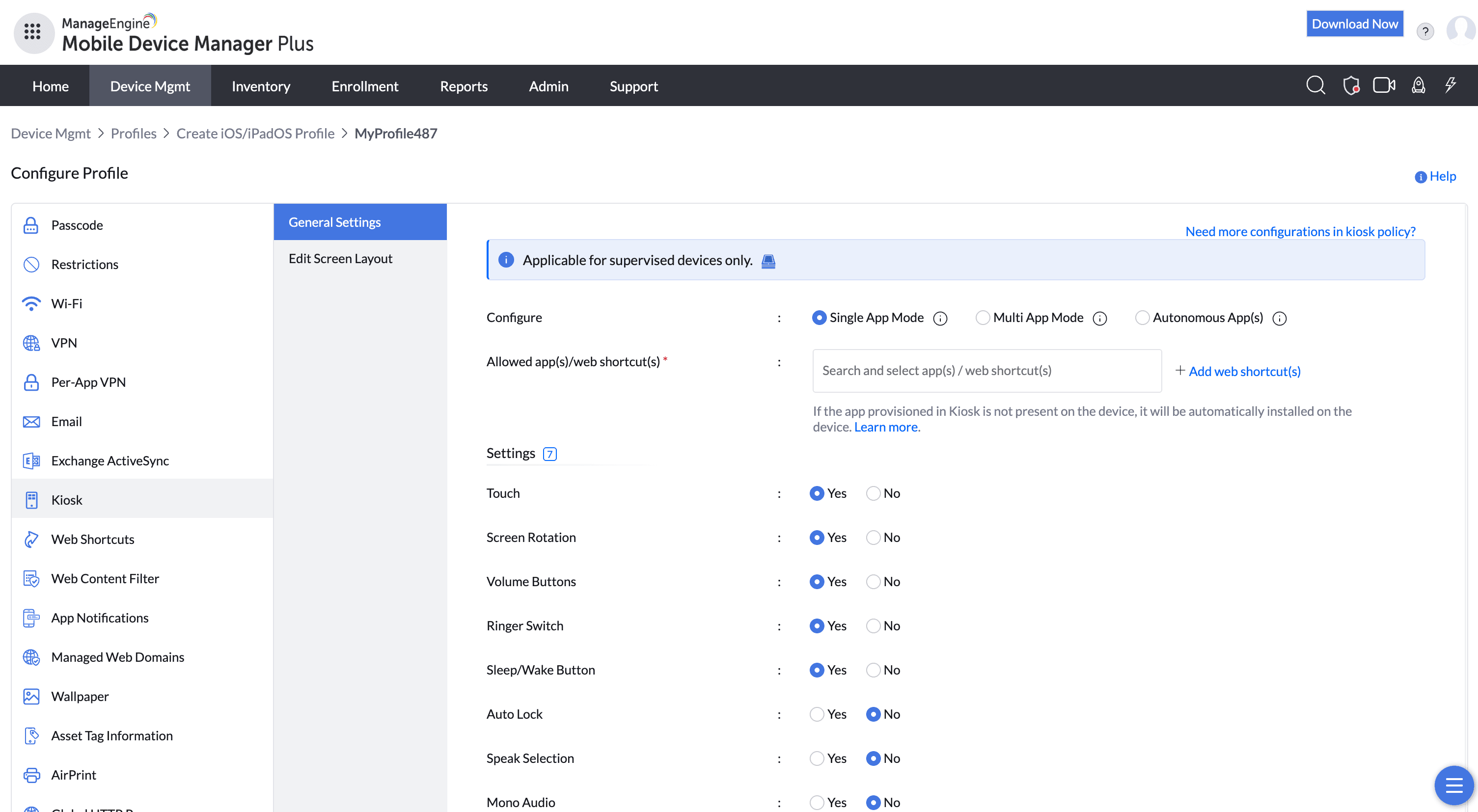
You create a kiosk profile, choose single-app or multi-app, select the apps from your repository, and decide which hardware controls (volume, power, status bar) stay reachable. Auto-relaunch brings the app back after a reboot or crash so the lockdown always holds.
The unique advantage
The lock survives restarts without anyone touching the device — a tablet that reboots overnight comes back up already locked. IT can still push updates and troubleshoot remotely while the user stays inside the app. On Android, enrolling as Device Owner gives a far stronger, harder-to-escape lockdown than legacy methods.
How it looks in the console and device
In the console you build the kiosk profile and associate it with a device group. On the device, the chosen app fills the screen with no navigation out; system gestures are blocked and the status bar can be hidden entirely.
Use cases in different industries
Retail & hospitality
POS terminals, self-checkout, digital menus, and check-in kiosks.
Healthcare
Bedside tablets locked to a patient-education or vitals app.
Manufacturing & warehouse
Scanning and inventory devices pinned to one line-of-business app.
Events & field sales
Demo tablets locked to a single product or capture app.
Tips and troubleshooting
Set the kiosk-exit passcode before you publish, so a technician can drop out of lockdown on the device itself.
On Samsung, check Knox-specific restrictions (edge panels, bezel keys) if users still find a way out.
If a pinned app changes its package name after an update, the lock can point at the wrong target — stage app updates to a test group first.
Related use cases