The problem
Employees often delay reporting a lost or stolen phone out of embarrassment or fear of blame — and every hour of delay is an hour company data sits exposed. When the report finally comes, IT needs to act in seconds, not open a ticket.
The feature
Quick answer: remote lock, locate, and wipe let you secure a missing device instantly from the console.
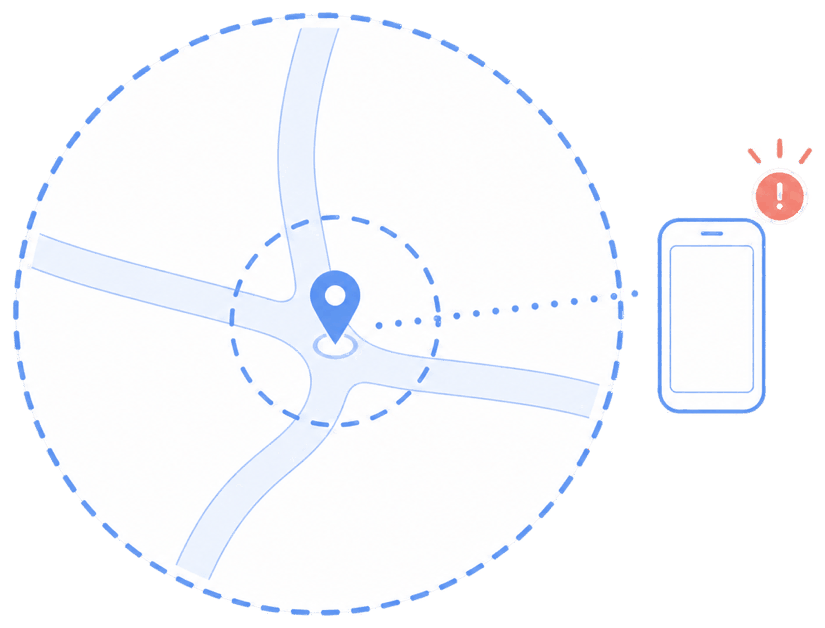
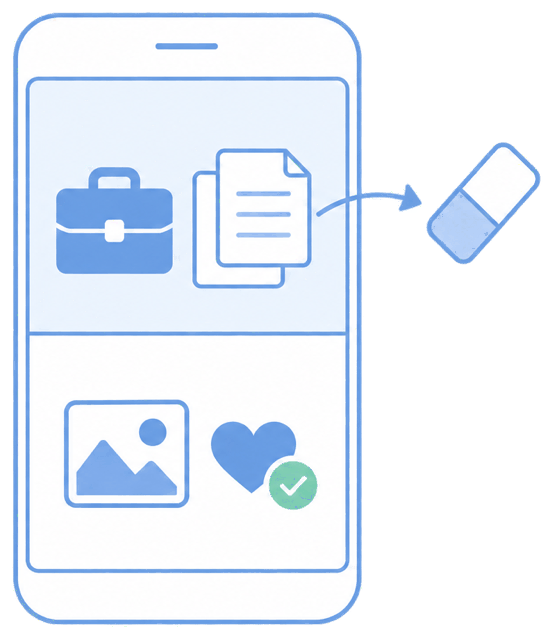
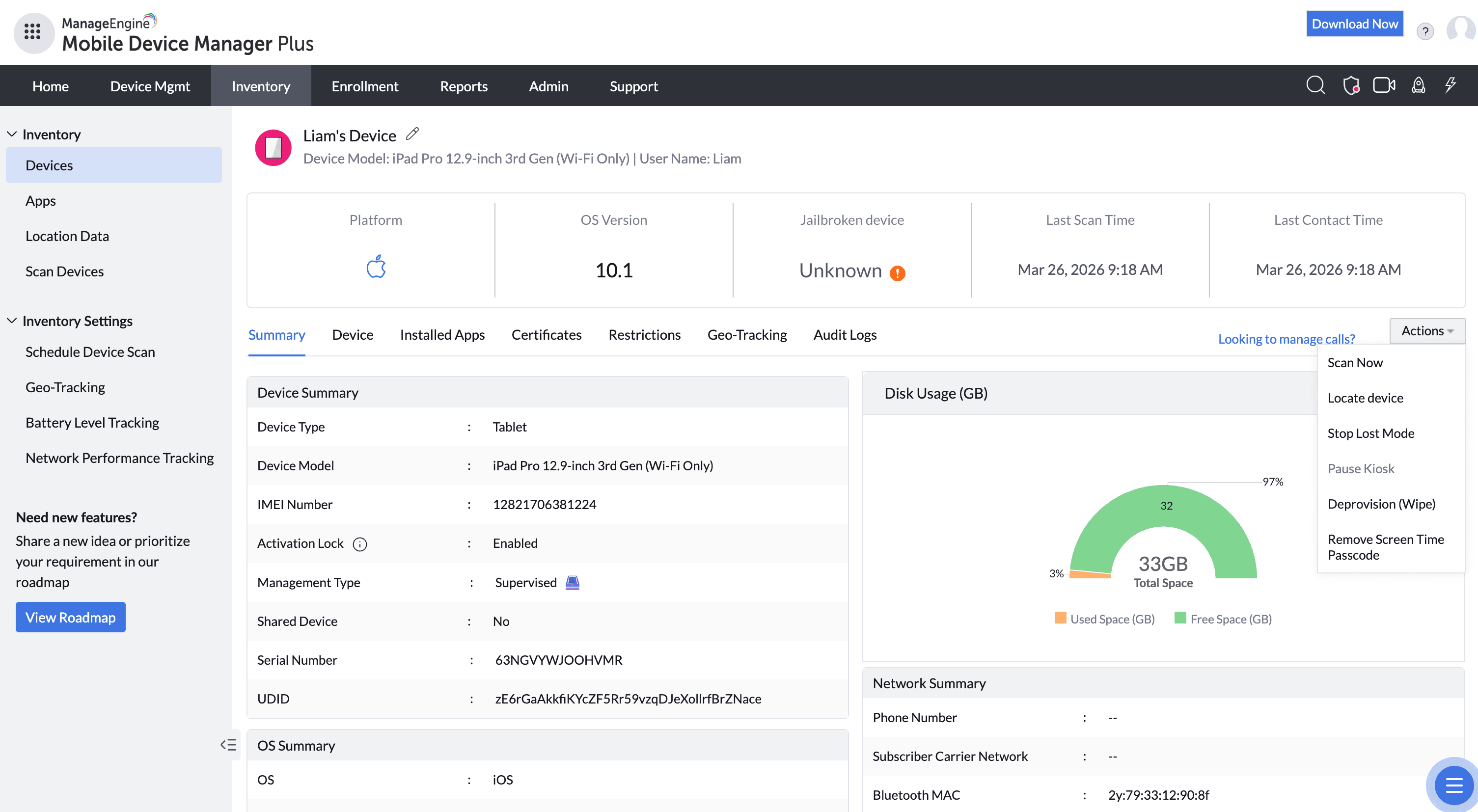
You can lock the device, display a "return to" message on the lock screen, sound an alarm, locate it on a map, and — if recovery is unlikely — perform a full or selective wipe. For corporate devices, Lost Mode locks them down entirely and tracks location.
The unique advantage
Speed-to-lock is the whole game, and MDM Plus makes it a single action from any browser. Paired with geofencing, exposure can be cut automatically the instant a device leaves an approved area — before anyone even realizes it's gone. On personal devices, a selective wipe protects company data without erasing the employee's own.
How it looks in the console and device
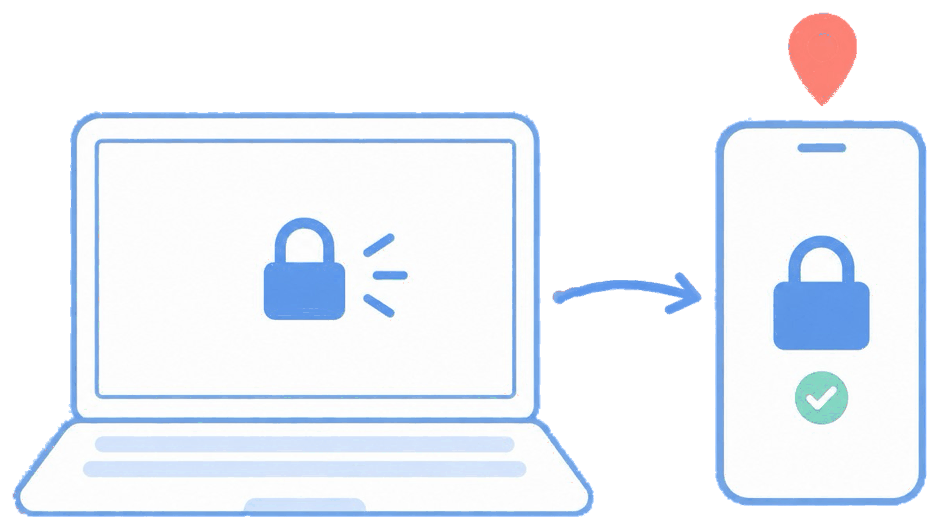
In the console you select the device and choose Lock, Locate, Alarm, Lost Mode, or Wipe. On the device, it locks immediately, can show your recovery message, and reports its last known location.
Use cases in different industries
Financial & legal
Instantly protect client data on a lost device.
Healthcare
Lock or wipe a device carrying patient information the moment it's missing.
Field services & logistics
Locate misplaced rugged devices or wipe stolen ones.
Any organization
Reduce the cost and risk of everyday lost phones.
Tips and troubleshooting
Reassure staff that fast reporting is the goal, not blame — a no-fault reporting culture closes the exposure window faster than any technical control.
Locate depends on connectivity and location services; a powered-off device reports its last known position and updates when it comes back online.
Use selective wipe on BYOD and full wipe on corporate-owned so you protect data without overreaching.