The problem
"It worked yesterday" is the hardest ticket to solve. Intermittent Wi-Fi, VPN drops, authentication hiccups, battery, and app quirks are painfully hard to reproduce over the phone — and for a small IT team, every in-person visit or shipped-back device is time and money lost.
The feature
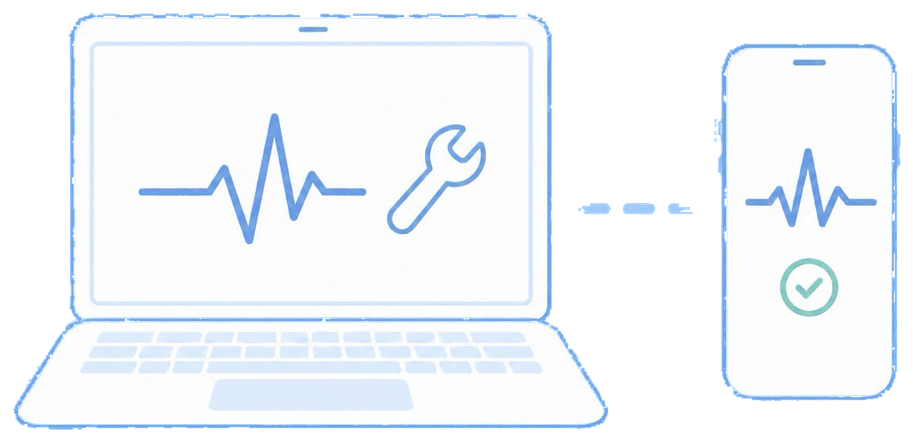
Quick answer: remote troubleshooting streams the device screen to IT and lets you control it, chat with the user, and pull diagnostics.
From the console you launch a remote session to view (and, where supported, control) the device, run diagnostics, check logs and settings, and guide or fix the issue live — then close the session.
The unique advantage
You see exactly what the user sees, so vague reports become visible problems you can actually solve on the first touch. Resolving issues remotely keeps your small team from becoming the help desk, procurement desk, and repair coordinator all at once — the classic path to IT burnout.
How it looks in the console and device
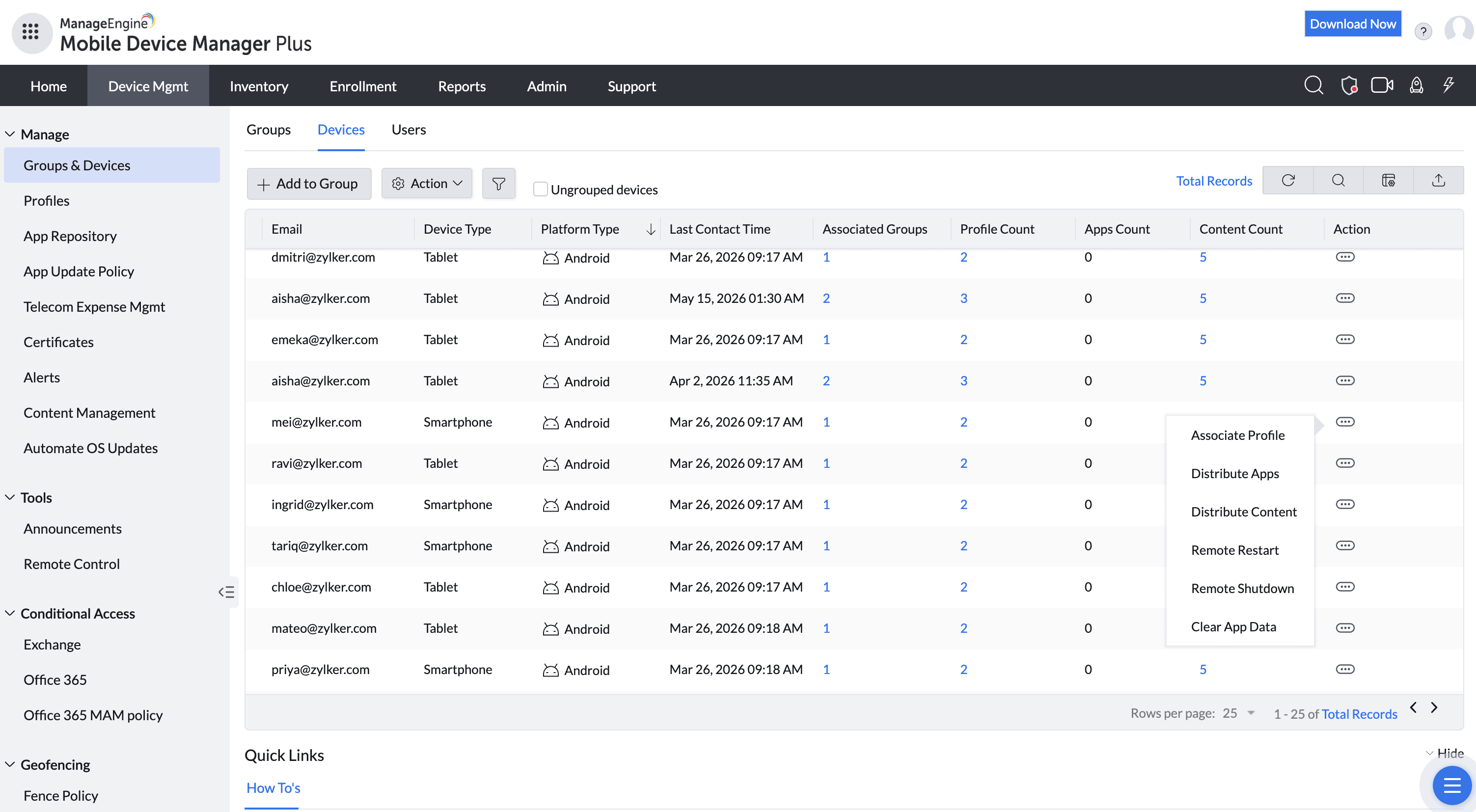
In the console you start a remote session for the chosen device. On the device, the user is prompted to allow the session (as platforms require); IT then sees the screen and works through the problem with them in real time.
Use cases in different industries
Field services & logistics
Fix a driver's app or connectivity issue without pulling them off route.
Healthcare
Resolve clinical-device problems on the floor without downtime.
Retail (multi-site)
Support store devices across many locations from one desk.
Remote/hybrid workforces
Help distributed employees without shipping devices back.
Tips and troubleshooting
Remote control depth varies by platform — Android generally allows fuller control; iOS leans toward screen view plus guided steps. Set user expectations accordingly.
Ask the user to keep the device on and connected for the session; an intermittent connection is exactly what you're trying to catch.
Log the fix against the device so a recurring "worked yesterday" pattern becomes visible in reporting.
Related use cases