The problem
People want one phone for their whole life; IT needs control over the work part without appearing to snoop on the personal part. Get that balance wrong and employees either refuse to enroll or quietly work around the rules — the classic driver of shadow IT.
The feature
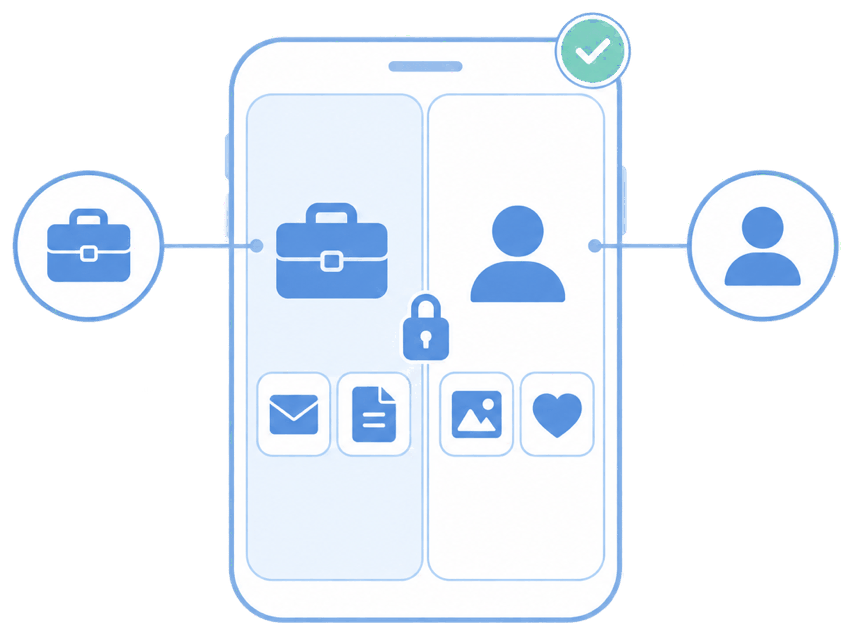
Quick answer: containerization (Android work profile / iOS managed apps) walls off work data from personal data on the same device.
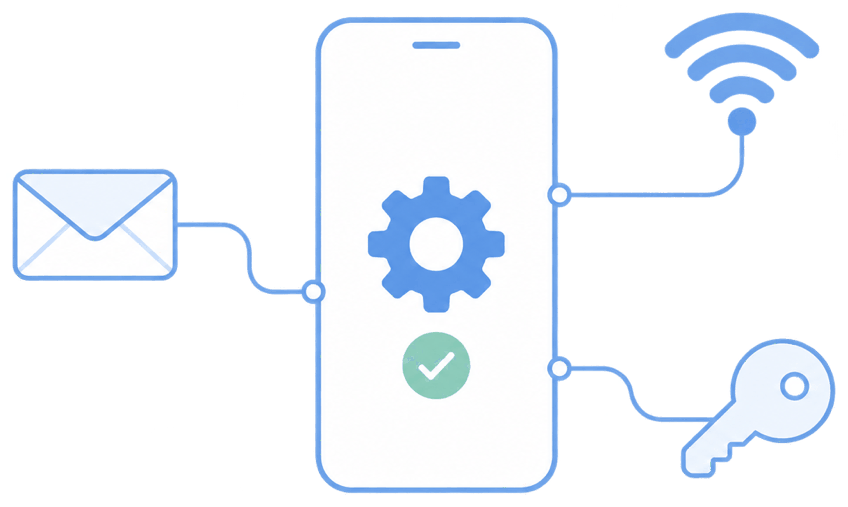
MDM Plus provisions the work container with corporate email, Wi-Fi, and apps. Policies, monitoring, and wipe apply only inside it. The personal side — photos, messages, personal apps — is off-limits to IT entirely.
The unique advantage
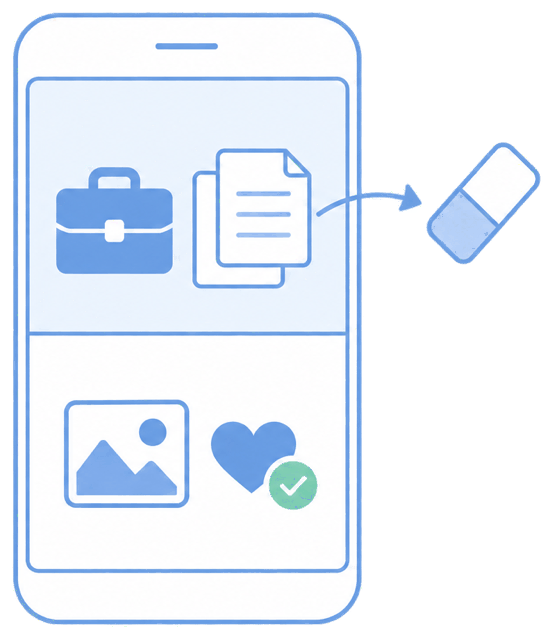
Because IT genuinely can't see or touch the personal side, enrollment resistance drops and adoption rises. The same container makes offboarding clean: remove the work profile and every trace of company data goes with it, personal data intact.
How it looks in the console and device
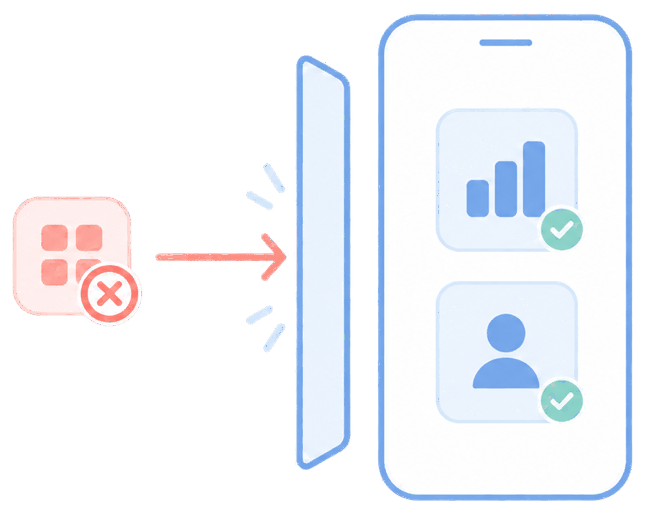
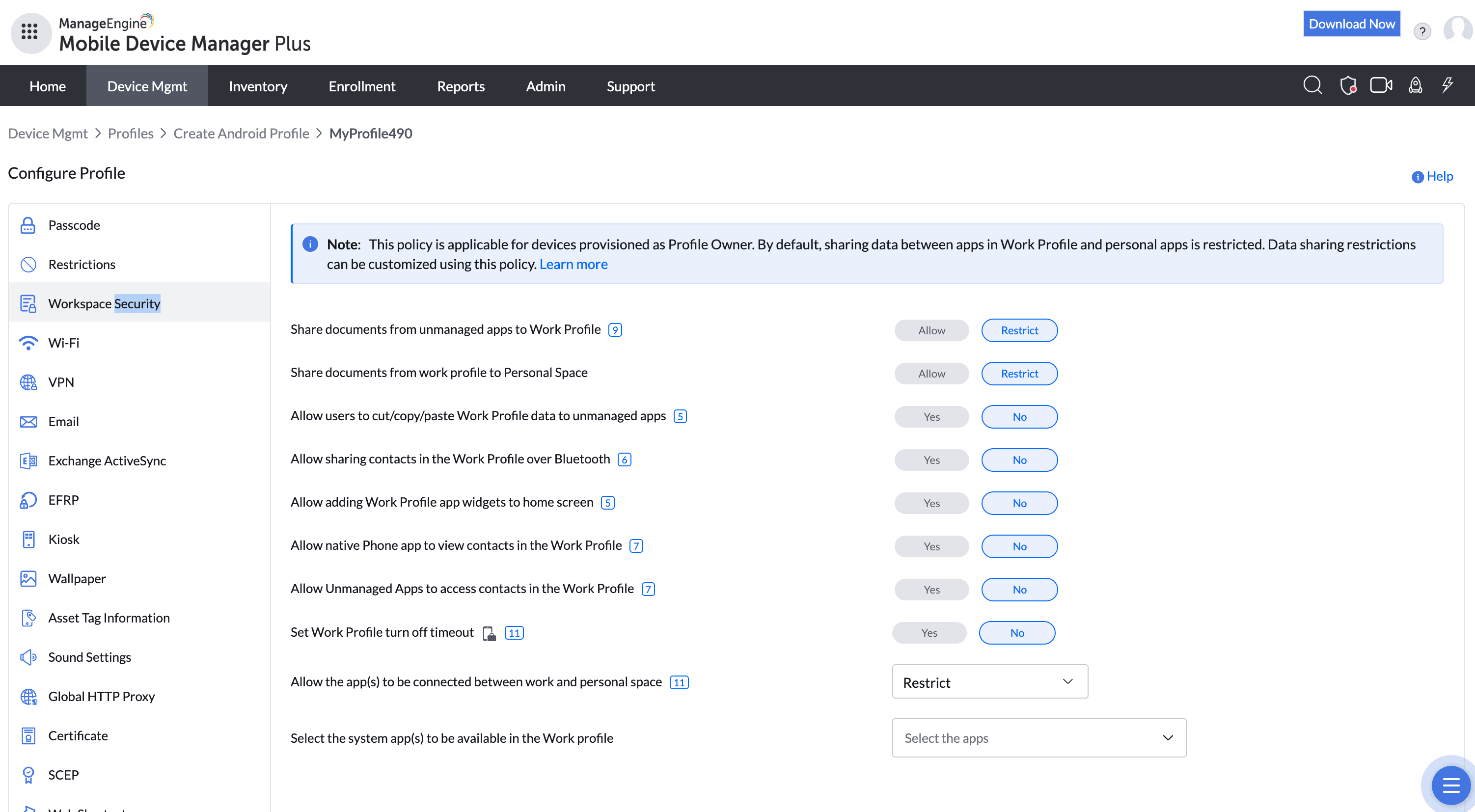
In the console you enable the work profile and assign work apps and policies. On the device, work apps appear with a badge in a separate space; the user toggles between work and personal, and IT's reach stops at the work boundary.
Use cases in different industries
Any BYOD program
Let staff use their own phones for work without a privacy standoff.
Consulting & sales
Keep client and CRM data contained and revocable.
Healthcare
Isolate clinical apps and messaging from personal use.
Contractors & seasonal staff
Grant and revoke work access without owning the device.
Tips and troubleshooting
Publish a plain-language "what your employer can and can't see on a personal device" explainer — it's the single most effective way to reduce BYOD enrollment friction.
Apply copy-paste and screenshot restrictions between work and personal to stop data leaking across the boundary.
Use corporate (selective) wipe, not full wipe, on personal devices.
Related use cases