The problem
Retail, healthcare, warehouse, and field teams often share a pool of devices, which makes it unclear who used a device, who damaged it, or who accessed what data. One generic login for everyone means no accountability and lingering personal data between users.
The feature
Quick answer: shared-device mode assigns a device to a pool and gives each worker a per-shift sign-in that clears on sign-out.
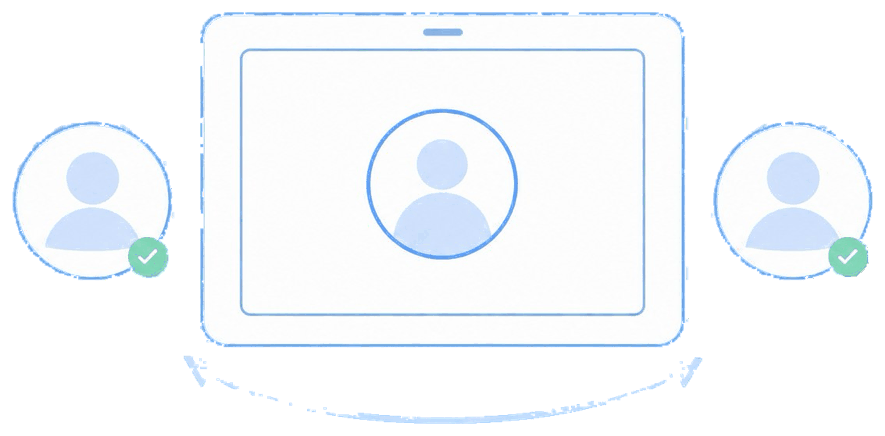
A worker signs in, gets their apps and access for the shift, and on sign-out their session and data are cleared for the next person. Android Shared Device Mode is the native mechanism; iOS offers Shared iPad, which is heavier to set up.
The unique advantage
You get individual accountability on communal hardware — actions tie back to the person who was signed in — without buying a device per employee. For a medium-size company, that's meaningful cost control on top of the security win, and MDM Plus manages the pool centrally rather than per device.
How it looks in the console and device
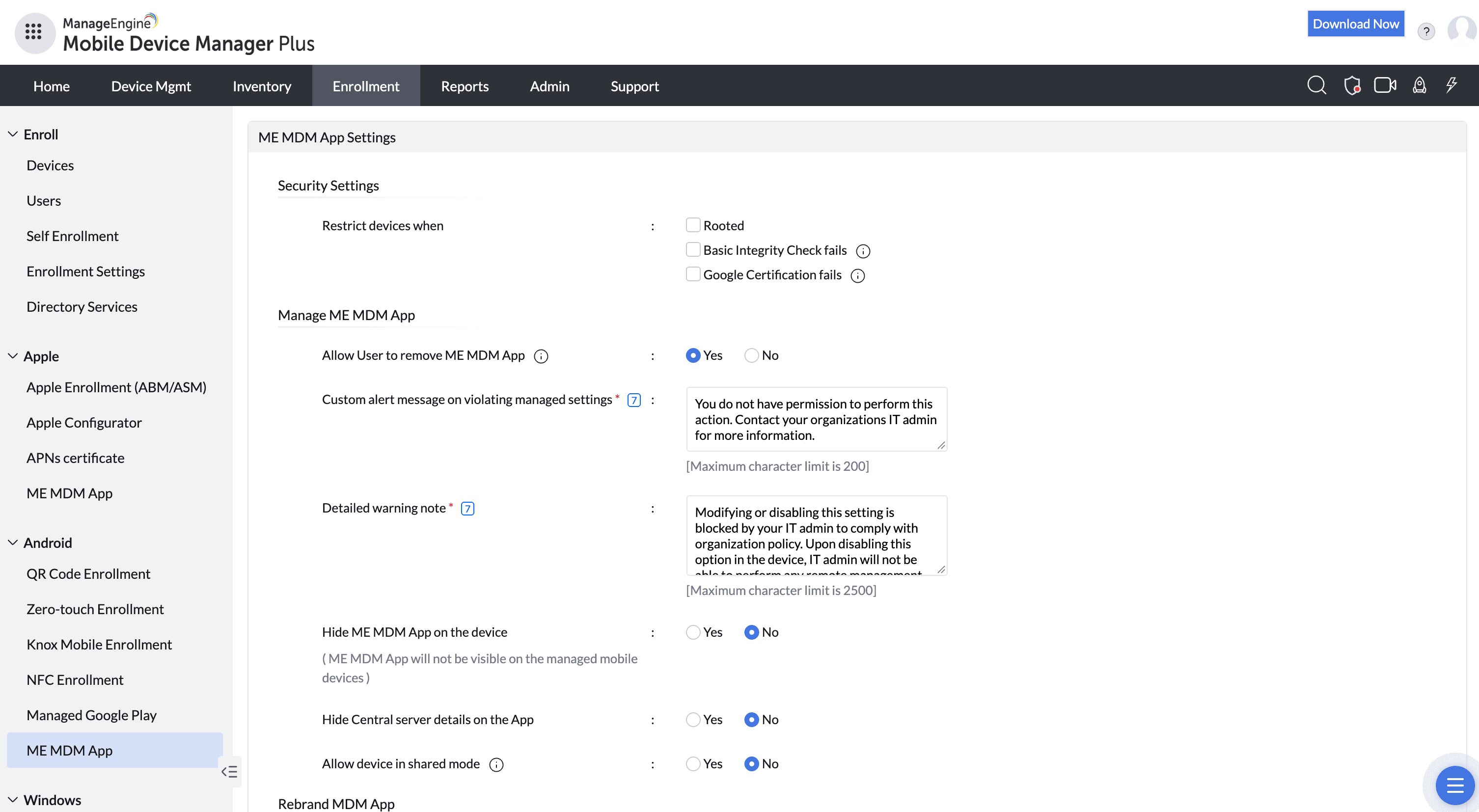
In the console you designate the device pool, the shared apps, and the sign-in method. On the device, a sign-in screen greets each shift worker; after sign-out the session resets to a clean state.
Use cases in different industries
Retail
Store associates share a pool of POS and inventory tablets across shifts.
Healthcare
Nurses sign in to ward tablets for their shift, then hand off cleanly.
Warehouse & logistics
Pickers and drivers share rugged scanners per shift.
Hospitality
Front-desk and floor staff share check-in and ordering devices.
Tips and troubleshooting
On Android, Shared Device Mode is the smoother native path; budget more setup time for iOS Shared iPad.
Pair shared mode with kiosk/app restrictions so pooled devices only run the shift's tools.
Differentiate your rollout for a medium-size company — you don't need enterprise-frontline complexity to get accountability.
Related use cases