Juniper Software Upgrade
This article is about how to upgrade software in Juniper devices using CLI and how to upgrade firmware on multiple devices simultaneously in NCM application using configlets
If you don't have NCM installed, please click here to download and install the application.
Steps to upgrade software in Juniper devices using CLI
- Login to device using SSH / TELNET
- Use below command to install the software package
- Use below command to reboot the device
Switch>request system software add package-name
Switch>request system reboot
The corresponding configlet can be created in NCM application as shown in below screenshot.
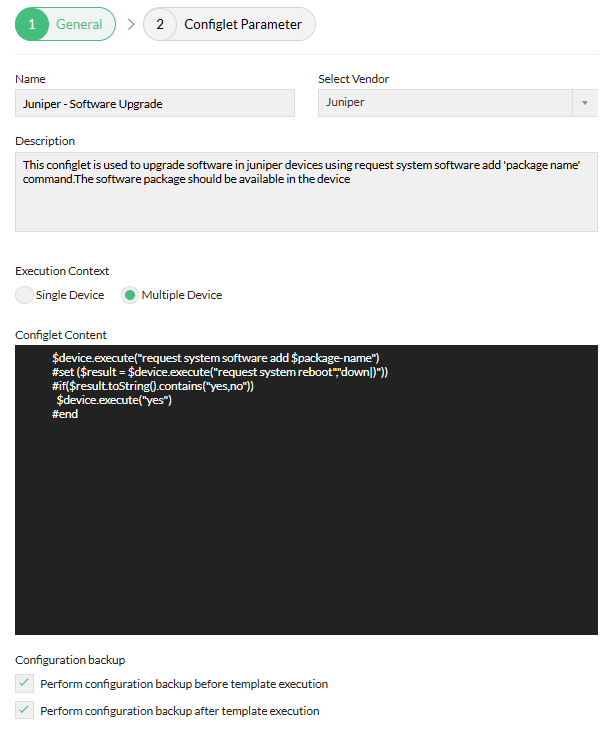
| Configlet Name | Juniper Software Upgrade |
|---|---|
| Description | This configlet is used to upgrade software in juniper devices using request system software add 'package name' command.The software package should be available in the device |
| Execution Mode | Programmable Configlet Mode |
| Configlet Content | $device.execute("request system software add $package-name") |