Mitigating Zero-Day Vulnerabilities
Endpoint Central helps you detect and mitigate zero-day vulnerabilities by deploying scripts that enforce secure configurations, alter registry values, and close vulnerable ports — before an attacker can exploit them.
Overview
A zero-day vulnerability is a software security flaw that is disclosed to the public but does not have a patch in place to fix the flaw. Zero-day attacks have been increasing at an alarming rate over the last few years. Even though zero-day vulnerabilities cannot be fixed without patches from the vendor, it is nevertheless necessary to mitigate them before an attacker exploits the vulnerability. Since time is a crucial factor with zero-day vulnerabilities, the sooner you mitigate, the better.
Configuring Alerts about Latest Zero-Day Vulnerabilities
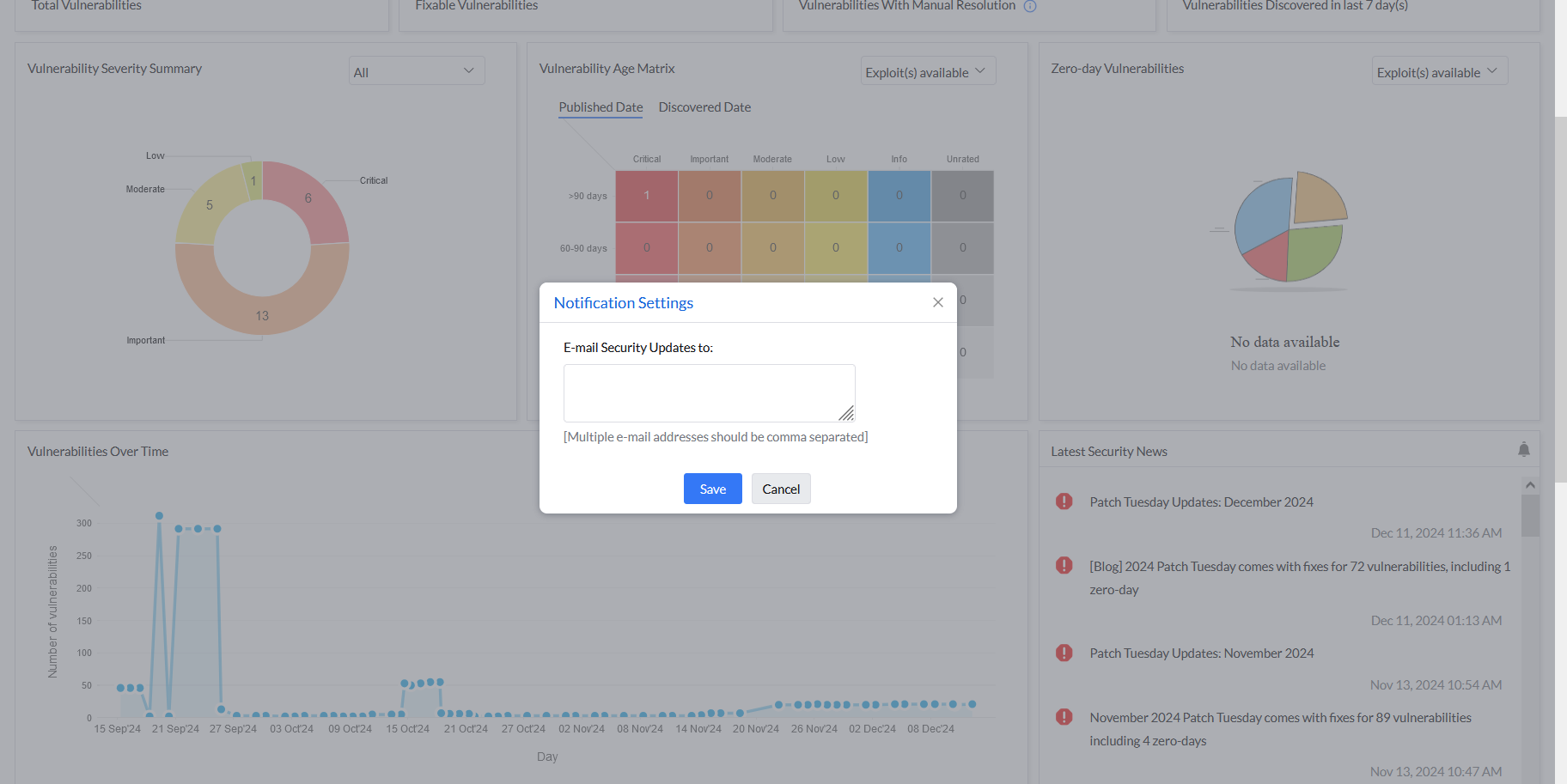
To stay updated with the latest security news including zero-days, navigate to Dashboard. Under the Latest Security News section, you can see news bulletins describing the latest security events. Clicking on them will redirect you to the Endpoint Central Pitstop blog, where you can learn more.
To receive email notifications whenever new security news is published, click the bell icon and enter your Email ID.
Viewing and Mitigating Zero-Day Vulnerabilities
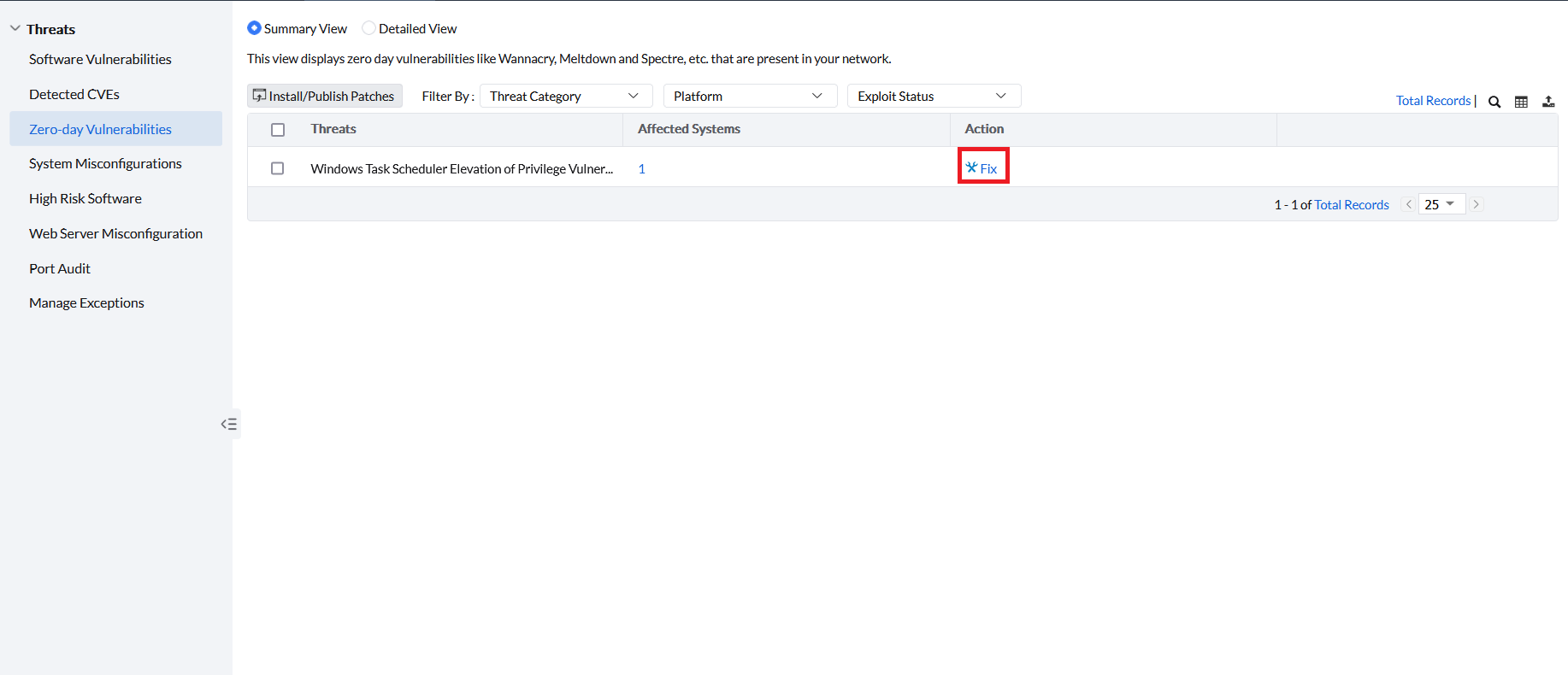
To view the zero-day vulnerabilities present across your managed computers, navigate to Threats → Zero-day Vulnerabilities.
All detected zero-day vulnerabilities will be listed here. To mitigate a specific vulnerability, click Fix under the Action column. After clicking Fix, one of the following cases applies:
- Case 1 — Patch available: A manual deployment task will be created. To learn more about deploying patches manually, refer to this page.
- Case 2 — No patch available: Either scripts or security configuration(s) will be deployed as a workaround via the manual patch deployment page to mitigate the zero-day vulnerability. If no script or security-configuration workaround is available, follow the manual resolution displayed for the vulnerability. When the vulnerability affects a component supplied with another product, contact the support team for that product for assistance. For the complete workflow, refer to Remediating Vulnerabilities without a Deployable Patch.
- If a zero-day vulnerability is detected on a managed computer, that computer will also be listed under Systems → Attention Required → Zero-day Found. Select the system and click Deploy Fixes to mitigate it.
- To remediate zero-days automatically, set up an Automated Patch Deployment task for Critical Updates — patches for zero-days are classified as critical. Once configured, whenever a patch becomes available for a zero-day, it will be deployed automatically.