How an advanced IP scanner works
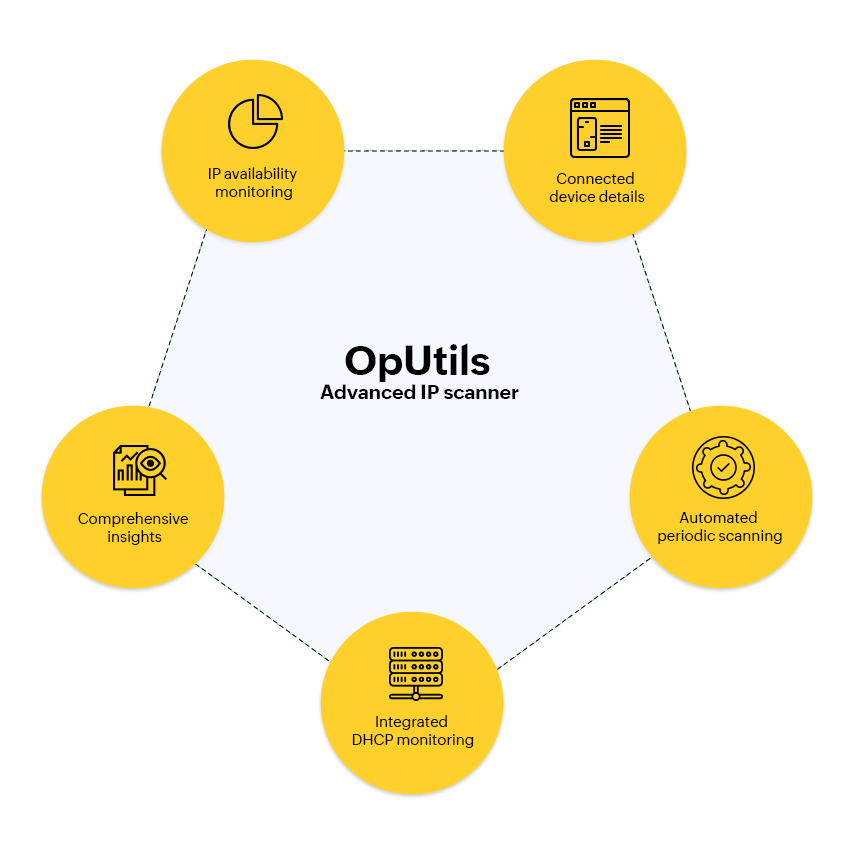
An advanced IP scanner follows a repeatable, layered workflow to discover devices reliably, enrich their records, and keep the IP inventory current. Below is a clear step-by-step breakdown of that process as implemented by OpUtils:
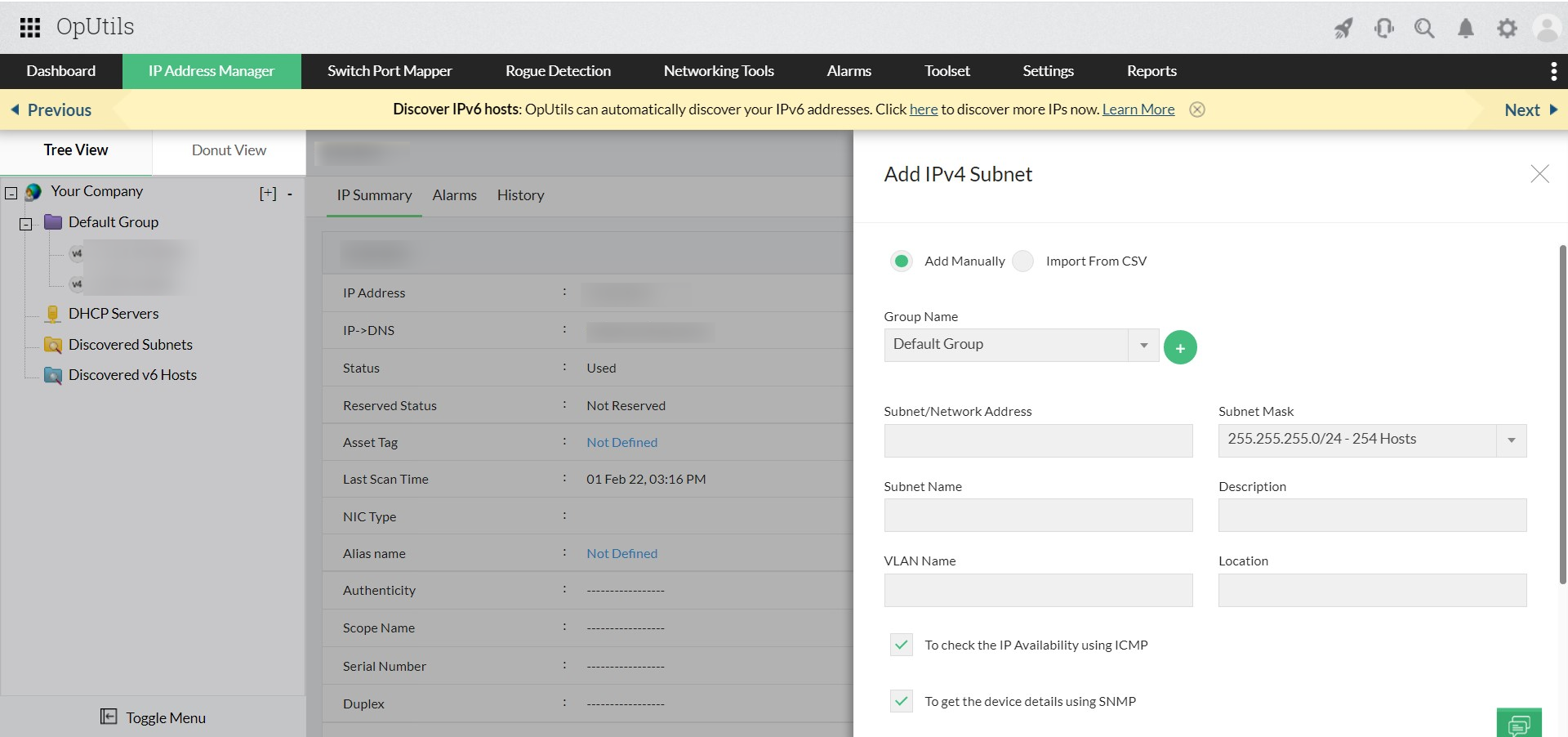
1. Scope definition: Administrators define targets by entering IP ranges, CIDR blocks, individual IPs, or importing lists (CSV/XLS). OpUtils can also auto-discover subnets from routers, DHCP servers, or controller integrations like Meraki.
2. Probe & discovery (fast, agentless checks): The scanner probes targets using multiple lightweight protocols depending on scope and topology:
- ARP for LAN/link-local discovery (high reliability inside broadcast domains).
- ICMP (Ping) for determining reachability across routed networks, unless ICMP is filtered or blocked.
- TCP connect/SYN scans to determine open ports and service responsiveness.
- ICMPv6 neighbor discovery (ND) solicitation or advertisement for IPv6 environments.
These agentless probes are rate-controlled to avoid network impact and can be tuned per subnet.
3. Enrichment & validation: When a host responds, OpUtils enriches the raw discovery with additional context via:
- SNMP for device interfaces and vendor data.
- DNS lookups for PTR/hostname resolution.
- WMI for Windows-specific OS and hardware details.
- OUI lookup to map MAC prefixes to vendors.
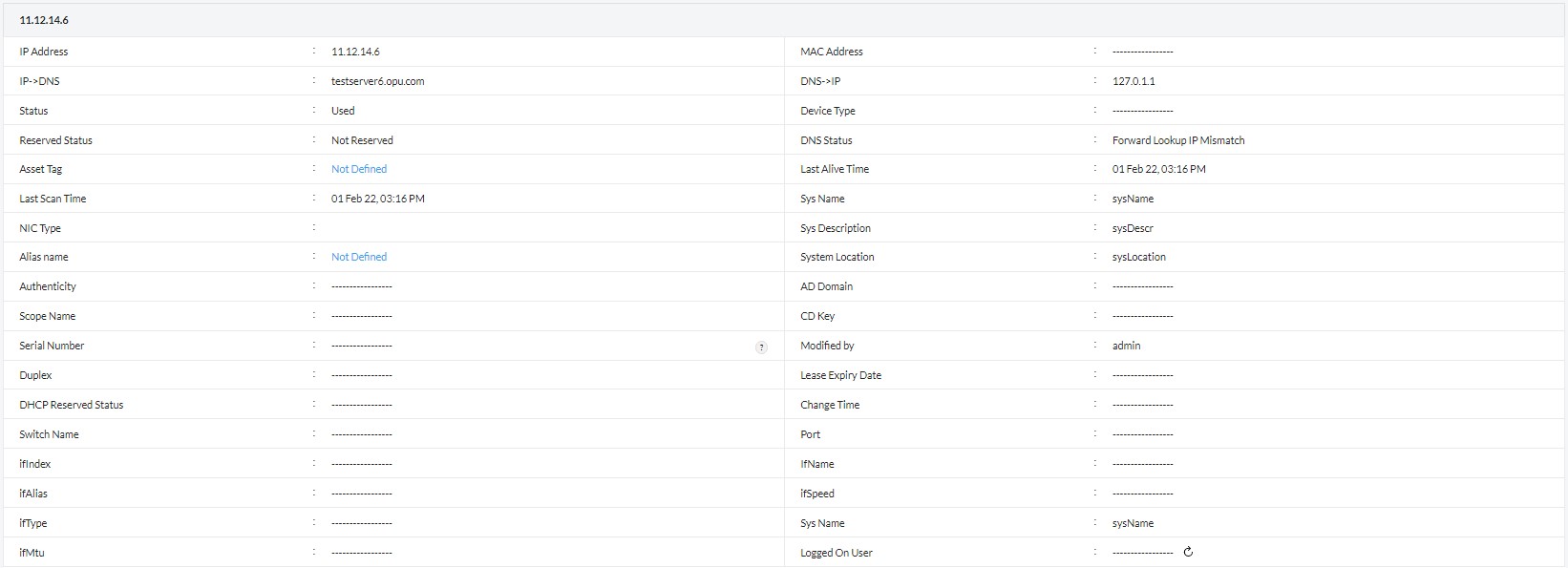
This step transforms a live IP into a meaningful asset record by enriching it with details such as hostname, MAC address, OS hints, vendor, and last-seen information.
4. Correlation & mapping: Discrete data points are correlated to create a single authoritative record per IP: lease status (DHCP), DNS entries, switch-port mapping (via SNMP on switches), and any previous historical entries. Correlation also surfaces mismatches (e.g., MAC-IP conflicts) and enables physical location tracing.
5. Classification & risk detection: The scanner classifies devices (server, printer, workstation, network device) using port signatures and vendor/OS hints, and flags anomalies such as unauthorized devices, duplicate IPs, or stale DNS/DHCP entries for review.
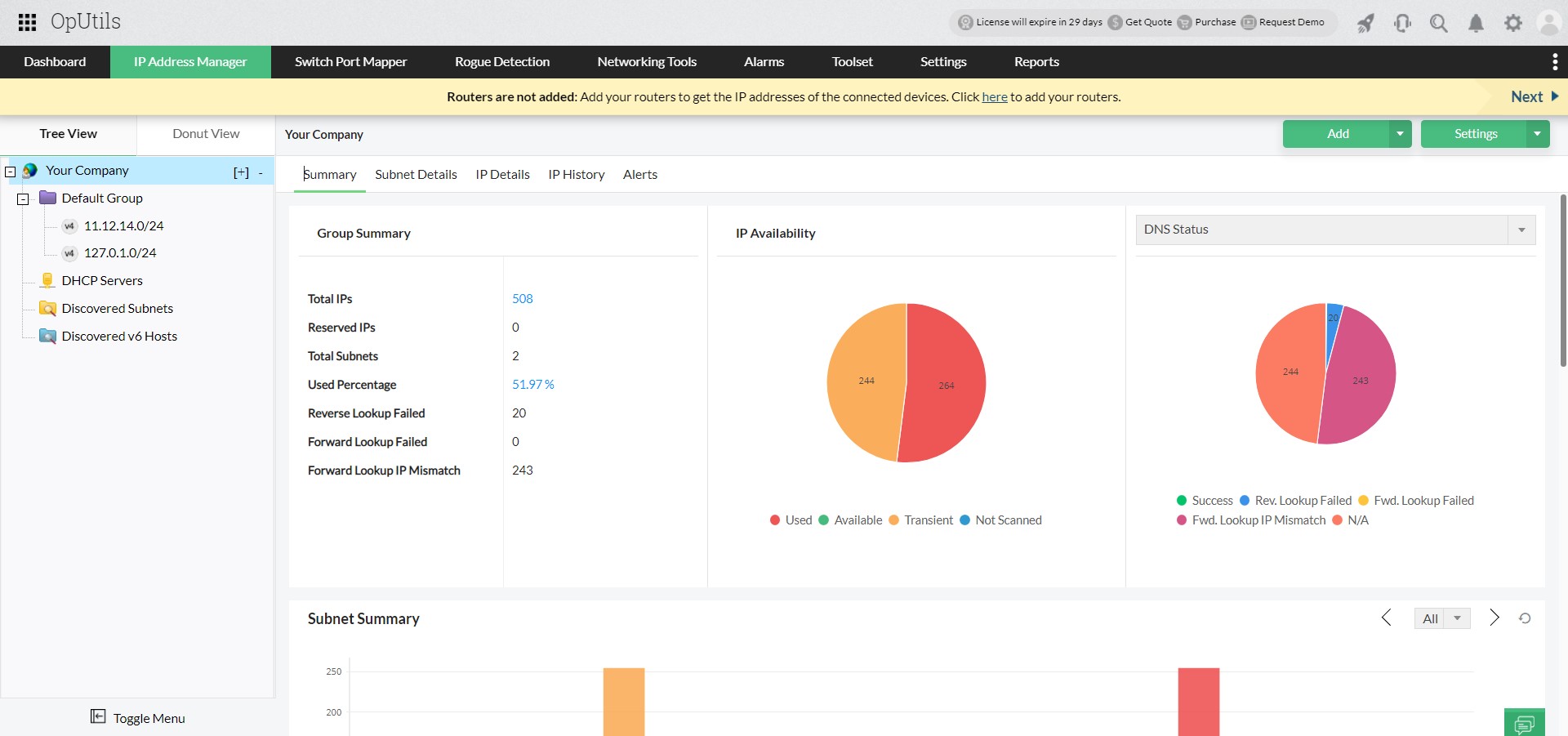
6. Storage & historical logging: All findings are persisted in the IPAM repository with timestamps and change history. This enables audits, trend analysis (utilization over time), and forensic investigations into when an IP changed hands or went offline.
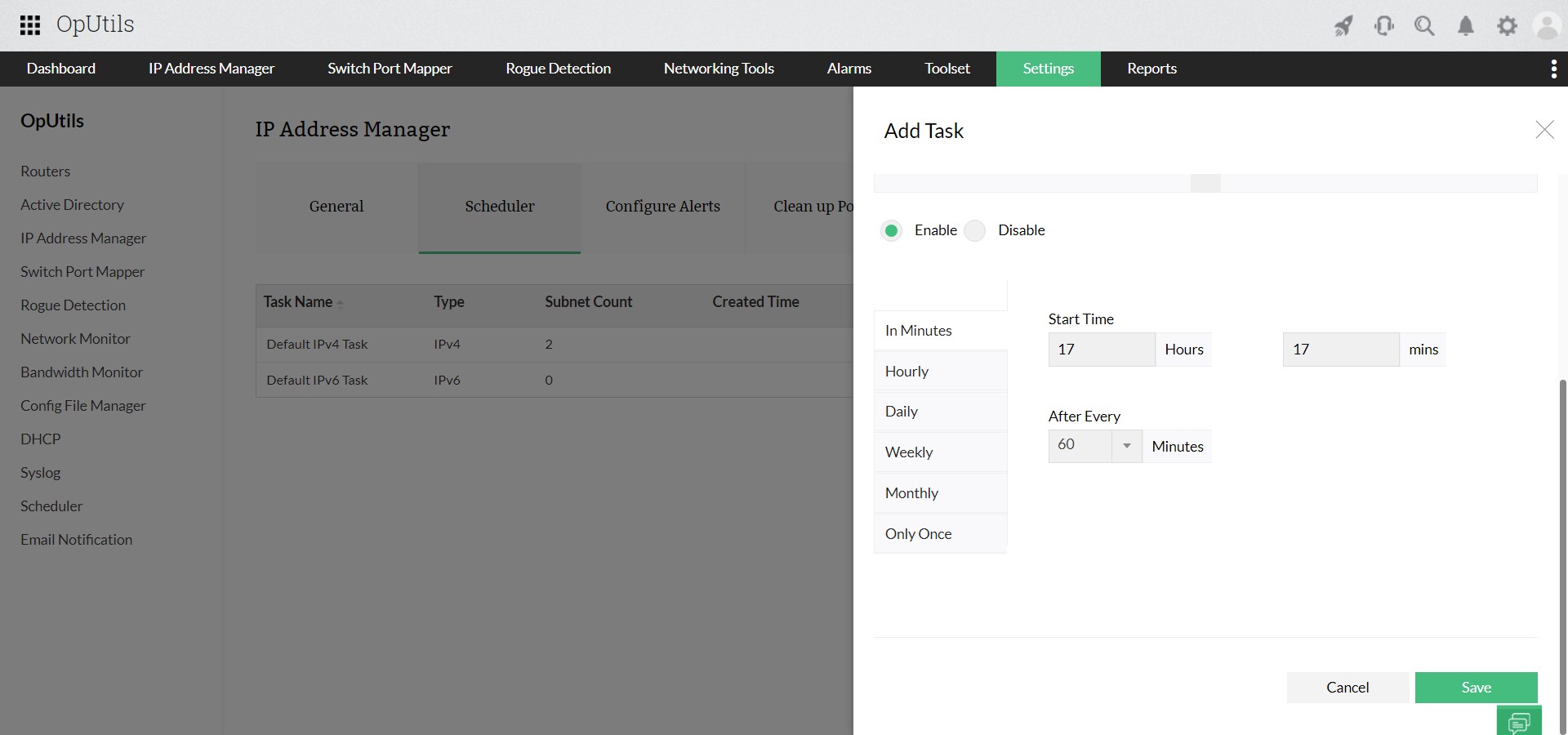
7. Scheduling & continuous monitoring: OpUtils supports scheduled scans, incremental scans (only changed IPs), and on-demand scans. Scan frequency is configurable per subnet or group, so high-churn segments can be scanned more often without re-scanning stable networks unnecessarily.
8. Alerting & automation: Utilization threshold-based alerts notify teams on critical events (IP conflicts, new unknown devices, and more).
9. Reporting & export: Scan results and historical snapshots are available via dashboards and exportable reports (CSV, JSON, XML, PDF) for CMDB reconciliation, audits, and capacity planning.