Browser Visibility and Insights
About Browser Insights
The diverse landscape of web browsers, each with its own unique add-on ecosystem, presents a complex challenge for IT administrators. Browser Security Plus offers a comprehensive solution through Insights by providing granular visibility into your browser environment. By leveraging this visibility, IT administrators can proactively address security vulnerabilities and safeguard their browser environment from potential attacks.
- Browser Inventory: Maintain a comprehensive record of browsers in use.
- Update Compliance: Ensure adherence to browser update policies.
- Inactive Device Identification: Detect computers that have been inactive for extended periods.
- Popular Add-on Analysis: Identify commonly used add-ons for potential security risks.
- Harmful Add-on Detection: Proactively detect and mitigate the presence of malicious add-ons.
- Web Activity Monitoring: Track website access for Internet Explorer, Edge, and Chrome.
- Add-on Discovery: Identify computers with specific add-ons to assess potential risks.
- Browser Security Scoring: Evaluate the security posture of browsers to identify vulnerabilities.
Dashboard View
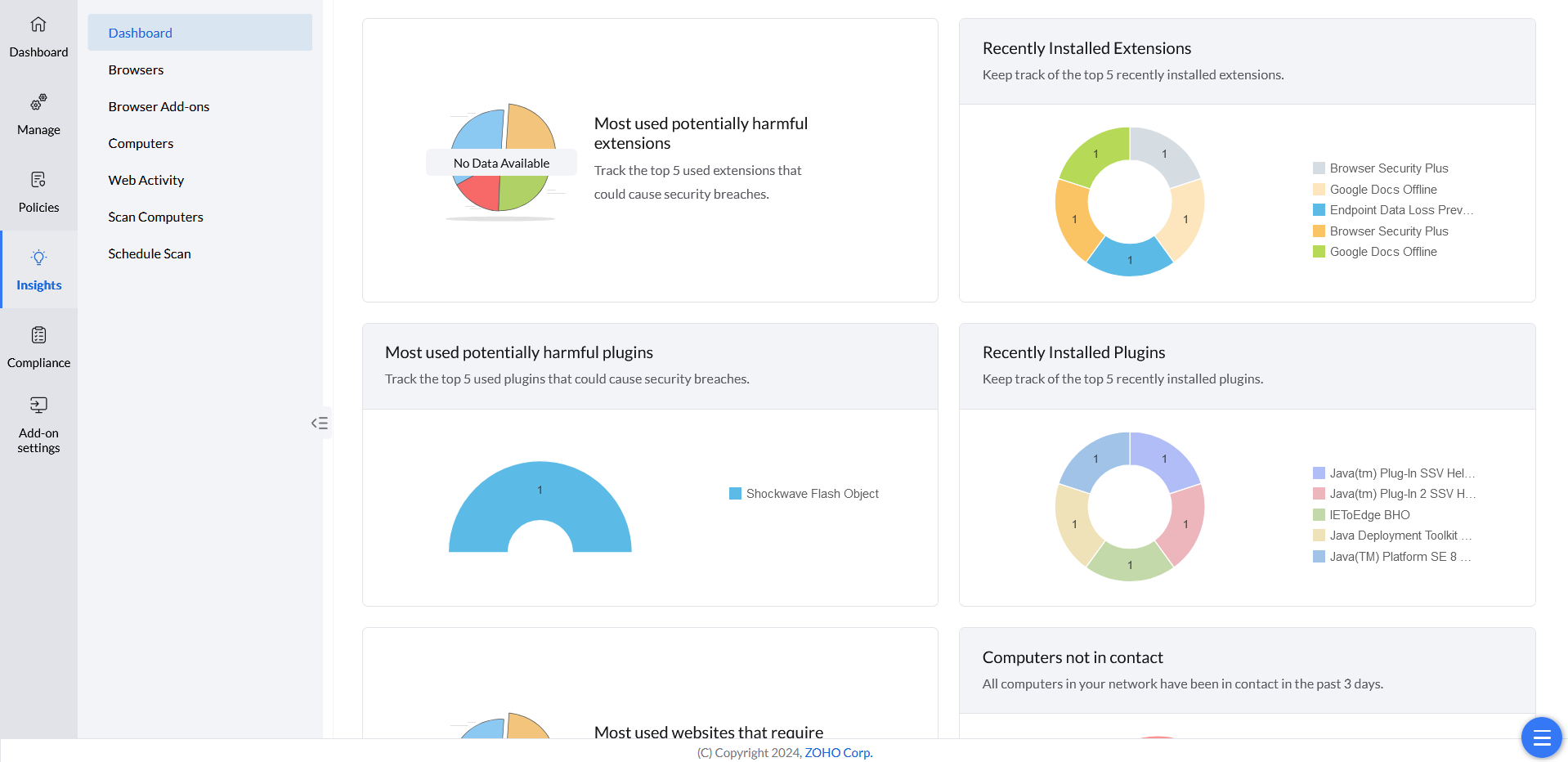
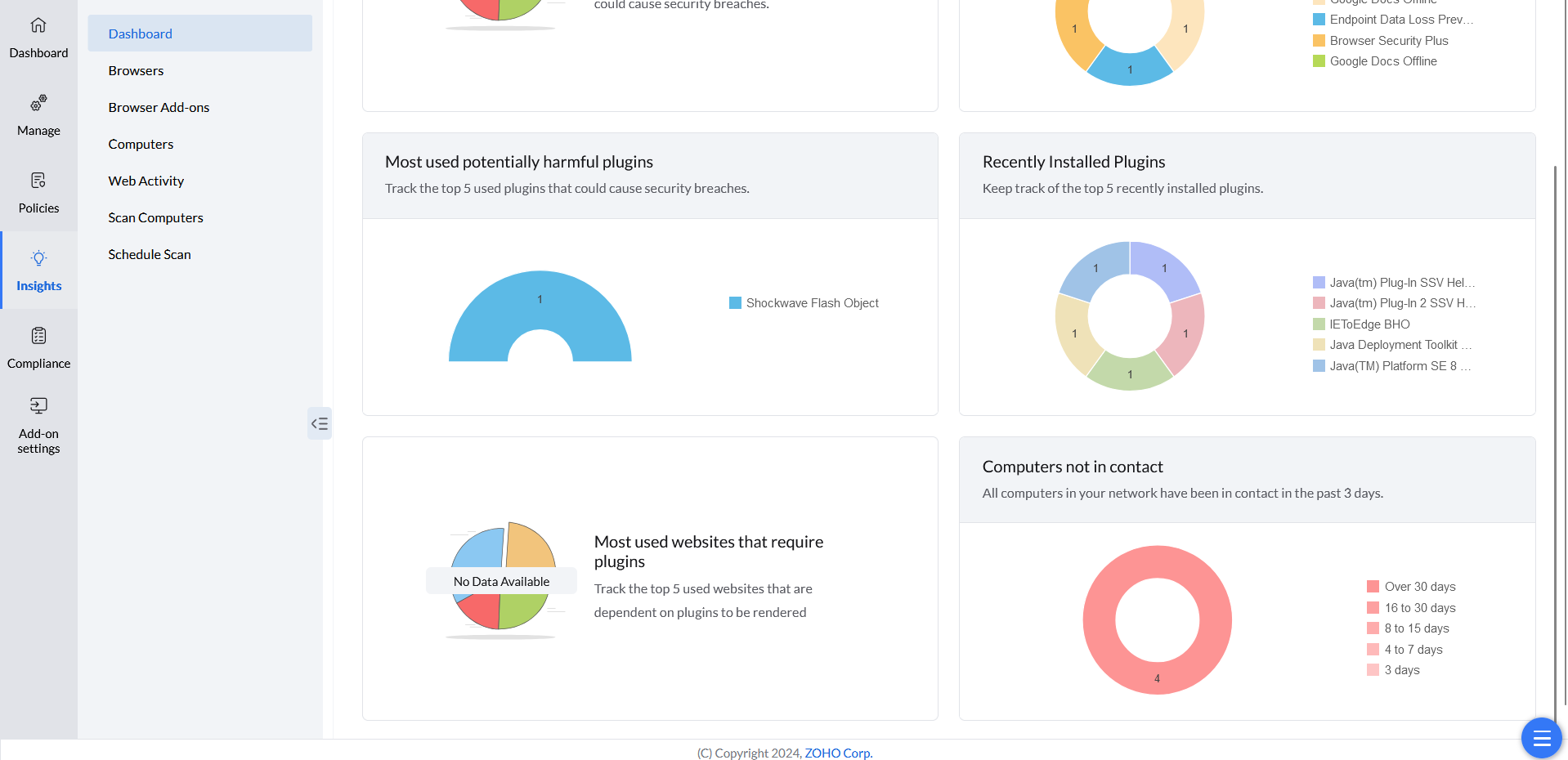
The Dashboard view under the Insights tab summarizes key browser security risks. It highlights most used harmful extensions and plugins, recently added ones, disconnected network computers, and most used websites needing plugins.
Browsers View
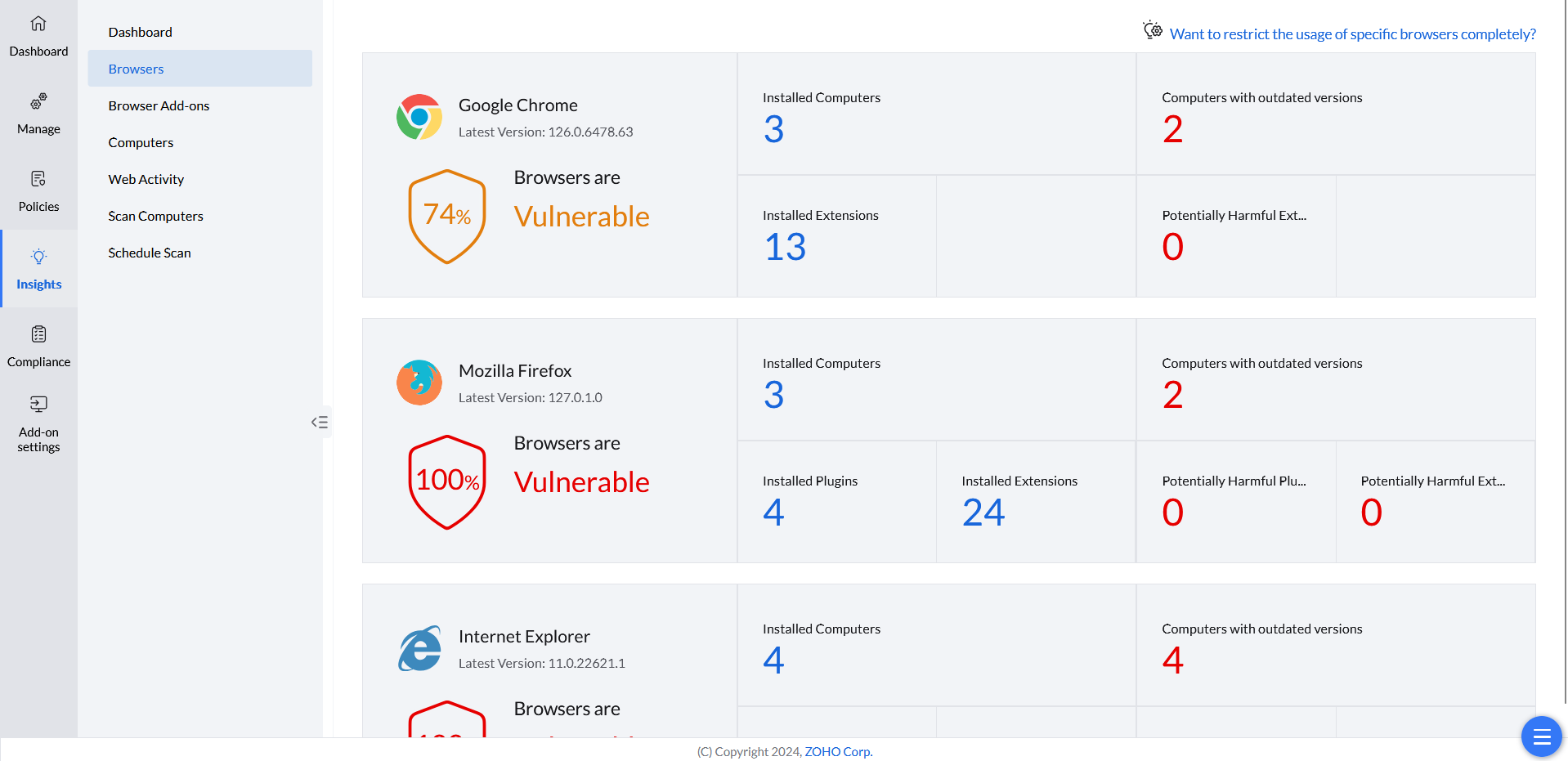
The Browsers view under the Insights tab lists all browsers and their details. It includes the number of computers using each browser, those with outdated versions, the number of installed extensions, and potentially harmful extensions.
Add-ons View
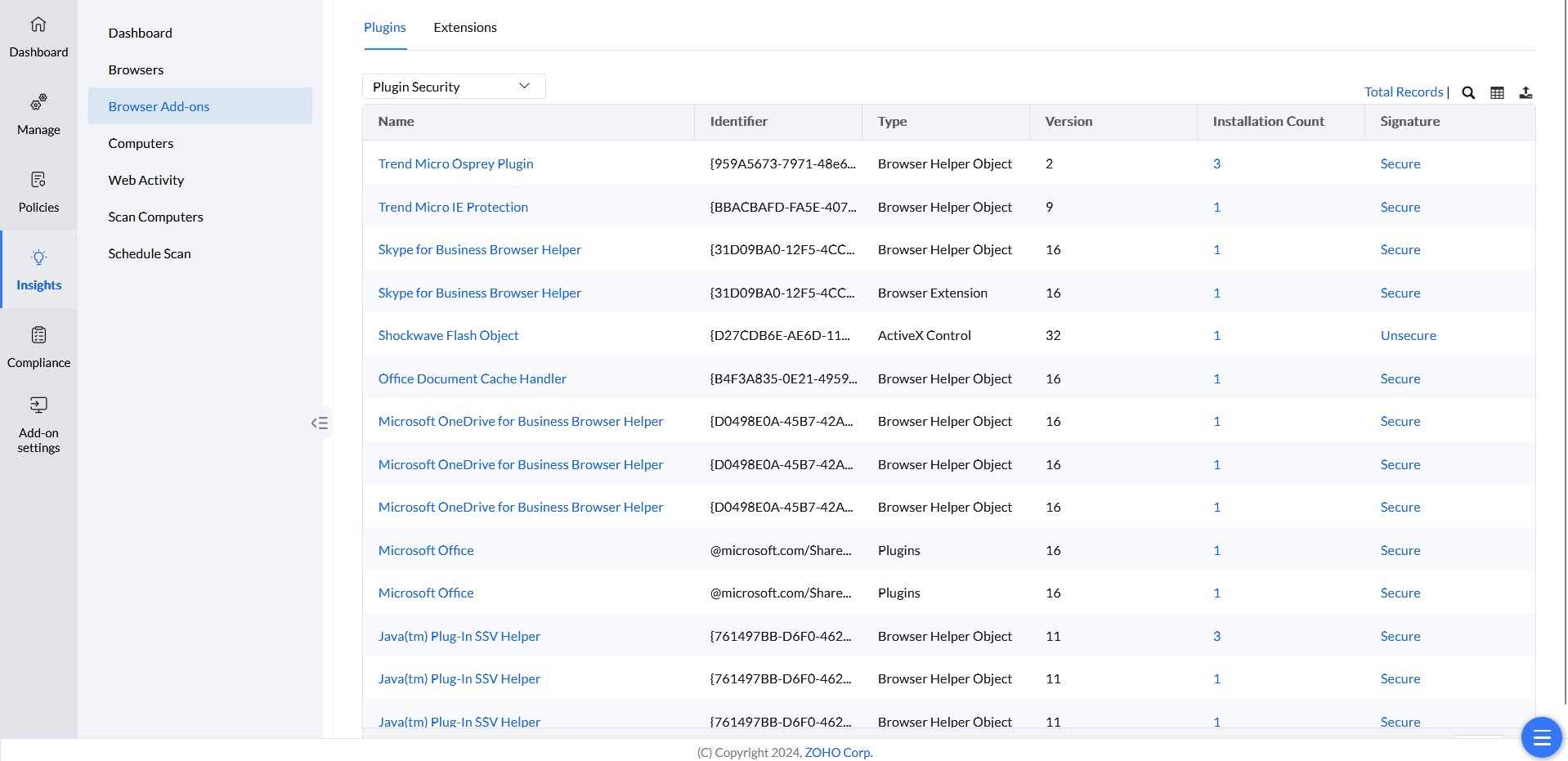
The Insights' Browser Add-ons view shows detailed information about all plugins and extensions. This helps identify computers with specific add-ons and assess potential security risks.
Computers View
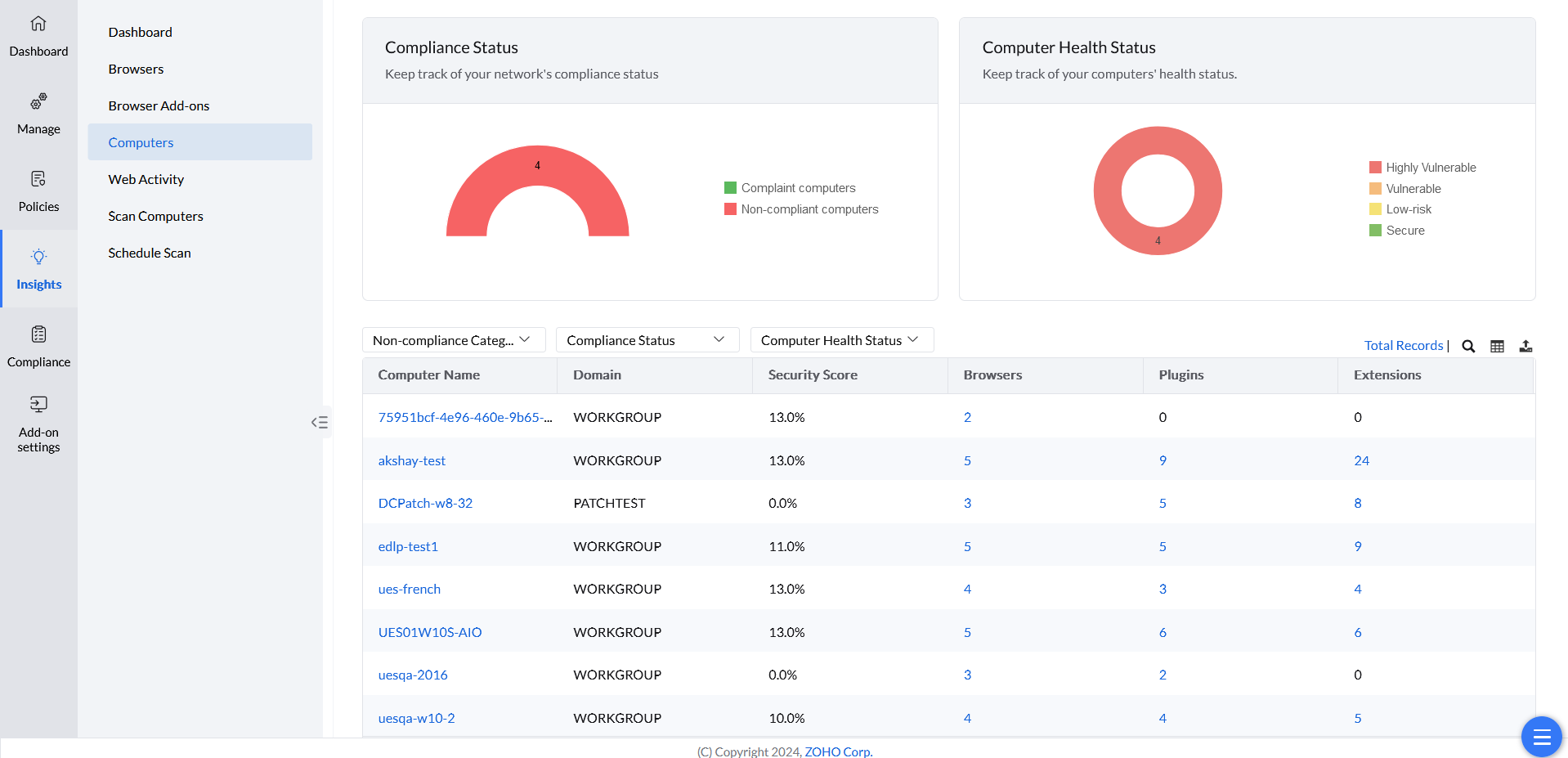
The Insights' Computers view lists all the computers in your network and provides comprehensive information on their security score, and the web-applications installed. You can also keep track of your network's compliance and computers' health status.
Web Activity
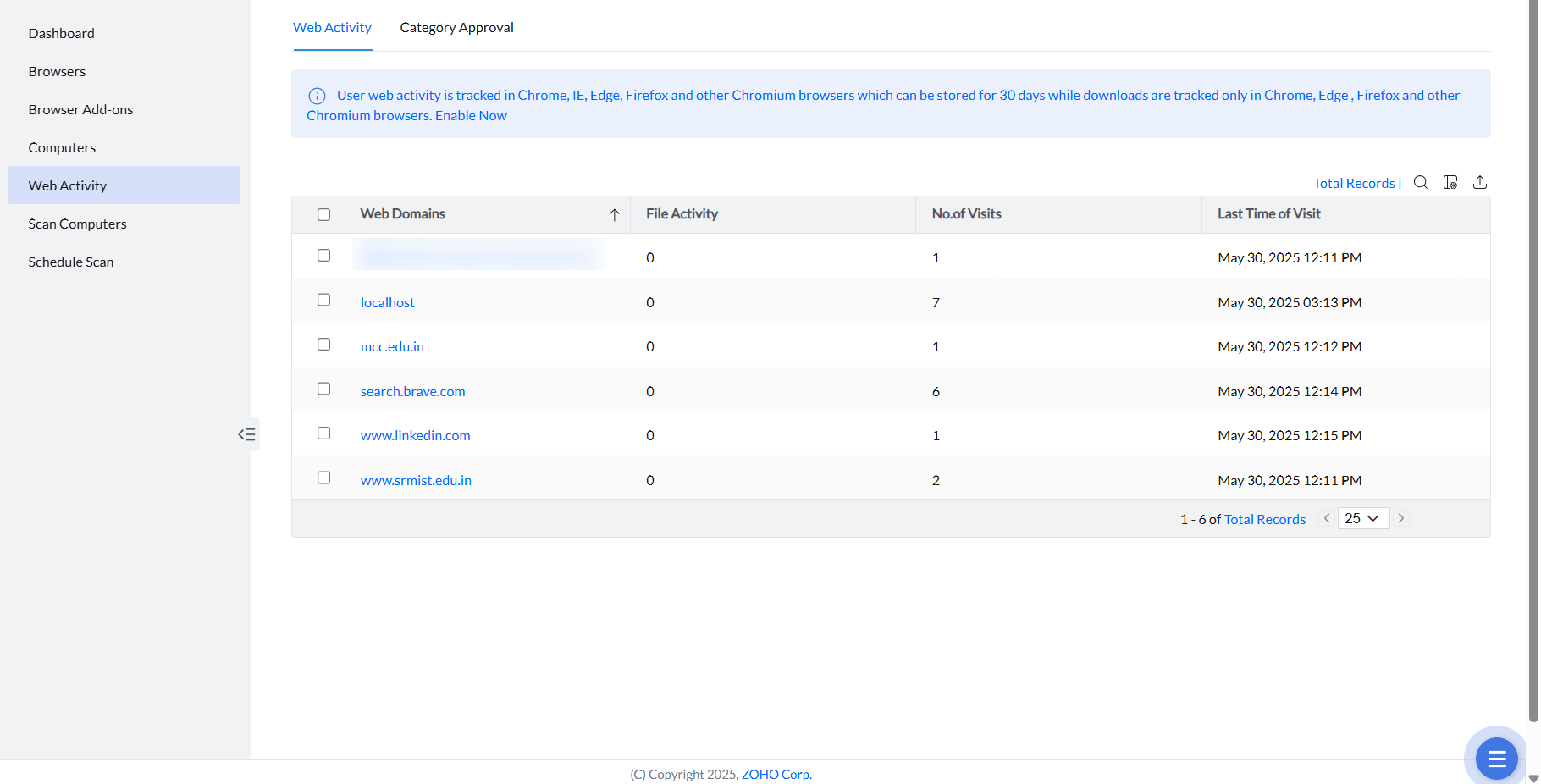
The Web Activity under Insights tab shows the web domains visited by the users, the file upload and download activities, and the time visited.
Category Approval for URL Filter
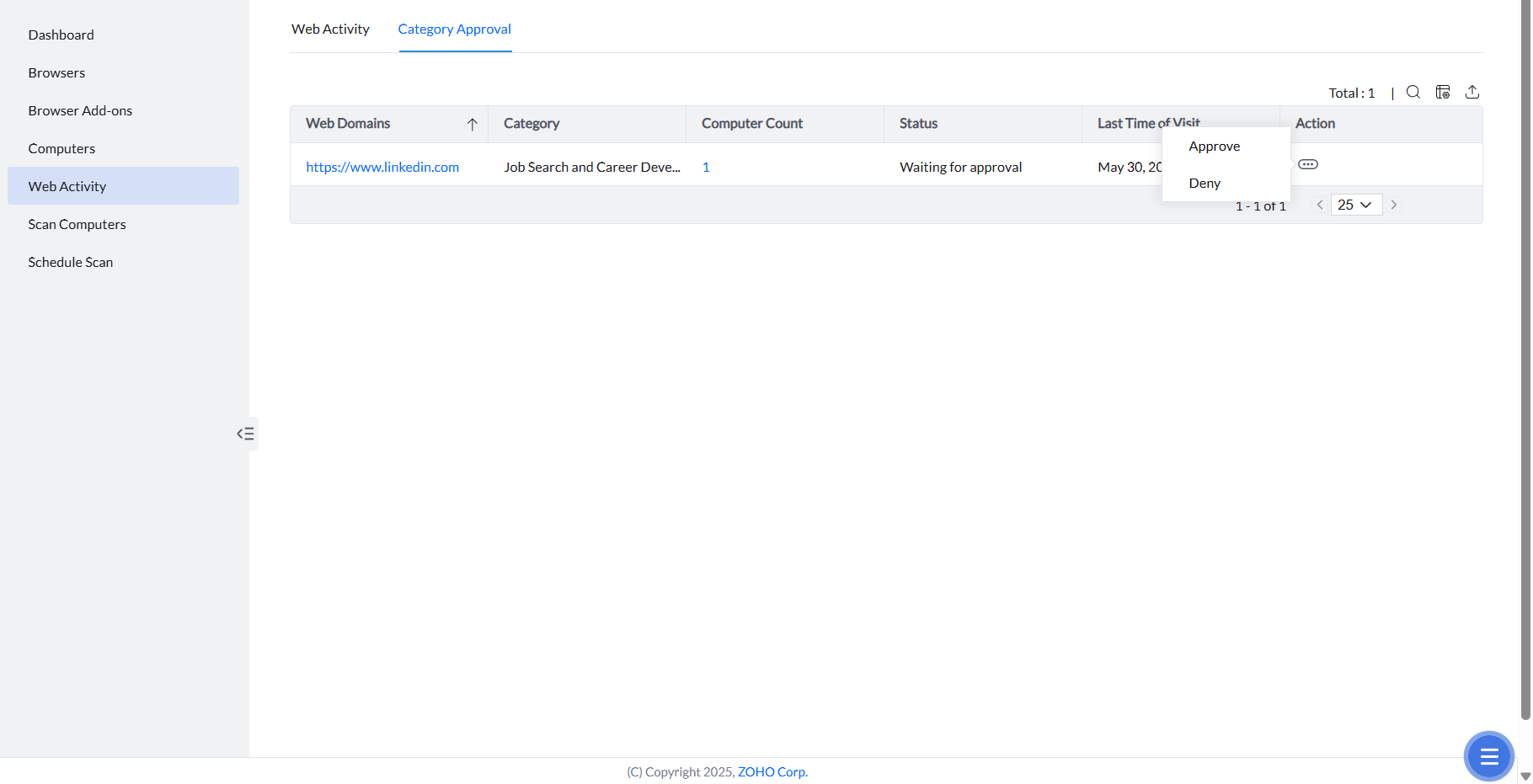
Requests made using the override option for blocked web categories in the URL Filter are recorded here. Administrators can review these requests and choose to approve or deny them.
Scan of Computers & Scheduling Scan
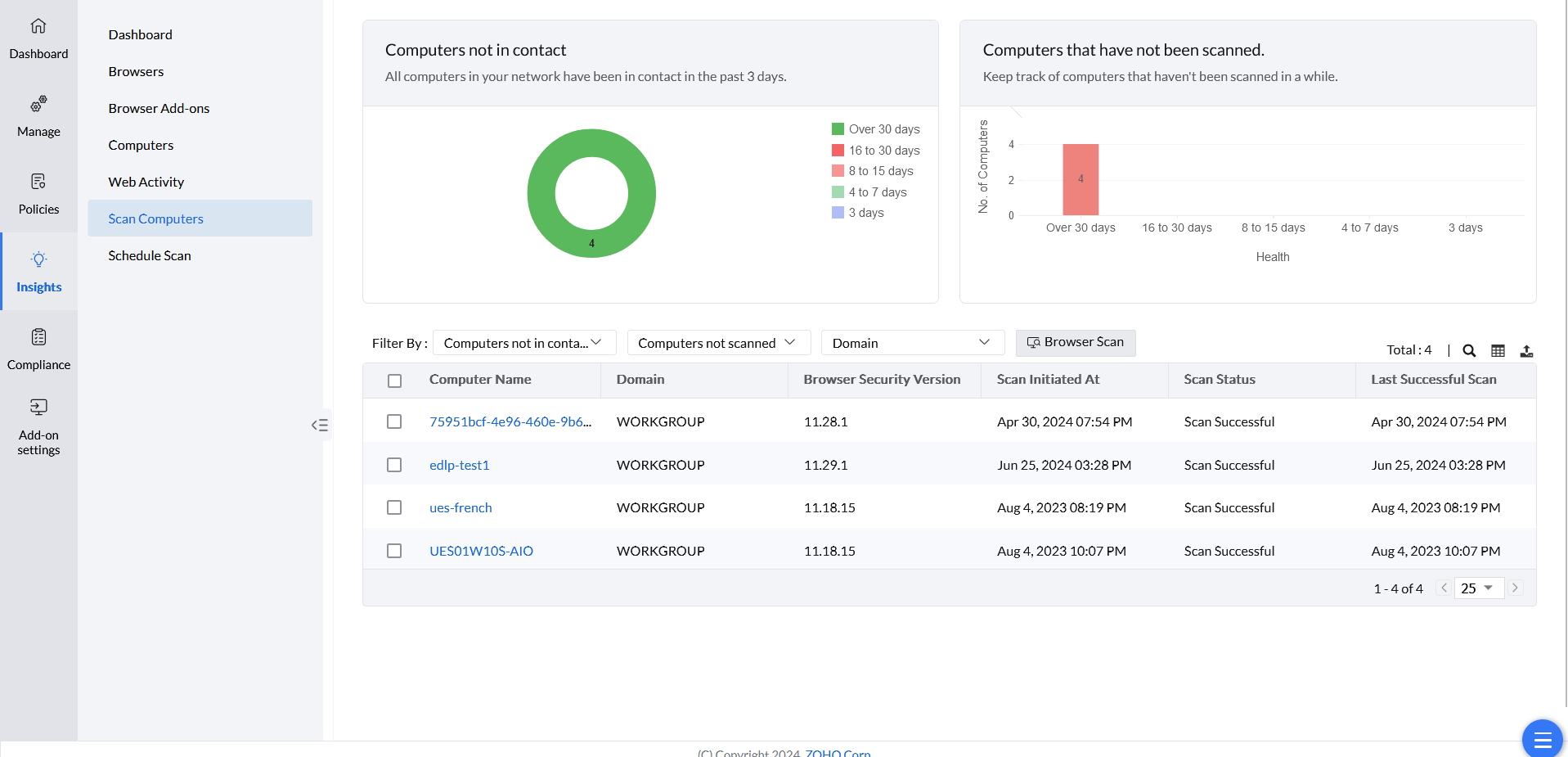
The Scan Computers under Insights tab provides information on the scan status of the computers. It shows the computers not in contact and the ones that have not been scanned.
Schedule Scan of Computers
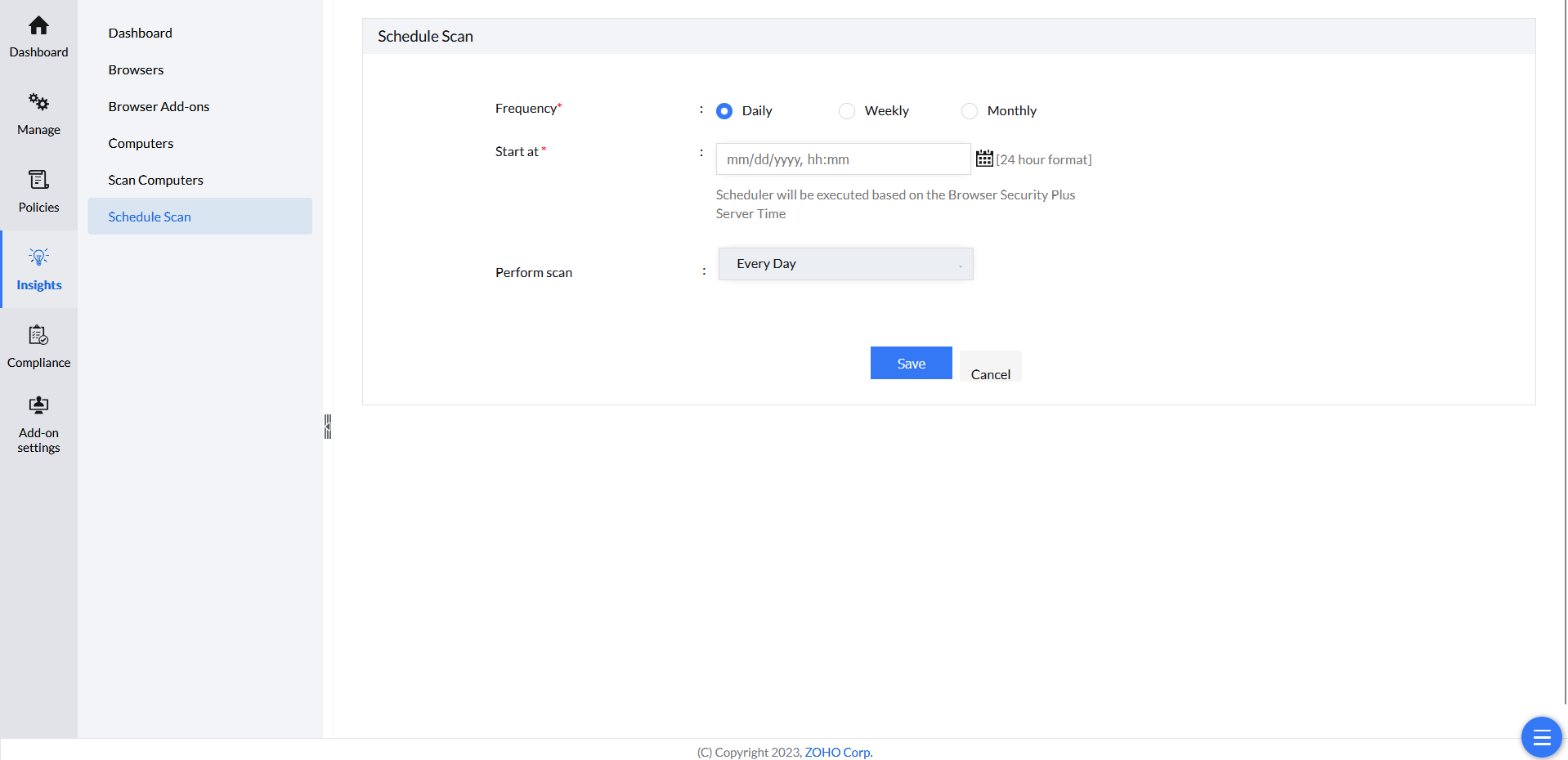
To stay updated on potential security threats, it's recommended to schedule regular computer scans. Follow these steps to set up a scan schedule:
- Open Browser Security Plus console and navigate to Insights -> Schedule Scan.
- Choose the scan frequency and select the start time of the scan.
- Choose the day(s) or times of week or month, to perform the scan.
Click Save.