Device Summary
Overview:
The Device Summary is Log360 Cloud's analytical console to view the overall device summary events and contextual data. Users can find the machine summary and event summary for the selected period, device severity events, and alerts summary.
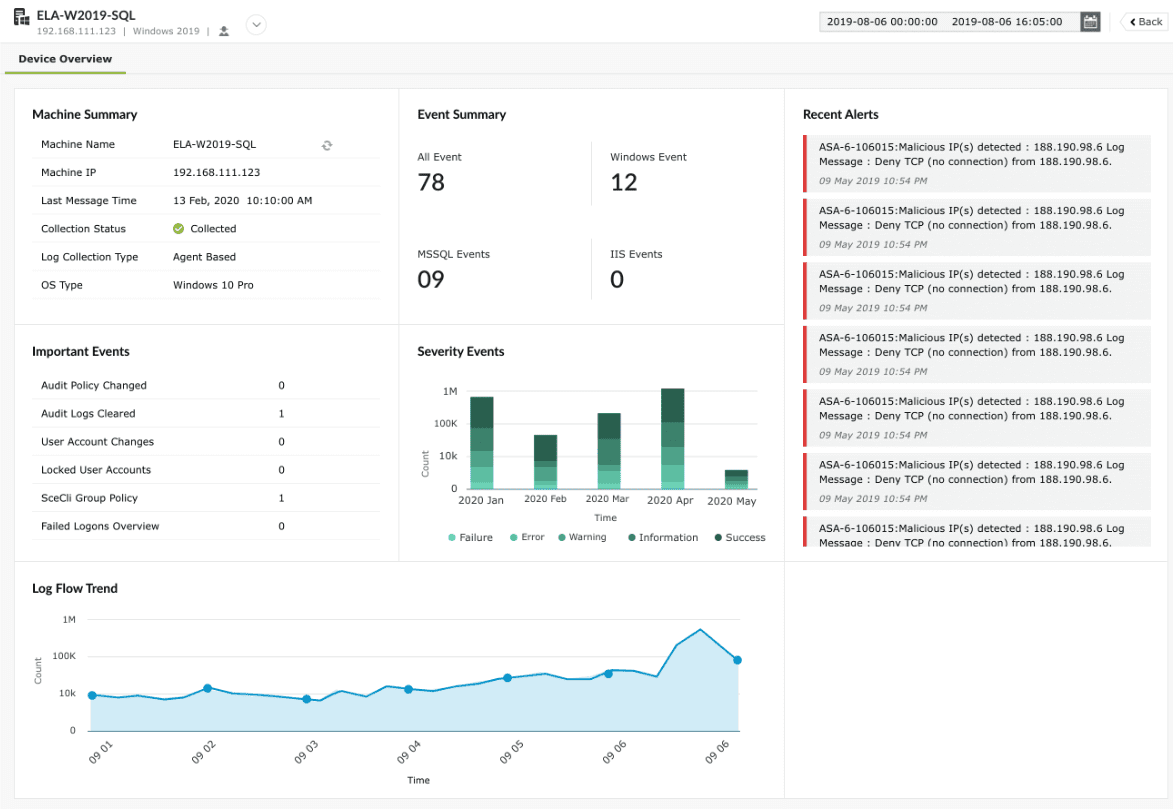
Access:
Users can access the Device Summary from multiple dashboards of Log360 Cloud such as Reports, Log Source, Alerts, Incidents and others.
Note:
- Guest role members have no access to Device Summary.
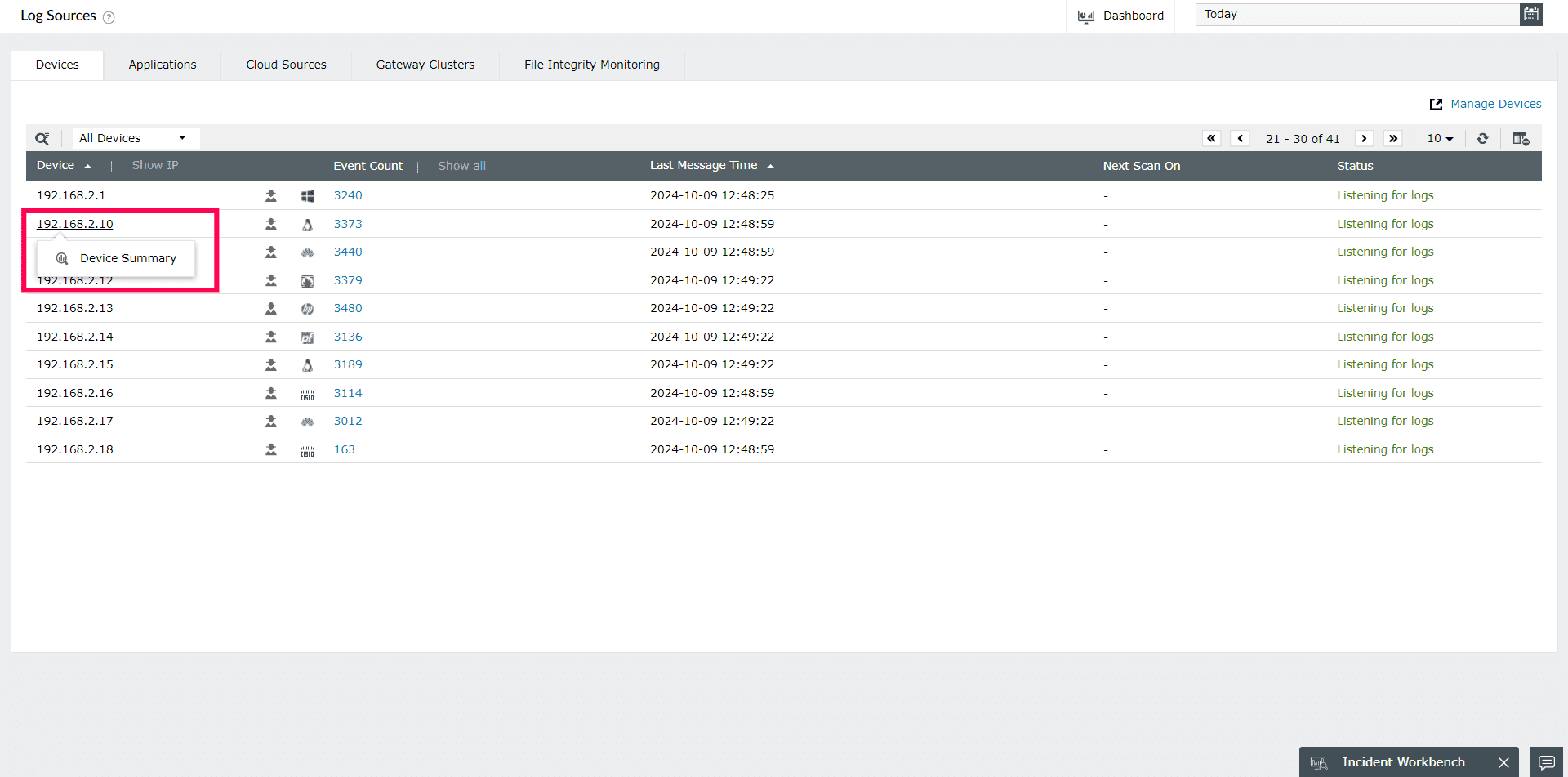
From Log Sources page:
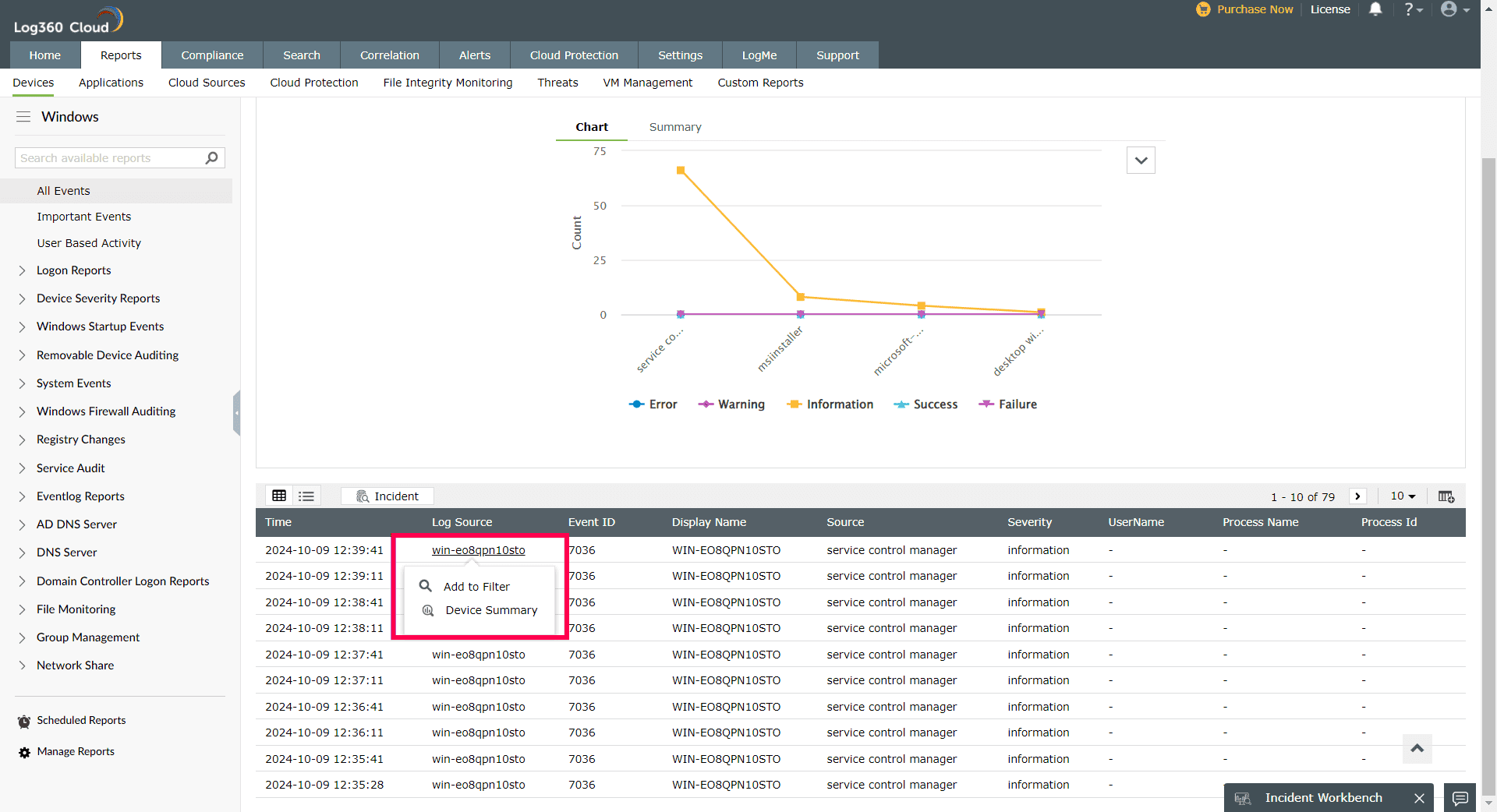
From Reports
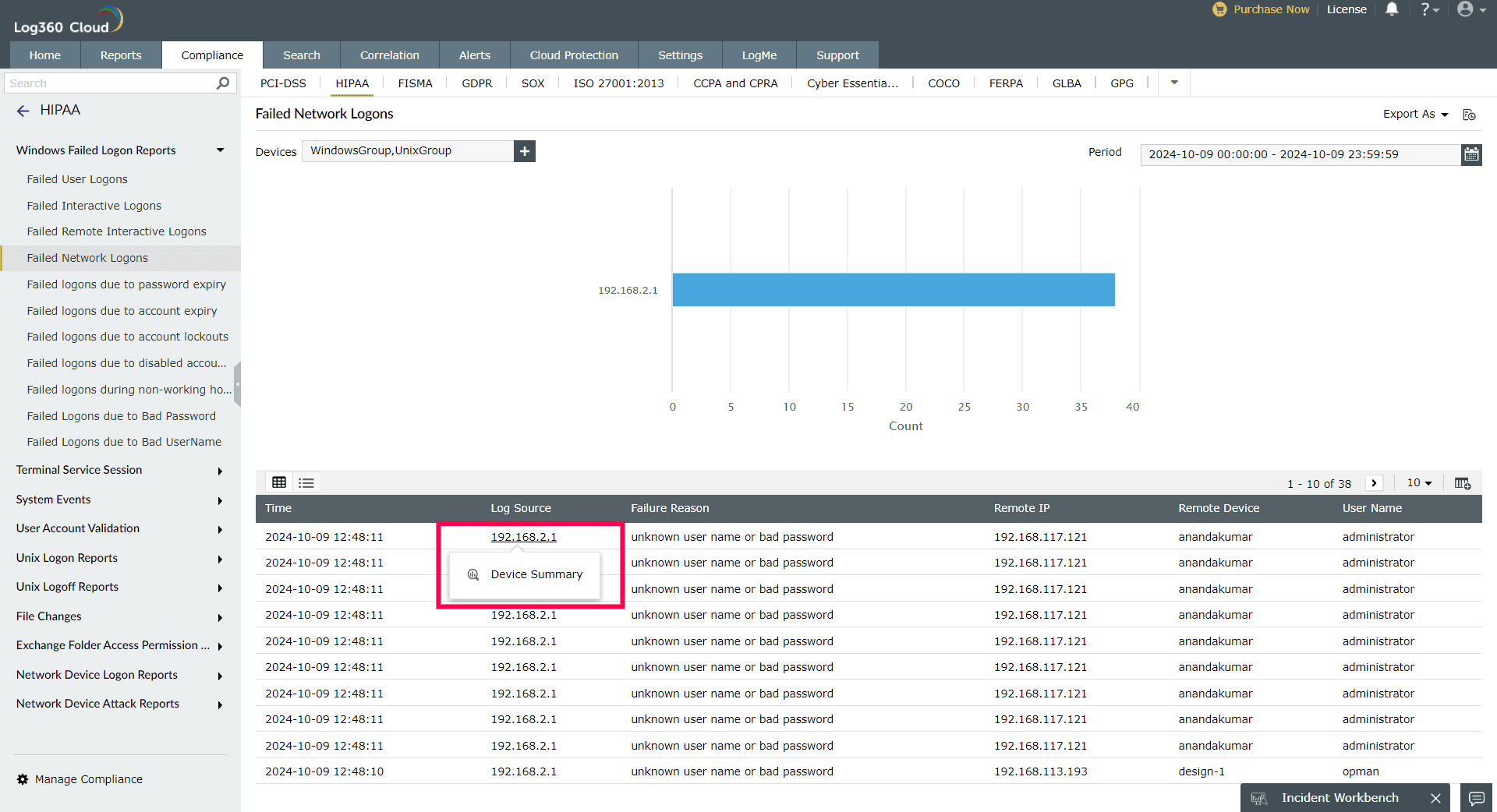
From Compliance:
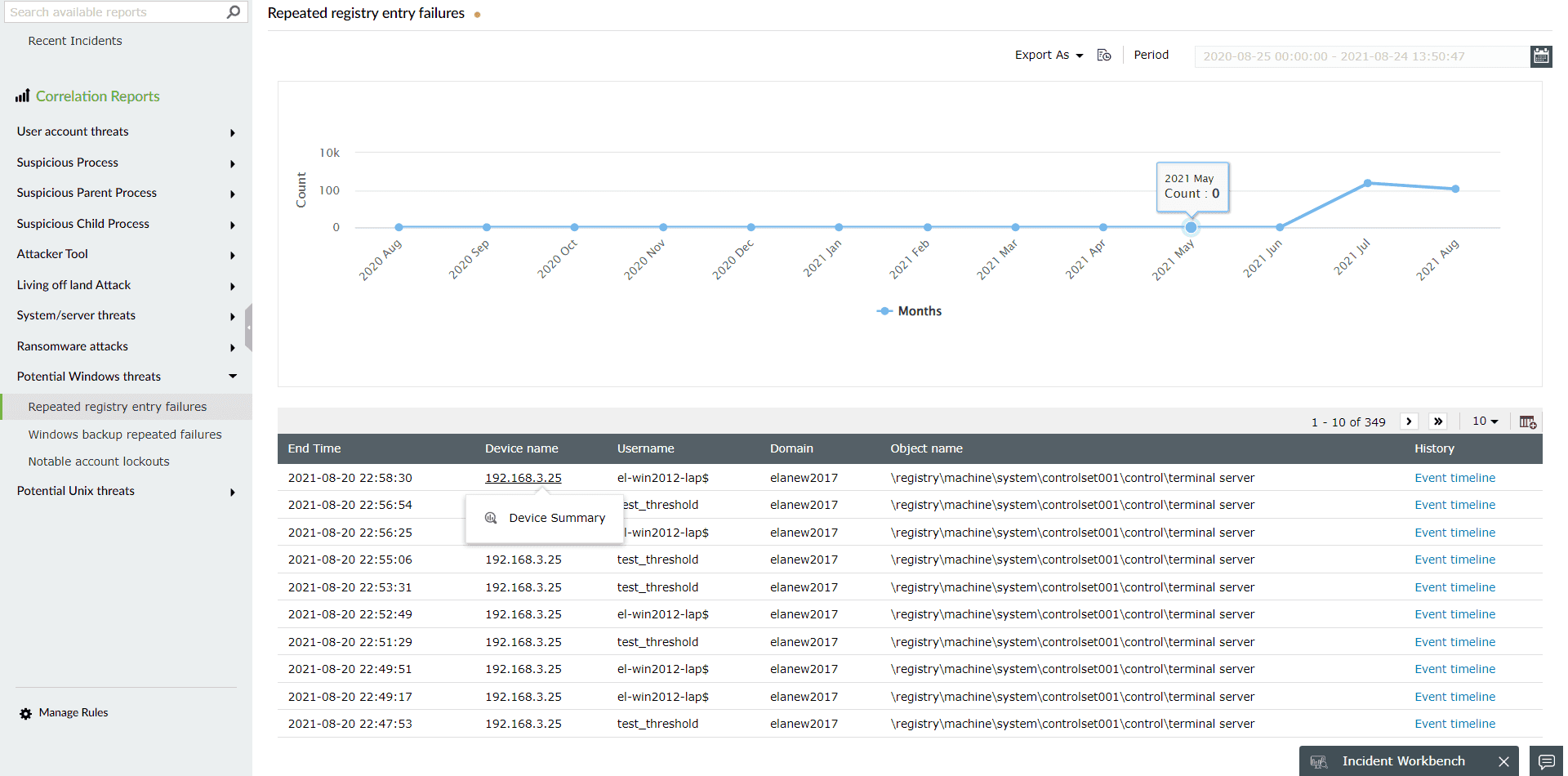
From Correlation:
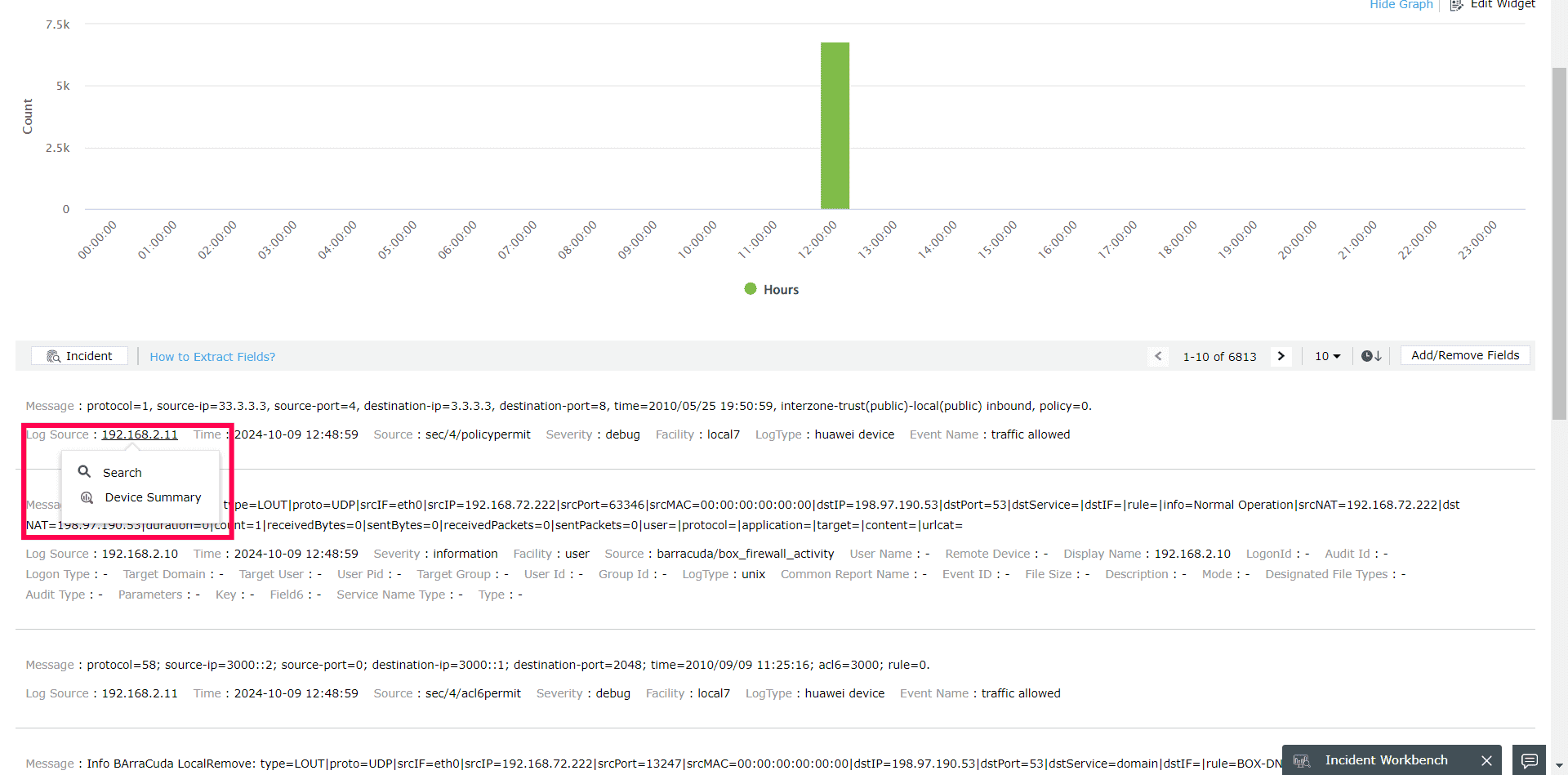
From Log Search:
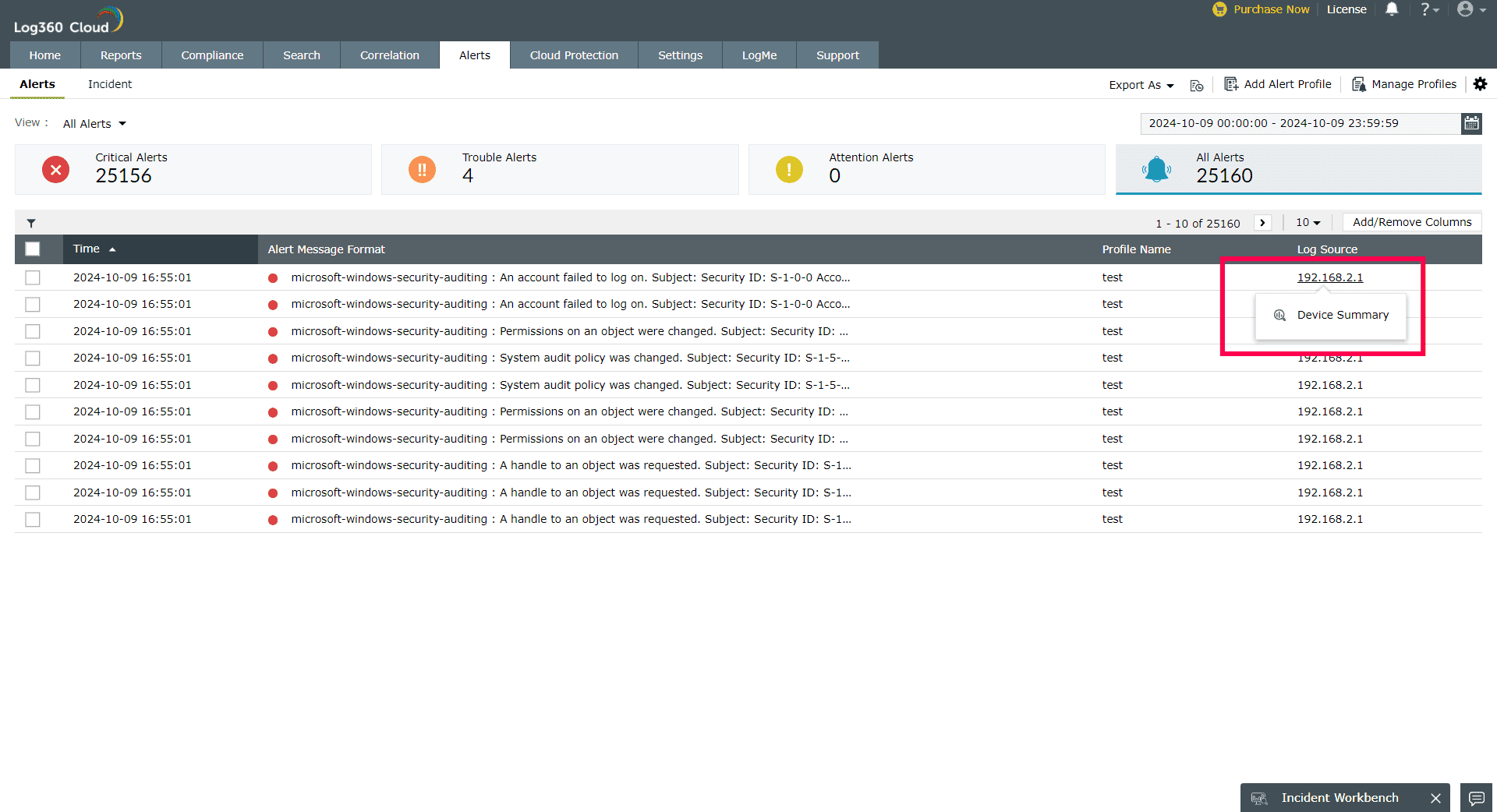
From Alerts:
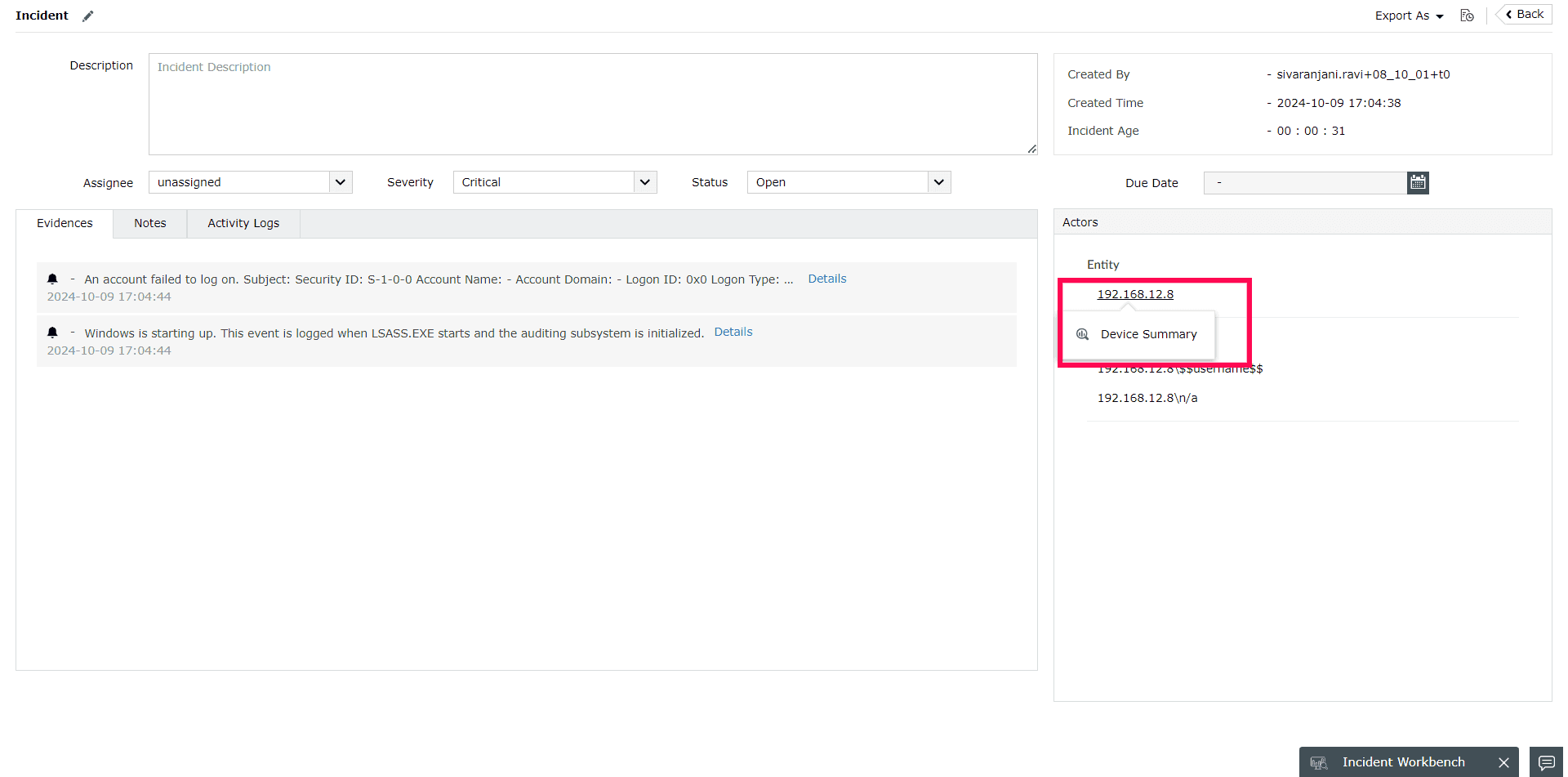
From Incidents
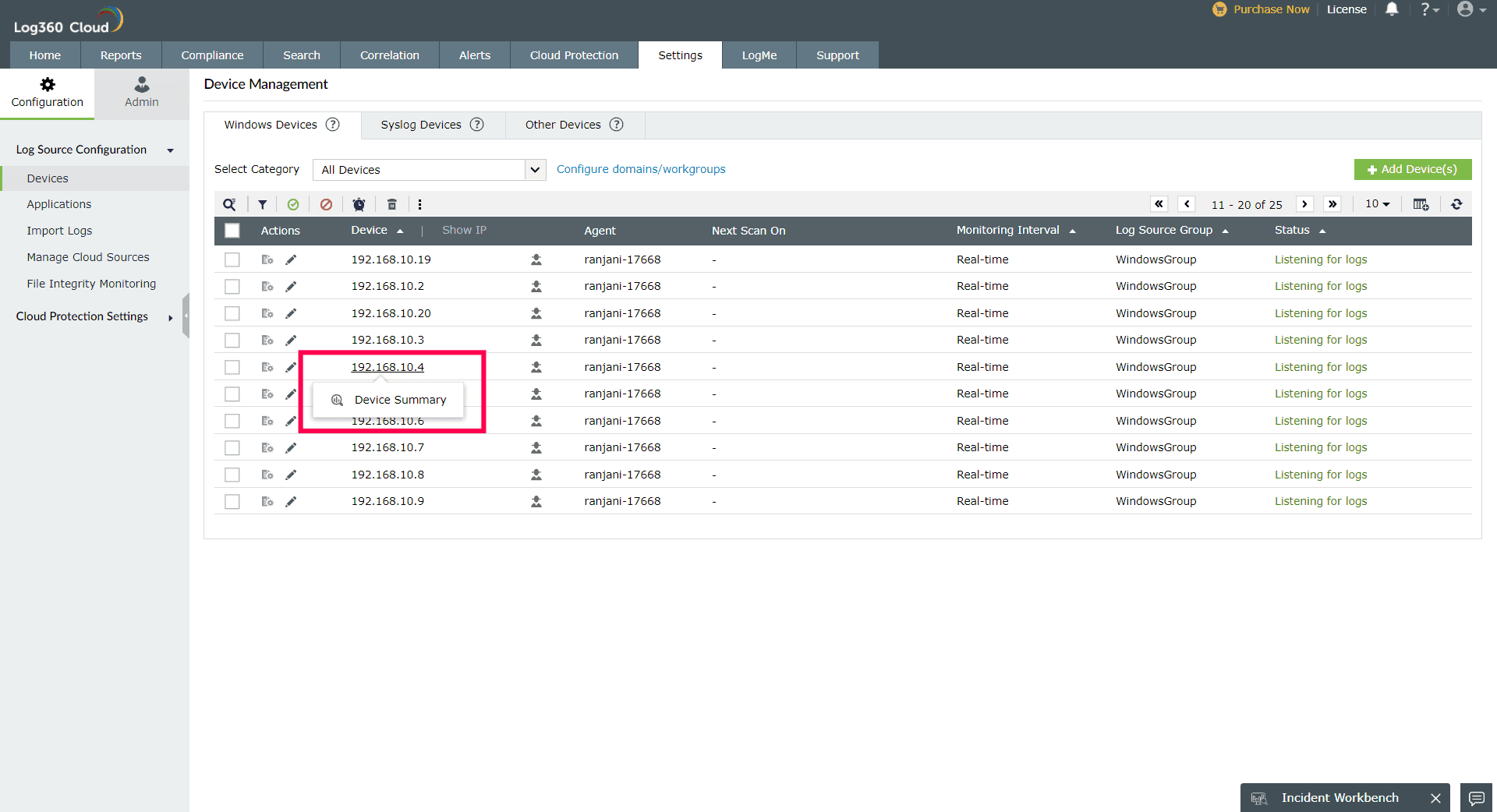
From Log Source Configuration
Analysis
Device Summary page elements:
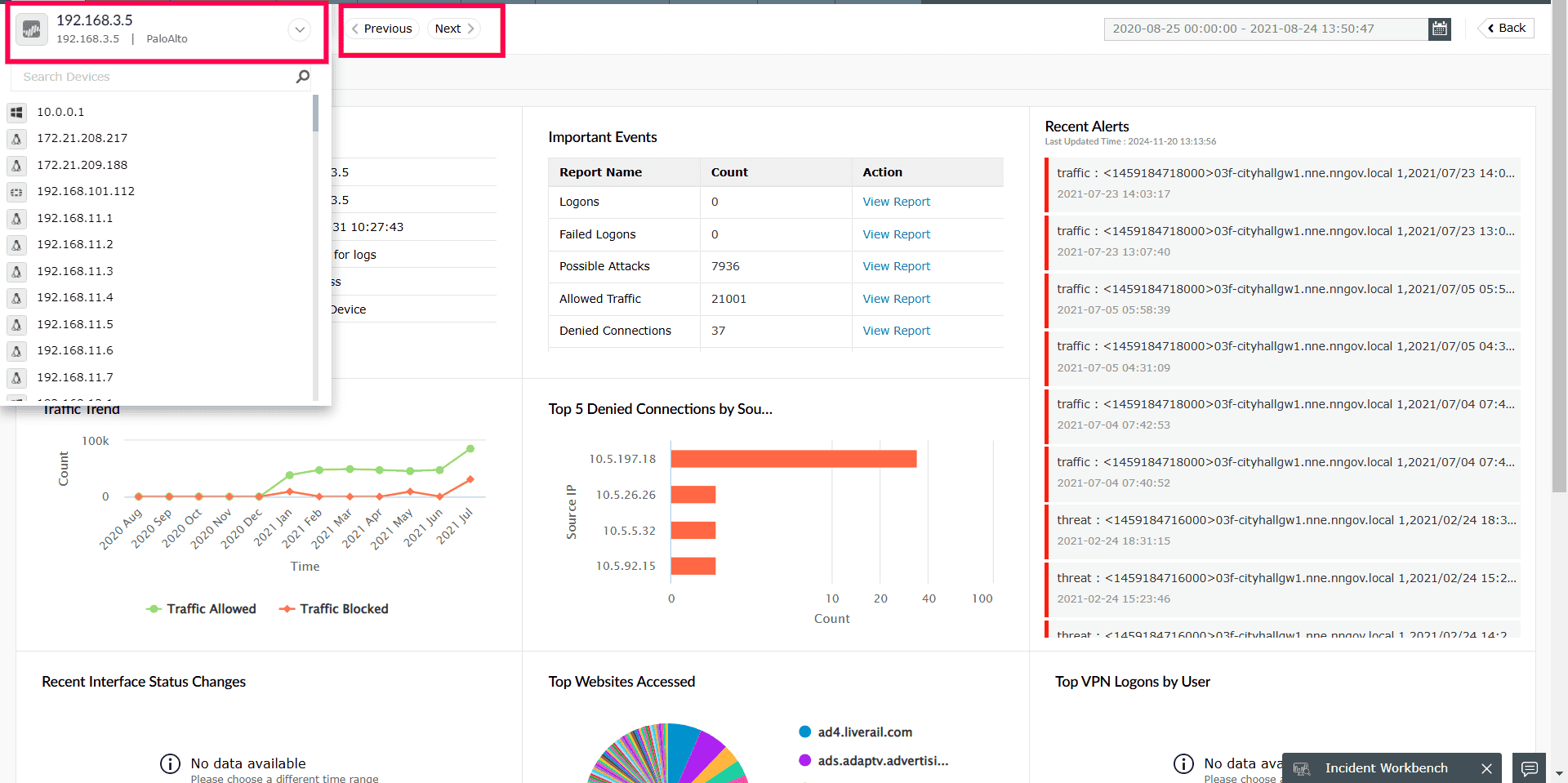
- Device list dropdown:Click on the dropdown option and select from the list of devices to analyze.
- Switching between devices: Click on the arrows to proceed to the previous device or next device.