Managing and Unmanaging DNS domains in DDI Central Windows
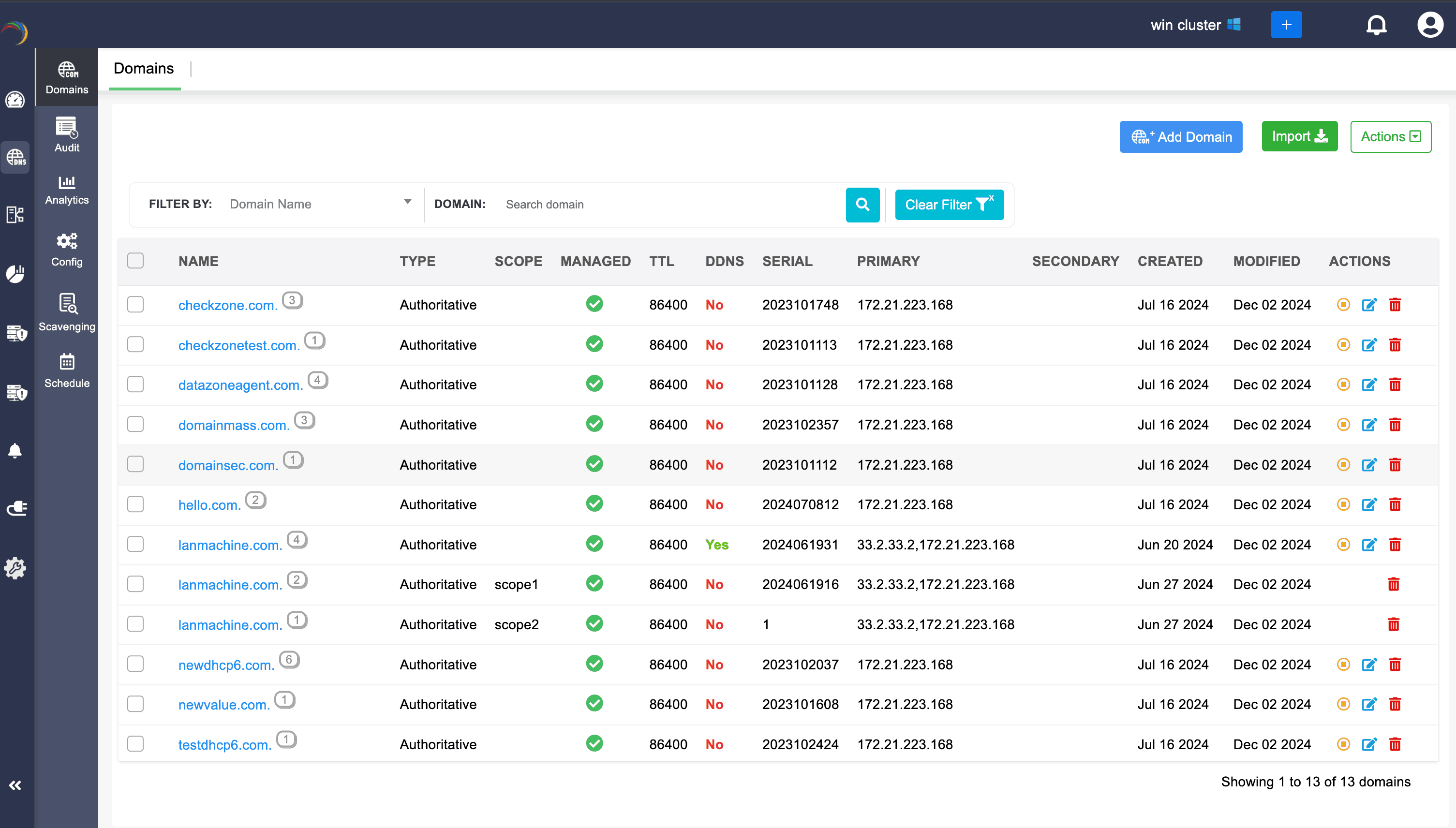
Admins can exclude managing the zones that exceed their license limits by clicking on the yellow Unmanage icon, which switches the domains to an unmanaged state.
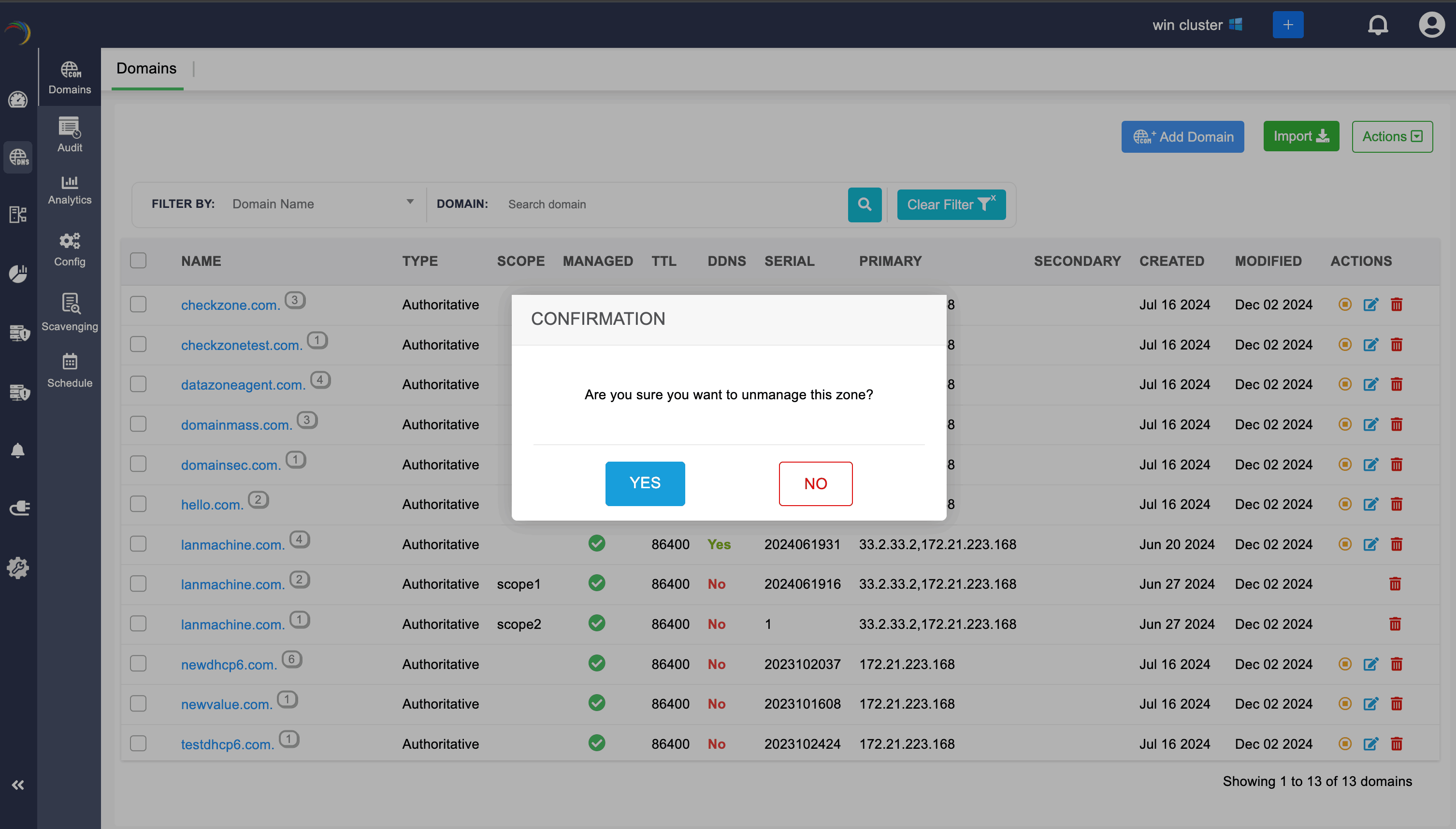
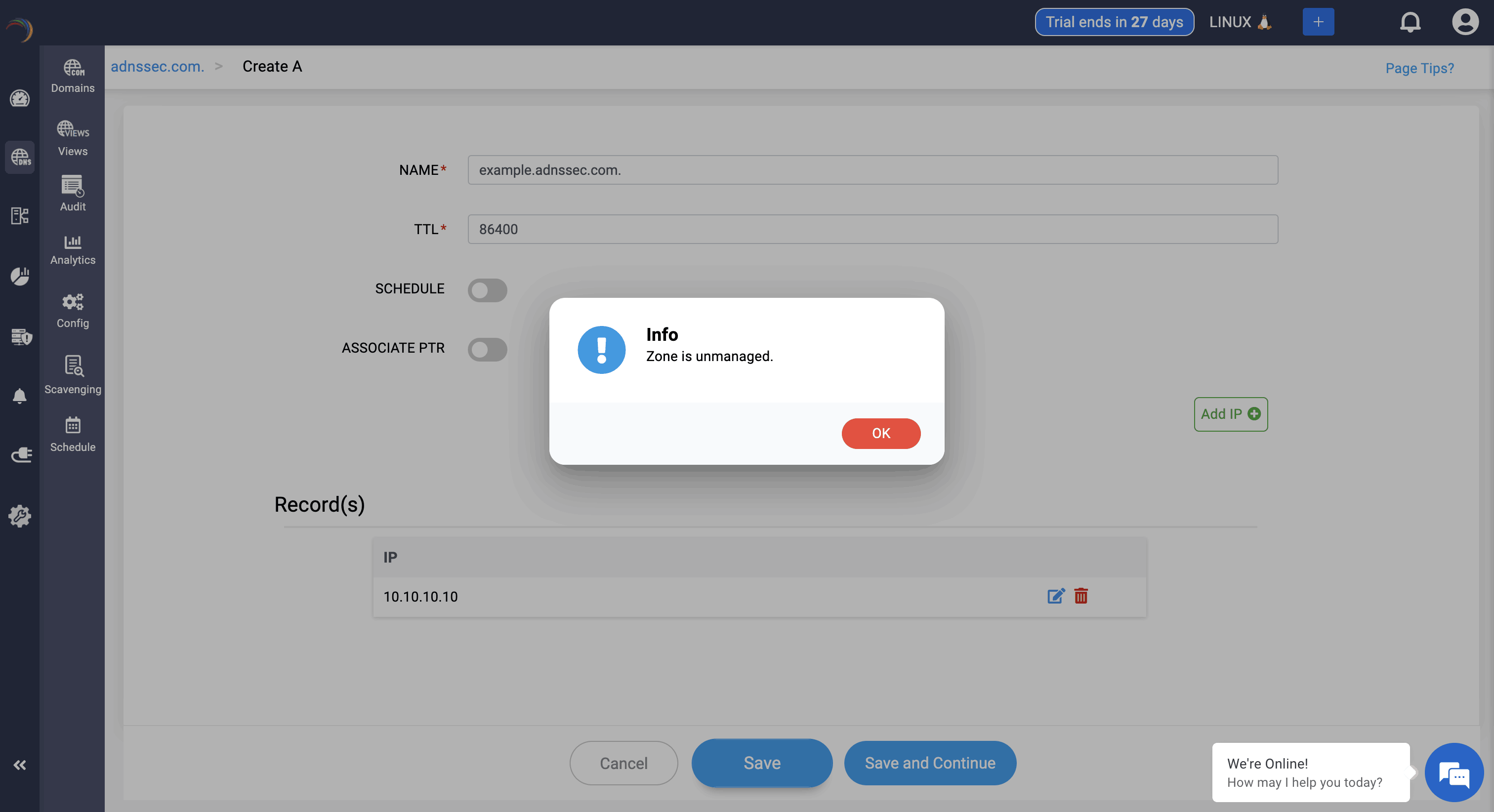
After unmanaging a particular domain, network admin can still view into the zone files of the domain, but they can't add or edit a specific record. They can't edit the domain information as well.
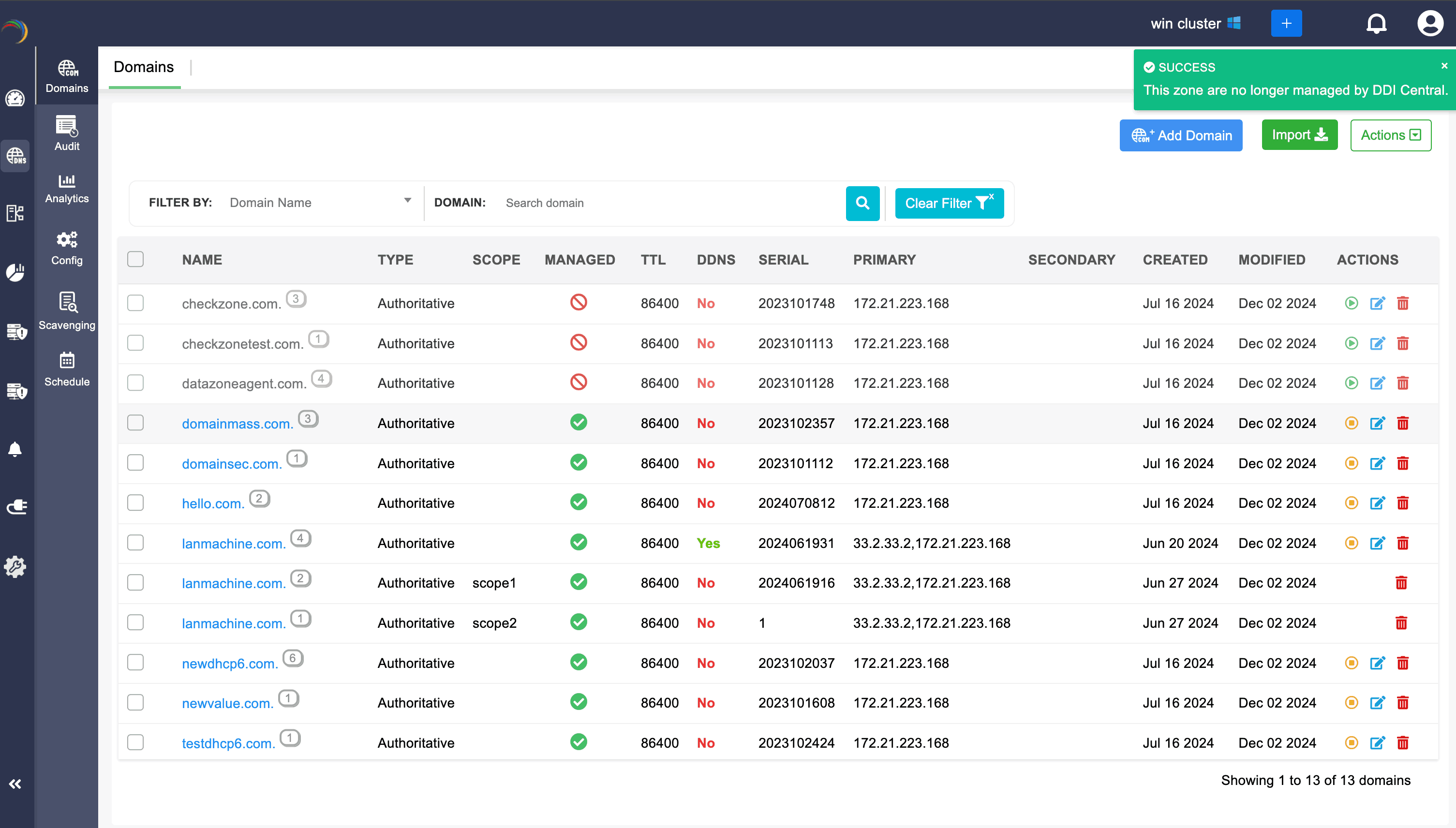
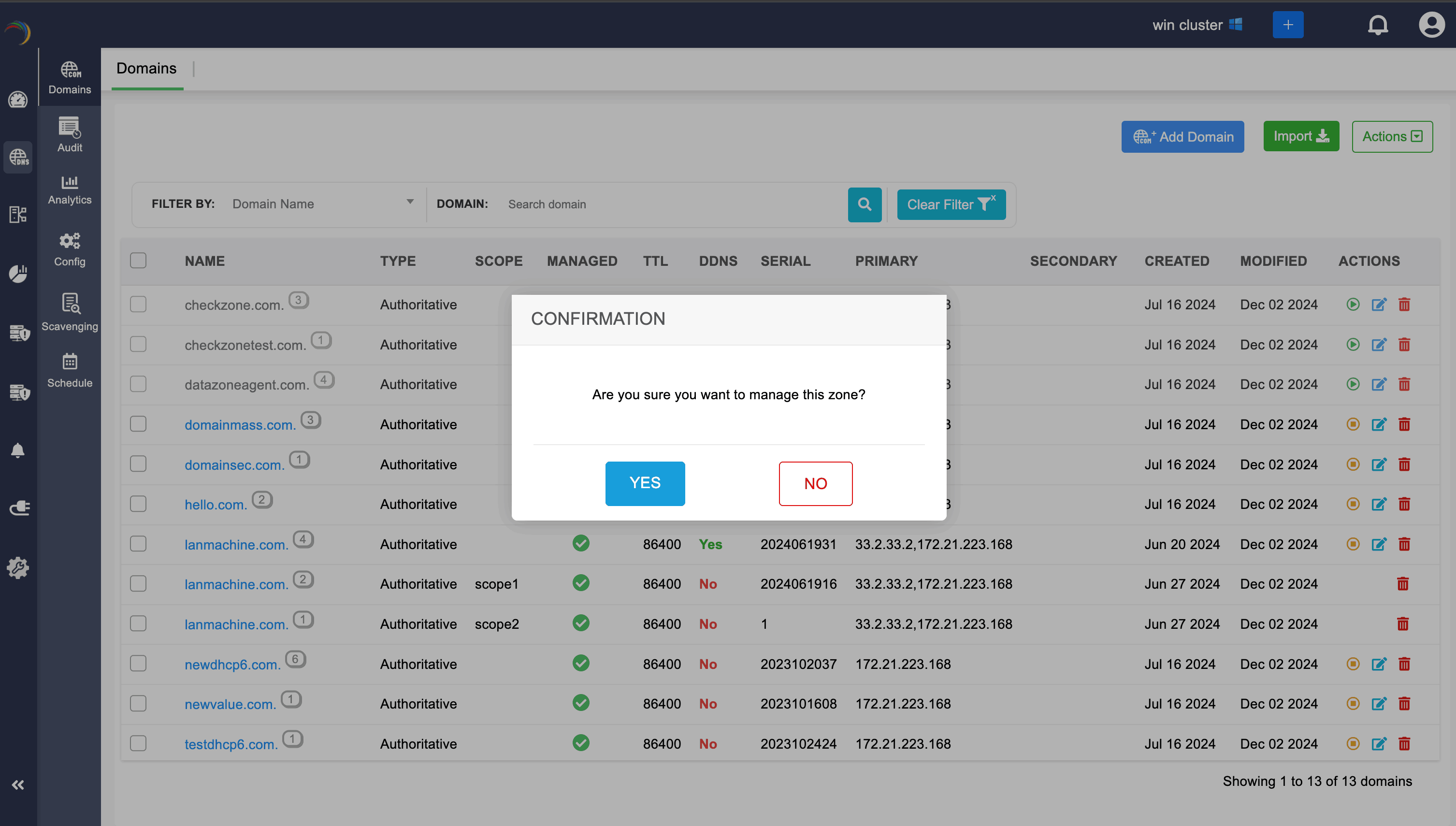
After unmanaging the domain, if the network admins again wants to manage the domain, they can be turned to the managed state by clicking on the green Manage icon.
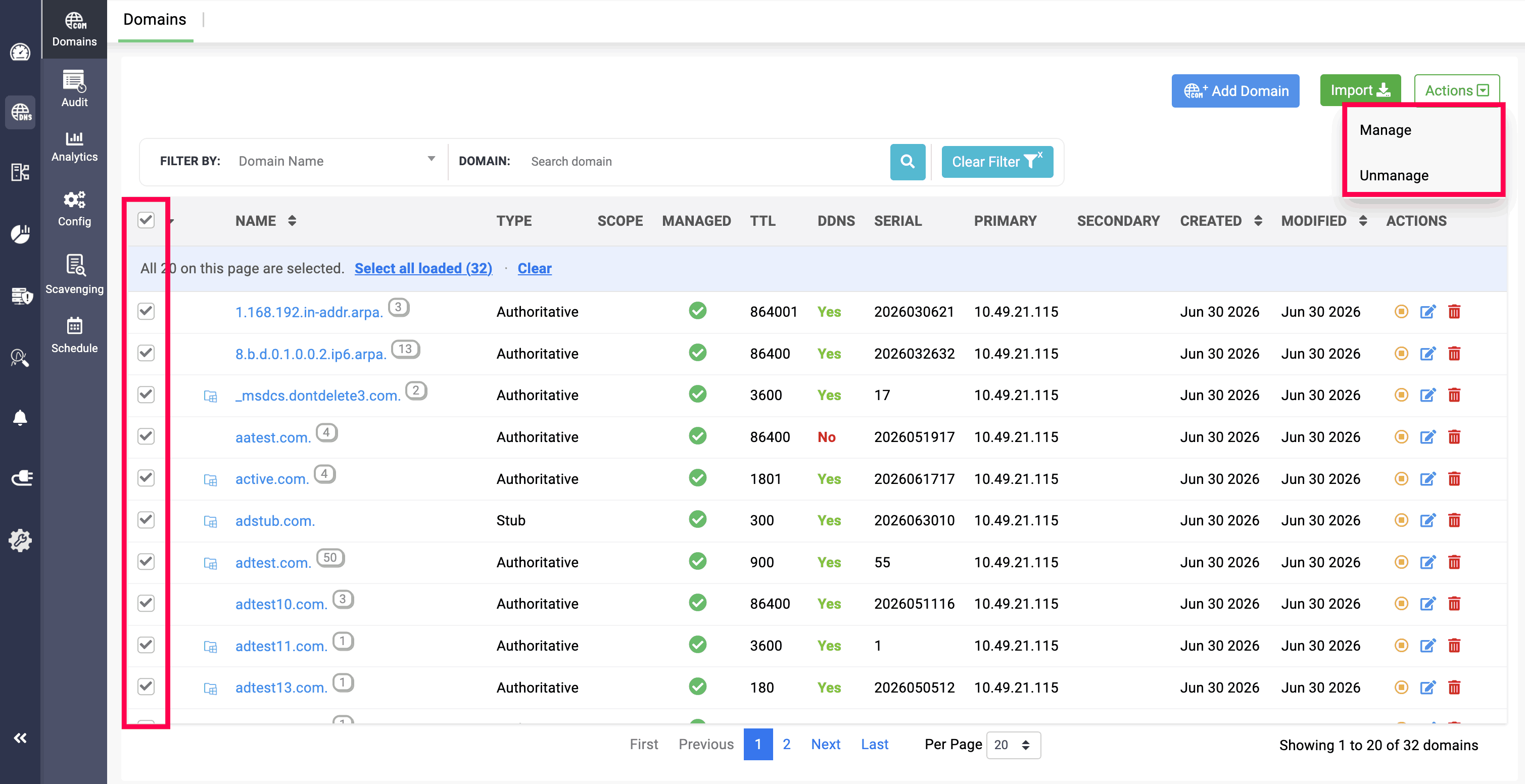
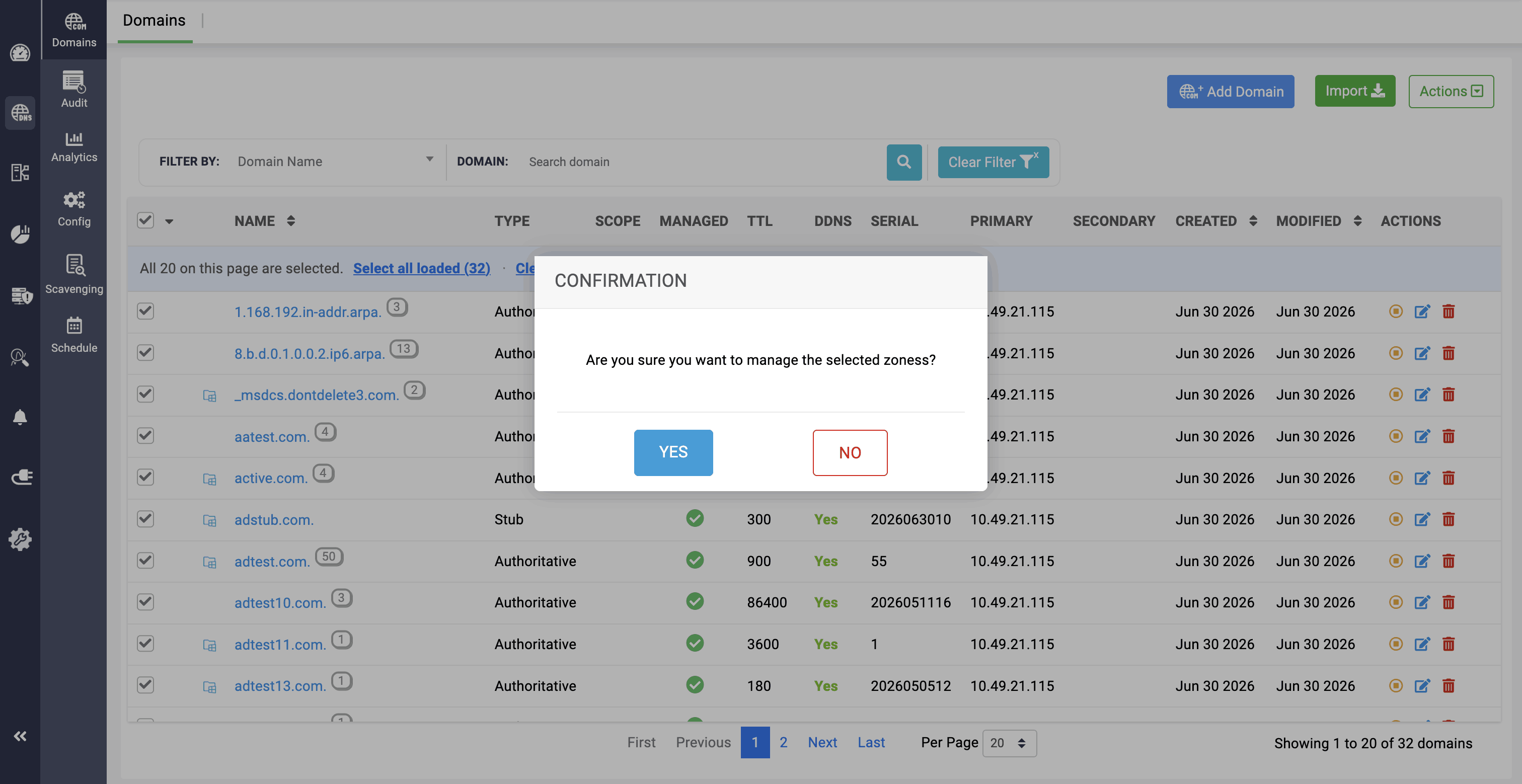
Note: DNS Zones can also be selected in a bulk for both managing and unmanaging them.