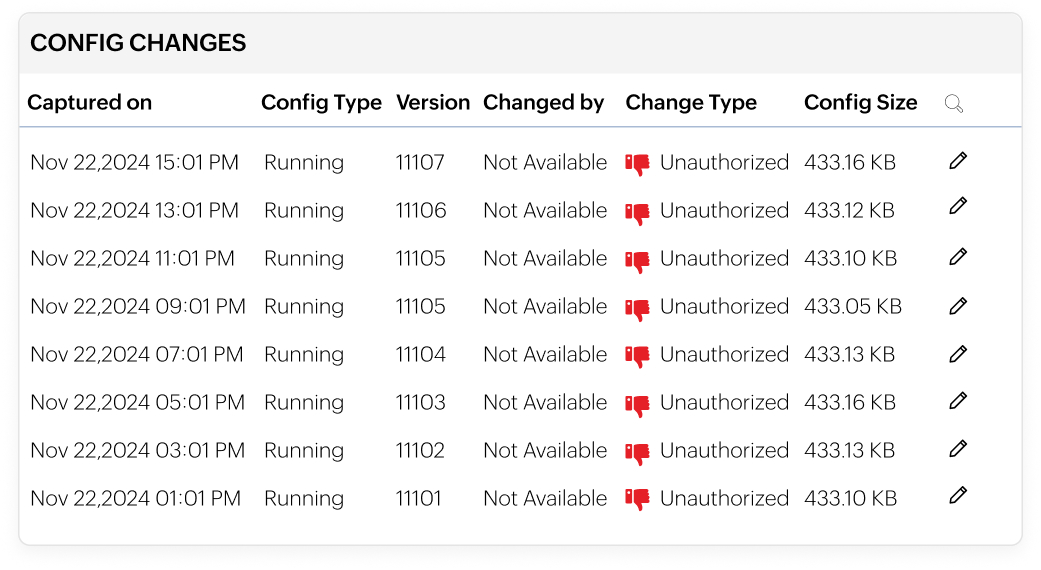
Versioning and labelling for complete configuration traceability
- Automatically versions every configuration by comparing live changes with the latest backup.
- Instantly identify what changed by comparing current and past configuration versions.
- Label stable configurations as baselines and organize others with custom tags.
- Quickly revert to known-good configurations to simplify troubleshooting and reduce risk.
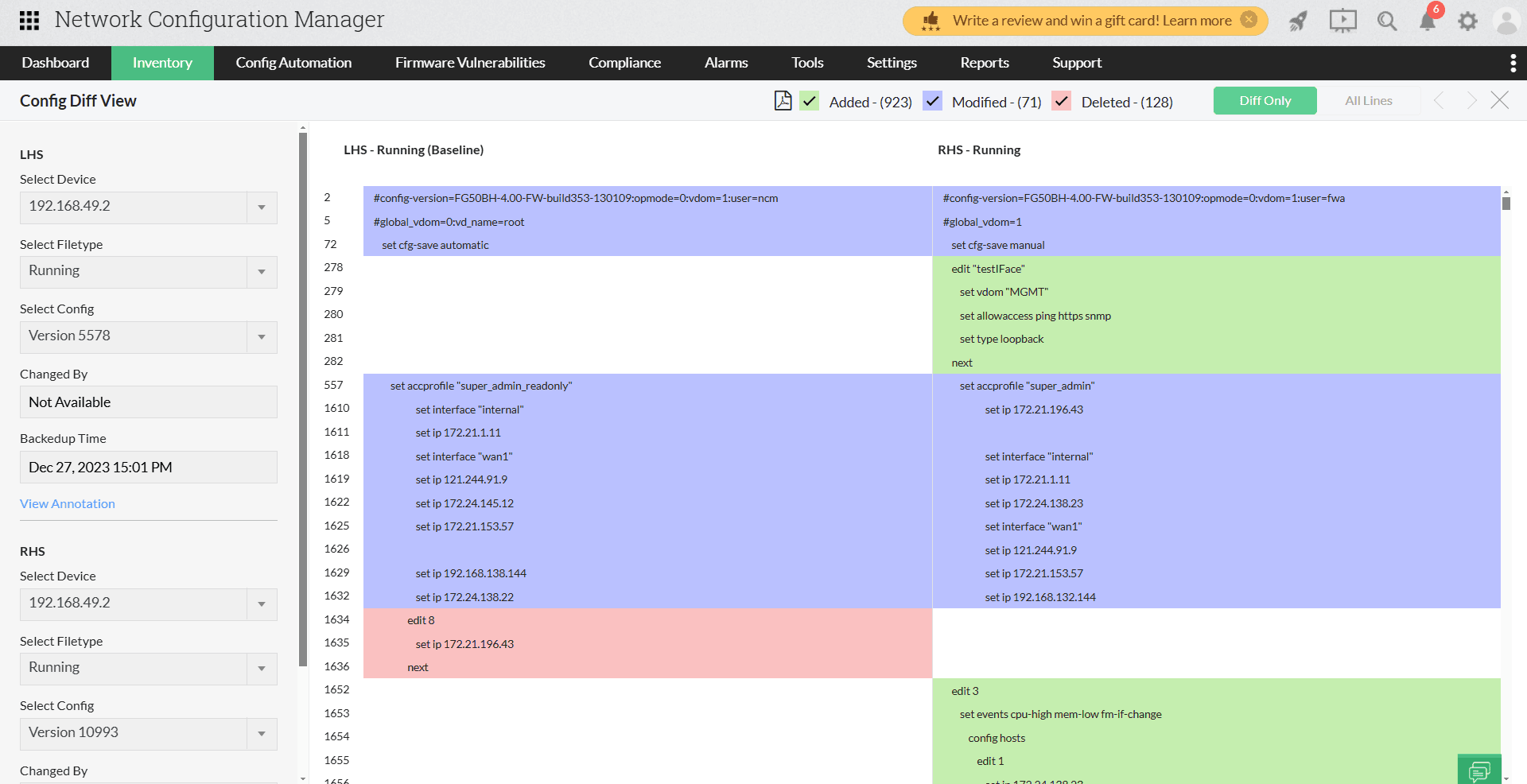
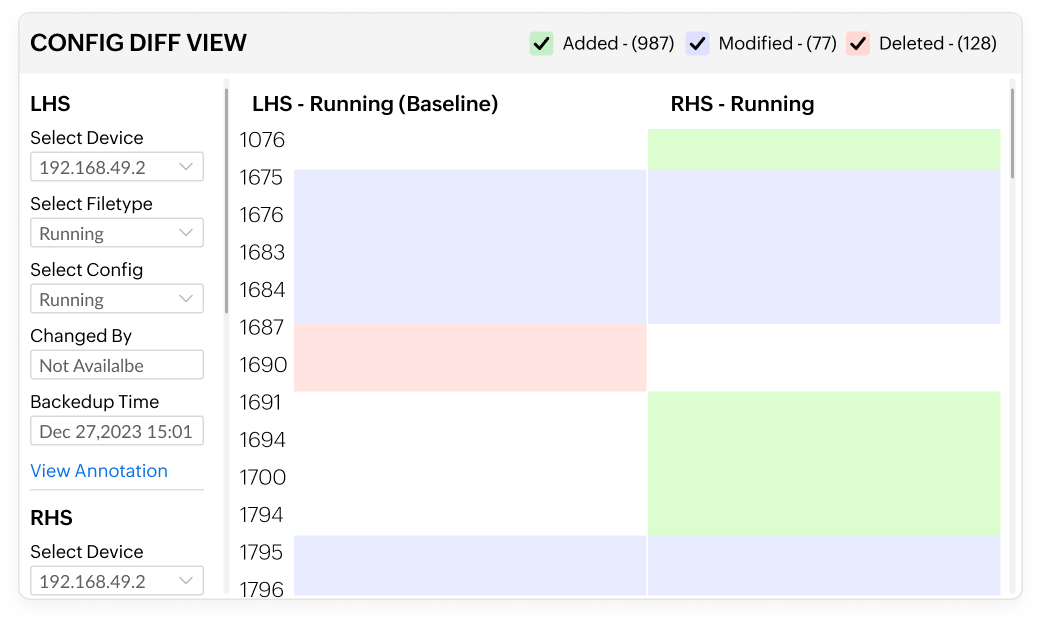
Configuration comparison for accurate change validation
- Compare two configuration files side by side to spot changes instantly.
- Highlight additions, deletions, and modifications with clear color-coded indicators.
- See who made each change, when it was made, and where it occurred.
- Identify whether changes came from manual, scheduled, or automated backups.
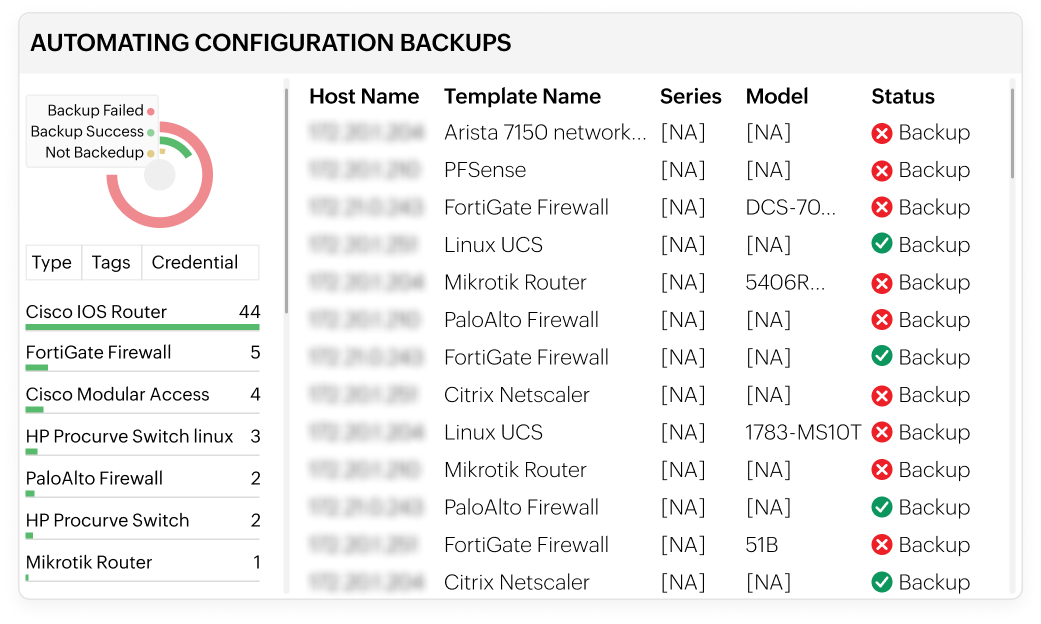
Automated backups for reliable configuration recovery
- Schedule regular configuration backups across all network devices.
- Automatically capture new configurations when critical changes occur.
- With automated backups, minimize downtime with quick restoration during failures or outages.
- Keep configurations up to date without manual effort.
Rollback to stable configurations for uninterrupted operations
- Instantly roll back devices to previous or trusted configuration versions.
- Label stable configurations as baselines for faster recovery.
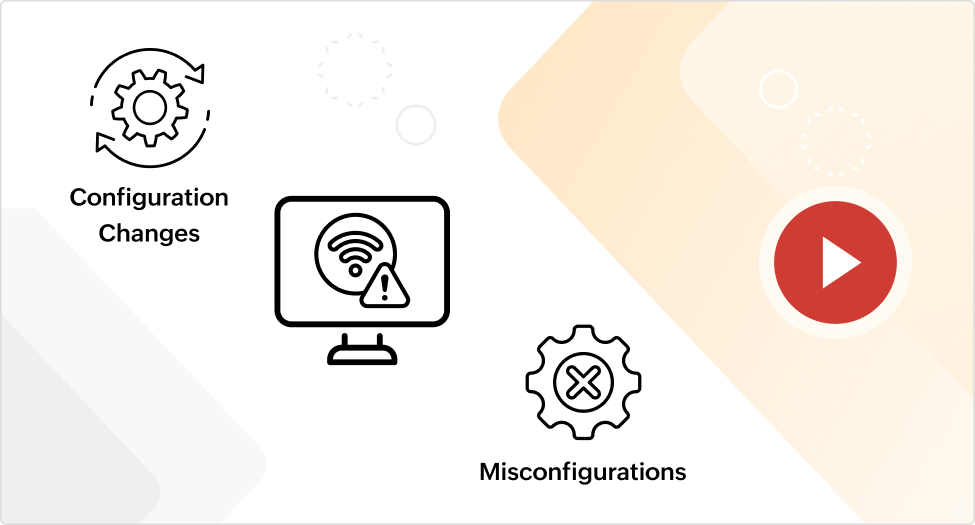
- Quickly undo misconfigurations that cause outages or disruptions.
- Restore normal network operations with minimal downtime.
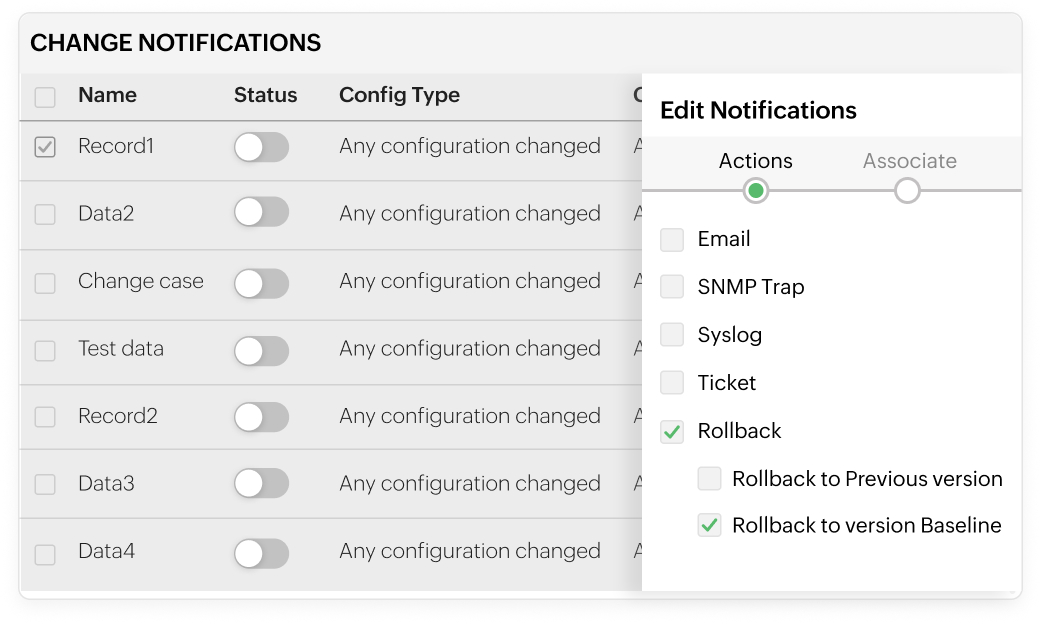
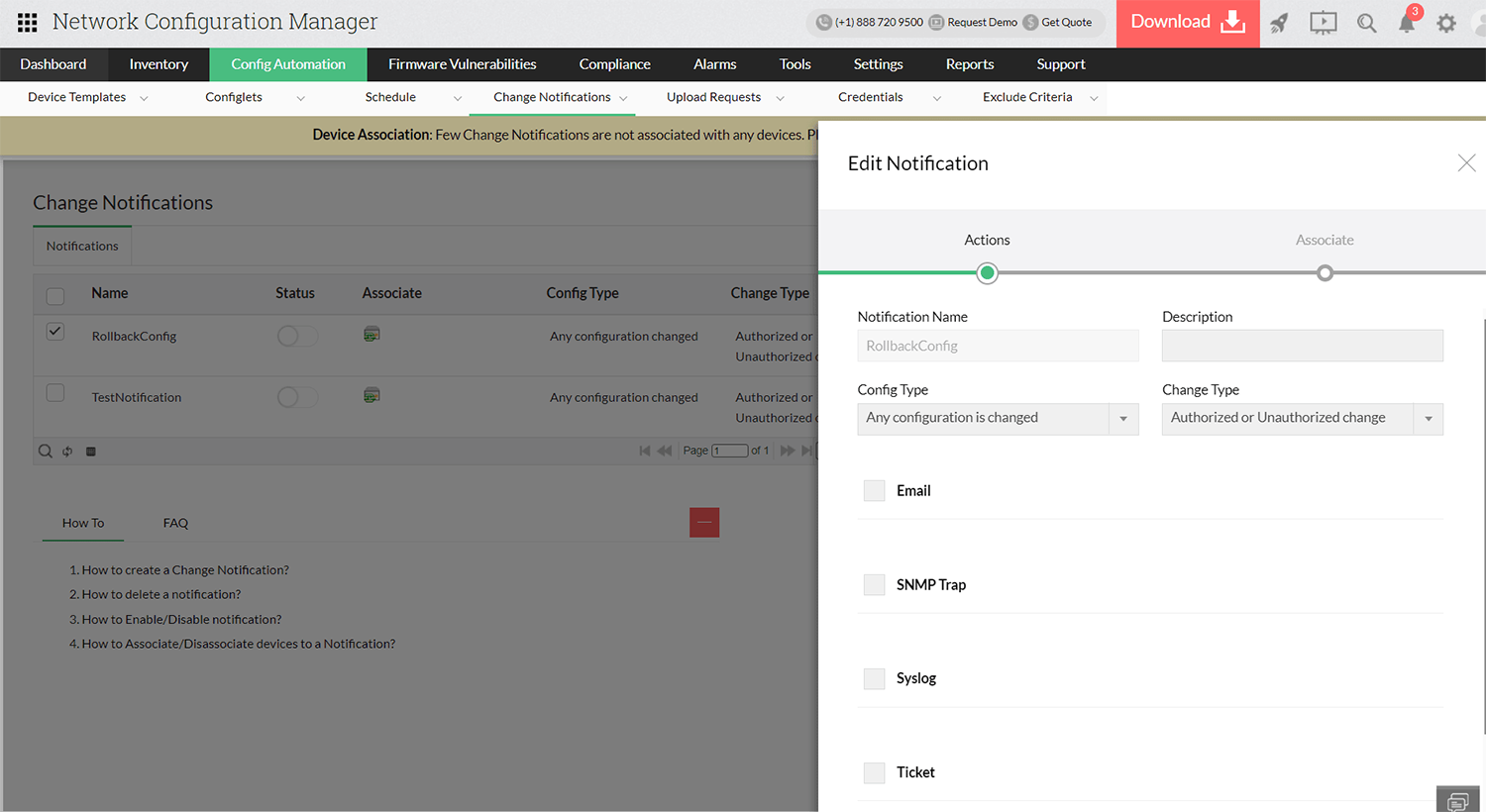
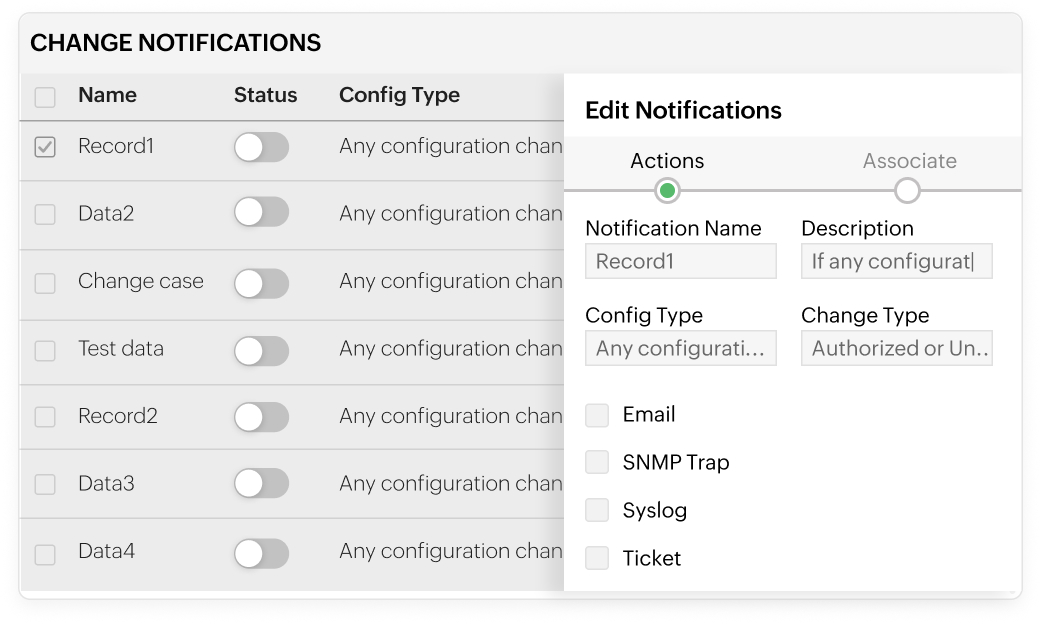
Real-time change notifications for operational awareness
- Receive real-time alerts for configuration changes as they occur.
- Get notified via email, SNMP traps, syslog messages, or service desk tickets.
- With real-time change notifications, automatically detect changes by comparing live configs with latest backups.
- Customize alerts to focus on critical or specific configuration updates.
Change approval workflows for controlled configuration management
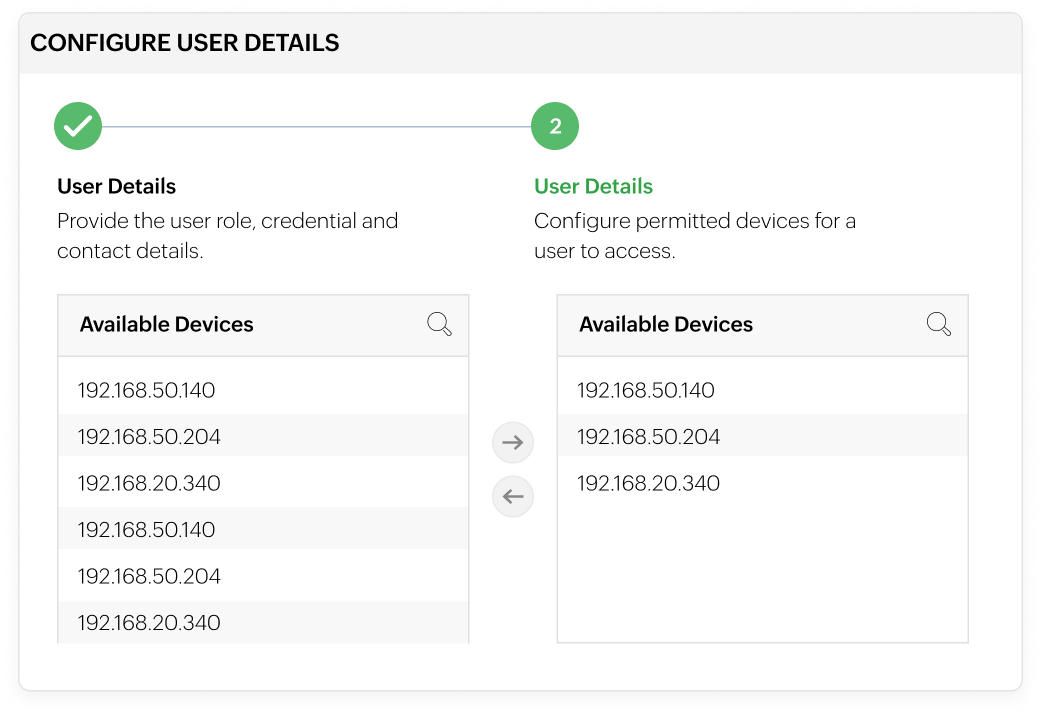
- Define roles and restrict access to devices, configlets, and tags.
- Let users submit configuration change requests instead of making direct changes.
- Approve, reject, or execute changes with full administrative control.
- Prevent unauthorized changes in multi-user network environments.