Monitor your applications and infrastructure from OpManager!
Fill this form for free technical support
Windows
Linux
Click here to go through the APM Plugin installation guide.
| File | SHA256 value |
| 64 bit (.exe) |
433eed84cb8426137c7fb0245115d4ab55da7edbe76ea27af3809bc3d7f2b354 |
| 64 bit (.bin) |
517e64f2f5bda10cfc7cd1b5a22310ef8a54ace18ea0720914e5ce178a9c9329 |
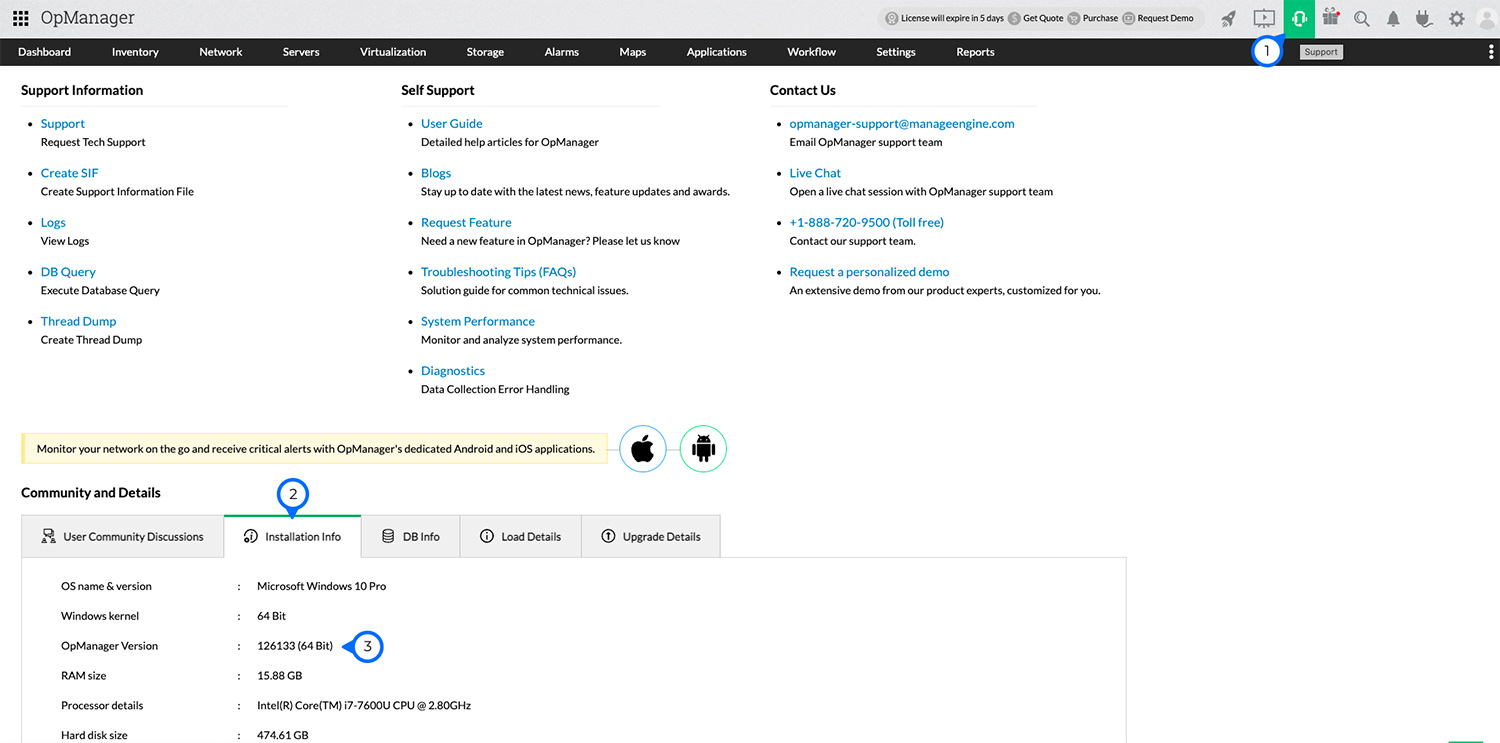
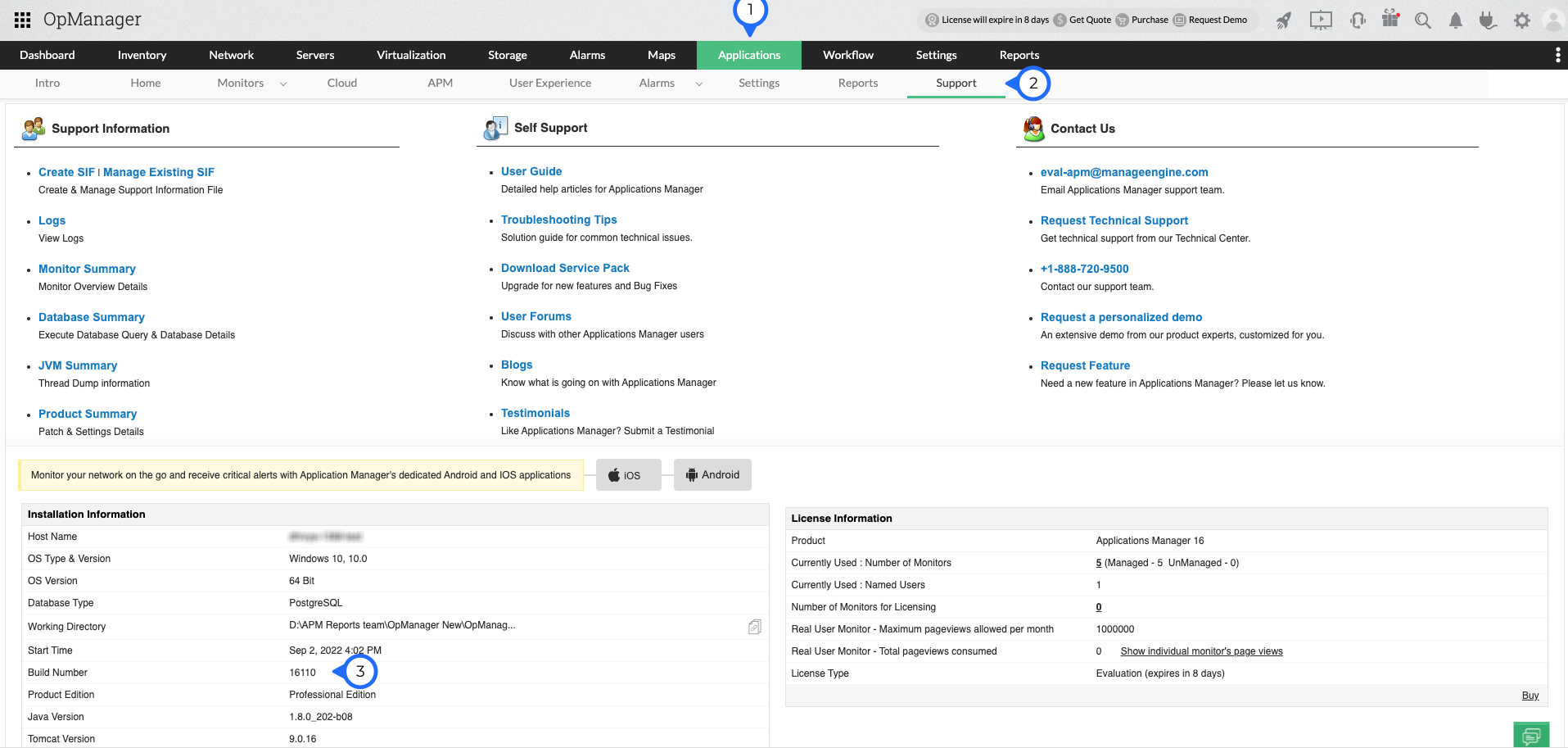
| OpManager Version | Applications Manager Version |
|---|---|
| 128510 to 128627 | 178005 |
| 128168 to 128509 | 174305 |
| 127185 to 128167 | 16846 |
| 127131 to 127184 | 16574 |
| 127000 to 127130 | 16516 |
| 126306 to 126999 | 16424 |
| 126262 to 126305 | 16367 |
| 126167 to 126255 | 16213 |
| 126132 to 126166 | 16135 |
| 125630 to 126131 | 16093 |
| 125614 to 125629 | 15653 |
| 125561 to 125613 | 15512 |
| 125468 to 125560 | 15402 |
| 125393 to 125467 | 15225 |
| 125307 to 125392 | 15007 |
| 125214 to 125306 | 14845 |
| 125000 to 125213 | 14783 |
1. Read the License Agreement before downloading this software.
2. APM Plugin can be installed only if you have already installed OpManager.
If you're looking for older APM Plugin builds, you can select and download them from the archive.
Hey! We’ve got a new E-book you might find helpful – The Ultimate APM Playbook.


Please find the recommended hardware requirements for installing and running APM Plug-in.
Click here
Features
Training and Support