How does Script Monitoring work?
Script Monitoring allows OpManager to run custom scripts on local or remote devices and collect their output as monitoring data. Depending on how your target device is accessible, you can choose between three execution methods — Local, Remote CLI, or Agent — each suited to different network and access conditions.
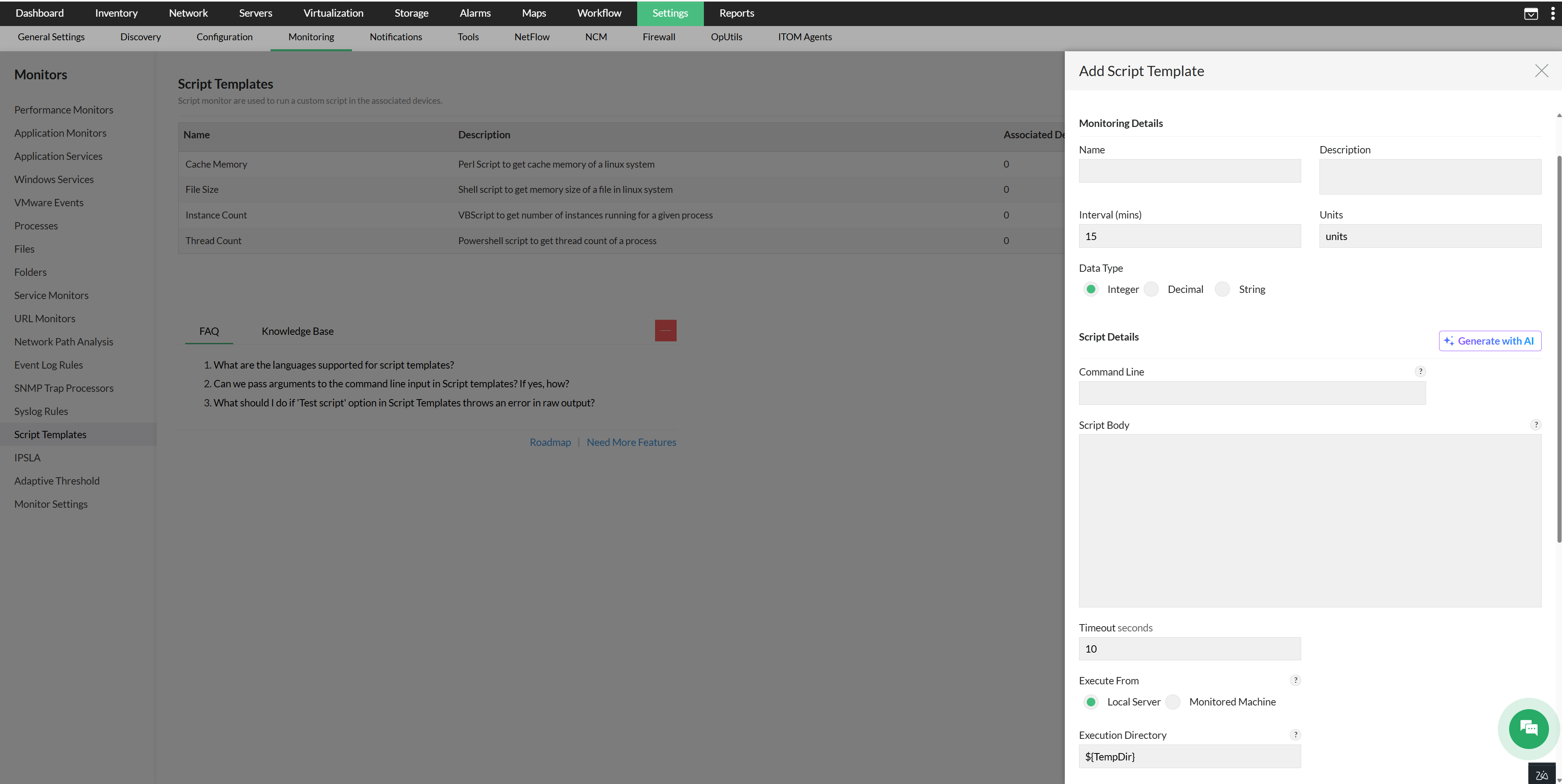
The "Generate with AI" option is available only when OpenAI is integrated. Please verify the script before use.
Local Script
OpManager creates a temporary script file in the execution directory (configured in the UI), writes the script body into it, executes the file, and reads the output. The temporary script file is deleted once execution of the command line is complete. This is the simplest setup and requires no remote credentials. This method is designed for scripts that run directly on the OpManager server, as a simplest setup that requires no remote credentials.
Remote Script — CLI
OpManager logs into the monitored machine using CLI credentials and caches the session, so it doesn't need to re-authenticate on every poll. Once connected, it creates a temporary script file in the configured execution directory, writes the script body into it, and makes it executable. It then runs the script, captures the output, and deletes the file. This method is best suited to remote devices that are network-accessible and support SSH or Telnet.
Remote Script — Agent
When a script monitor is associated with an agent-monitored device, OpManager pushes the script file and its checksum value to the agent. During each polling cycle, the agent on the end device validates the script's checksum to confirm it hasn't been tampered with, then executes it and reads the output. The result is pushed back to the OpManager server, without any additional port usage.
Additionally, when a script monitor is modified, the updated script and its new checksum are automatically pushed to the agent, ensuring it always runs the latest version. If the monitor is removed from the device, the script file on the agent is automatically deleted.
To learn how to use script templates in OpManager, see the Script Templates help page. For a library of ready-to-use templates, visit the download page here.