WebSphere Monitoring
Monitor and optimize your IBM WebSphere Application Server (WAS) environments with ManageEngine's comprehensive IBM WebSphere monitoring tools. Our monitoring suite fits your deployment preference, which offers Site24x7 as a SaaS-based alternative alongside our dedicated on-premises solution, Applications Manager.
With Applications Manager, you gain comprehensive oversight of the entire WebSphere ecosystem. By monitoring JVM health and application-level metrics in real time, you can proactively detect issues before they impact users. For organizations seeking a dedicated on-premises solution, Applications Manager delivers granular insights to ensure high availability across hybrid workloads.
Gain complete visibility with our WebSphere monitoring solution
Managing a complex WebSphere environment shouldn't feel like navigating a black box. As enterprise applications scale, the ability to pinpoint bottlenecks—from memory leaks to thread pool exhaustion—becomes the difference between seamless uptime and a system-wide outage. Applications Manager's WebSphere monitoring software provides the deep-dive visibility you need to move beyond reactive troubleshooting and into proactive optimization, ensuring your infrastructure remains as resilient as the applications it supports.
Monitor key metrics and track WebSphere performance easily
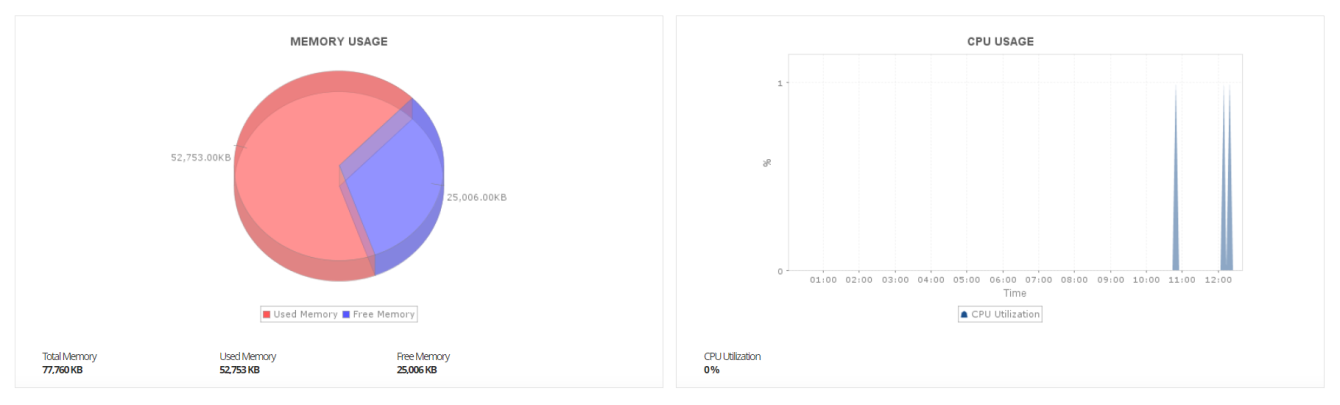
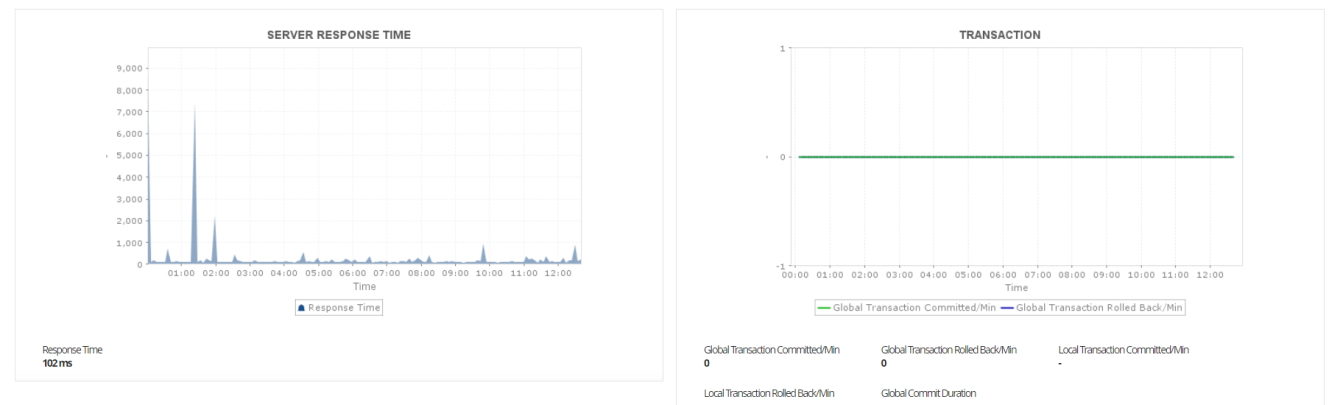
Use Applications Manager's WebSphere performance monitor to track overall availability, health, and performance of the WebSphere application server (WAS). Ensure optimal resource allocation by measuring CPU/memory usage, JVM usage, and response time. Track application performance using critical metrics such as Live Sessions, Enterprise Java Beans (EJBs), JDBC connection pools, and JMS queues with our WebSphere monitor.
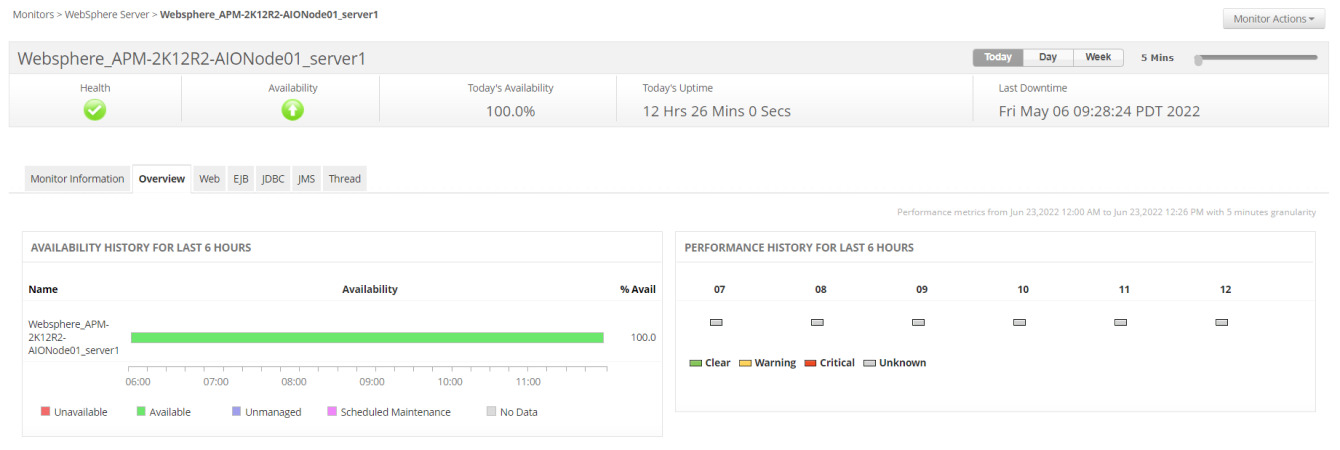
Monitor WebSphere JDBC connection pool sizes and thread pools
Applications Manager's WebSphere connection pool monitoring feature proactively tracks connection pool usage and prevents performance deterioration of Java applications. Effectively track thread pool utilization to prevent deadlocks and detect thread pool exhaustion. Automate taking thread dumps within intervals to identify problematic code.
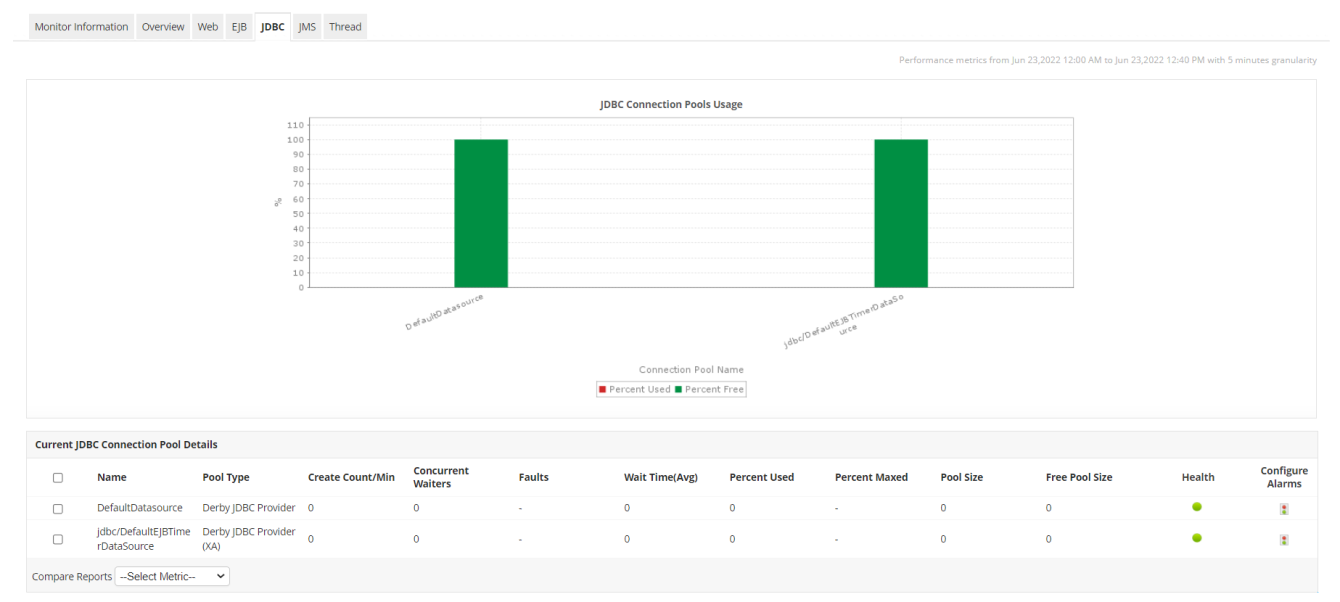
Enhance the performance and capacity planning of the WebSphere application server
Fine-tune your application's efficiency by leveraging Applications Manager's WebSphere application server monitoring capability to gain insight into the number of active sessions, EJB throughput, and JMS queue depth of web applications, so that you can plan your capacity accurately.
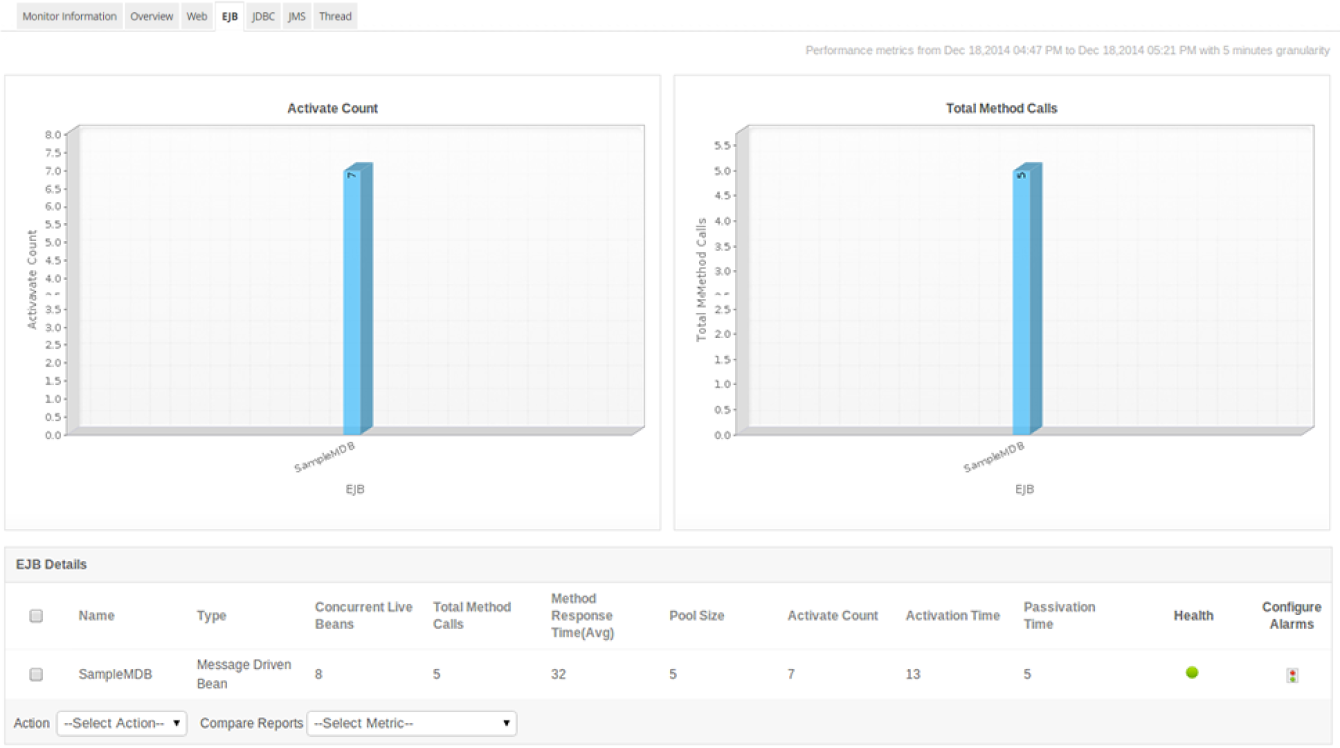
Scale linearly in large environments
WebSphere Network deployment environment can have a larger number of nodes and more servers per node, making it highly useful in huge network environments. With the automated discovery capability of Applications Manager's WebSphere monitoring, you can save time in manually configuring the nodes. You can also selectively monitor the nodes and servers per node.

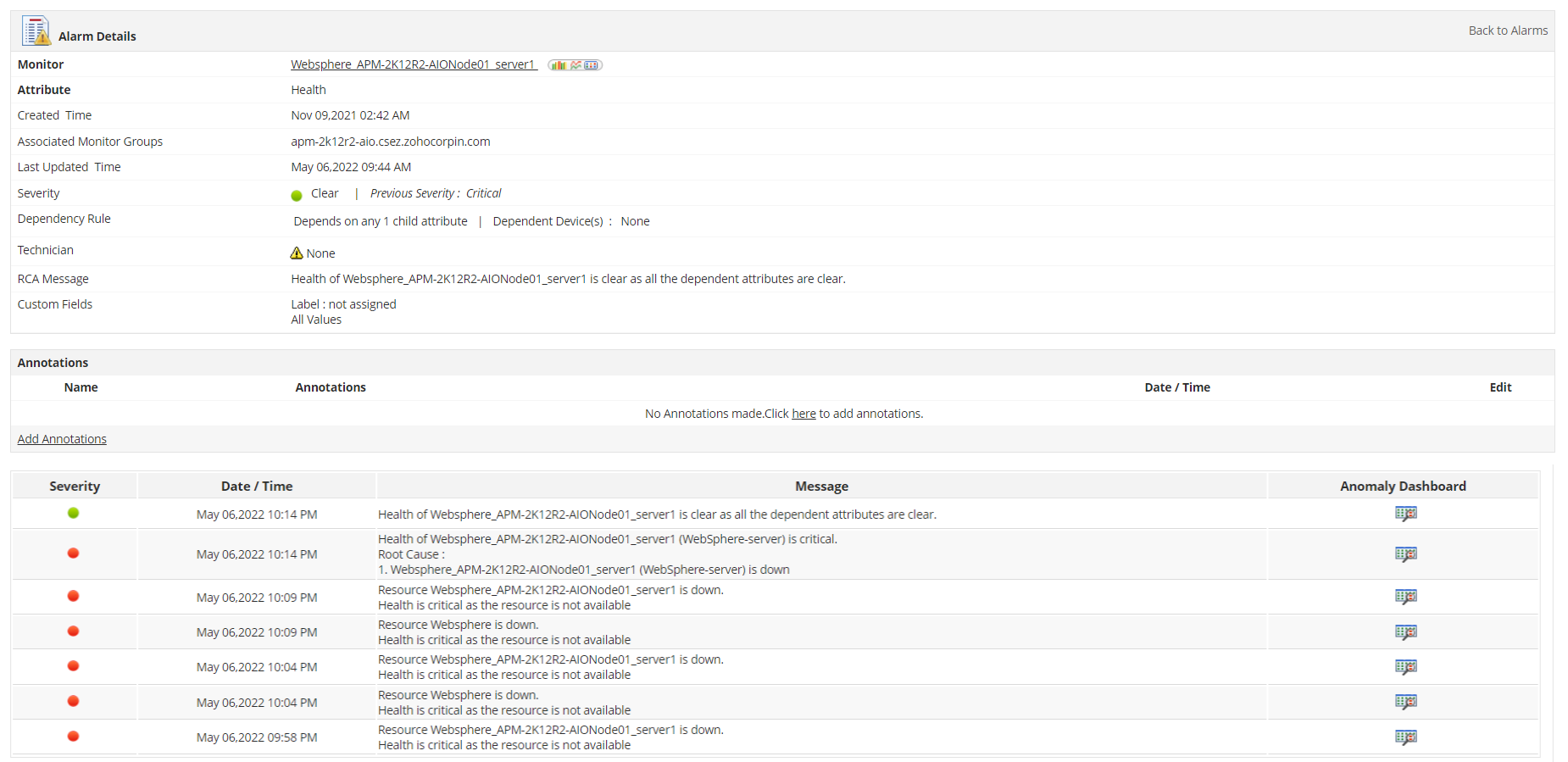
Get real-time alerts on WebSphere and perform corrective actions
With our WebSphere monitoring tool, proactively detect WebSphere issues as and when they arise and take action before the end users are affected. Automate corrective actions - such as increasing database connection pool size or restarting the WebSphere server when the memory usage increases - with the help of custom scripts.
Built-in reports and dashboards
One of the major benefits of having a dedicated WebSphere Performance Monitoring tool is its ability to gain an accurate overview of the health and performance of your WAS environment with the help of out-of-the-box reports and dashboards. Our IBM WebSphere performance monitoring platform has a comprehensive dashboard that provides a graphical representation of core metrics such as system load, server response rate, and transaction rate.
Get started with WebSphere monitoring in just a few minutes!
Experience WebSphere monitoring on your own by downloading Applications Manager's full-fledged, 30-day free trial, or sign up for Site 24x7's SaaS version today!

