



15-day mandate from HIPAA
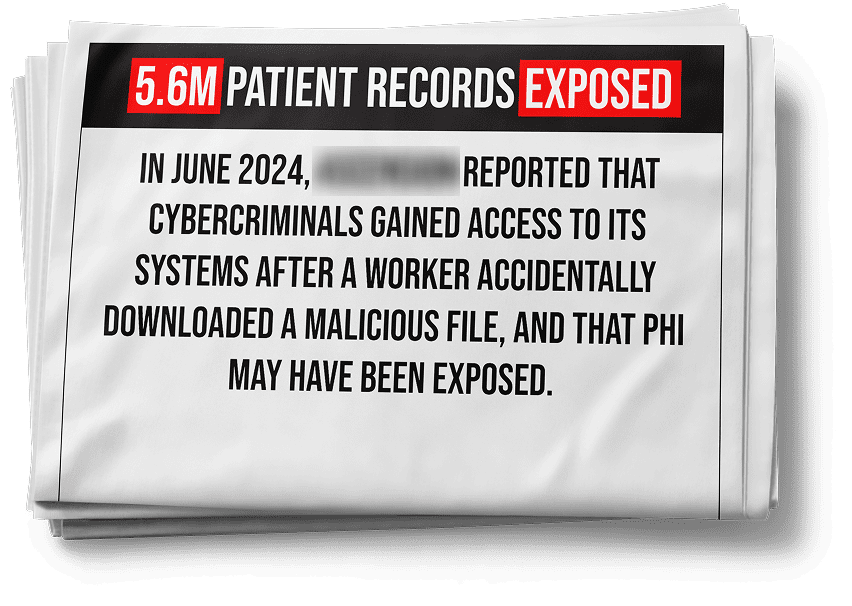
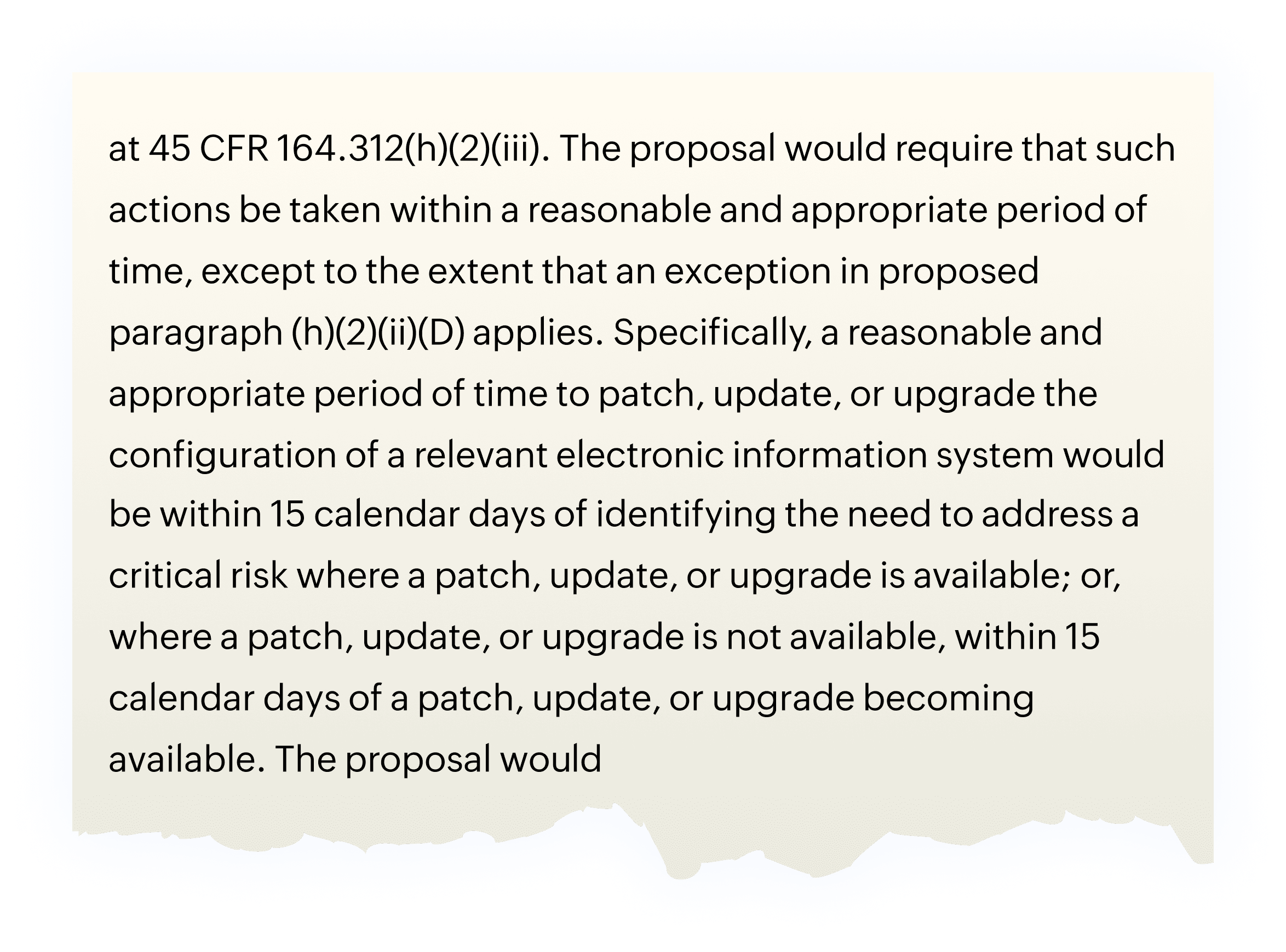
The new proposal to HIPAA security rule mandates healthcare organizations to patch their systems within 15 days of identifying a critical vulnerability

28,000+ businesses trust us worldwide







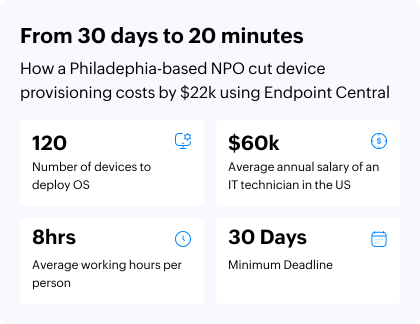
Reduced device provisioning costs by
Improved vulnerability remediation time by
Automate patching and reduce time by
Decommission legacy tools to save
Reduced mean time to patch from 90 days to
The new proposal to HIPAA security rule mandates healthcare organizations to patch their systems within 15 days of identifying a critical vulnerability

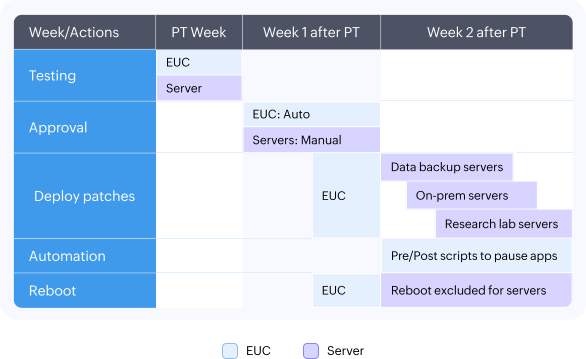
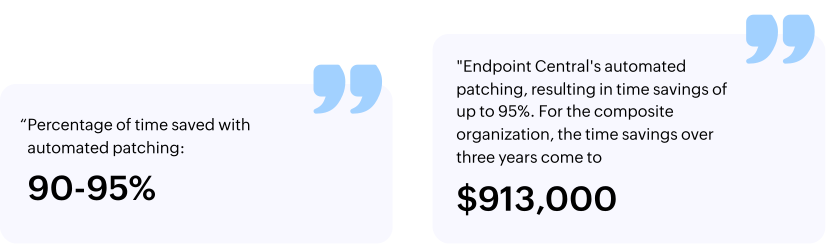
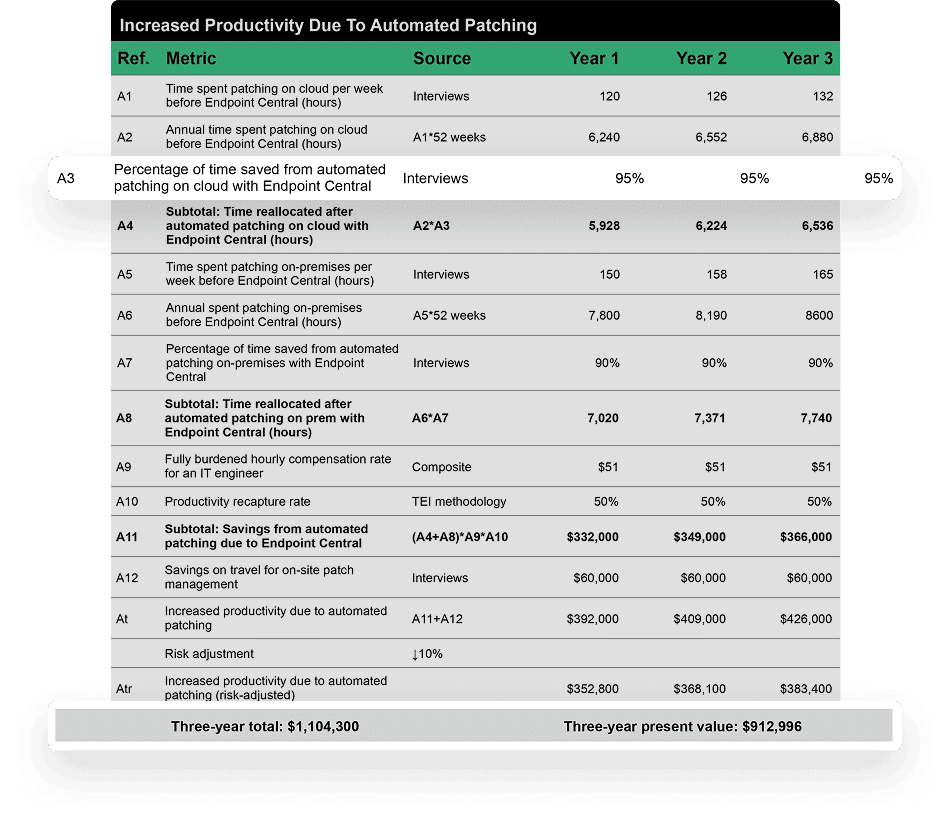
Cost savings of up to a million dollars and time reduction of 95% from patch automation using ManageEngine Endpoint Central
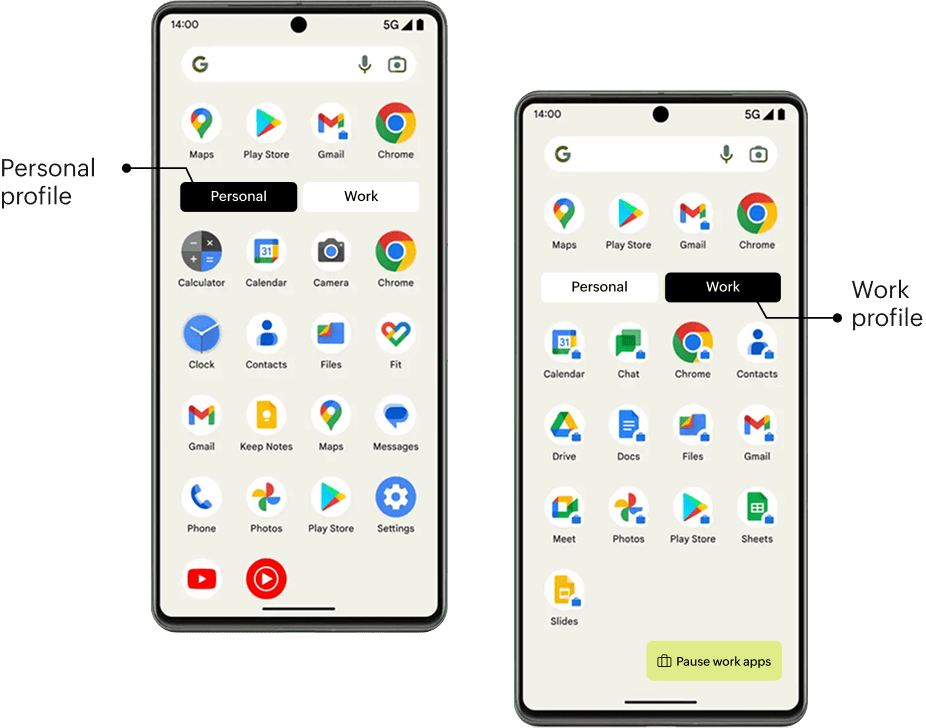
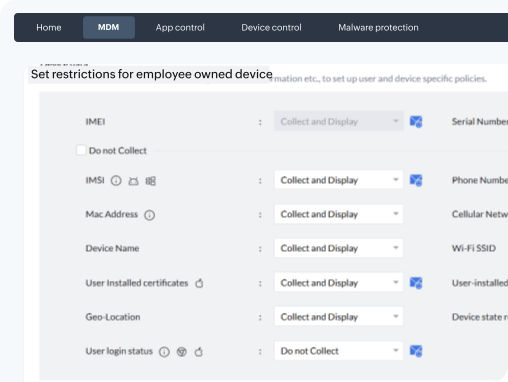
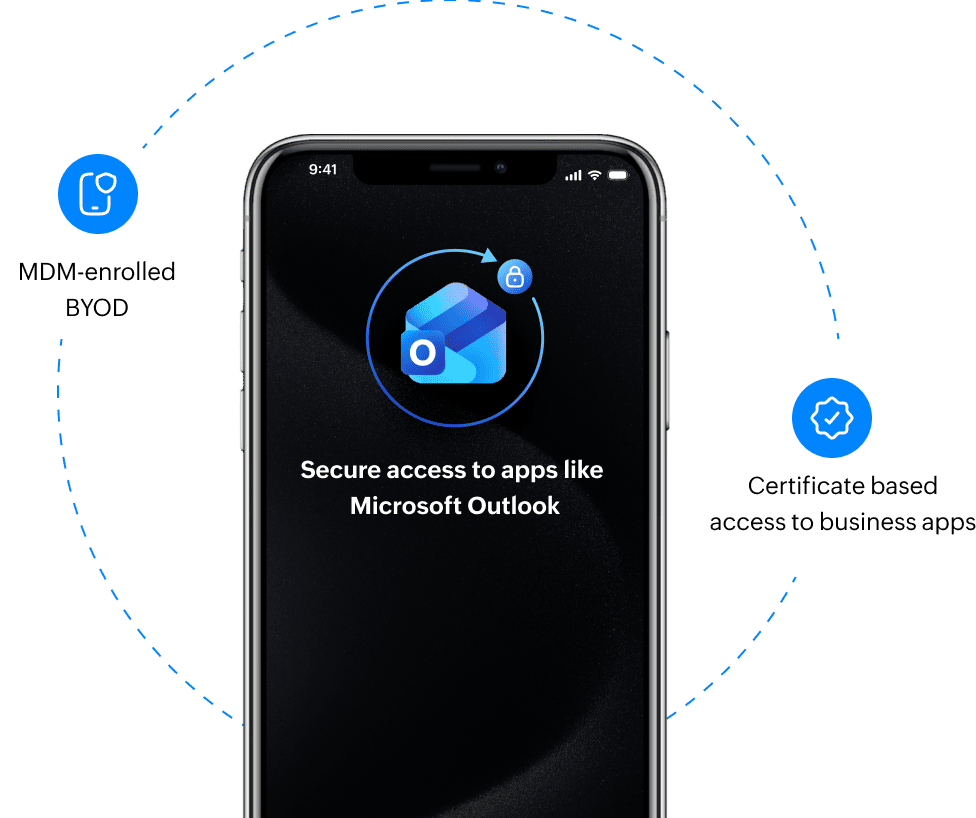
"My biggest concern was not being able to wipe everything work-related from their phone once they've permanently left the organization, and having that workspace container created with Endpoint Central is great for that."
Network system administrator,
Port Townsend-based community care in Washington, U.S.
With the procurement team usually raising concerns before bulk device purchases, an asset inventory spread across spreadsheets would be inefficient.
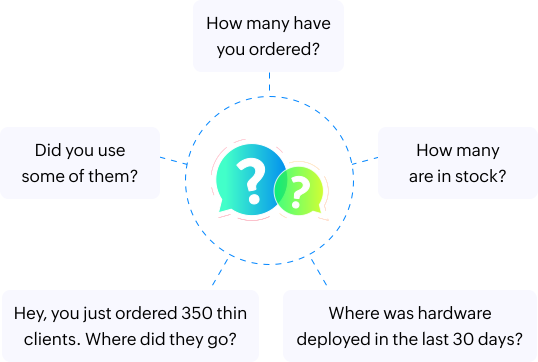
Senior director of IT infrastructure,
leading New Jersey based healthcare system in the U.S
Lock down browsers using Endpoint Central
Director of IT security,
Parasmus-based healthcare, New Jersey, U.S.
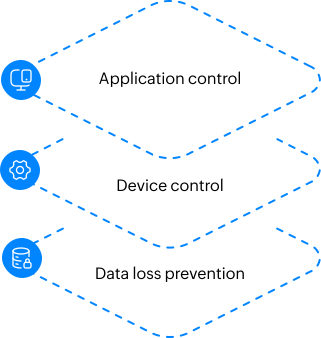
Ensure that security goes beyond the browser layer, with application control, device control and data loss prevention from Endpoint Central.


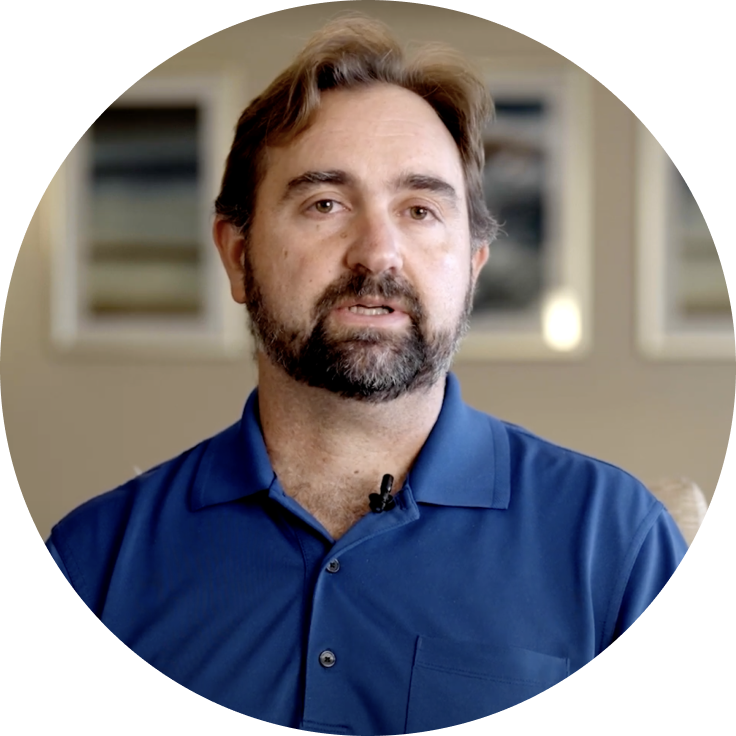
"Endpoint Central enables me to run 11 post-deployment scripts in sequence to customize software deployment, like changing registry keys, and setting up the client to point to the server. This saves me a lot of time"
Network system administrator,
Port Townsend-based community care in Washington, U.S.


A physician from the affiliate organization has multiple files open with a troubleshooting session scheduled.

The parent organization's IT team should ensure all files stay organized and accessible post session.

IT remotely views the PC, guiding the physician via chat to save and minimize the files.

Once ready, the physician grants consent, and IT takes remote control to troubleshoot.

After the session, the physician seamlessly resumes work with all files intact and in place.
Network system administrator,
Port Townsend-based community care in Washington, U.S.



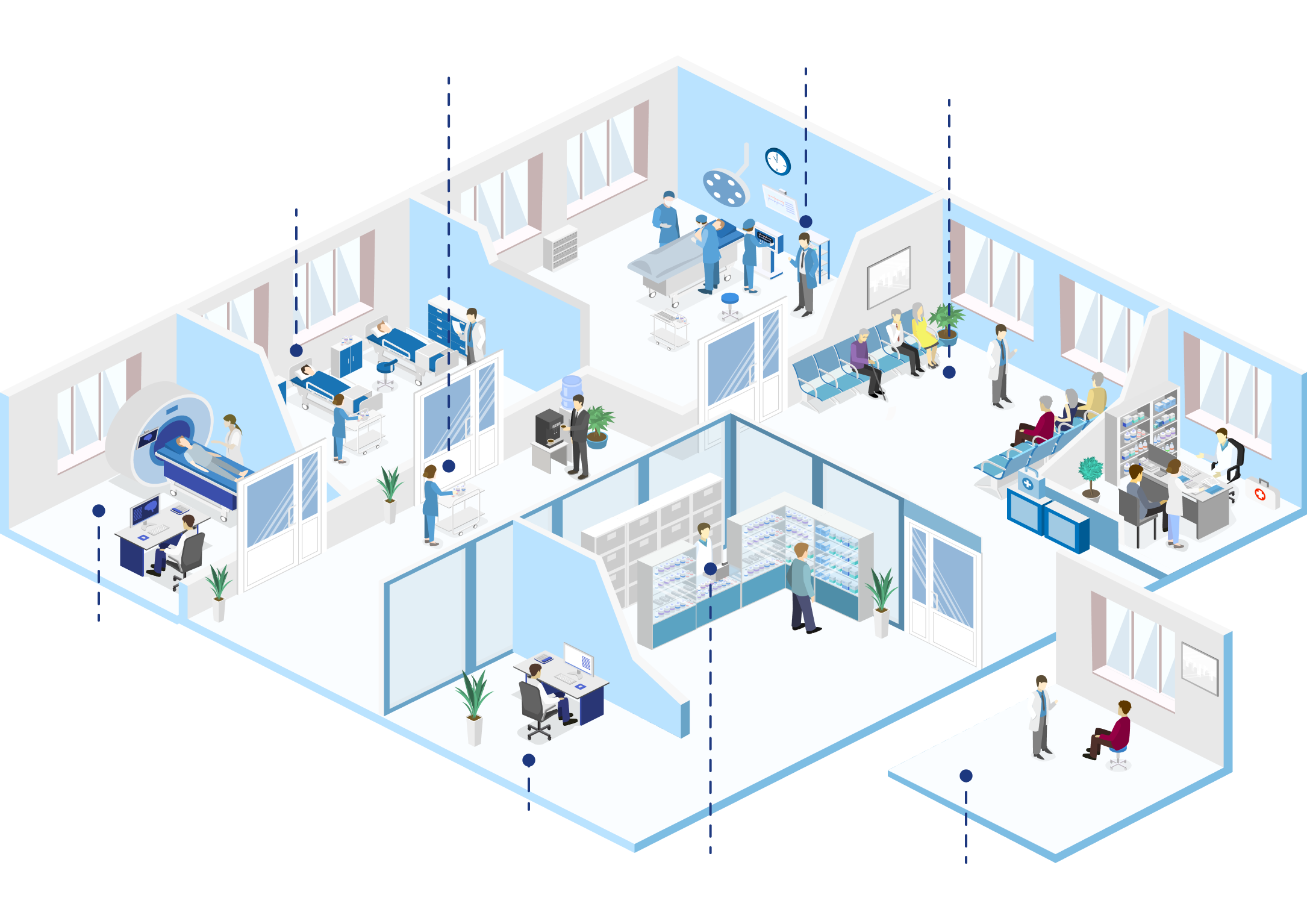
Clinical workstations

Shared devices

Server infrastructure

Embedded PCs

Barcode-based medical scanners

AR/VR

Wearables

Mini PC
-%
Savings per managed device compared to Microsoft Intune.
-%
savings to hire an entry-level admin to operate Endpoint Central instead of an SCCM-trained expert.
-x
lower implementation cost compared to Microsoft Endpoint Configuration Manager.




If it's too early in your purchase process to speak with our product specialist, we recommend that you visit our resources. You can find thought leadership content on how to get the buy-in from top management, similar case studies, and demo videos on use cases that are relevant to you.


Our healthcare solution experts will contact you soon.

An endpoint management solution helps healthcare organizations stay compliant with mandates such as HIPAA, HITECH, and HHS security guidelines by enforcing strict access controls, encryption policies, and audit-ready documentation. ManageEngine Endpoint Central automates compliance checks, ensures that protected health information (PHI) remains secure across all endpoints, and maintains detailed activity logs for audits. It also applies standardized configurations and continuous monitoring to prevent non-compliant device behavior and safeguard sensitive patient data.
Read moreYes. Endpoint Central provides unified management for all types of healthcare devices—including clinician workstations, patient tablets, and shared medical kiosks. It allows administrators to remotely configure, secure, and monitor both corporate-owned and shared mobile devices. With features like kiosk mode, secure app deployment, and real-time tracking, Endpoint Central helps ensure that clinical applications and patient interfaces remain secure, policy-compliant, and available when needed.
Read moreA comprehensive healthcare endpoint management solution includes device lifecycle management, patch automation, threat detection, data encryption, remote troubleshooting, and compliance reporting. Endpoint Central brings these components together under one console, giving healthcare IT teams complete visibility into device health, software status, and security posture. This centralized approach ensures operational continuity, minimizes security risks, and supports HIPAA-aligned data governance across the healthcare network.
Read moreA Unified Endpoint Management (UEM) solution like Endpoint Central can manage a wide range of healthcare endpoints—such as clinician laptops, nursing stations, mobile carts, medical tablets, lab systems, IoT medical devices, and even rugged field equipment. It ensures that each connected device, whether inside a hospital or at a remote care center, adheres to security policies and receives timely updates, maintaining compliance and system reliability.
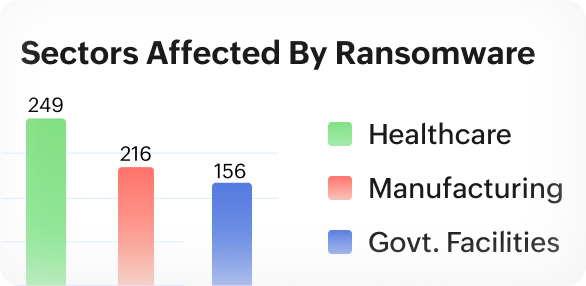
Read moreEndpoint Central helps healthcare organizations defend against ransomware and advanced threats through continuous patching, real-time threat monitoring, and policy-driven access control. It quickly detects vulnerable devices, applies security updates, and isolates infected endpoints to prevent lateral spread. Integrated data-loss prevention and encryption features ensure that even in the event of an attempted attack, patient data remains protected and systems recover quickly.
Read moreAn effective healthcare endpoint management solution should combine centralized visibility, zero-trust access control, automated patching, endpoint encryption, compliance enforcement, and remote support capabilities. With ManageEngine Endpoint Central, healthcare IT teams can unify security and management workflows across clinical and administrative devices, protect PHI, and maintain uptime—while meeting regulatory and operational demands of modern healthcare environments.
Read more