
Rebranding

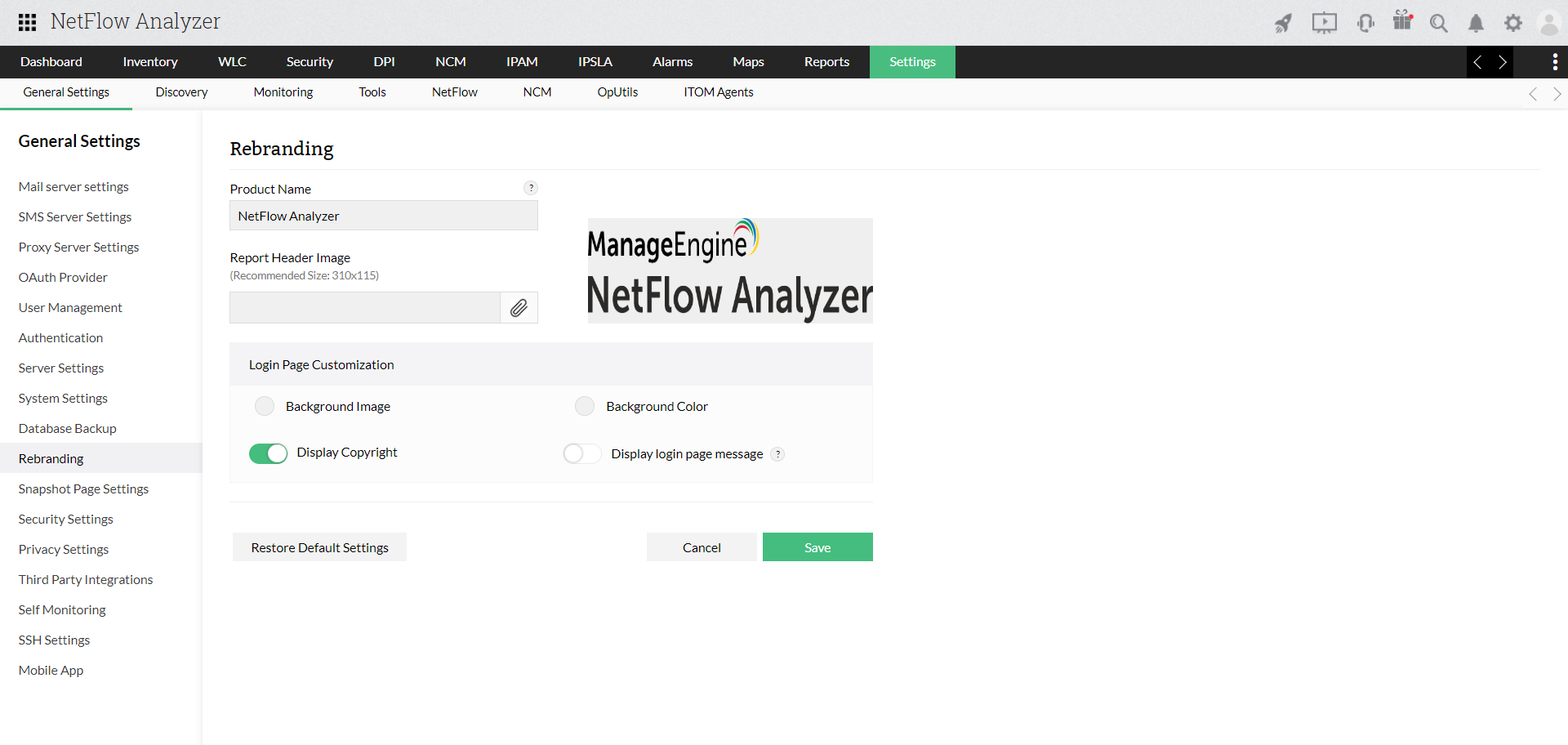
    The Rebranding option allows the user to change the Netflow Analyzer logo with any custom logo in all the reports. 
    Rebranding

    To replace NetFlow Analyzer's logo with your Company's logo in the NetFlow Analyzer web client and reports, follow the steps given below

    1. From Basic Settings tab, click Rebrand.
    2. Click the Report Header Image to replace the NetFlow Analyzer logo that is displayed in NetFlow Analyzer web client and reports.
    3. Browse your logo and import.

    Thank you for your feedback!

    Was this content helpful?

    We are sorry. Help us improve this page.

    How can we improve this page?
    Do you need assistance with this topic?
    By clicking "Submit", you agree to processing of personal data according to the Privacy Policy.