×![]()
×
×![]()
×
×


Agent Installation via MDT
Install Endpoint Central Agent using MDT
You can use Microsoft Deployment Toolkit (MDT) to deploy the Endpoint Central agent on devices during imaging or as part of a task sequence. This ensures that endpoints are automatically enrolled with the DEX Manager Plus server right after deployment. Follow the steps below to import the agent as an application in MDT.
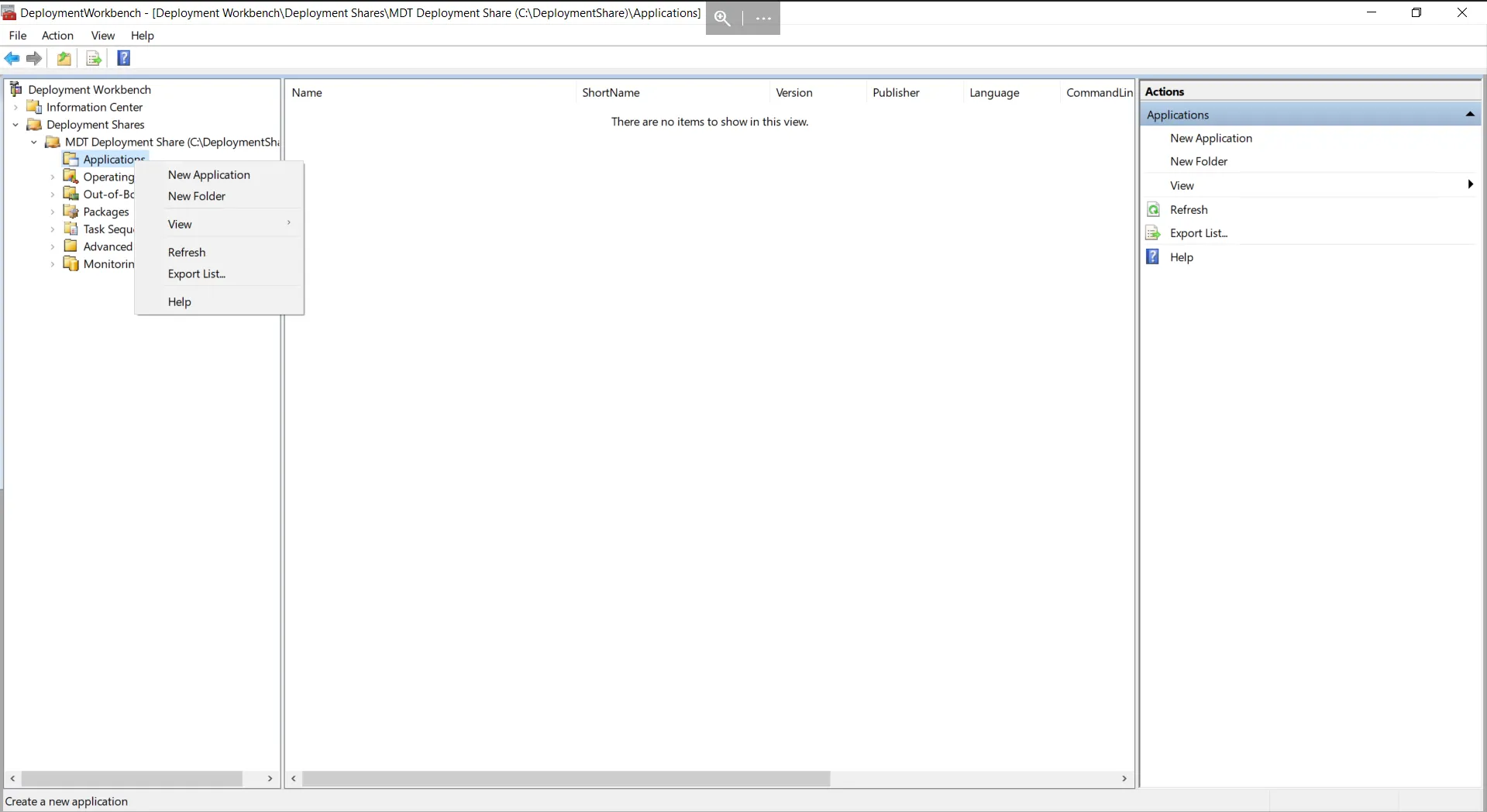
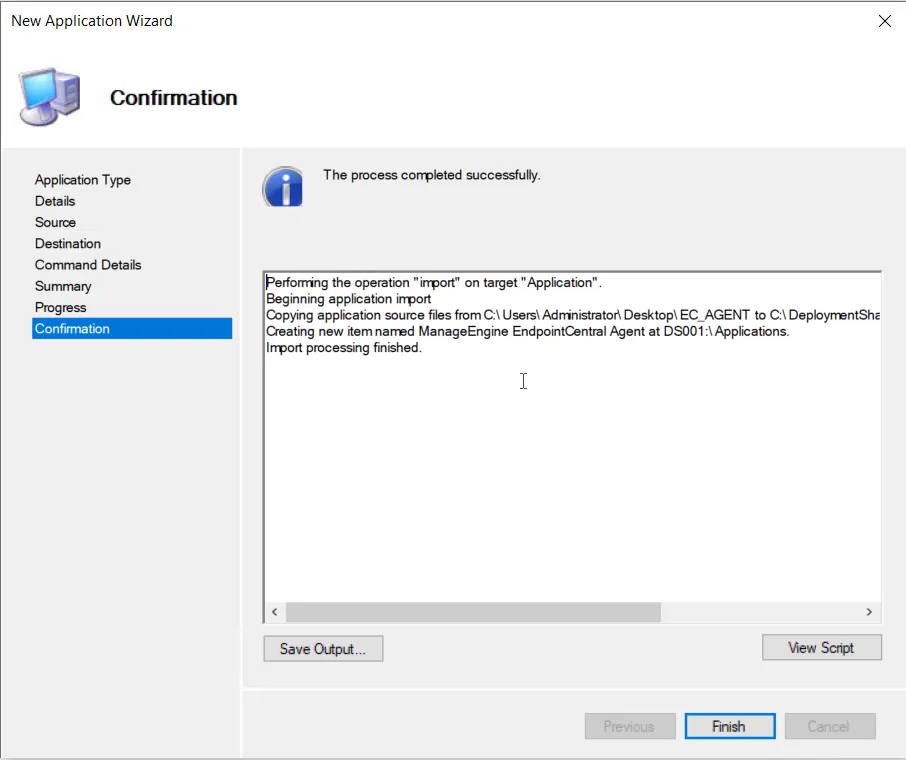

- Open MDT Workbench.
- Click Applications → New Application.
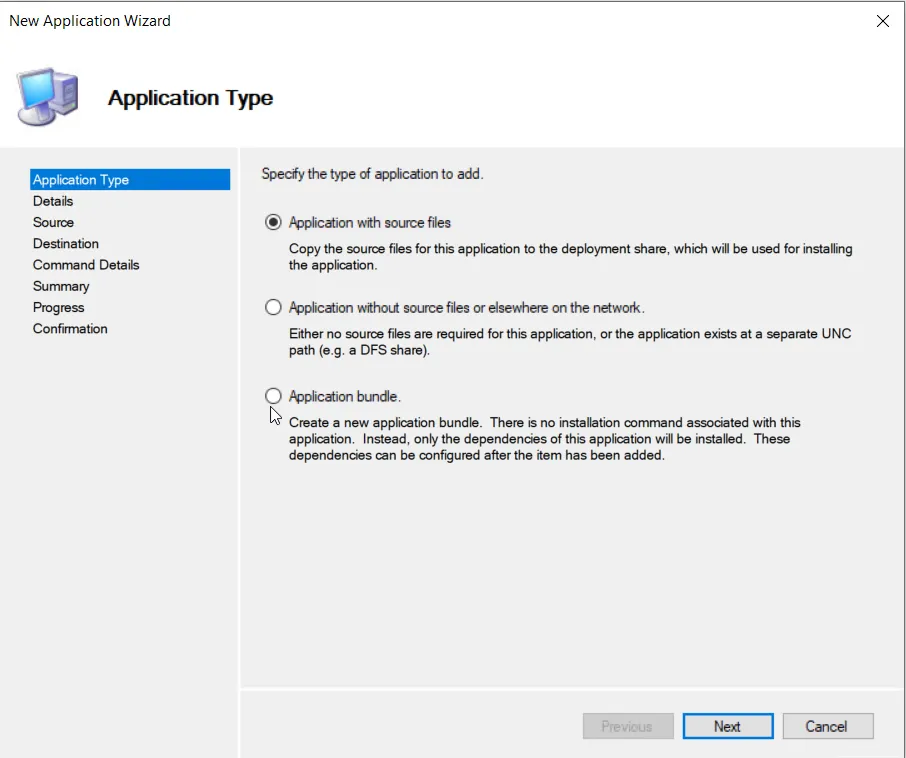
- Select Application with source files.
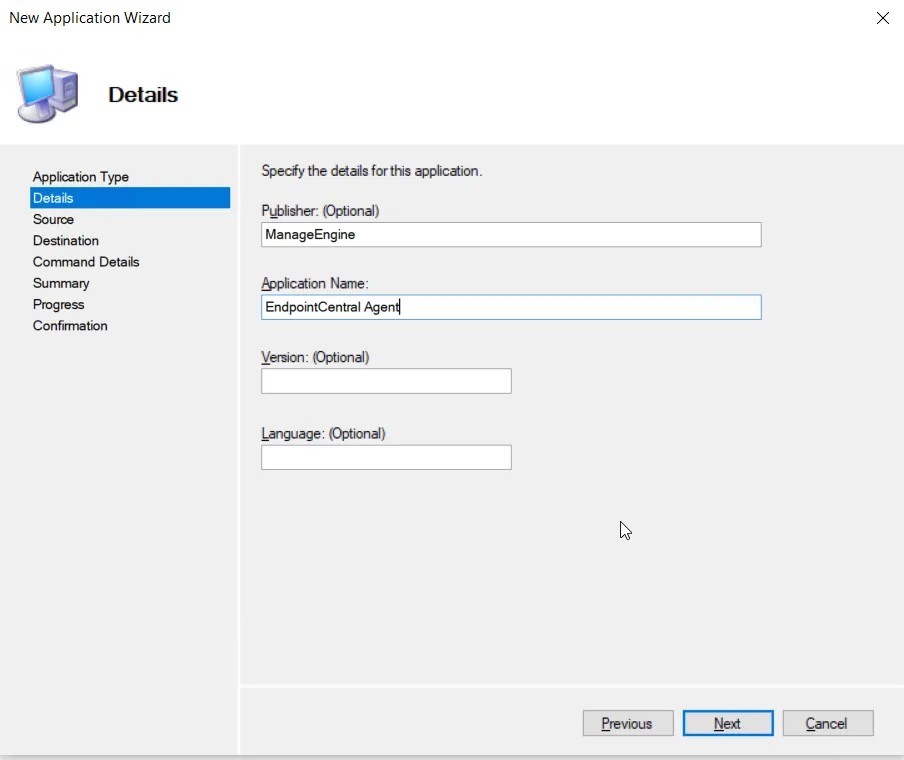
- Enter the application details (publisher, name, version).
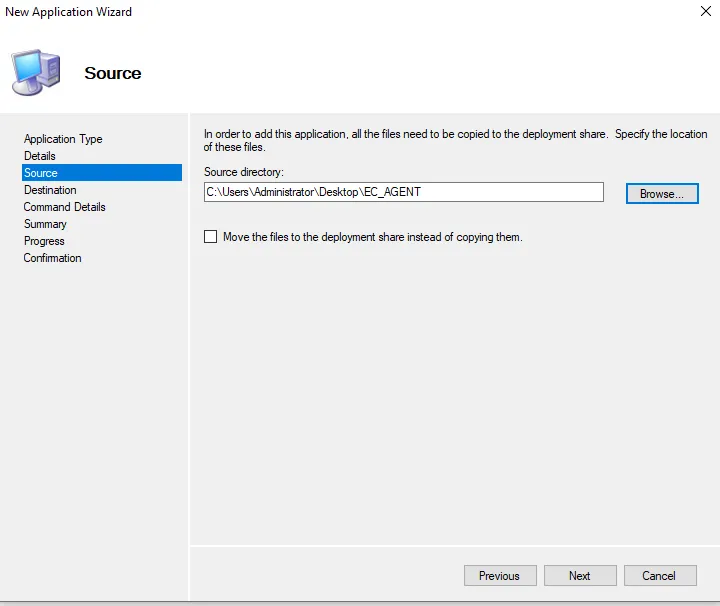
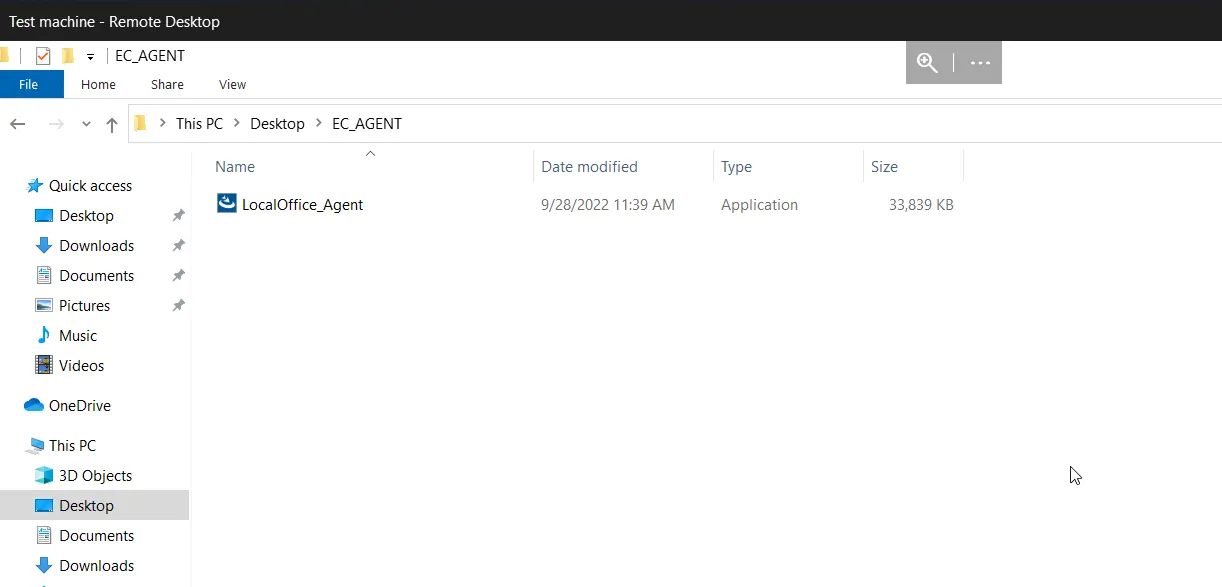
- Provide the location of the agent installer and click Next.
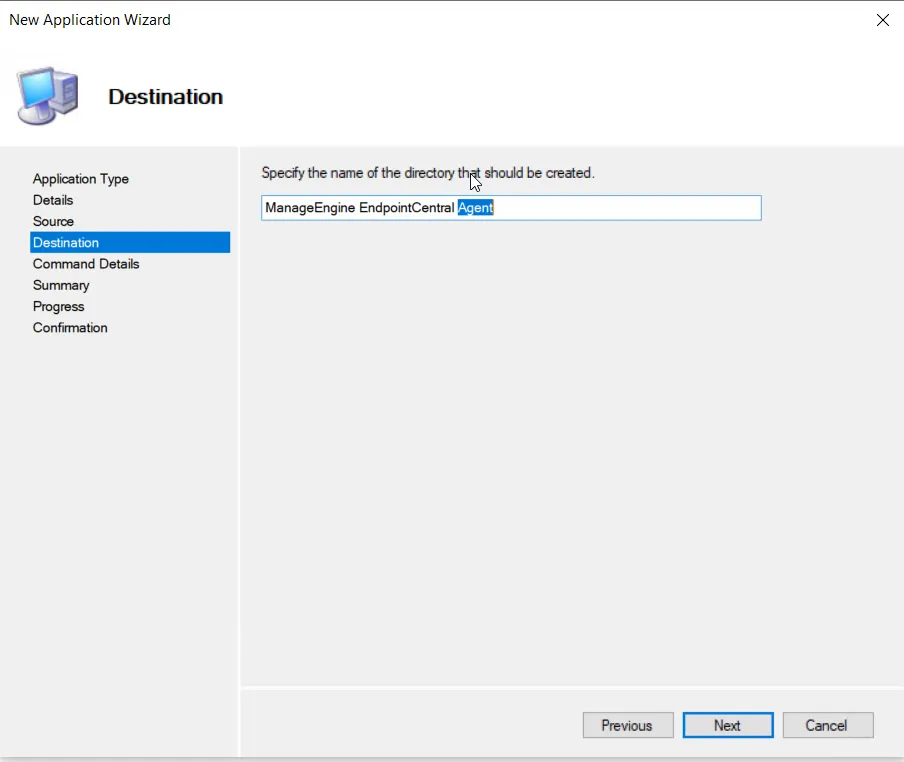
- Enter a destination folder name.
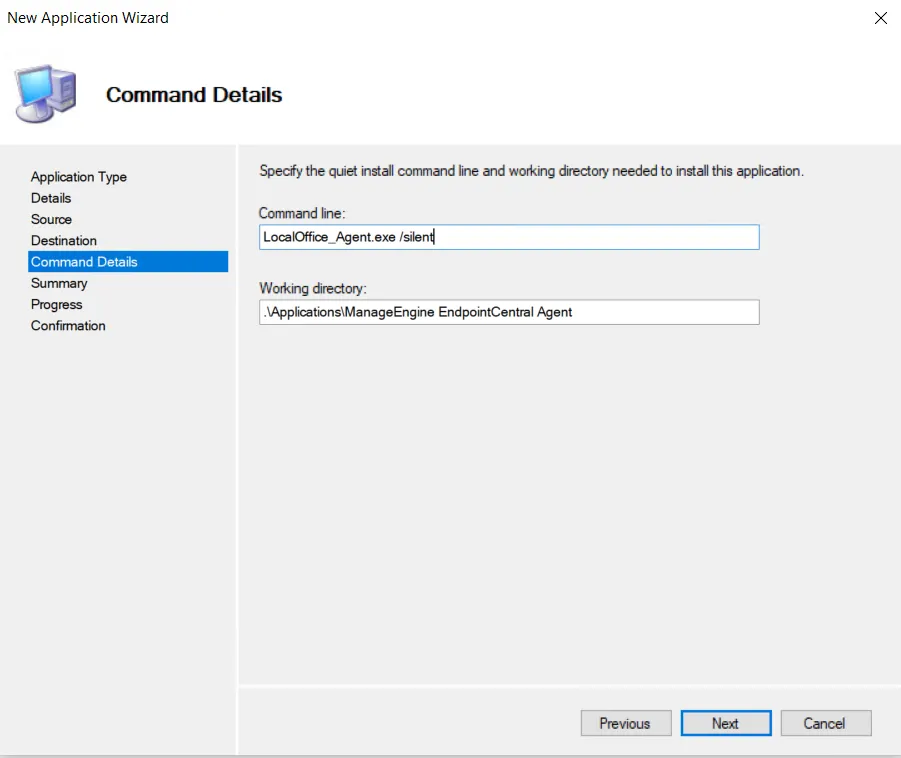
- Specify the silent install command:
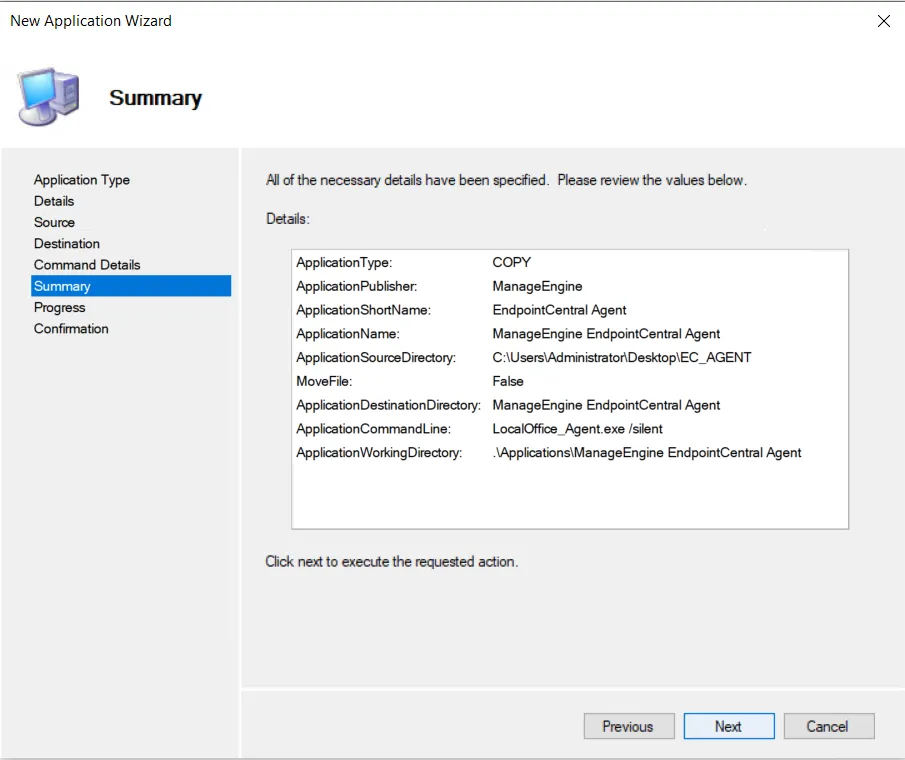
LocalOffice_Agent.exe /silent - Review the summary and click Finish. The agent will appear in the list of applications.
 Yes No
Visit our community