×![]()
×
×![]()
×
×
How to install agent silently using command prompt?
This document will guide you to install agent in a silent manner on a client machine. To accomplish silent installation of agent the following steps need to be followed.
Silent Agent Installation using agent .exe file
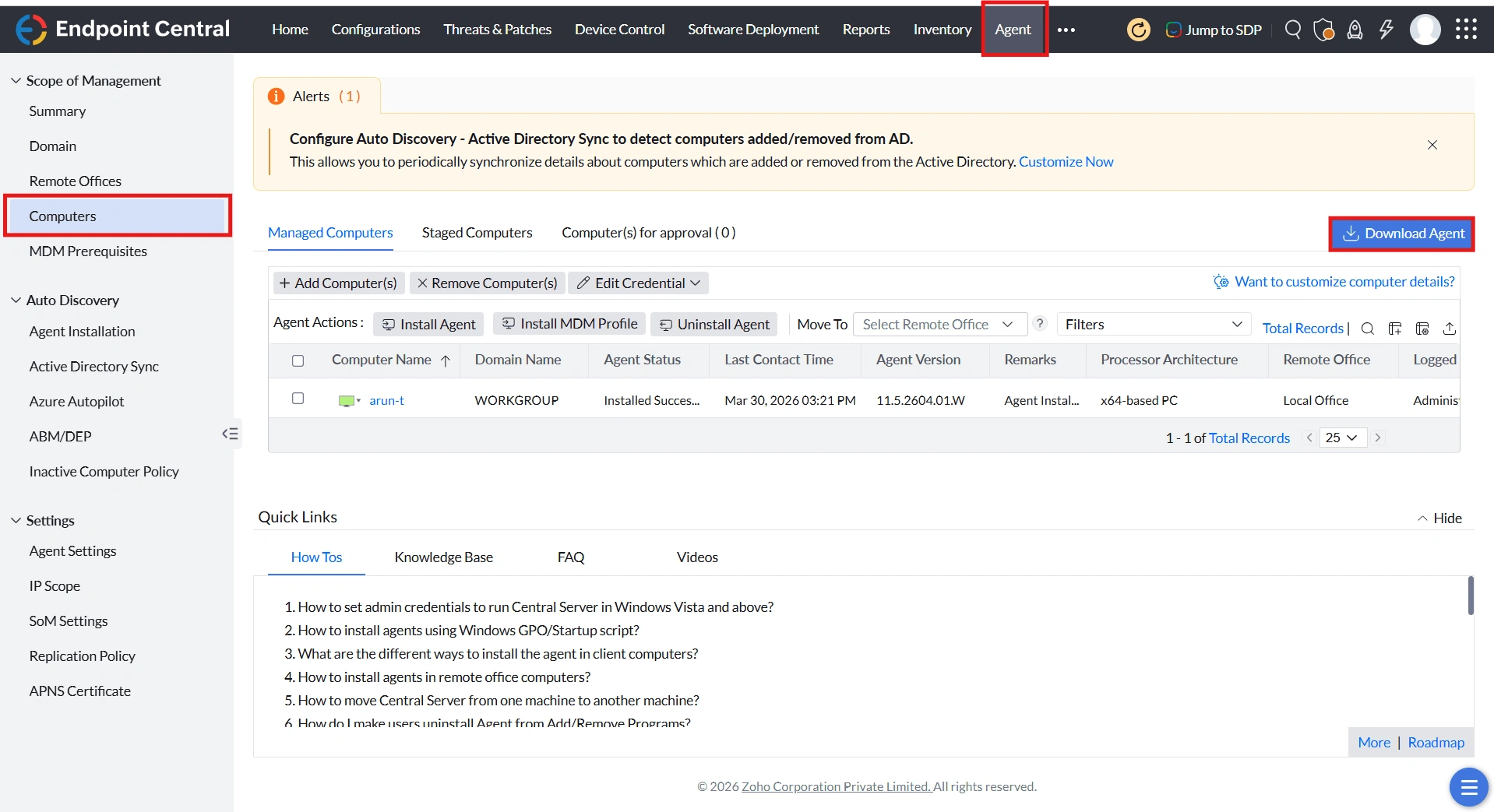
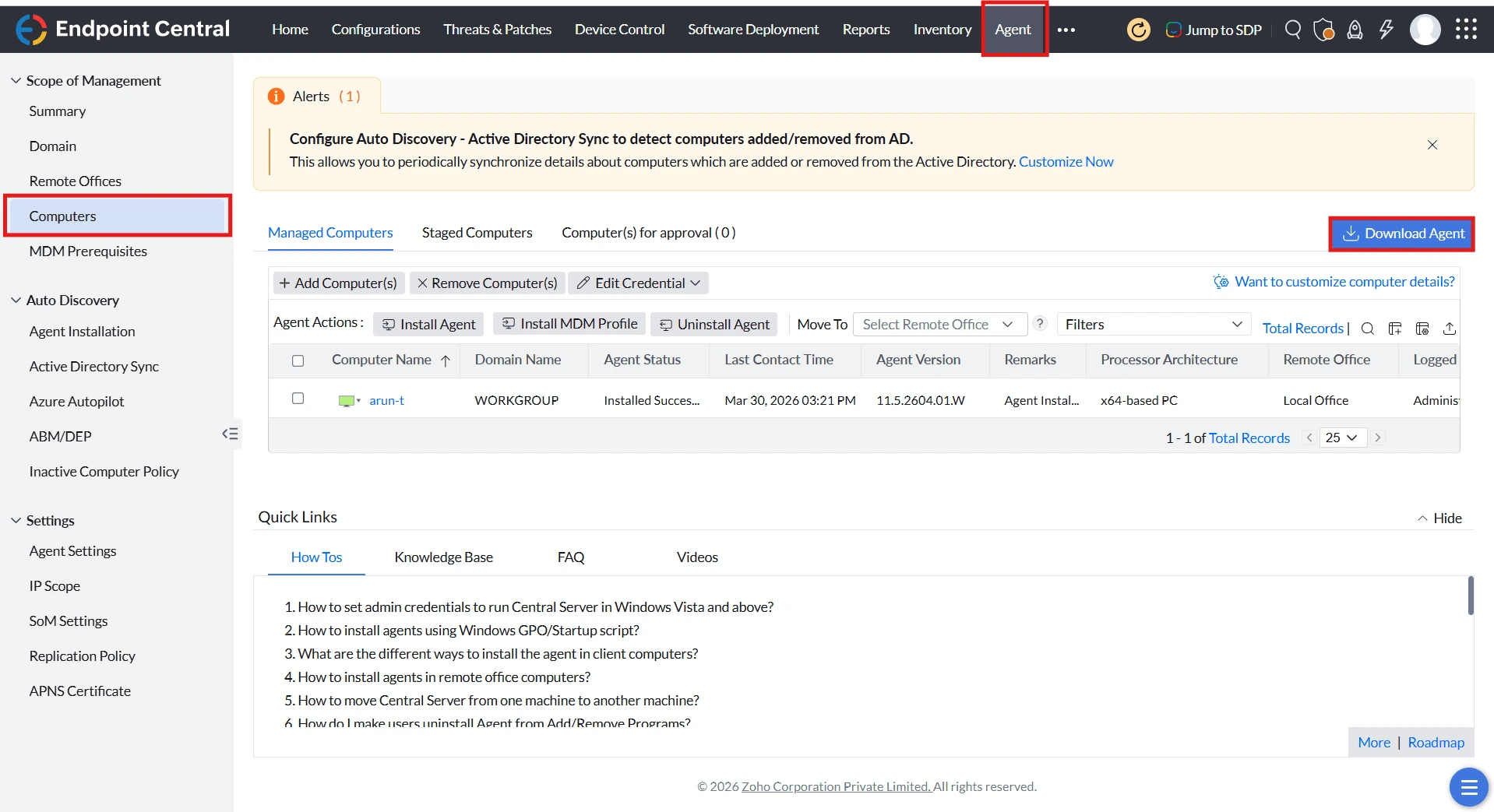
- Download the respective remote office agent installer file from Agent -> Computers -> Download Agent.
- Open command prompt as Administrator from the location where file is downloaded.
- Execute the below commands in command prompt.
<RemoteOffice_agent>.exe /silent
ExampleLocalOffice_Agent.exe /silent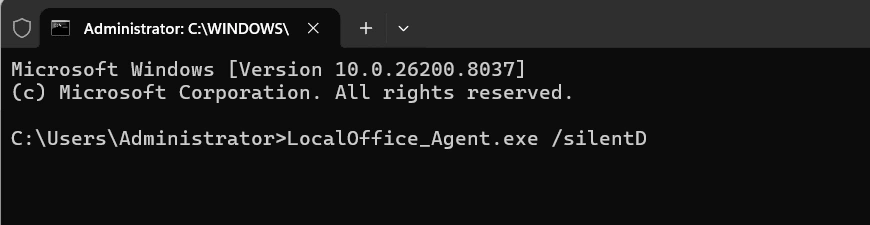
Silent Agent Installation using MSI zip file
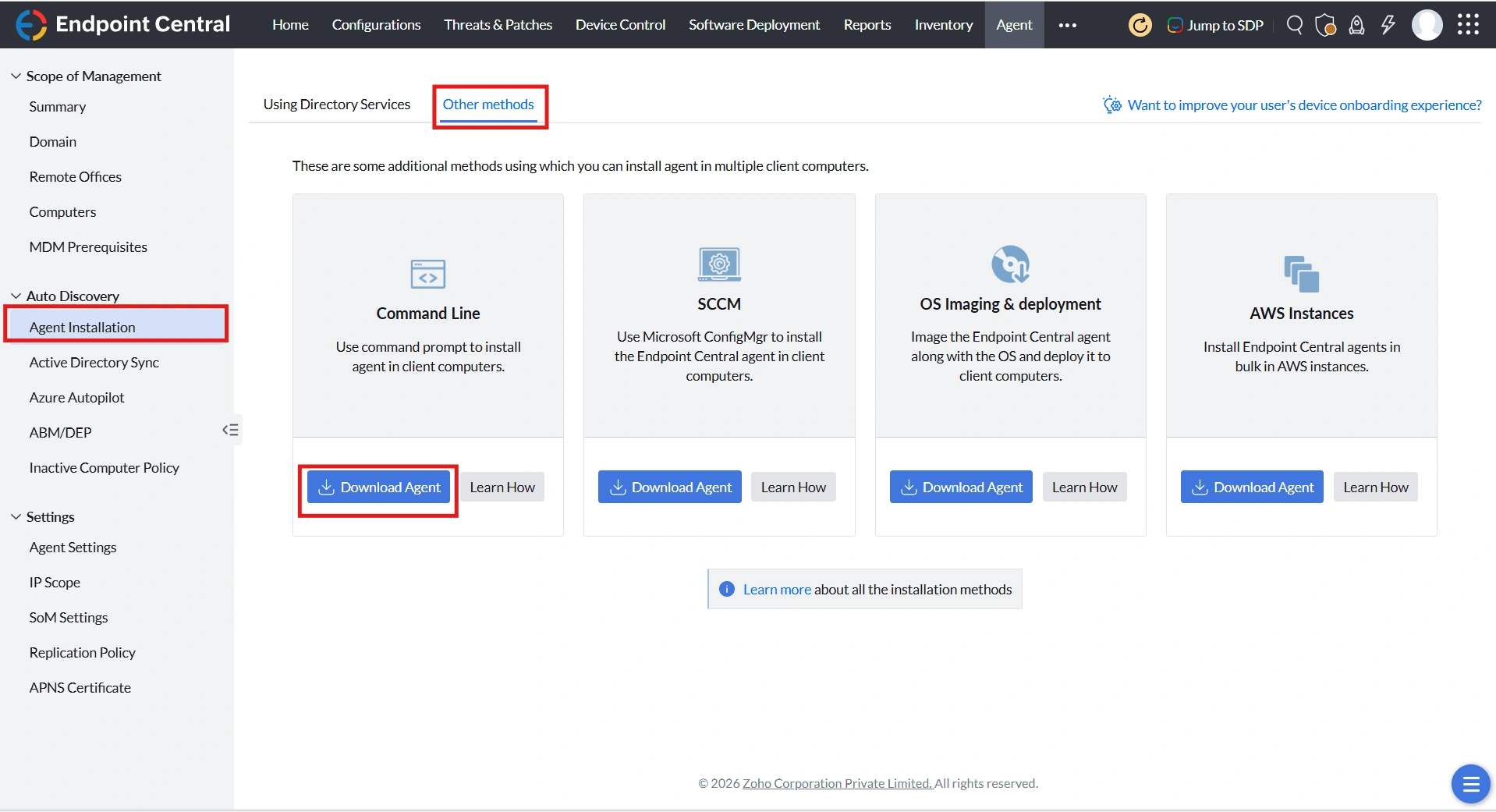
- Download the respective remote office agent installer file from Agent -> Agent Installation -> Other Methods -> Download Agent under Command Line option.
- Extract the zip into a folder in the agent machine.
- Open command prompt as Administrator from the location where the zip file is extracted.
- Run the command provided below.
msiexec /i "UEMSAgent.msi" /qn TRANSFORMS="UEMSAgent.mst"
ENABLESILENT=yes REBOOT=ReallySuppress INSTALLSOURCE=Manual
SERVER_ROOT_CRT="%cd%DMRootCA-Server.crt"
DS_ROOT_CRT="%cd%DMRootCA.crt" /lv "Agentinstalllog.txt"