Staged Computers | DEX Manager Plus
What are Staged computers?
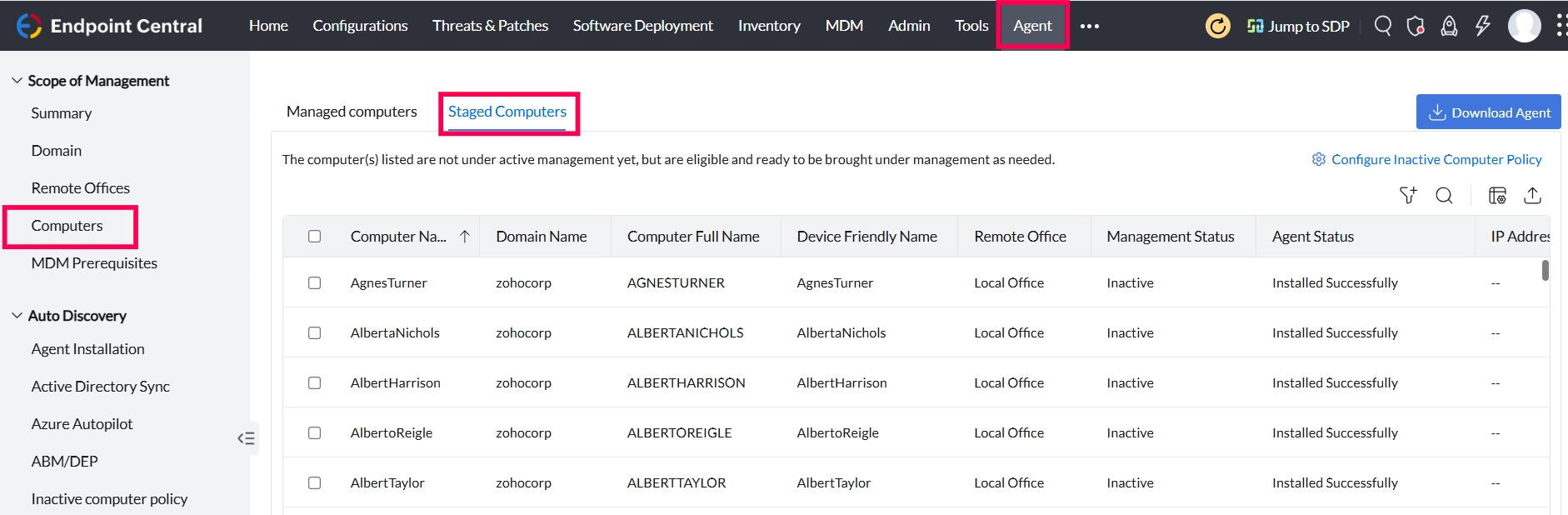
Staged computers refers to the computers listed are not under active management yet, but are eligible and ready to be managed as needed. Navigate to Agent > Computers > Staged to find the staged computers. Kindly note that this feature is applicable from build 11.4.2528.01
How to manage computers under Staged view?
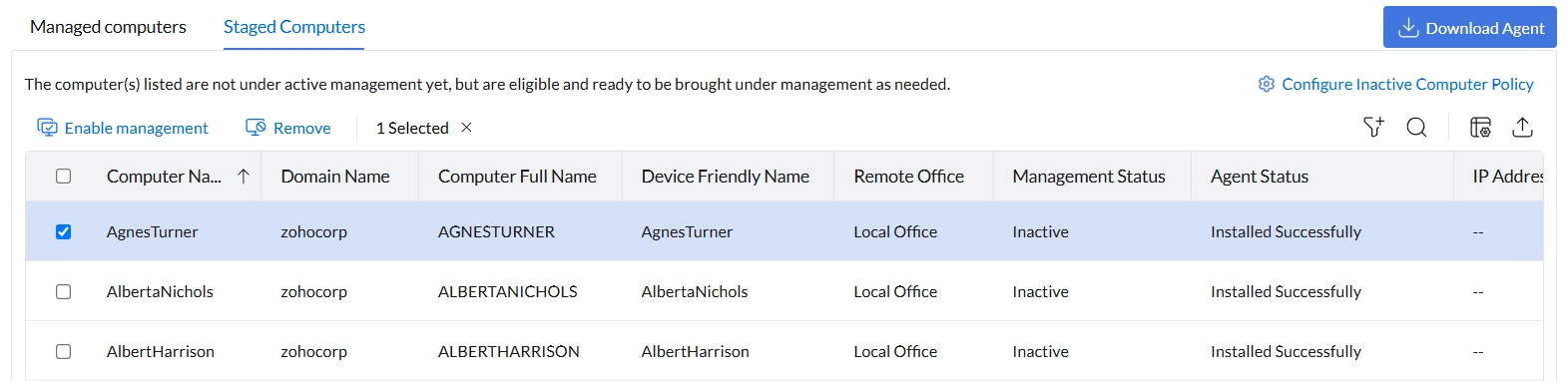
Enable Management:
If you click Enable Management, the selected computers will be moved under Managed Computers.
To ensure a smooth transition,
1. Kindly ensure these computers come online before the next scheduled run of the Inactive Computer Policy. If they remain offline, they will be returned to the "Staged" view.
2. Confirm that sufficient licenses are available to accommodate the devices being moved to the Managed Computers view.
Remove Computers:
If you select a computer and click Remove, the computer will be removed fom the console and when the agent comes online will be removed in the next refresh policy
Configure Inactive Computer Policy
This helps to manage devices that have not contacted Central Server according to you preferences. To know more, click here.