Cisco DHCP service Windows
Cisco DHCP service in DDI Central allows network admins to add and manage routers within the application for better visibility and configurations.
Cisco DHCP service can be accommodated with both Linux and Windows clusters, and their DNS services can be combined with Cisco DHCP service through DNS relation.
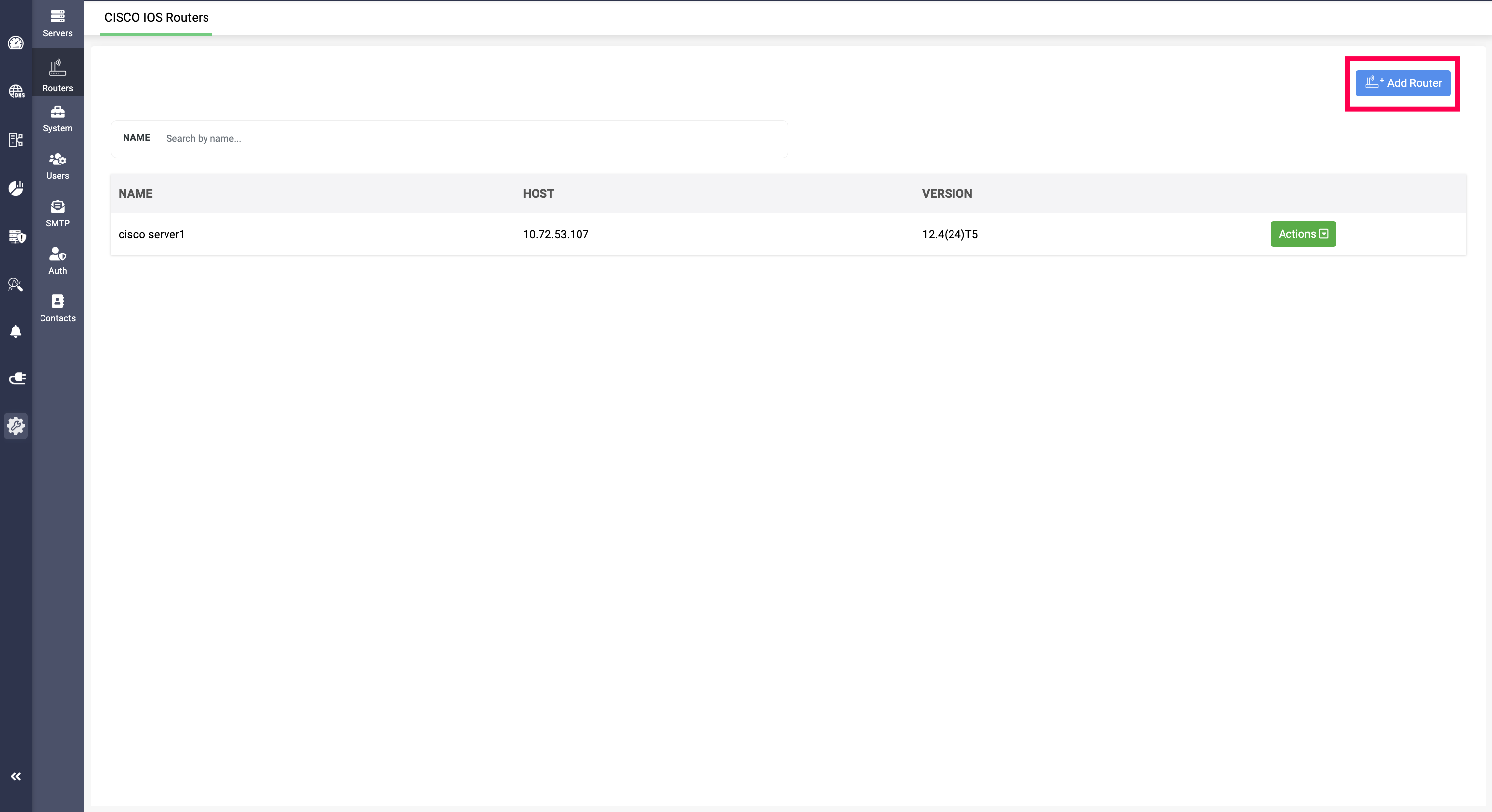
Settings>Routers section under Servers>Cisco IOS Servers
Routers can be added by going into Settings>Routers section and clicking on Add Router option.
This directs to the Create Router page with different fields to provide data:
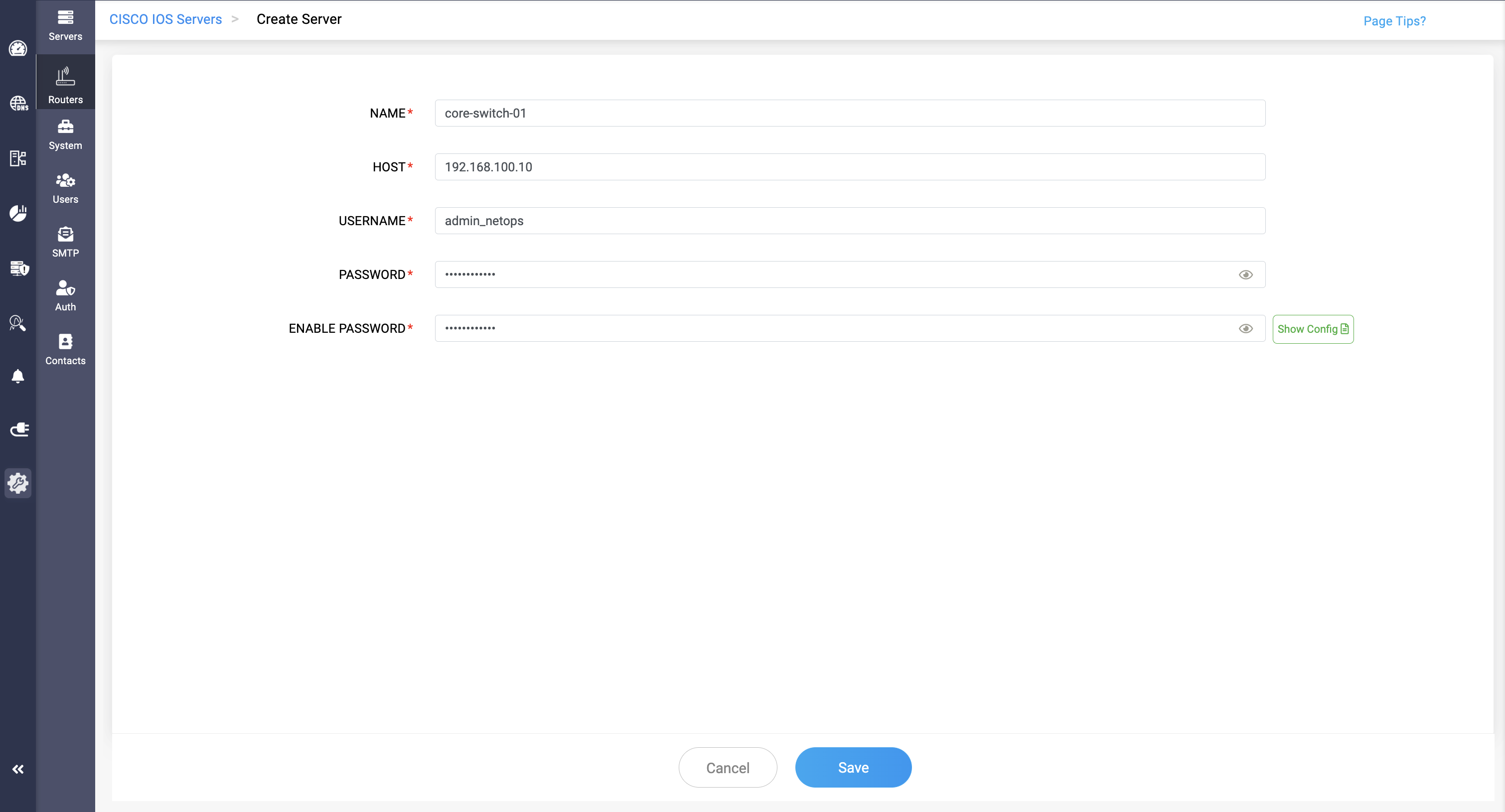
NAME: The name of the router to be associated.
HOST: The IP address of the router to be associated.
USERNAME: Provide the username of the cisco credentials
PASSWORD: Provide the password of the cisco credentials
ENABLE PASSWORD: Enable password field requires to provide the password for extracting the DHCP data, it acts as a token for gaining access to your DHCP data.
Alongside enable password, theres an option called Show Config which displays the DHCP config data in the router. This helps admins view and verify all the configurations before adding them.
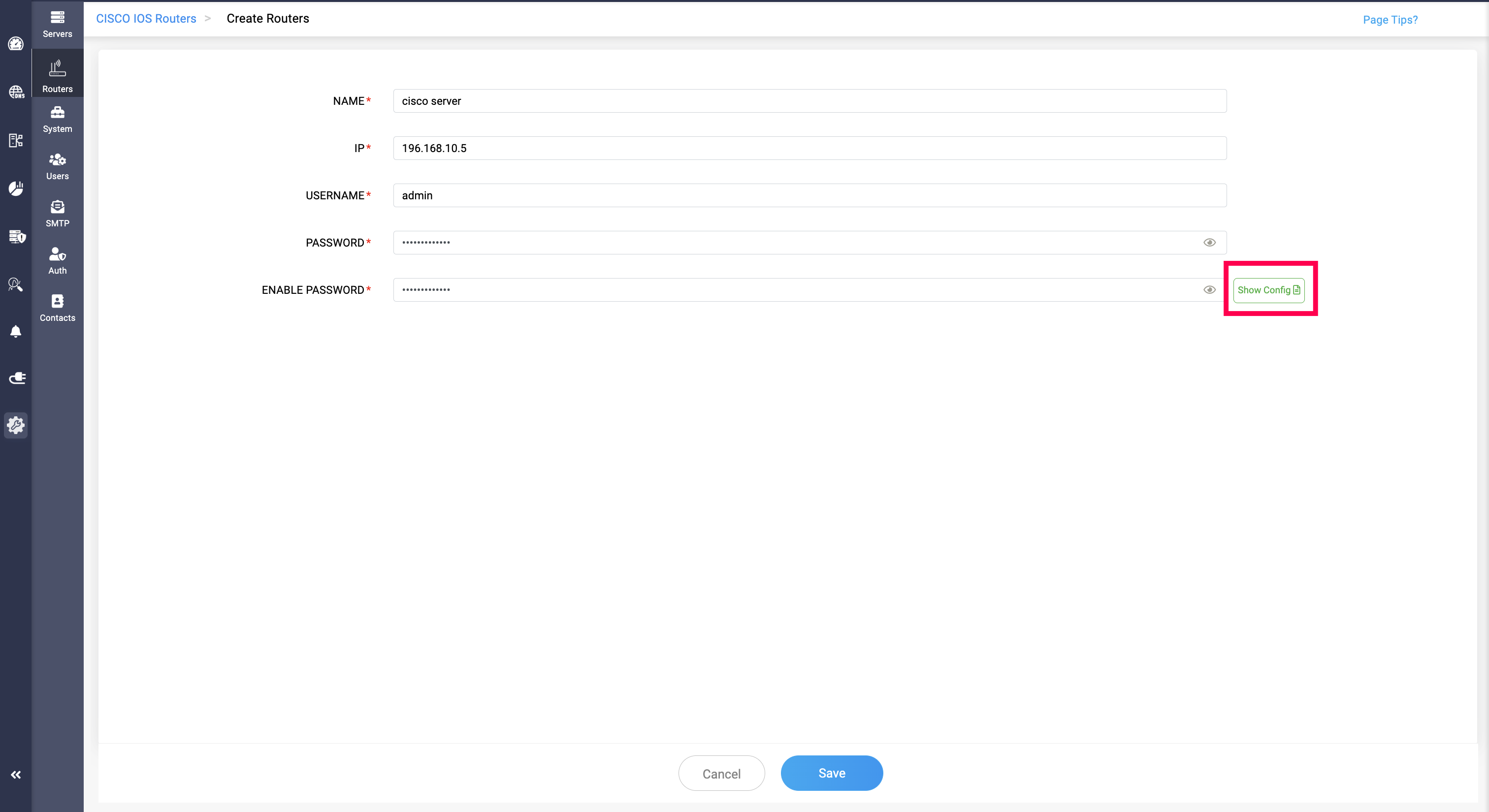
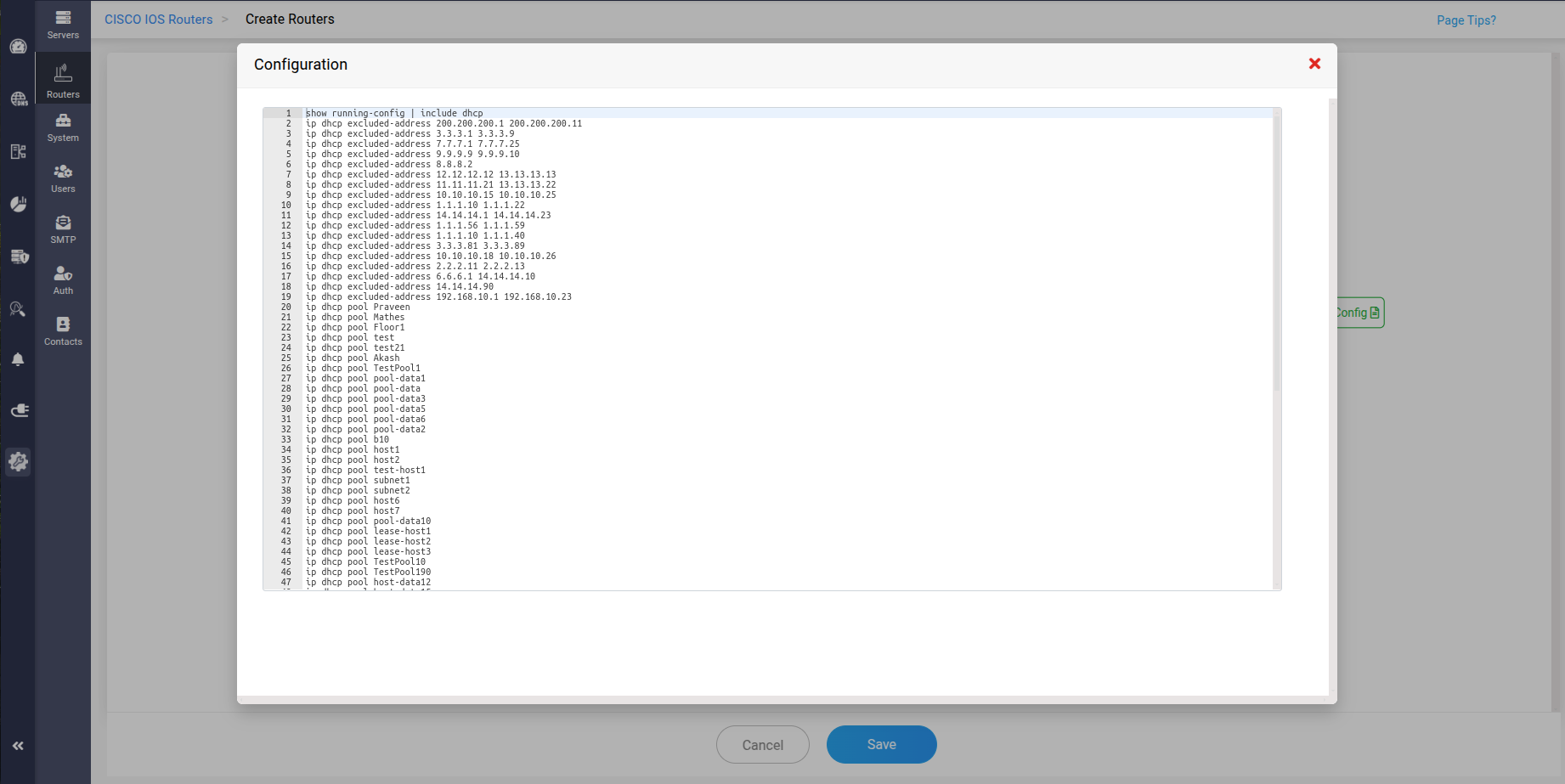
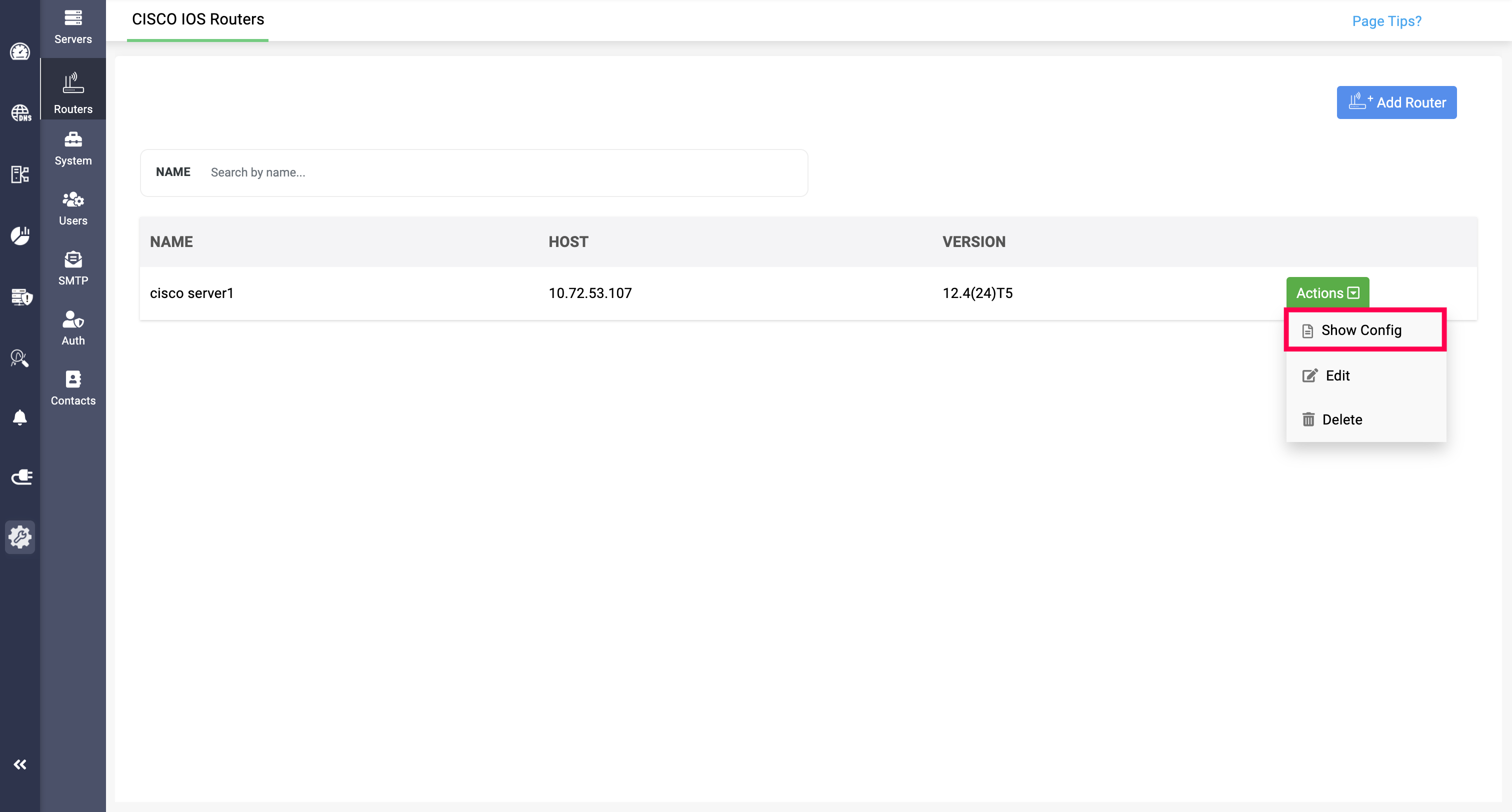
Show Config option can also be access in the Routers page by clicking on Actions>Show Cong
For each cisco server added, it will be counted under the licensing's DHCP server count.
DHCP pool data
DHCP pool data in DDI Central gives network administrators comprehensive control over managing their DHCP environments. It allows them to create, configure, and monitor multiple DHCP pool ranges for both DHCPv4 and DHCPv6, assess overall address utilization across the network, and apply customized DHCP options to specific pools as required. Additionally, admins can assign dedicated network prefixes to individual routers, ensuring efficient allocation, improved visibility, and streamlined network operations.
Configuring DHCP pool data for DHCPv4
Configuring DHCP pool data for DHCPv6
Exclude Address
Exclude address in DDI Central allows the exclude specific pool ranges from routers utilizing them by providind the start and end range. This way, network admins can isolate certain address pools, not just in a subnet level, but globally.