DHCP options template in DDI Central
Options template allows network admins to identify and group specific devices within the organization based on their match string.
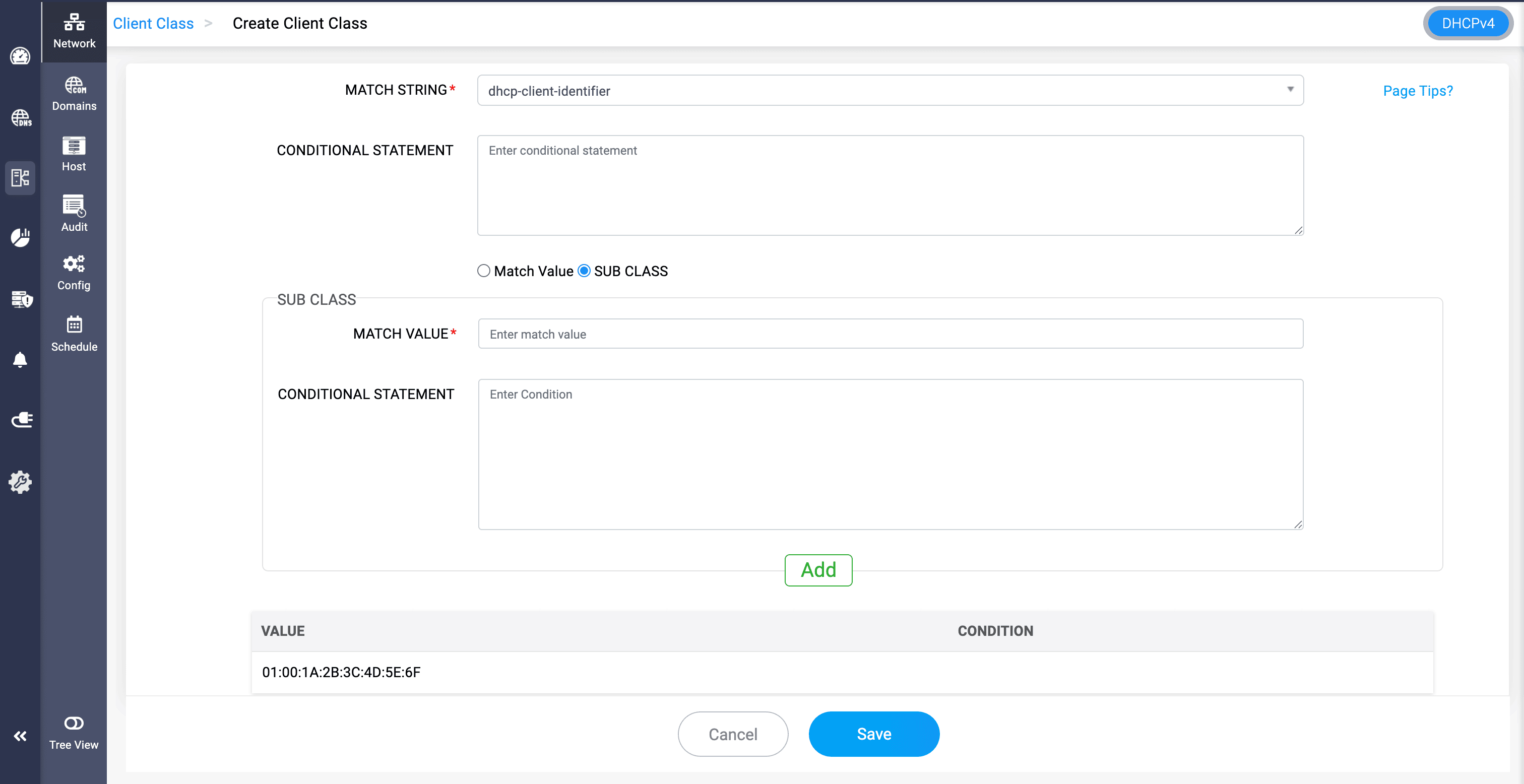
MATCH STRING: Select the options in the match string field and provide the value for matching.
- dhcp-client-identifier: A unique ID used by the client to identify itself to the DHCP server. It helps the server assign the correct IP or reservation to a specific device (more precise than using just MAC address).
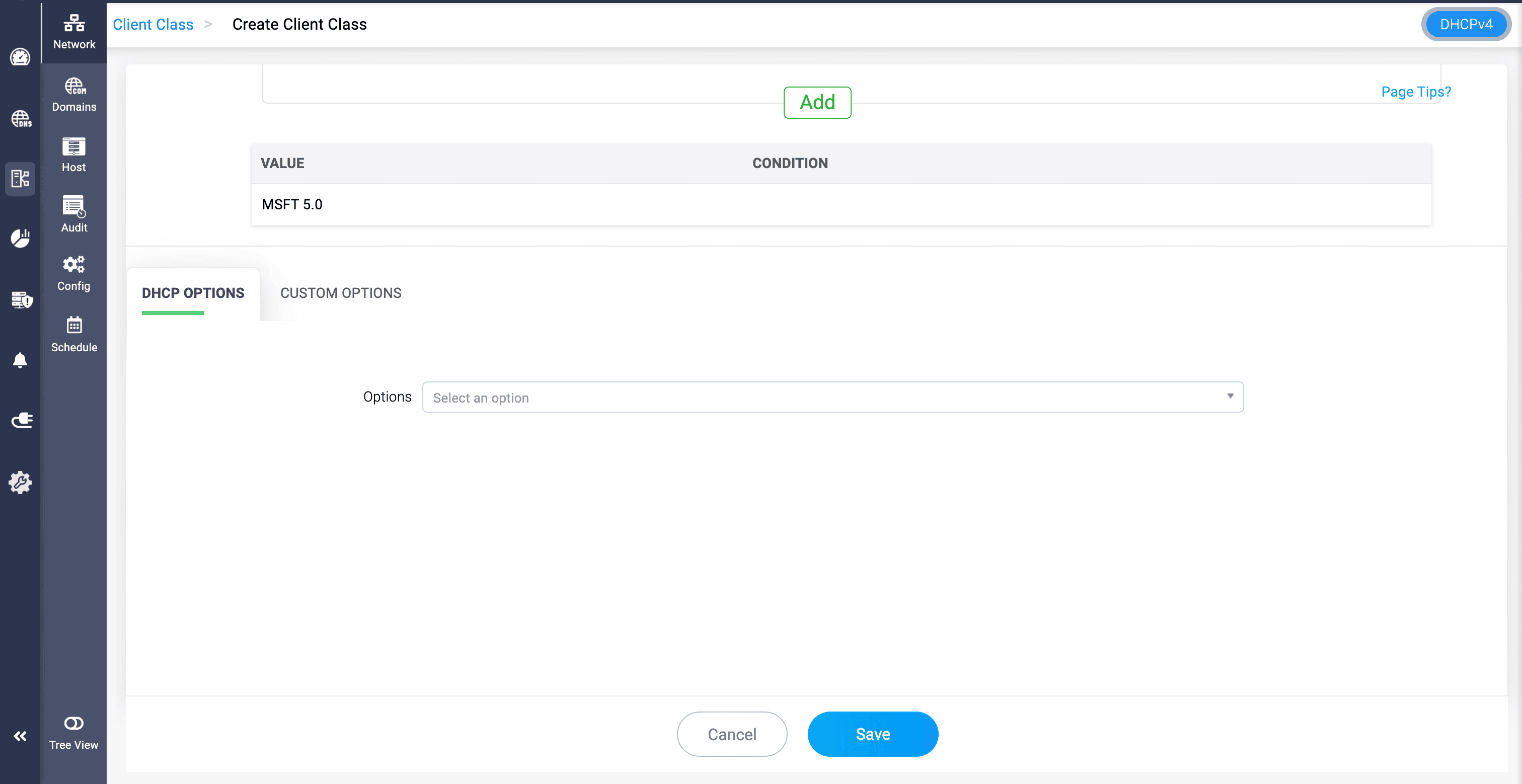
- vendor-class-identifier: A string sent by the client to tell the DHCP server what kind of device or OS it is. This helps the server apply specific configurations or policies based on device type.
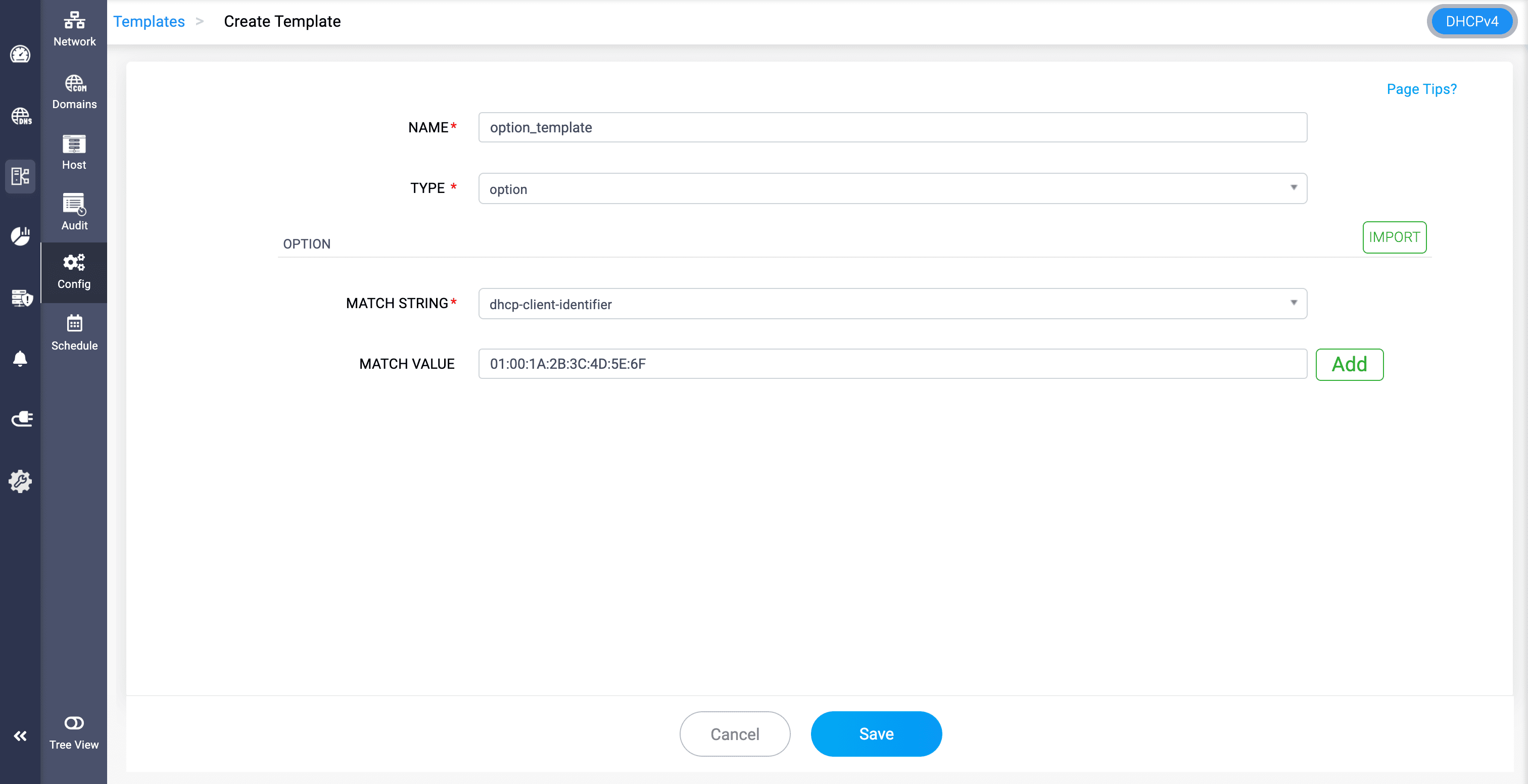
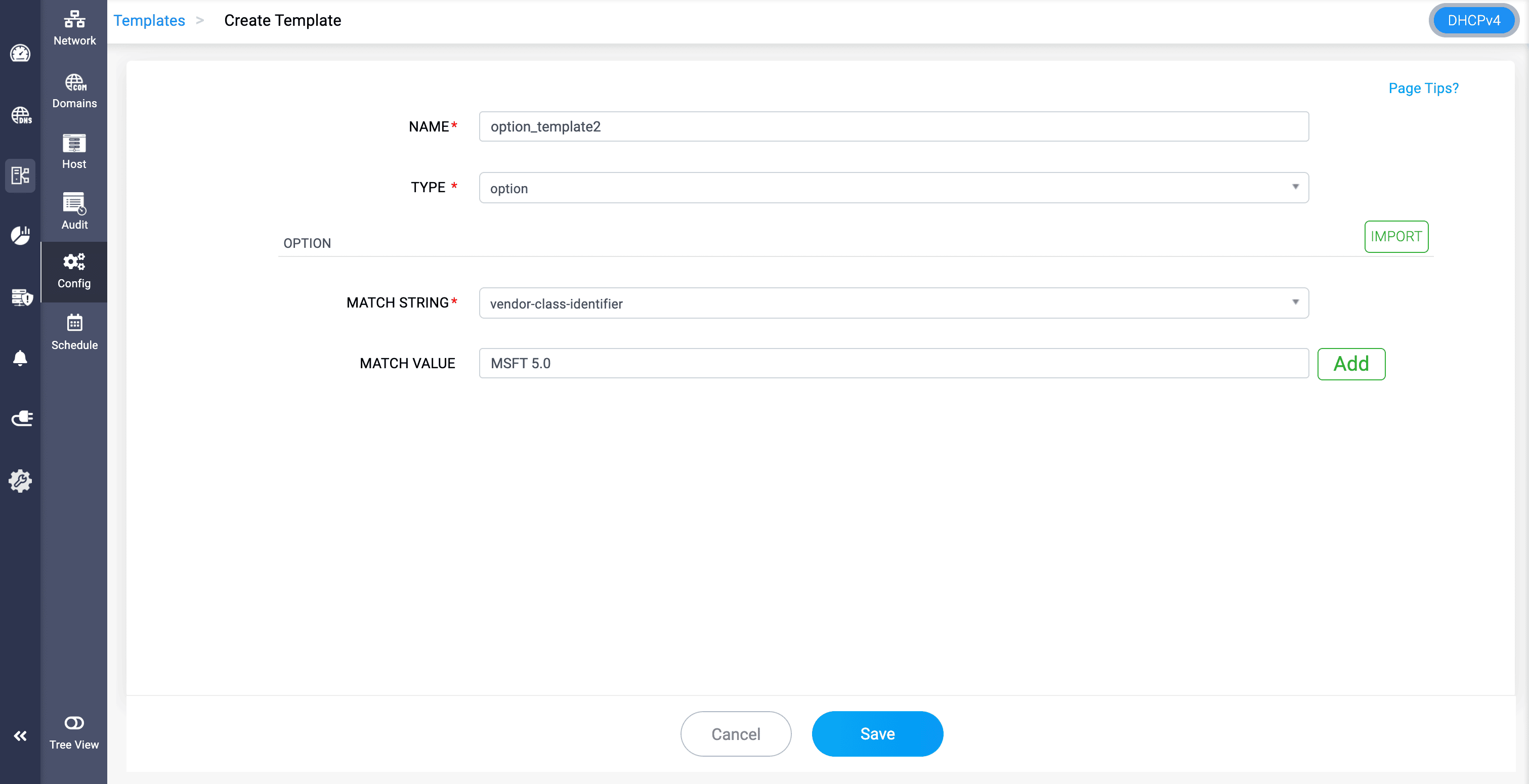
MATCH VALUE: Provide the relevant match value you want to match with the incoming devices' information.
For example, a network administrator manages multiple different devices within the organization's network.
Each device type requires different network settings and access policies, but many have random or unknown MAC addresses, making hardware-based grouping unreliable.
Options template in DDI Central helps configure DHCP options: dhcp-client-identifier and vendor-class-identifier and provide the match value for identification.
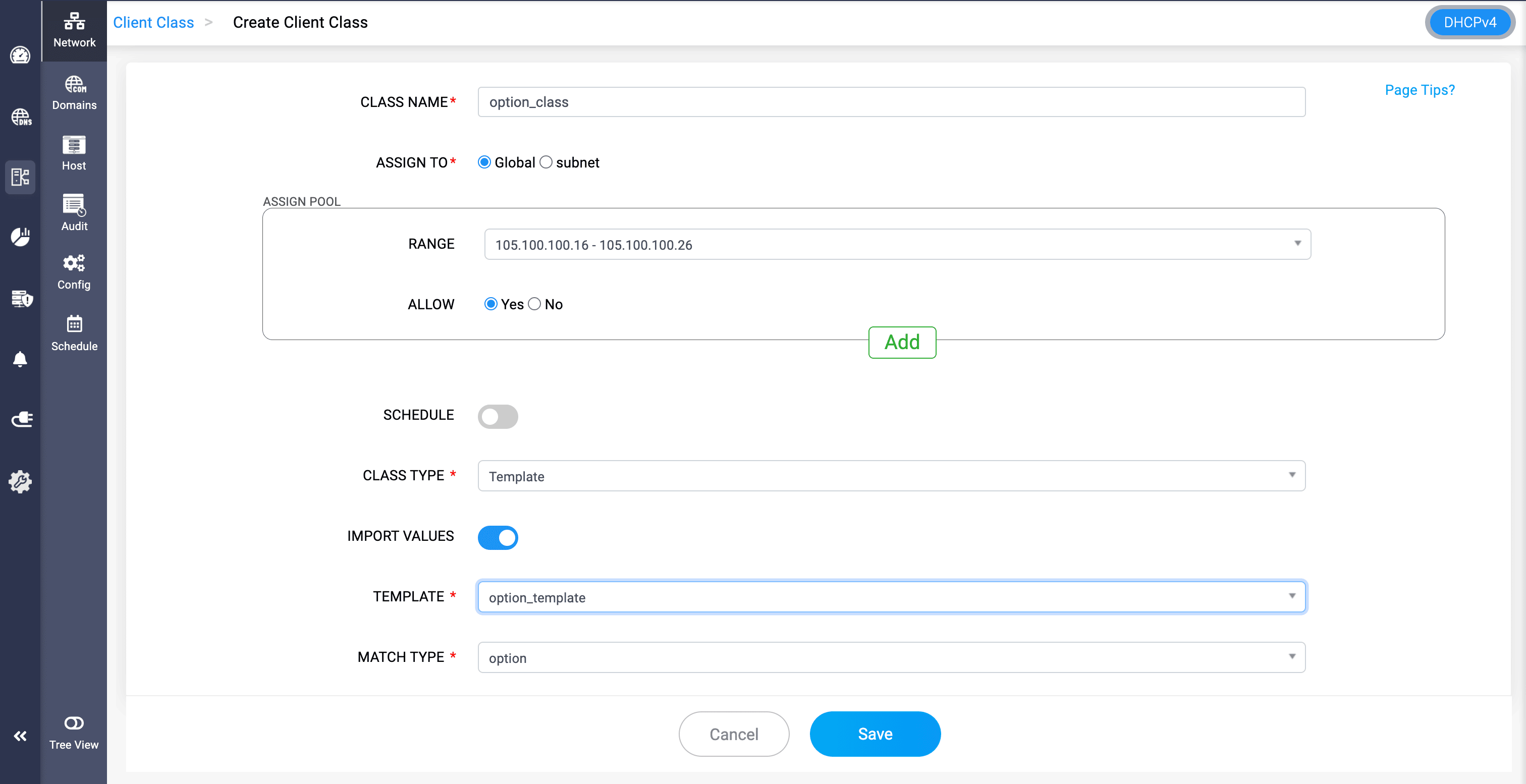
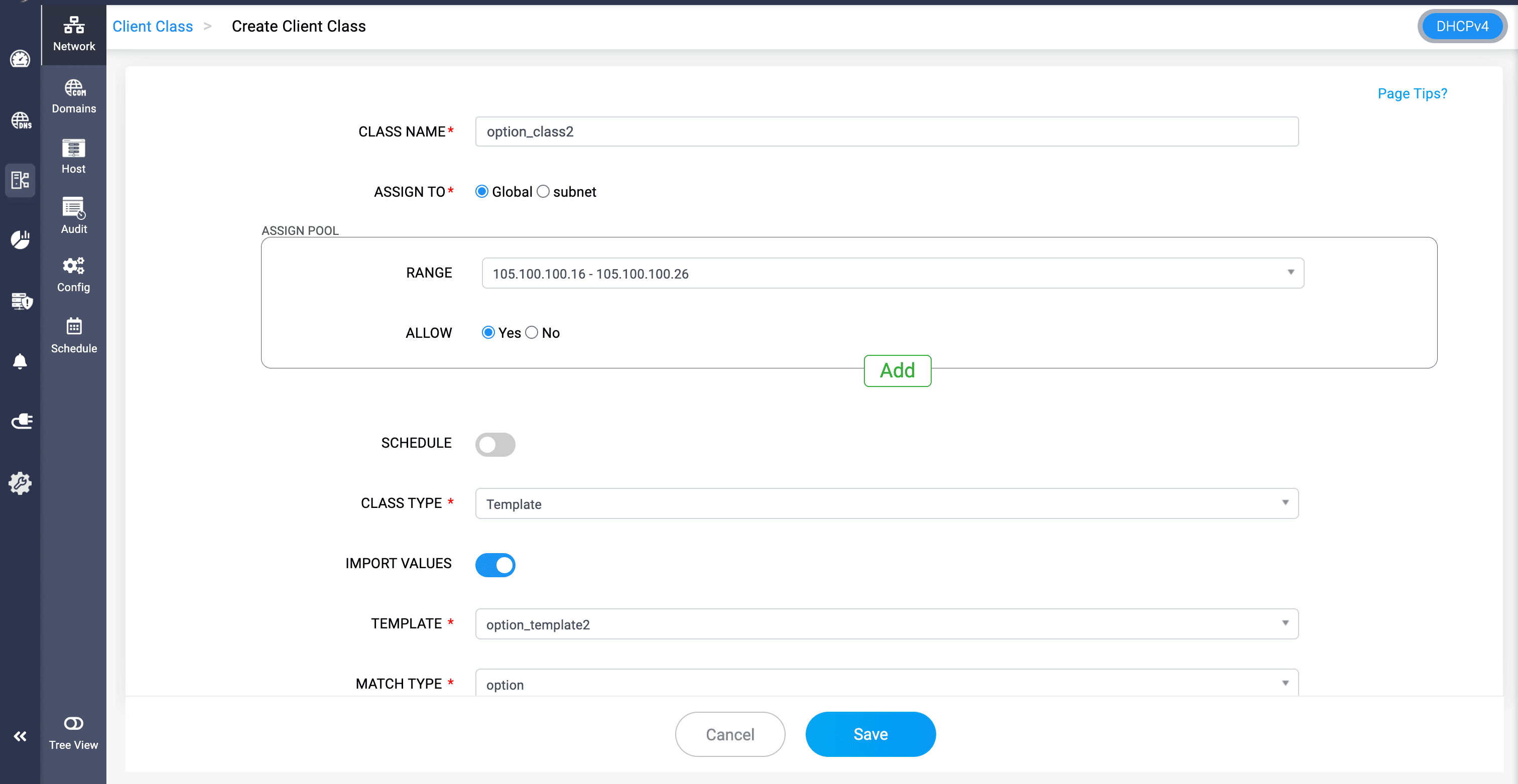
This template can then be imported into a Client class by clicking on the Class type, selecting Template, toggling Import Values, and selecting the template, where the admin can configure the custom options within the client class.