DHCP scope audit logs
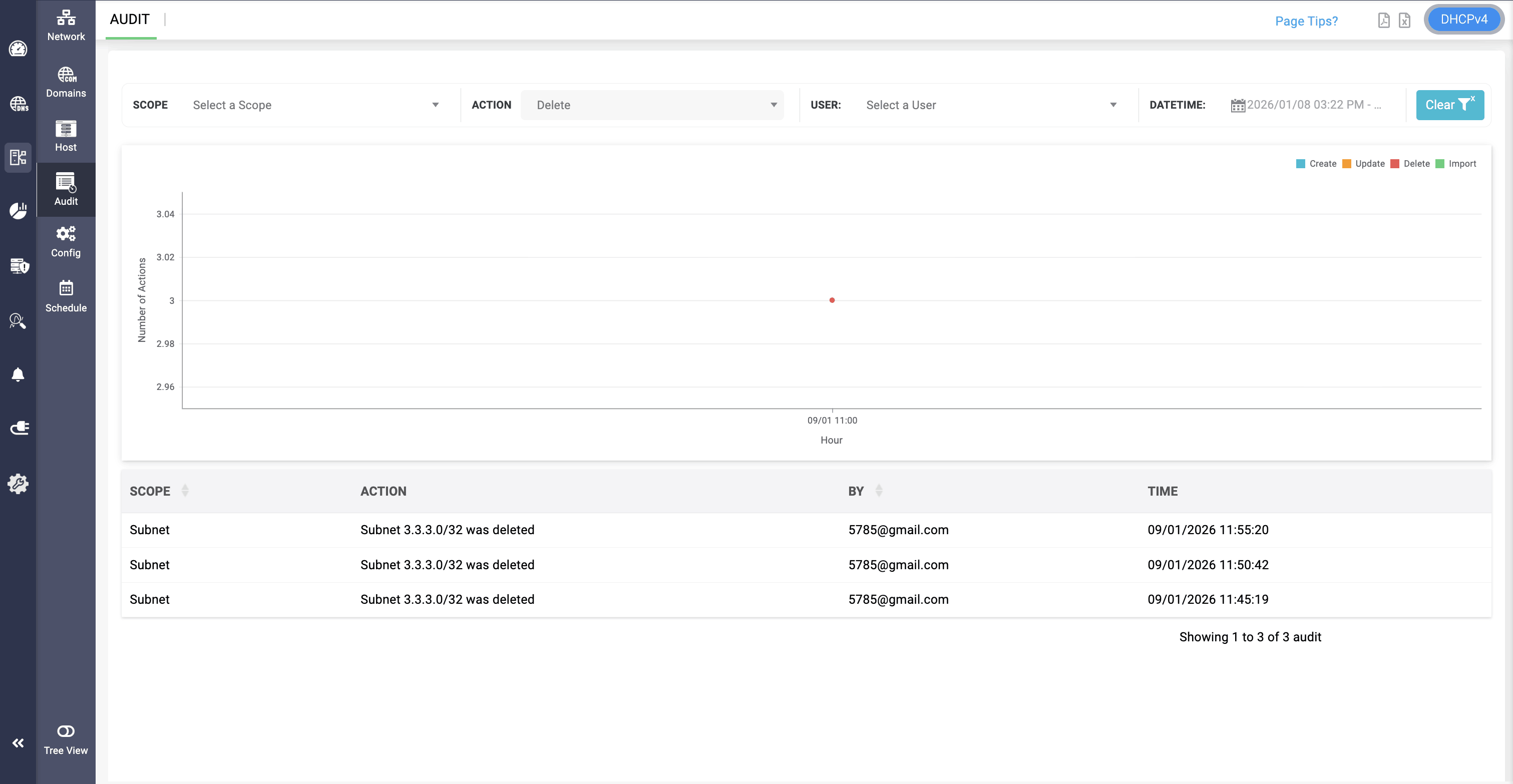
The DHCP scope audit logs page provides you an overview of the actions performed on each scope configured in your network. It help you to continuously evaluate the overall security posture of your scopes using security audit logs to track the who, what, and when with respect to each DDNS Zone, VLAN, Supernet, Custom Options, Options, Pool Data, Client Class, Host, Host Group, Shared Network and Subnet.
Access the DHCP scope audit logs by navigating to DHCP-> Audit.
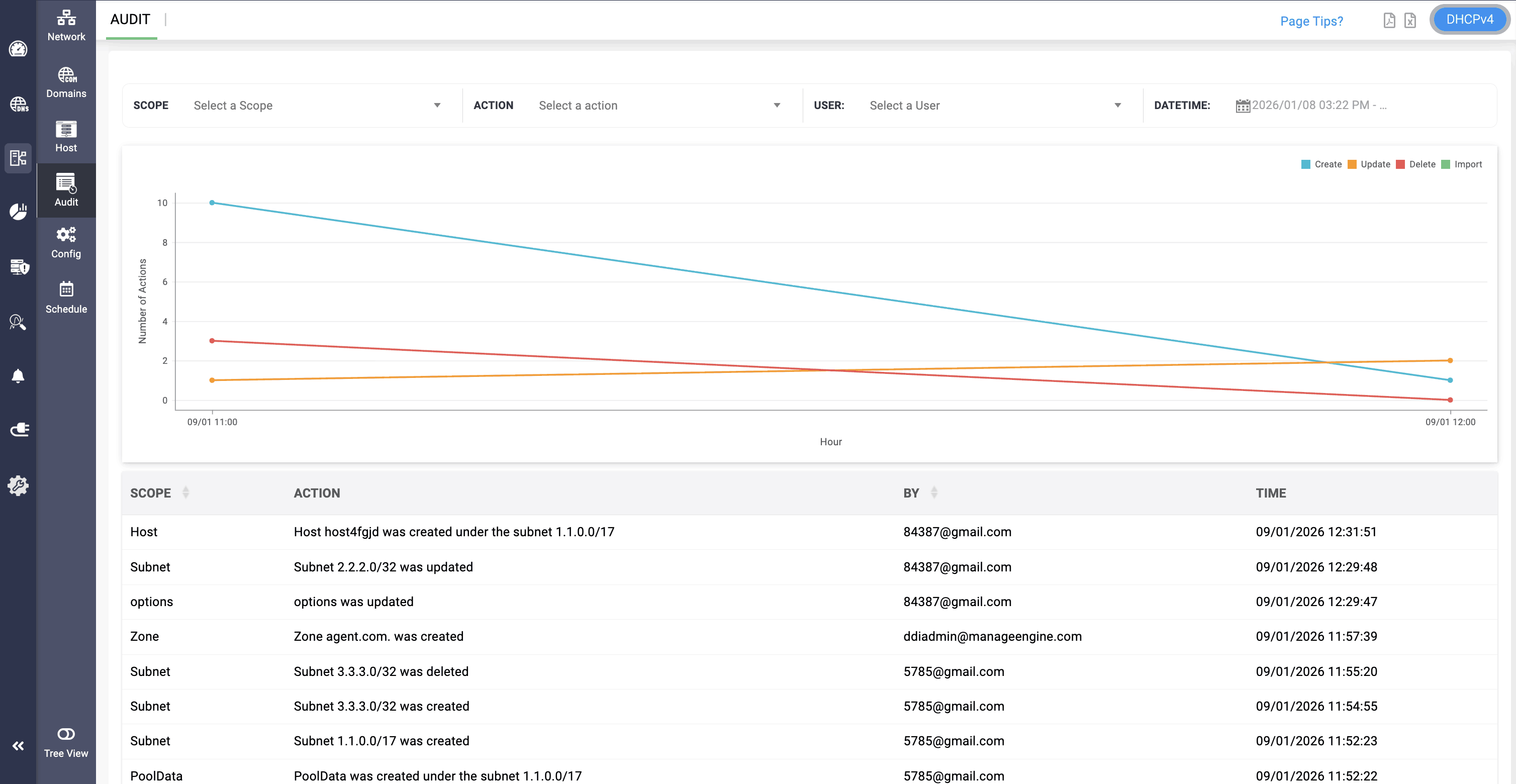
You can also filter the logs for filtering the specific activities carried out by a specific user, or a specific activity carried out around a certain time frame on a particular DHCP scope to detect security breeches and malpractices.
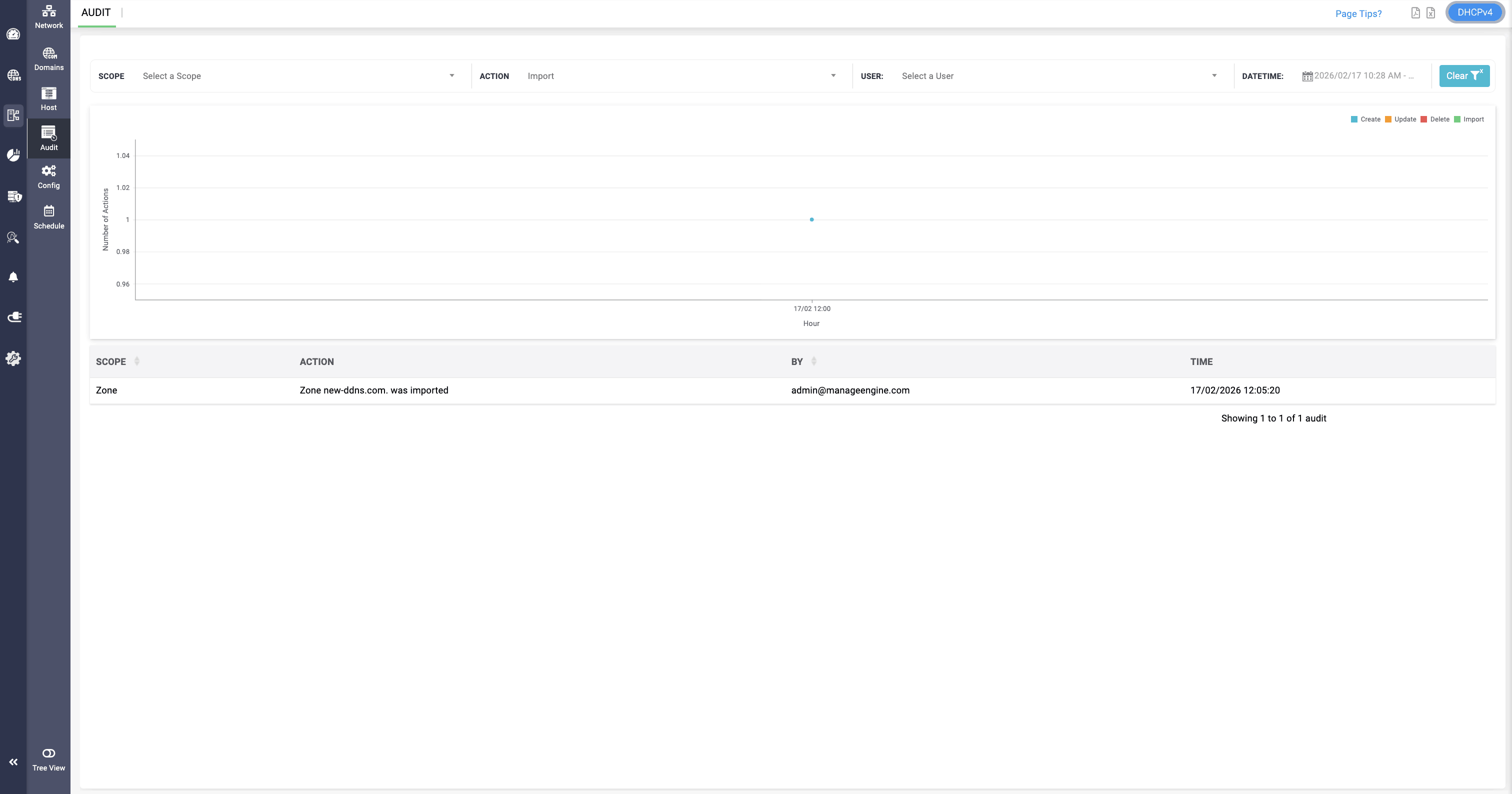
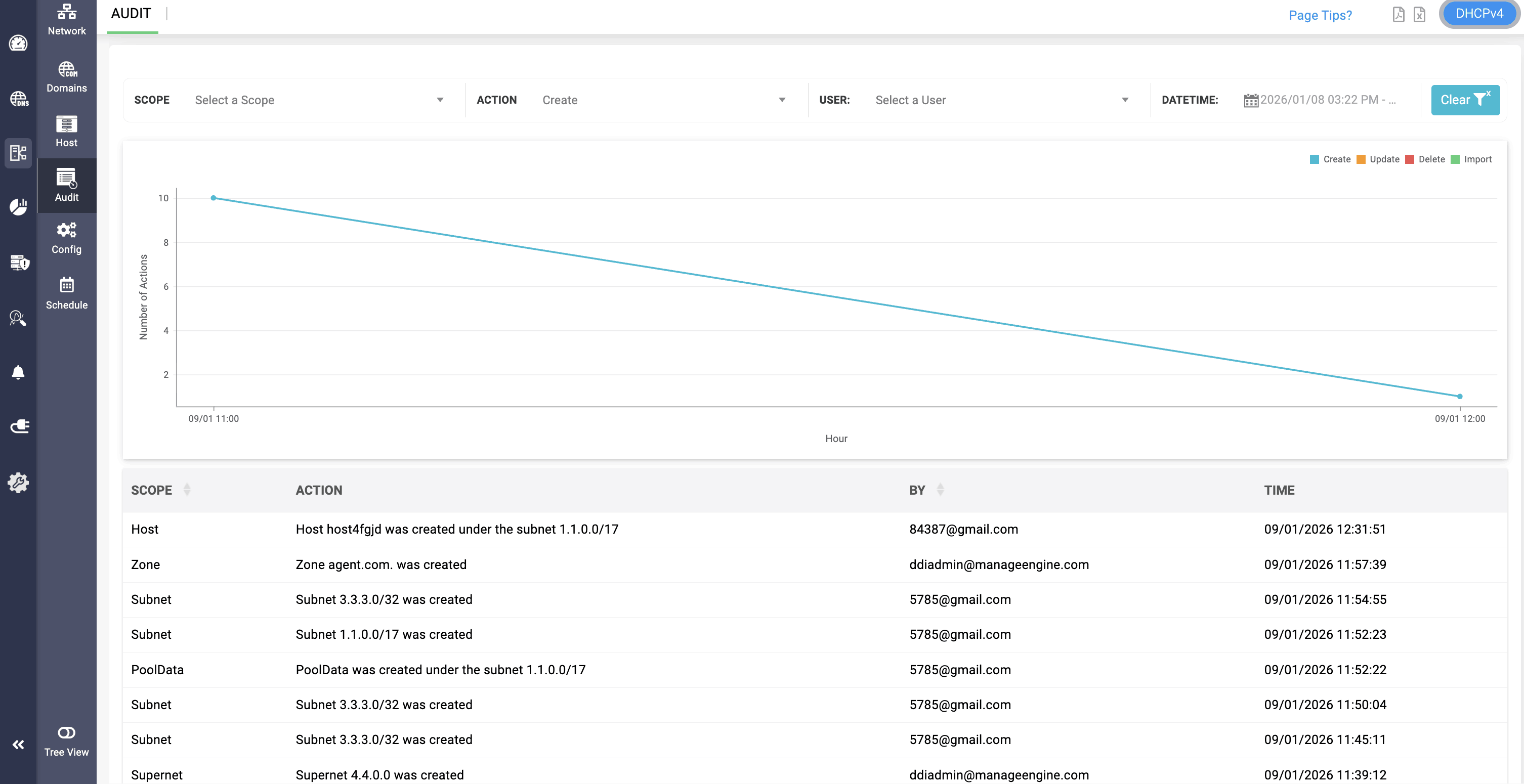
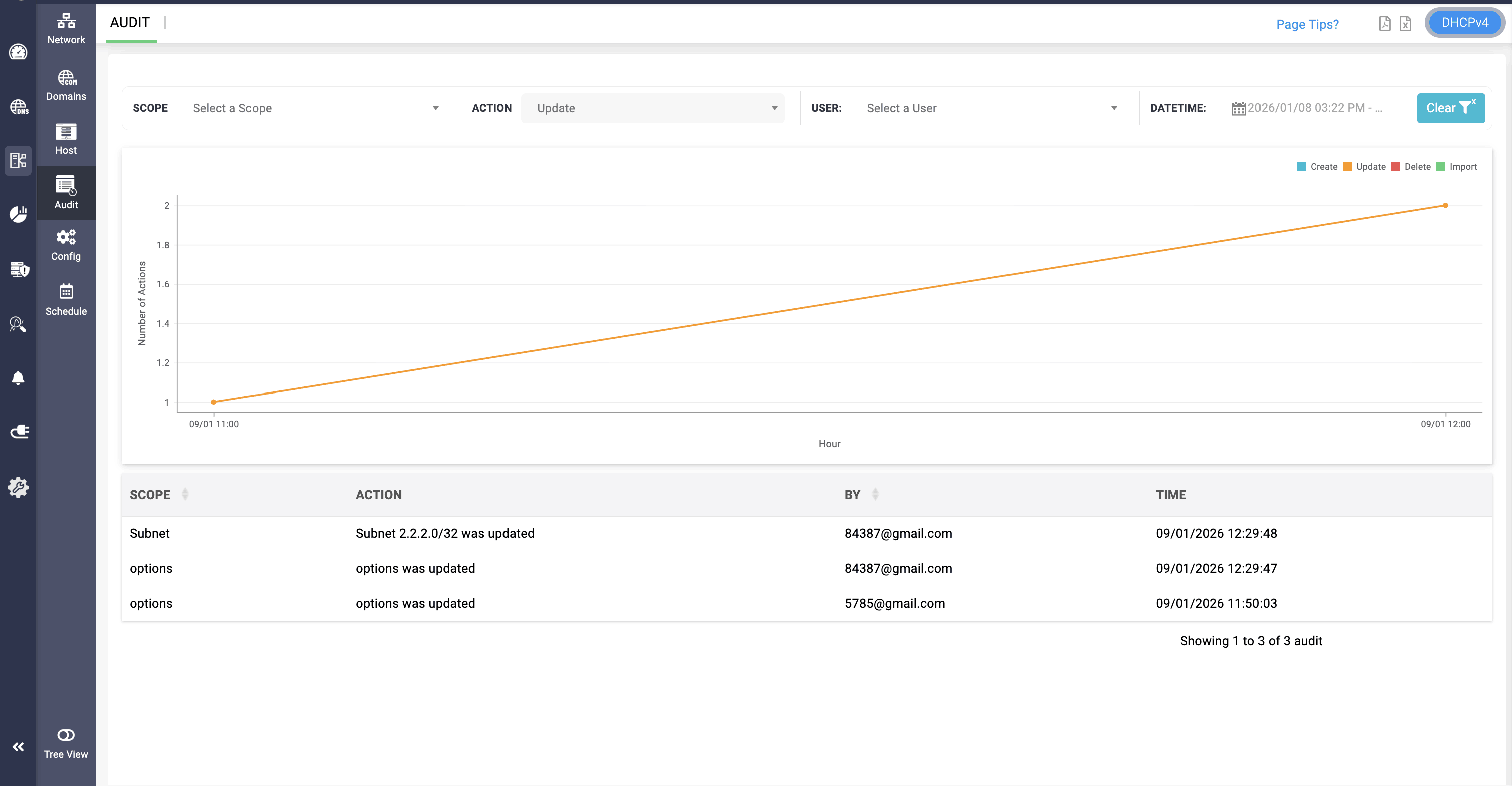
The DHCP audit log provides six different action-based filtering options, allowing network administrators to filter and view specific DNS activity logs across the network. This enables more focused visibility and streamlined monitoring. The following actions can be selected for review:
Create
Update
Delete
Import