Hardware Block List
The Hardware Block List section under DHCP lets network admins block specific MAC addresses from being leased an IP address and joining the network. This helps prevent unauthorized or unwanted devices from obtaining a DHCP lease and accessing the network.
Hardware Block List is common for both Kea DHCPv4 and DHCPv6.
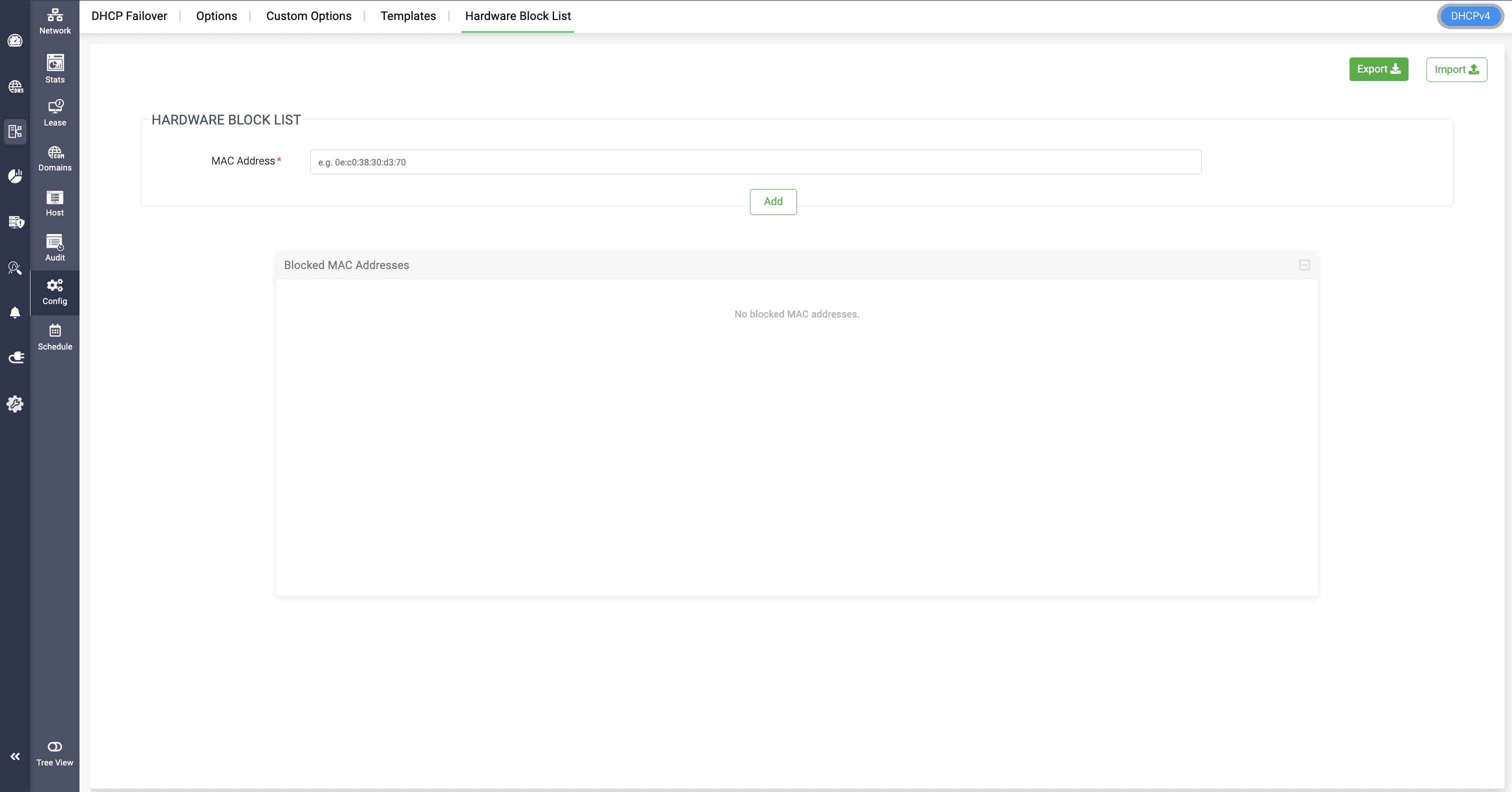
To block a MAC address, enter it in the MAC Address field and select Add. The address is added to the Blocked MAC Addresses list below. Select Save to apply the changes.
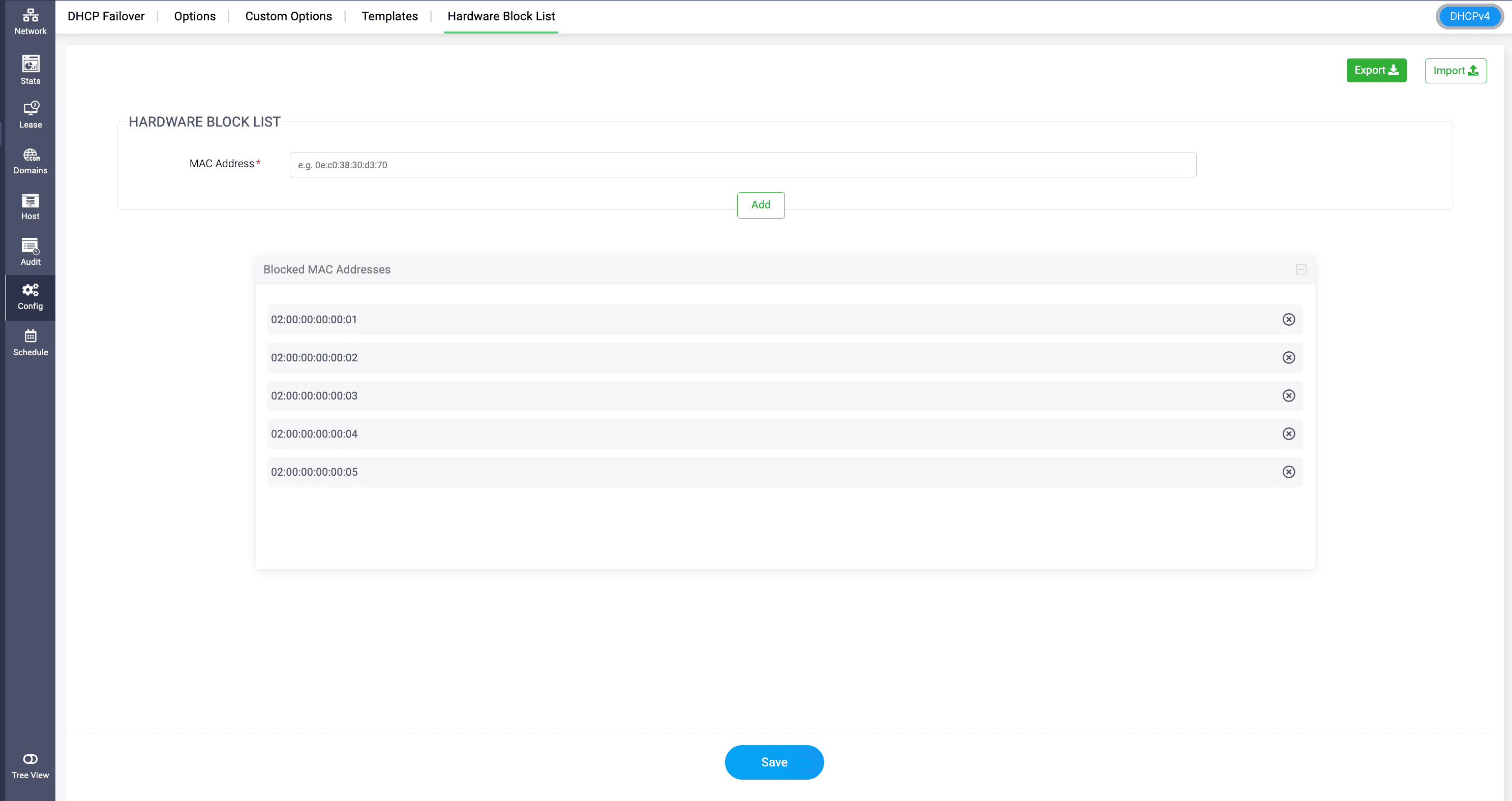
You can also import an existing list of MAC addresses that you want to block, by selecting on the Import option and import with a CSV file.
The same way, you can export the list of MAC addresses here as a CSV file by selecting the Export option.
Here is the Import sample file for reference:Note: DDI Central supports only UTF-8 encoding for CSV import files. If your CSV files use ASCII encoding, convert them to UTF-8 before importing them.
Note: In DHCPv6, the Hardware Block List accepts only MAC addresses and does not support DUIDs. If you want to block a DUID, use the Deny Lease option in the section.