Threat Intelligence Trusted Feeds
The Trusted Feeds section in DDI Central Threat Intelligence allows network administrators to select and categorize specific domains as trusted.
This ensures that clients can access those trusted domains, even if they were previously listed in the threat feed hub.
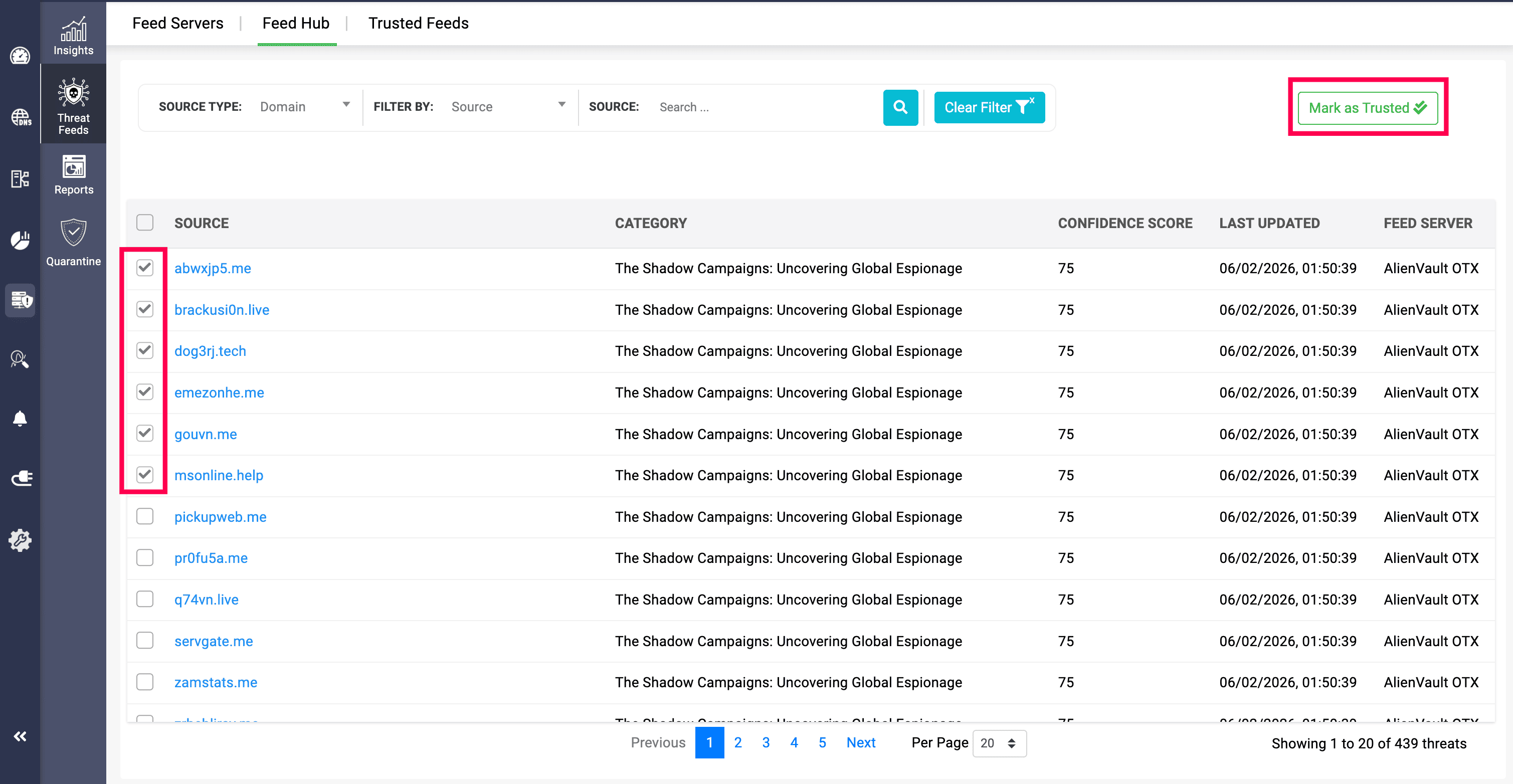
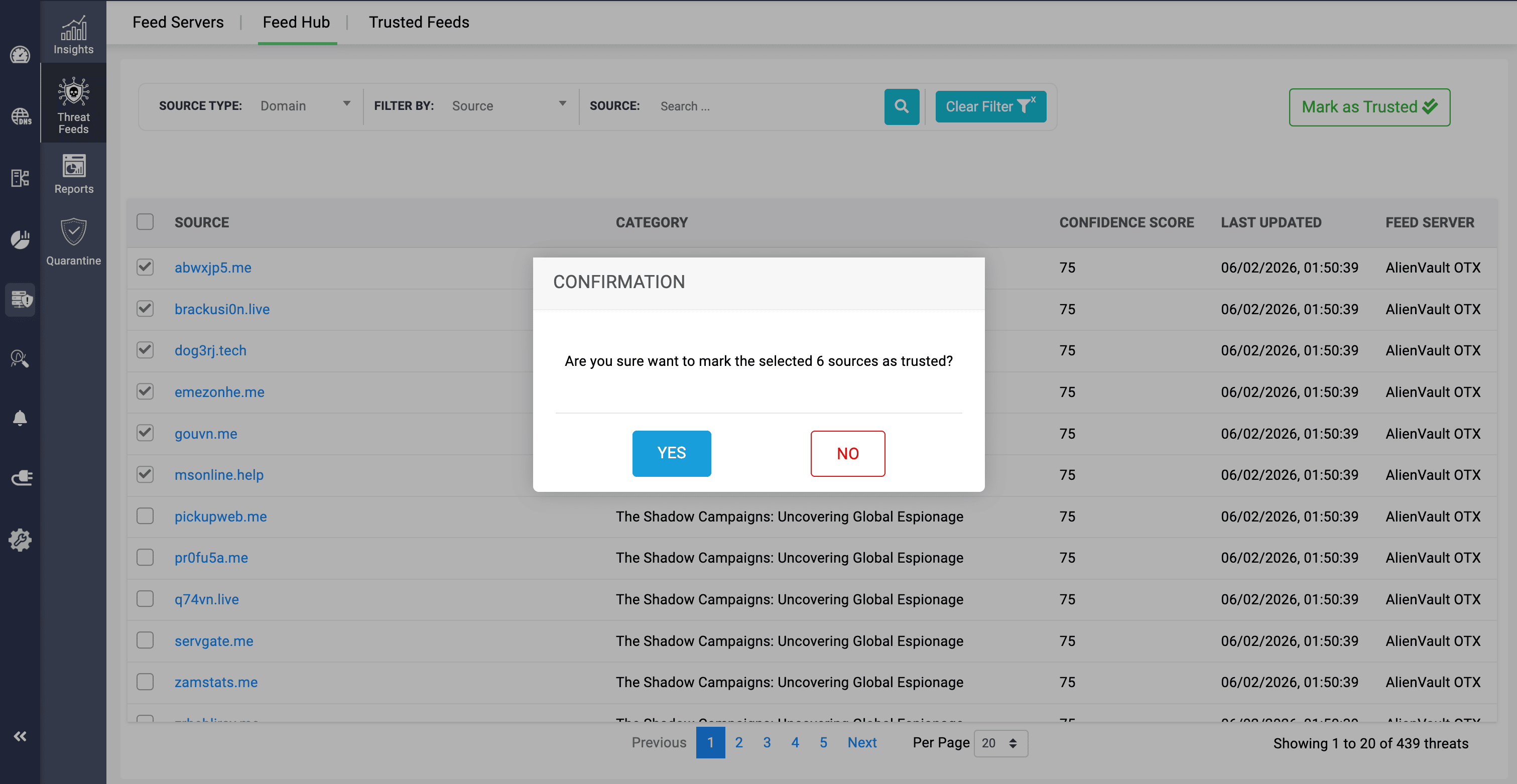
Administrators can select specific domains individually from the Threat Feed Hub and use the Mark as Trusted option to move them to the Trusted Feeds section within the application.
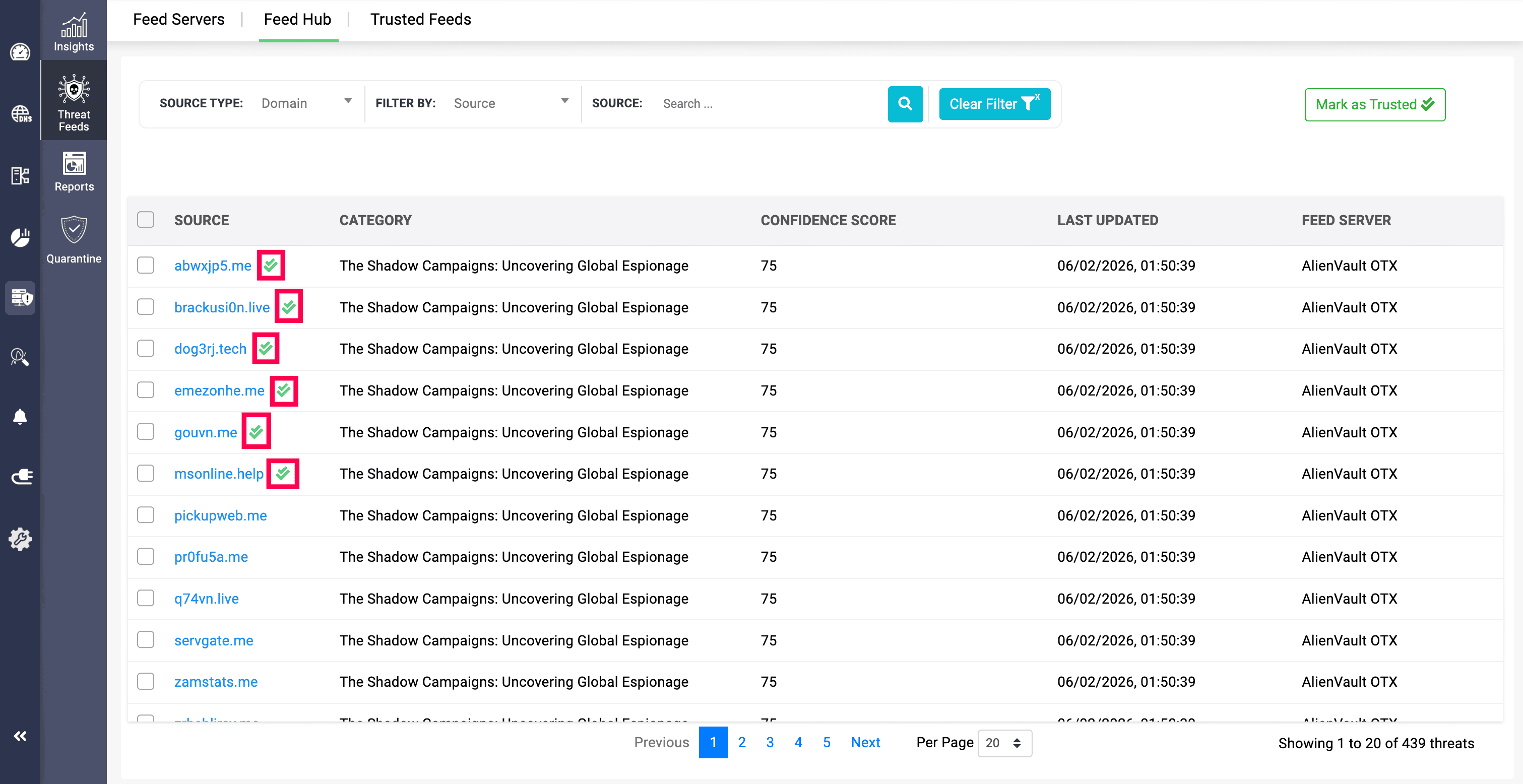
After confirmation, the selected domains will be marked with a green tick icon in the Feed Hub section, indicating that they are trusted.
For trusted feeds, only the primary IP address associated with the domain will be resolved, and not the redirection IP specified on the Add Feed Server page.
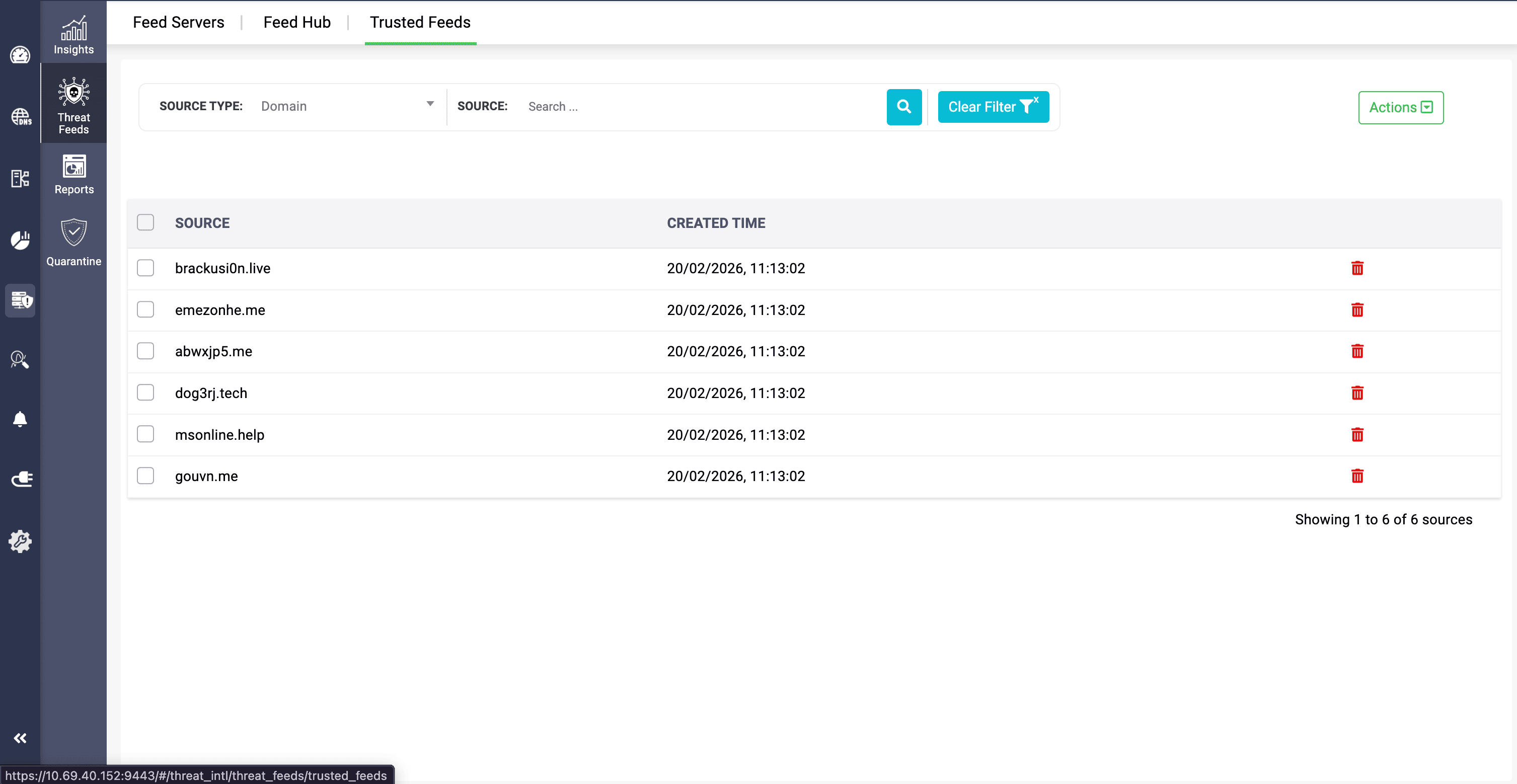
In the Trusted Feeds section, the domains that have been marked as trusted are displayed along with the date and time they were converted.
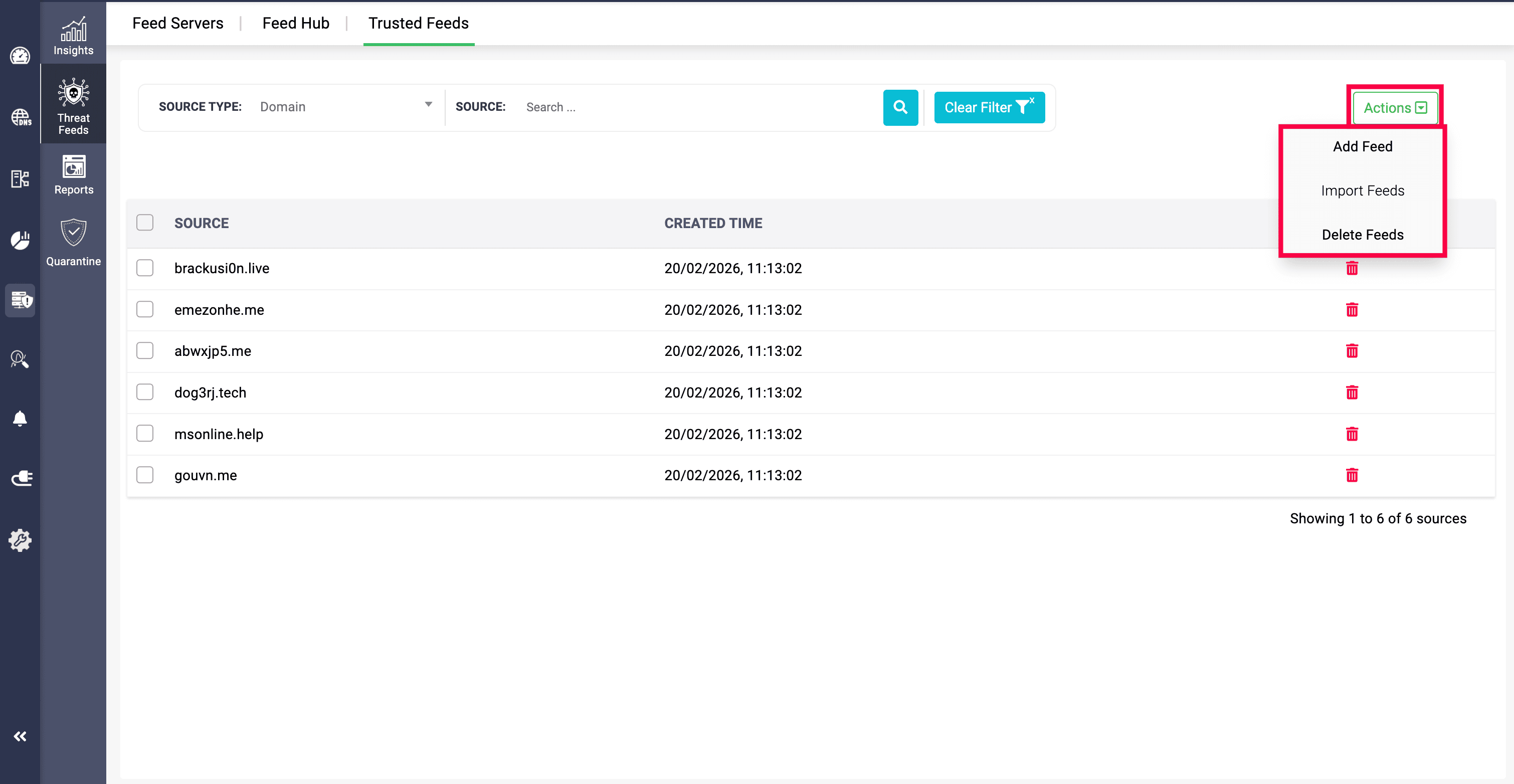
At the top right of the page, the Actions menu provides three options for managing trusted feeds: Add Feed, Import Feeds, and Delete Feeds.
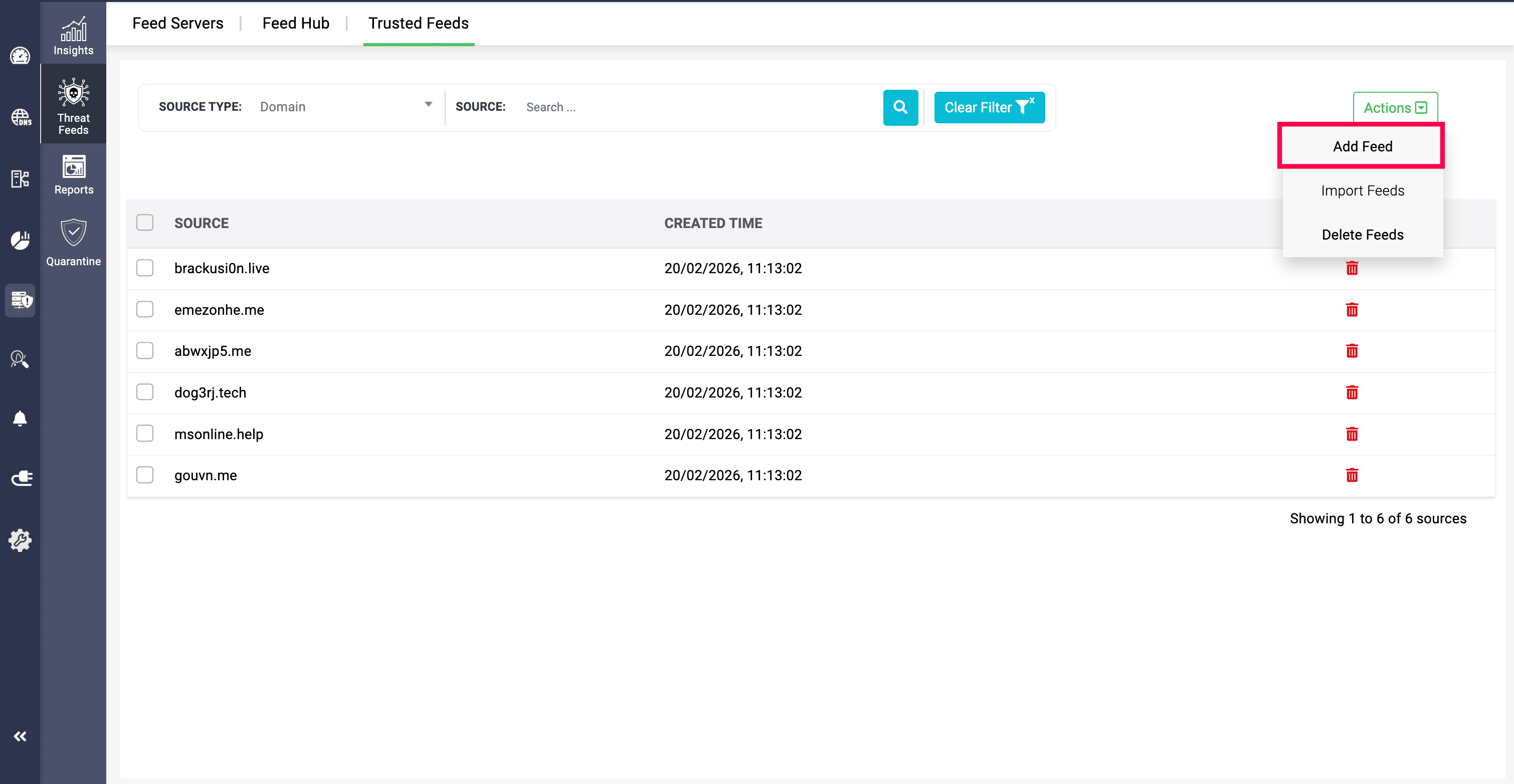
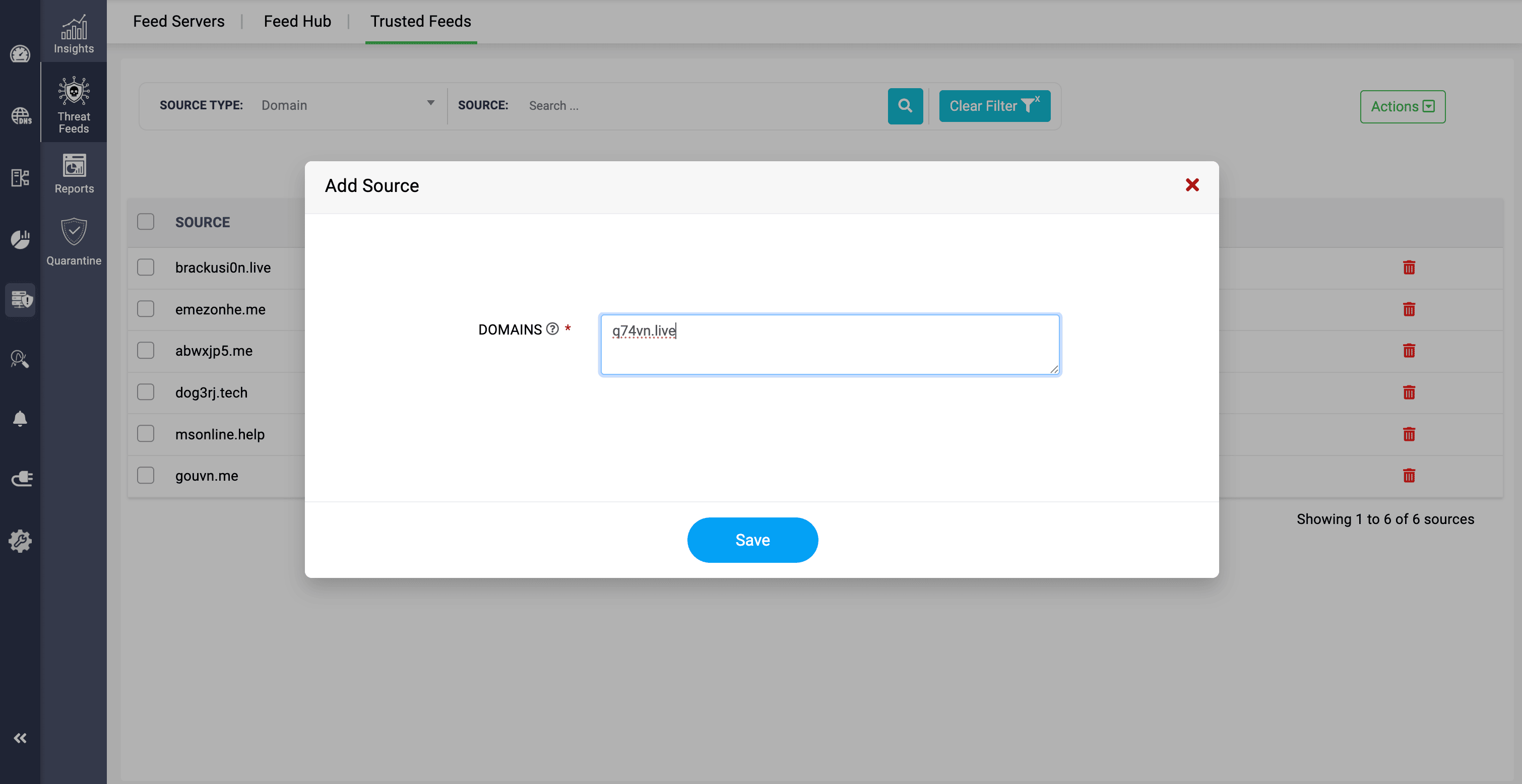
The Add Feed option allows admins to add domains directly to the Trusted Feeds section. They can enter domains that are not present in the Feed Hub, or add domains that already exist in the Feed Hub. If a domain from the Feed Hub is added here, it is automatically marked as Trusted in the Feed Hub.
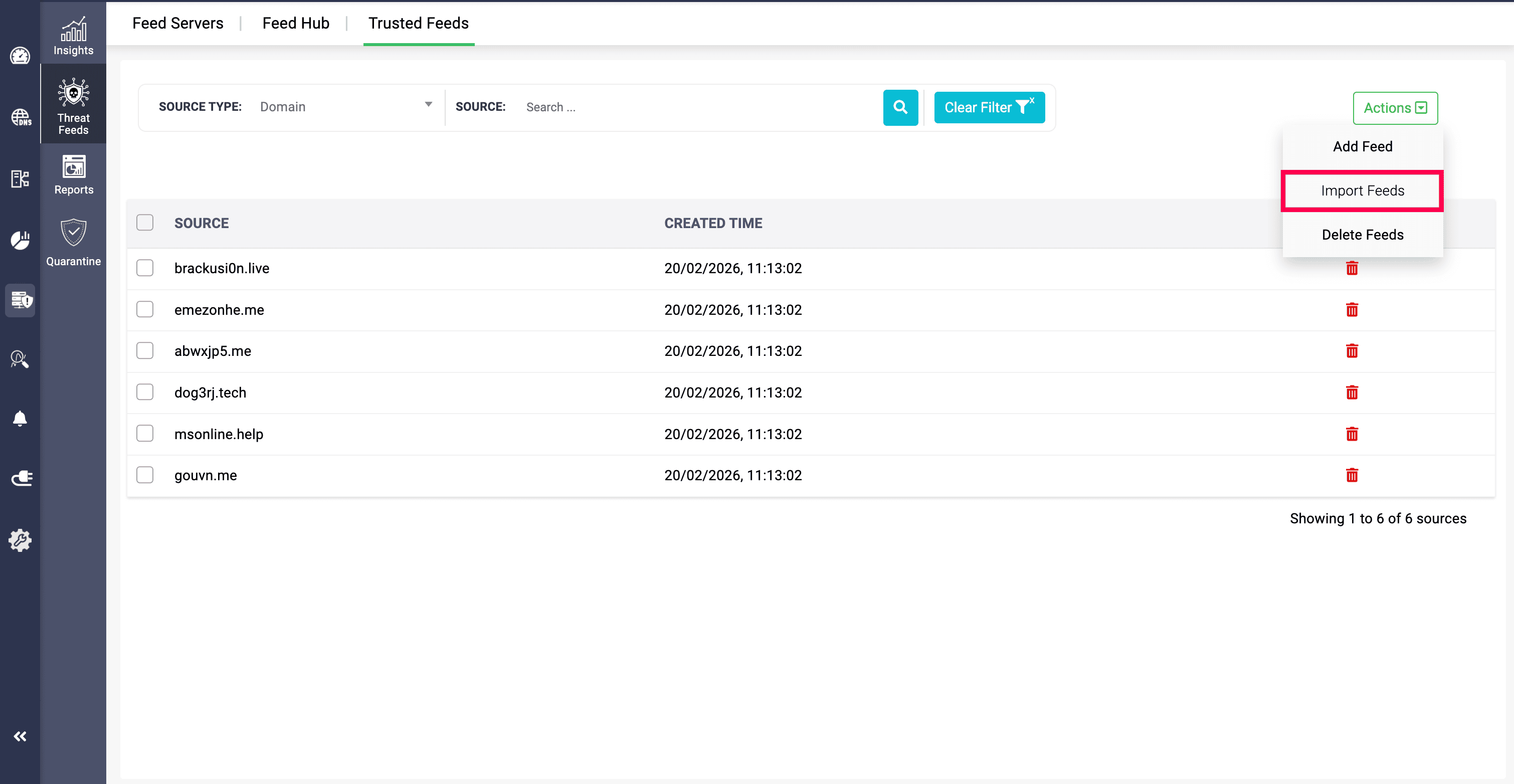
The Import Feeds option allows domains outside the application to be imported and added to the Trusted Feeds section using CSV or XLSX file formats.
IP addresses can also be imported into Trusted Feeds; however, they must be provided in a separate CSV or XLSX file. IP addresses and domain names cannot be included in the same CSV file.
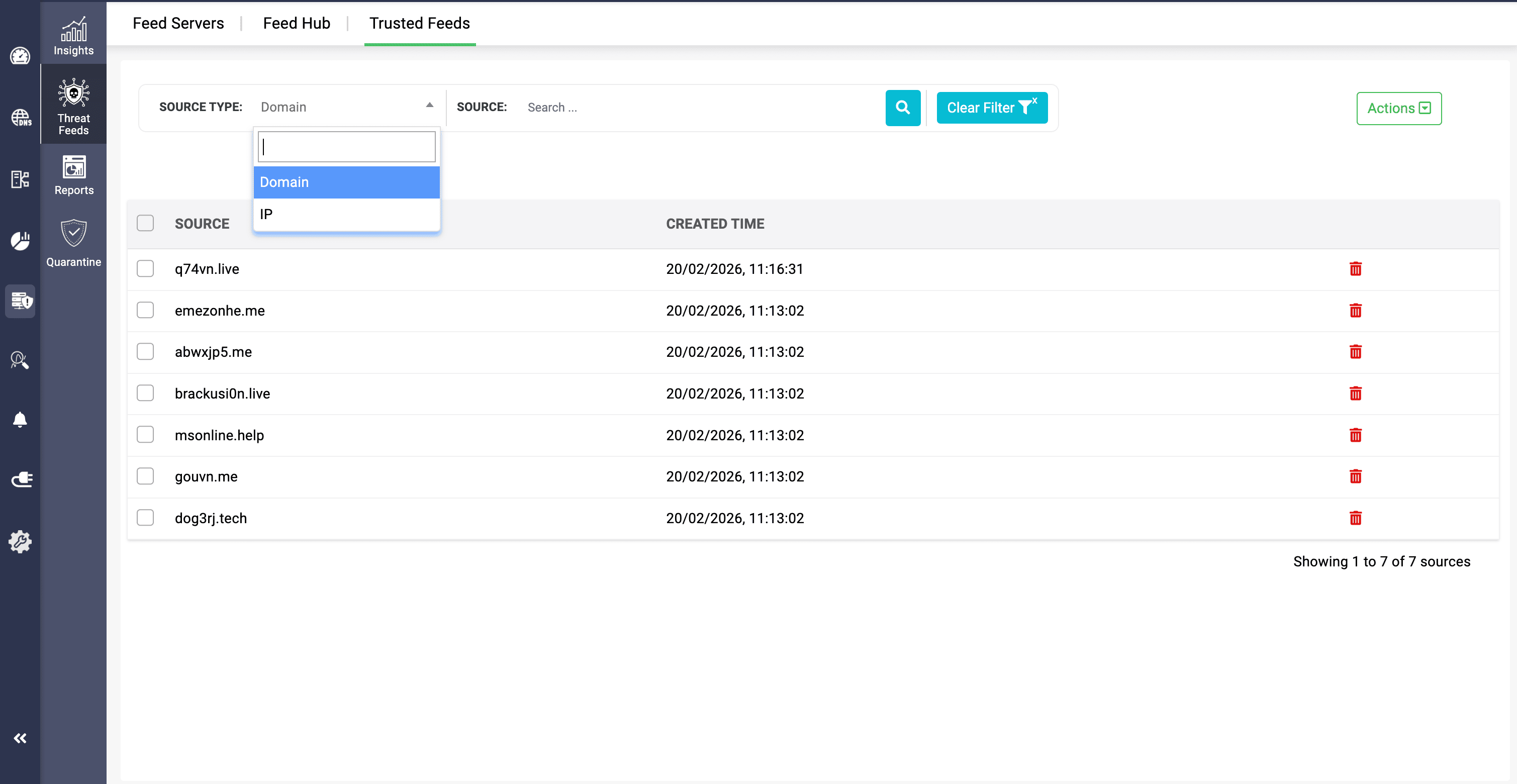
IP addresses and domains in the Trusted Feeds section can be searched using the SOURCE TYPE dropdown field.
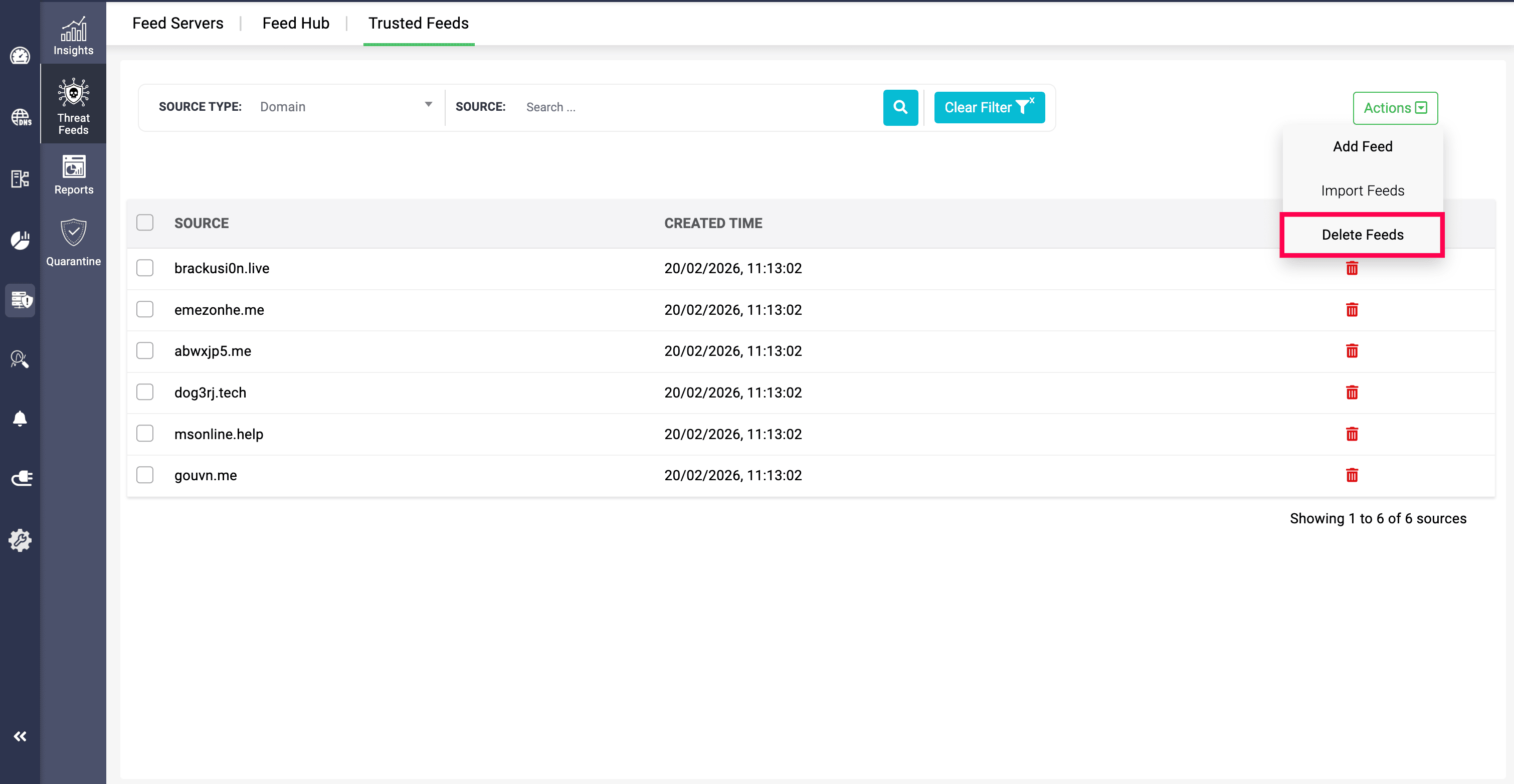
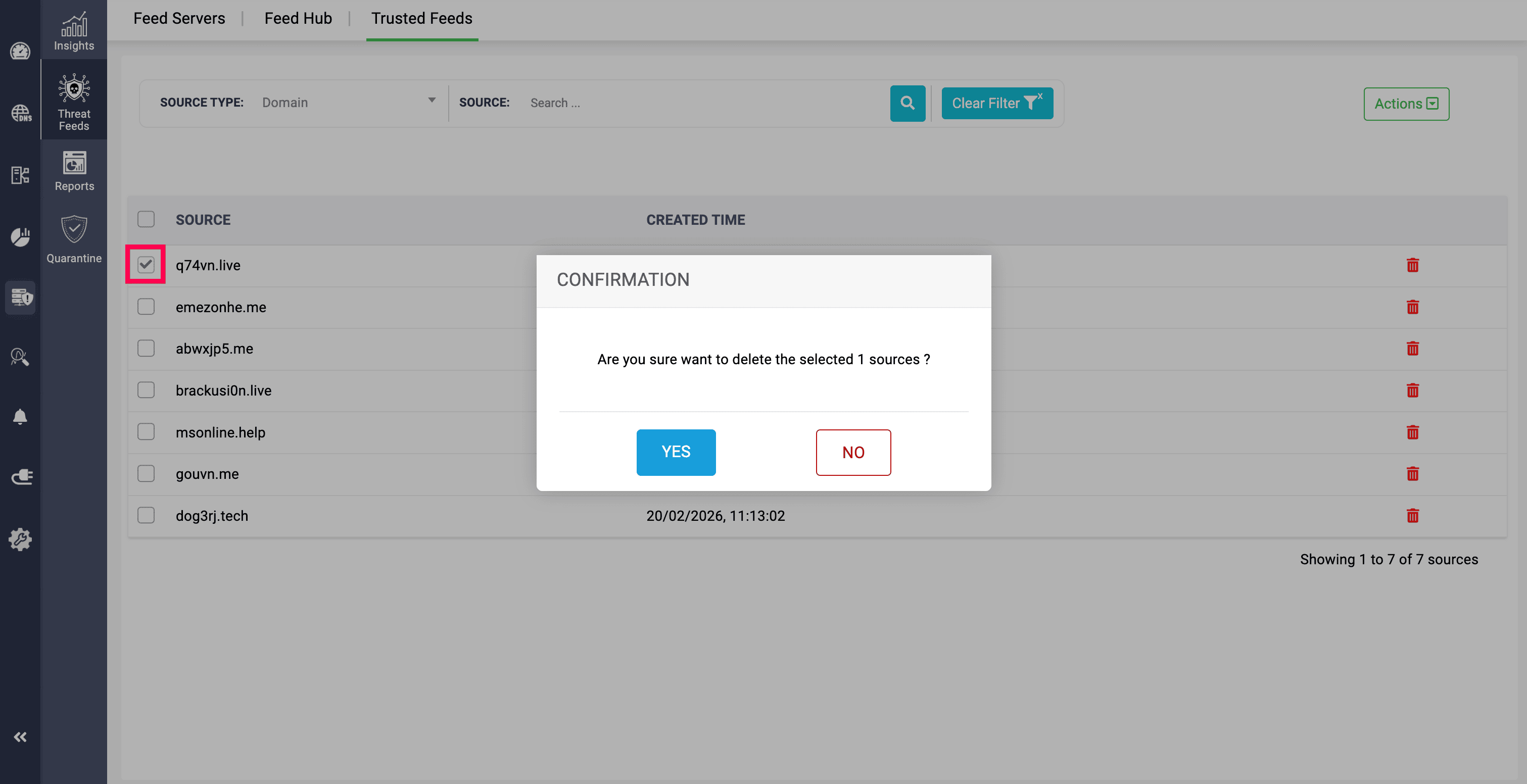
The Delete Feeds option requires admins to select multiple domains in the Trusted Feeds section in order to delete them simultaneously.
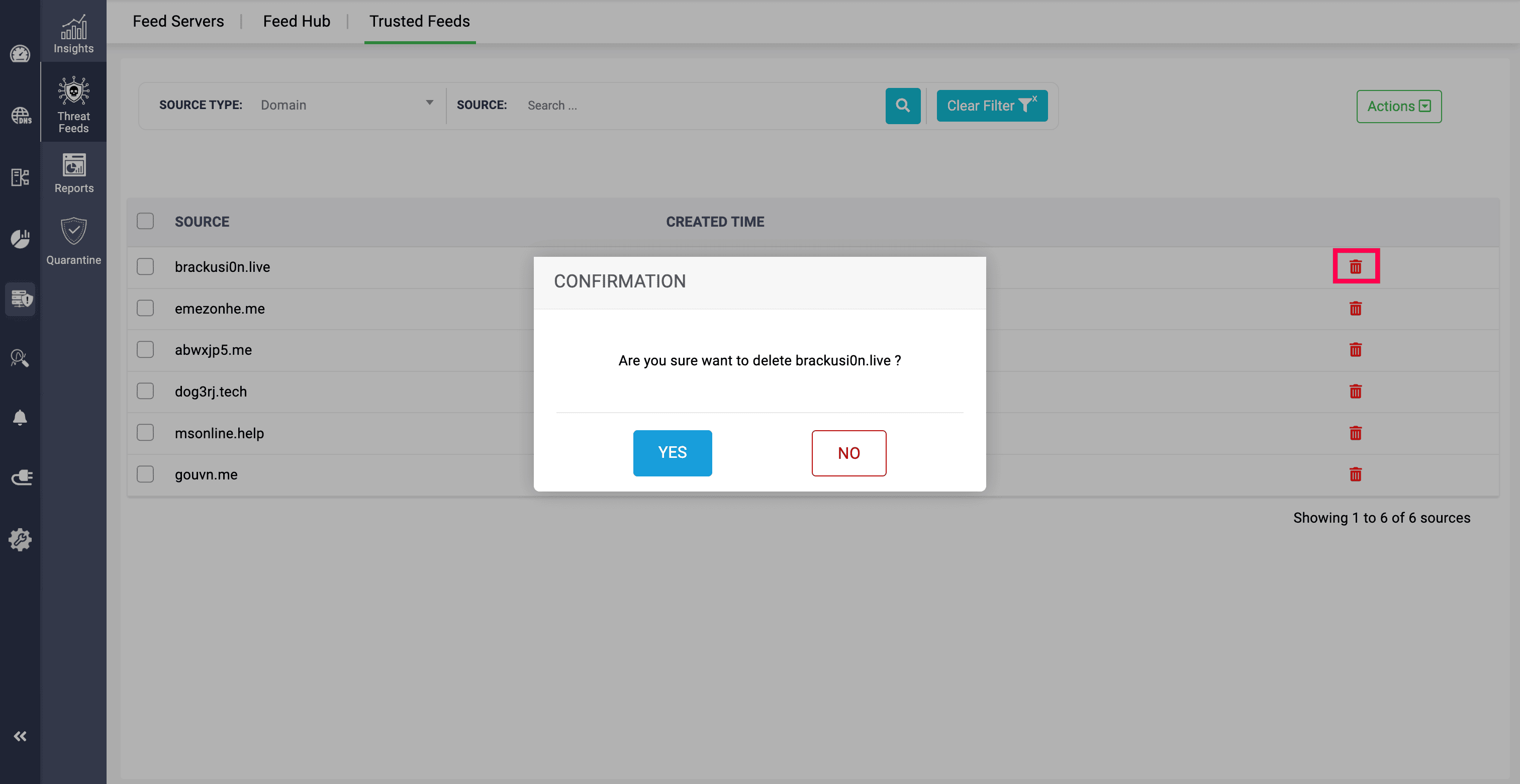
Alternatively, specific domains can be deleted individually by clicking the Delete icon next to the date and time.
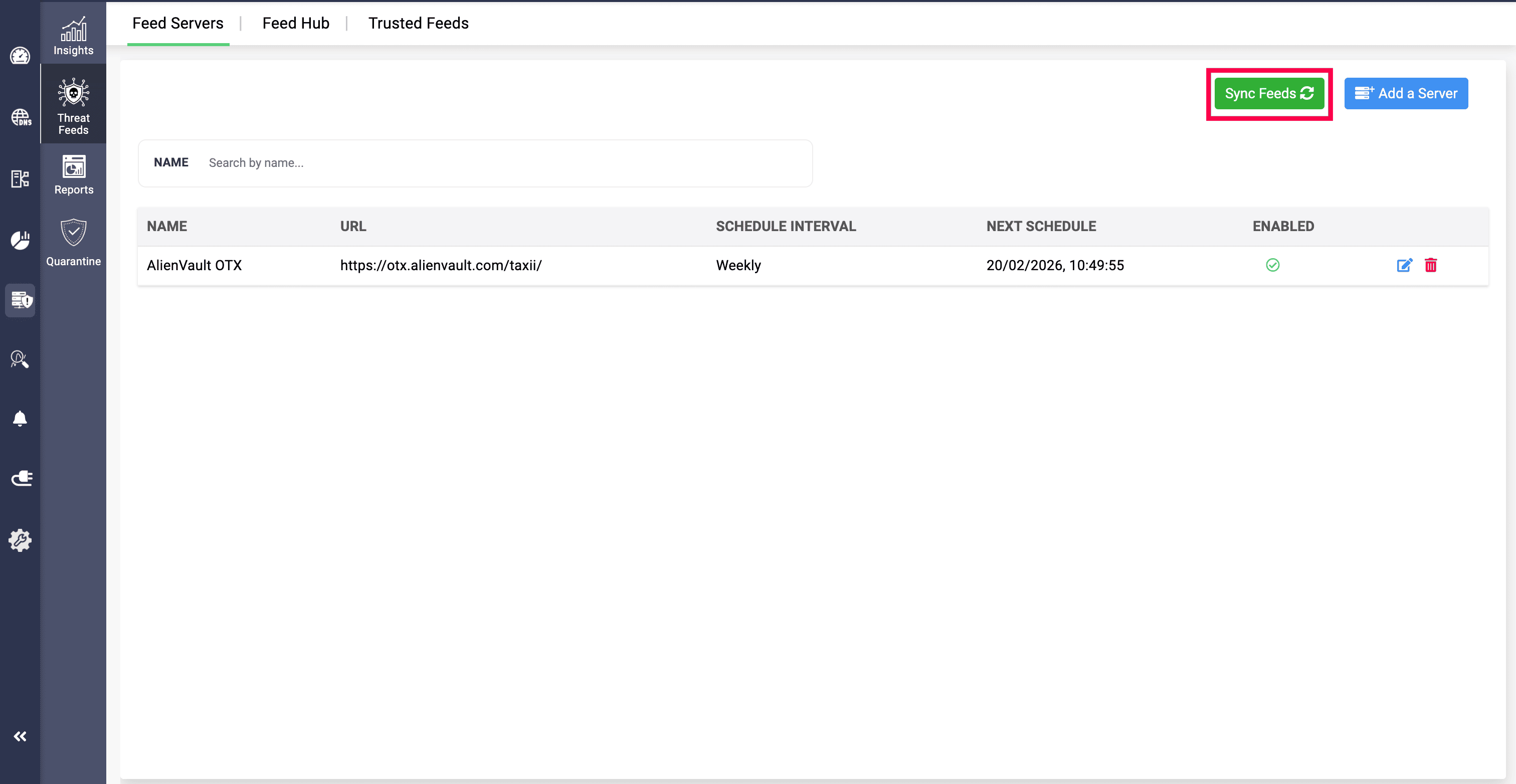
For every manual transition from trusted to non-trusted or non-trusted to trusted, you need to click the Sync Feeds option to quickly update the configuration.