DNS Audit Logs
DDI Central enables you to view the audit logs of specific domains Select the DNS menu from the menu bar along the left side of the screen.From the submenus that appear, choose Audit.
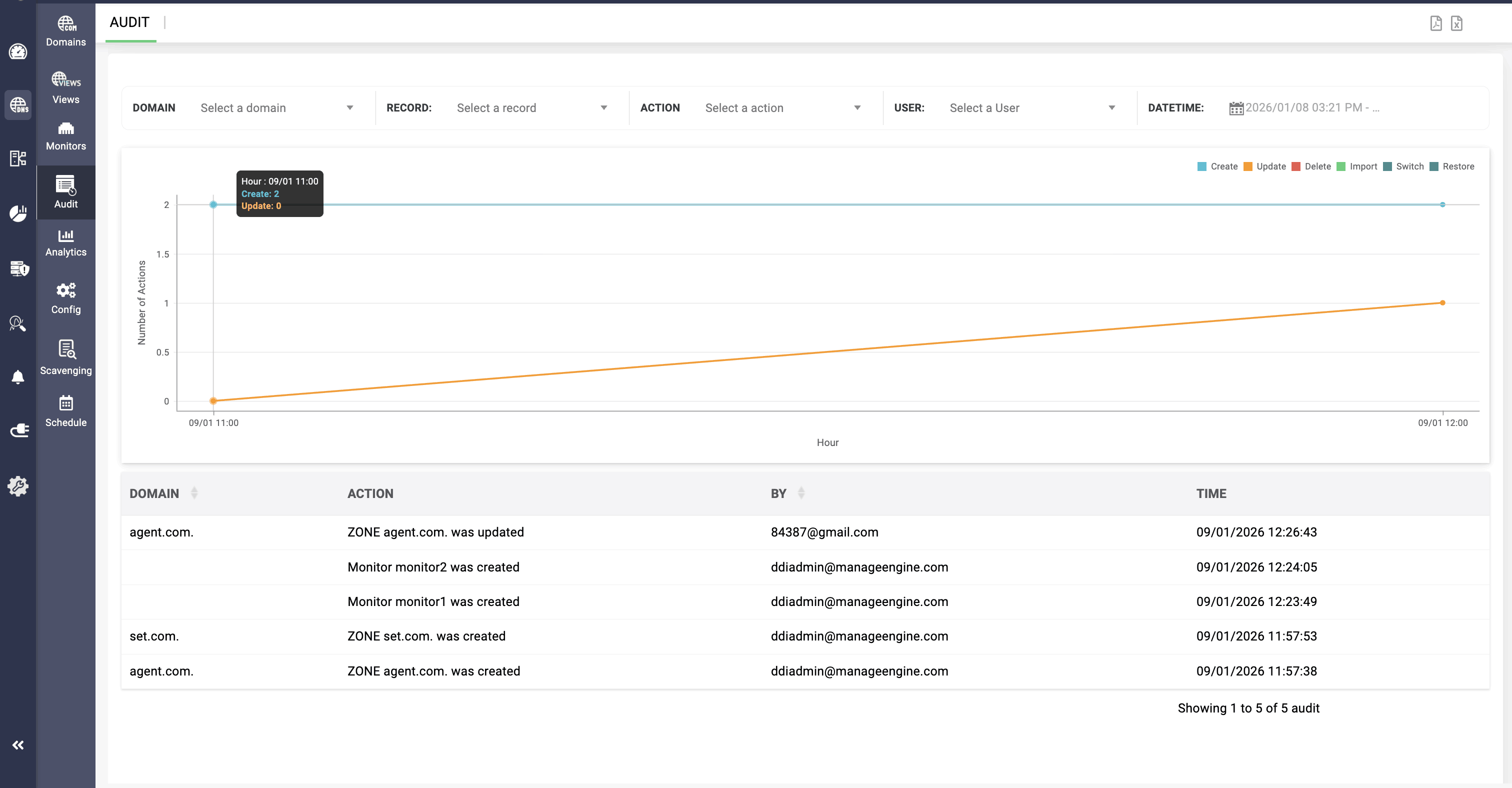
The Audit page helps you to continuously evaluate the overall security posture of your domains and records using security audit logs to track who, what, and when with respect to domain management and record updates.
You can also filter the logs for filtering the specific activities carried out by a specific user or a specific activity carried out around a certain time frame to detect security breeches and malpractices.
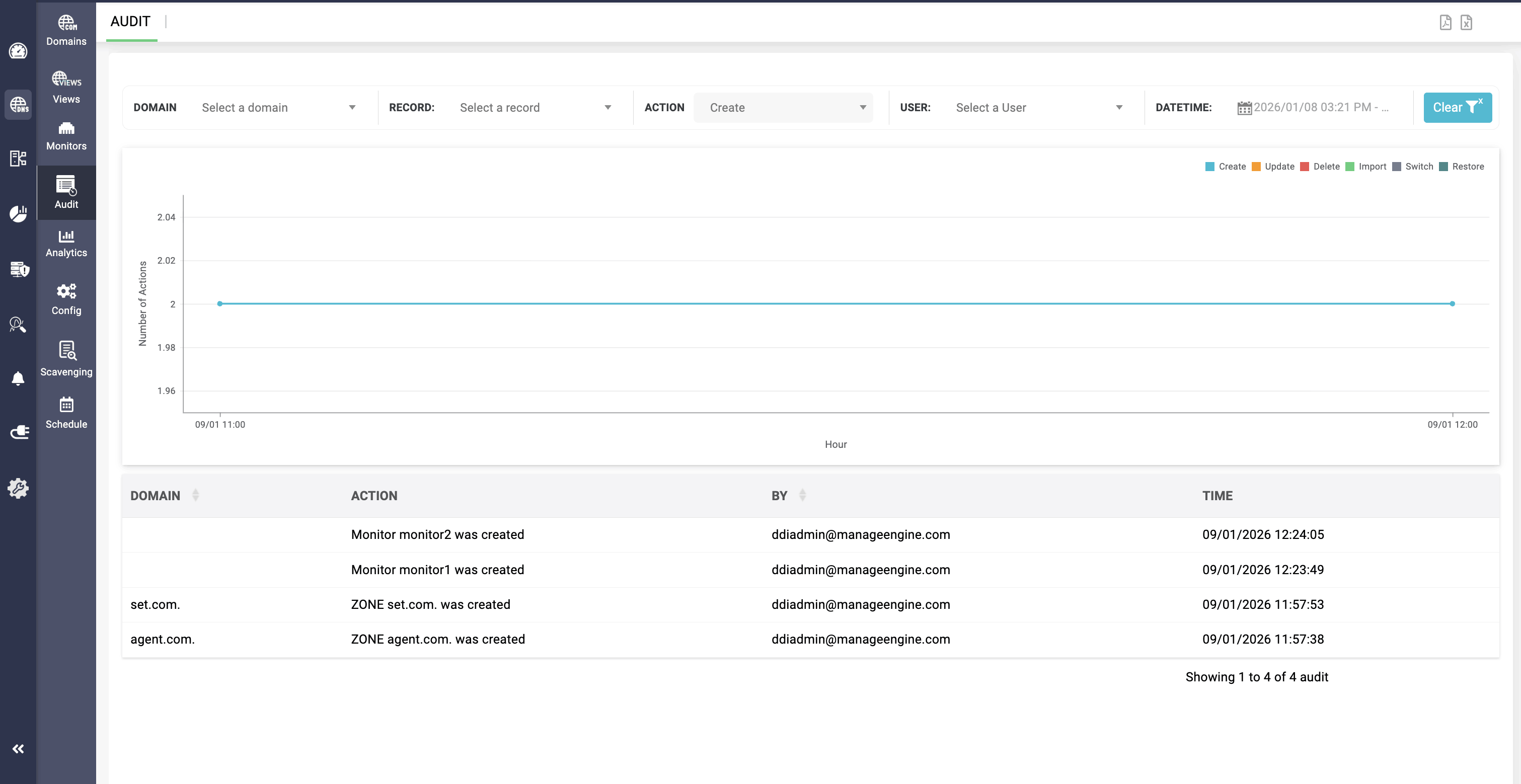
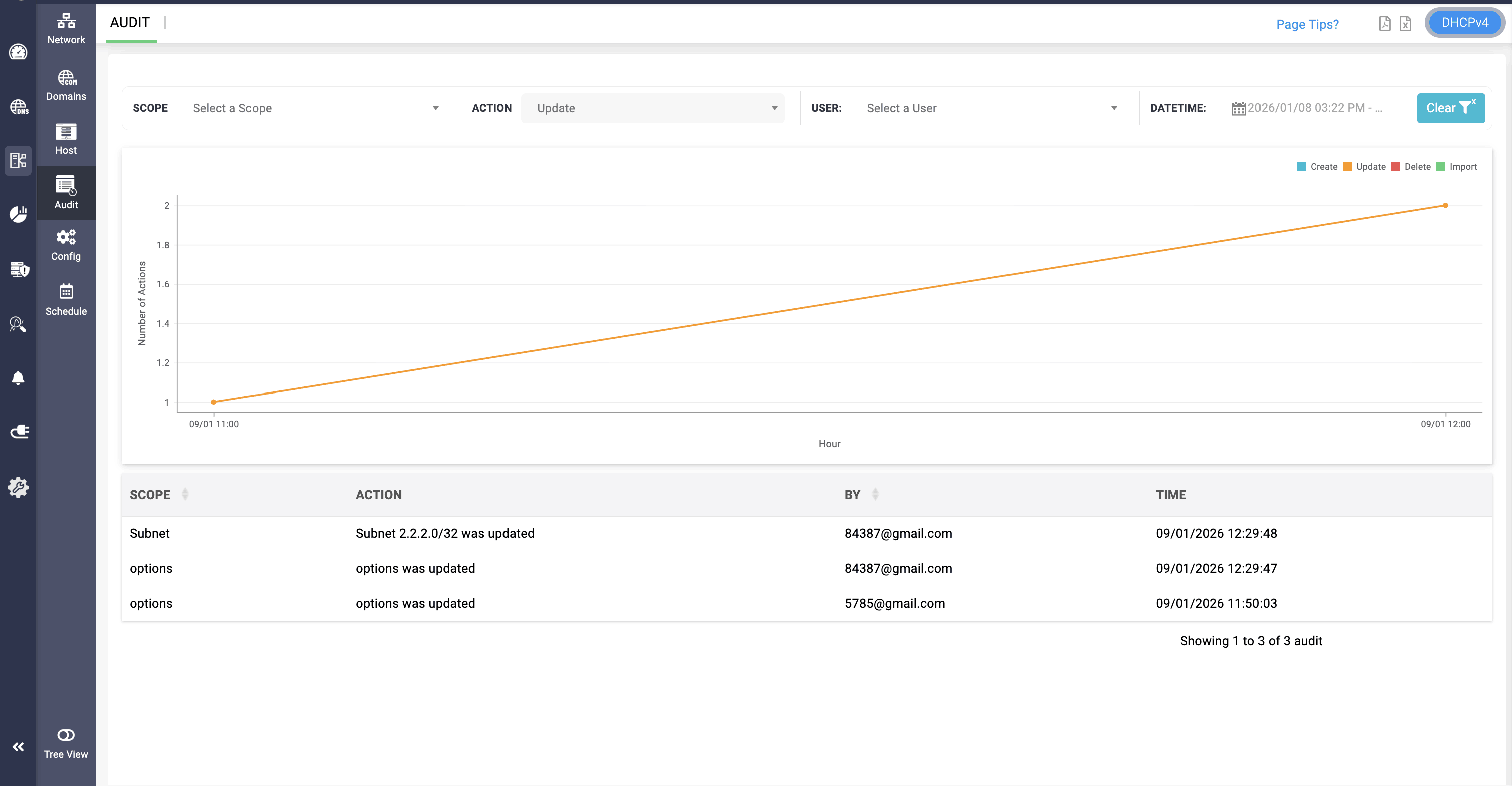
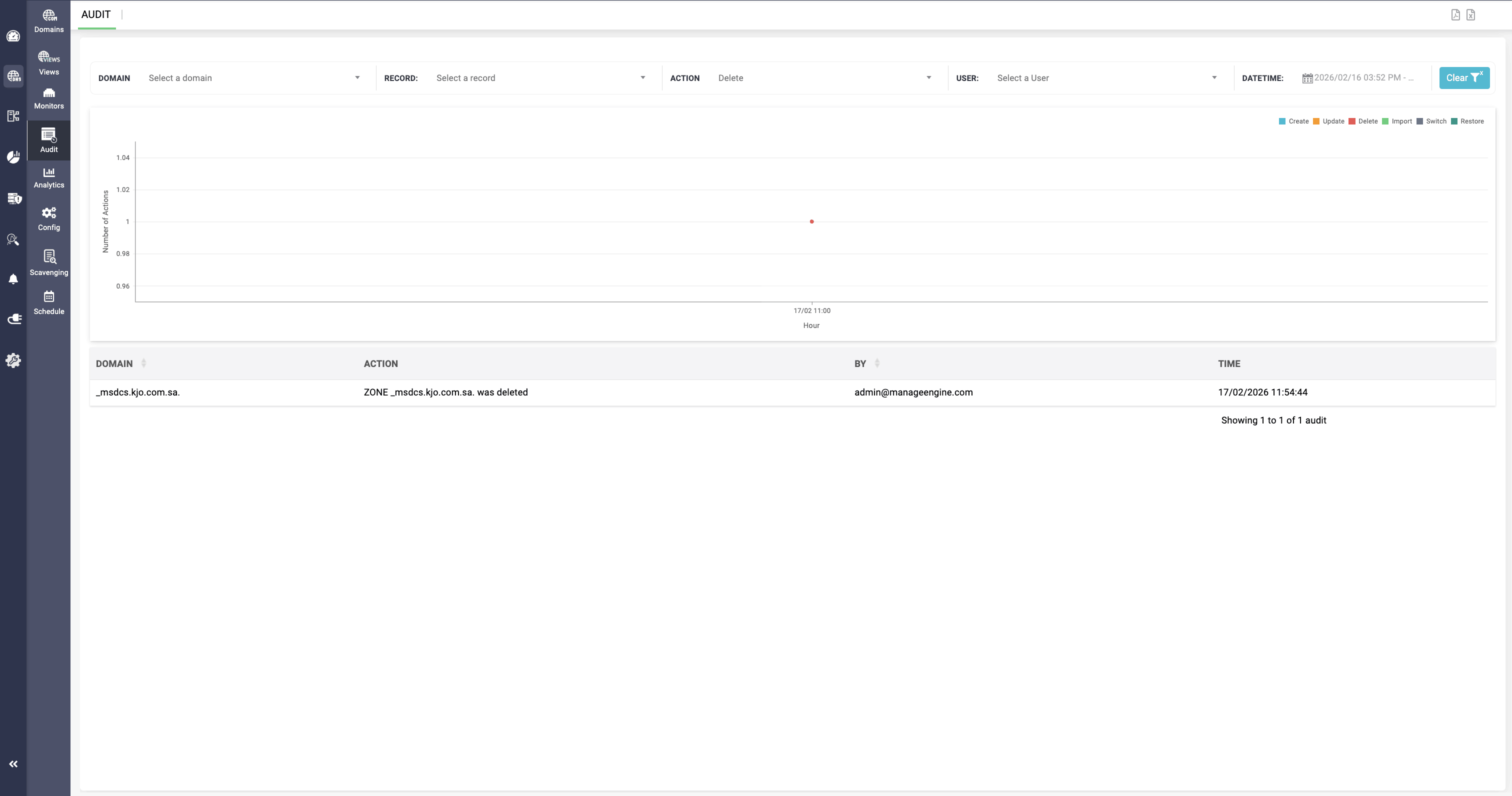
The DNS audit log provides six different action-based filtering options, allowing network administrators to filter and view specific DNS activity logs across the network. This enables more focused visibility and streamlined monitoring. The following actions can be selected for review:
Create
Update
Delete
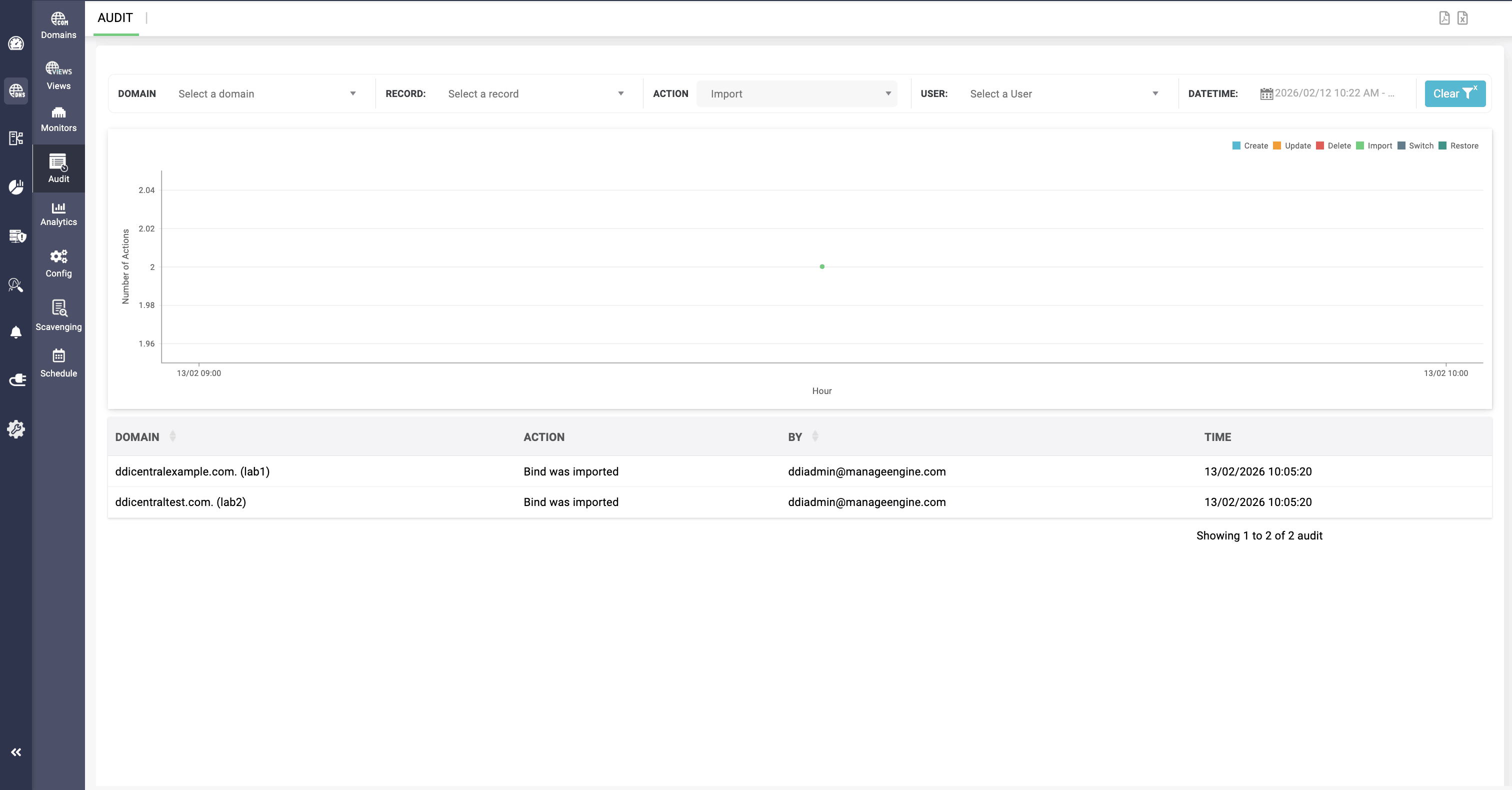
Import
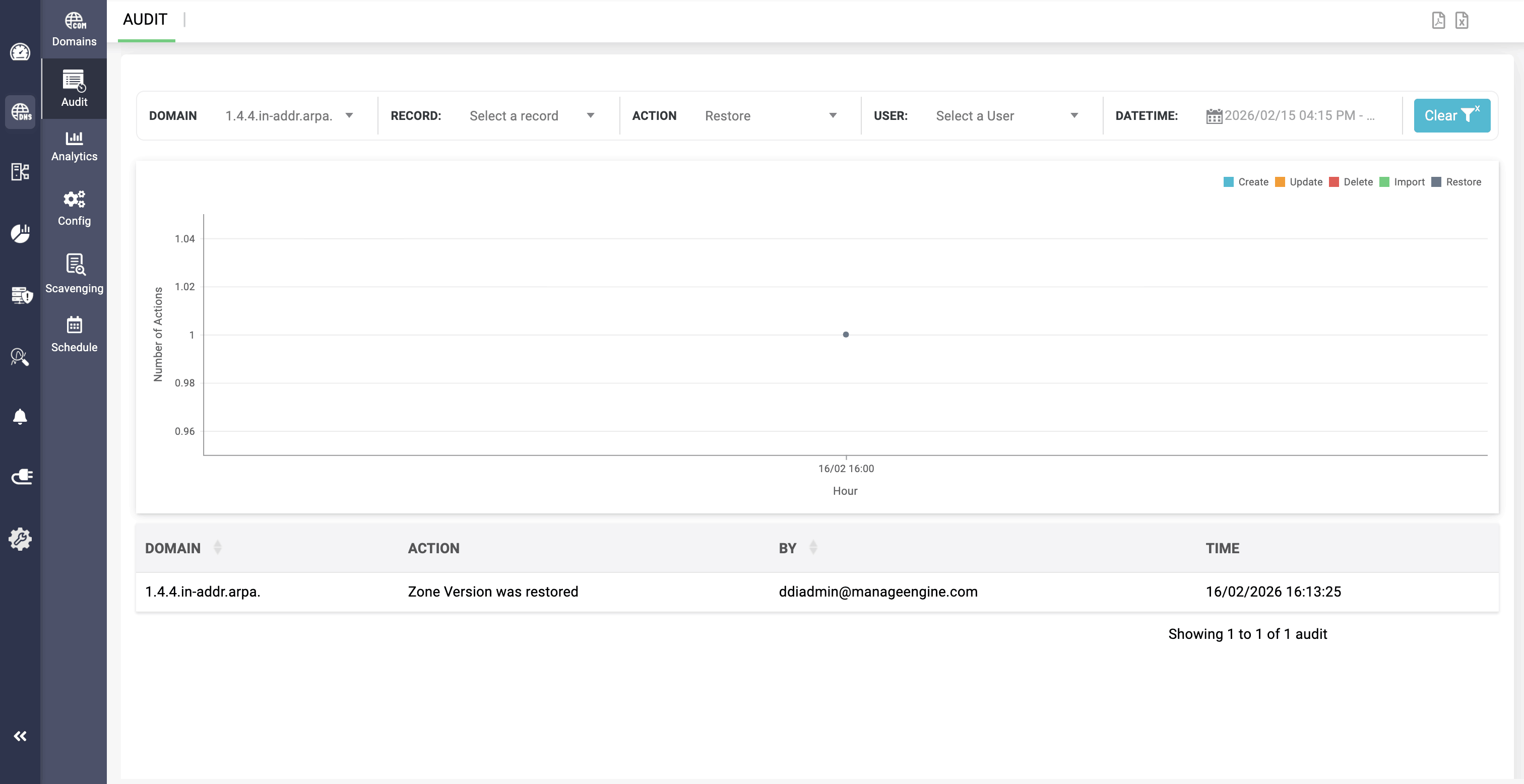
Restore
The DNS zones that are restored to their previous versions are logged under this action section.
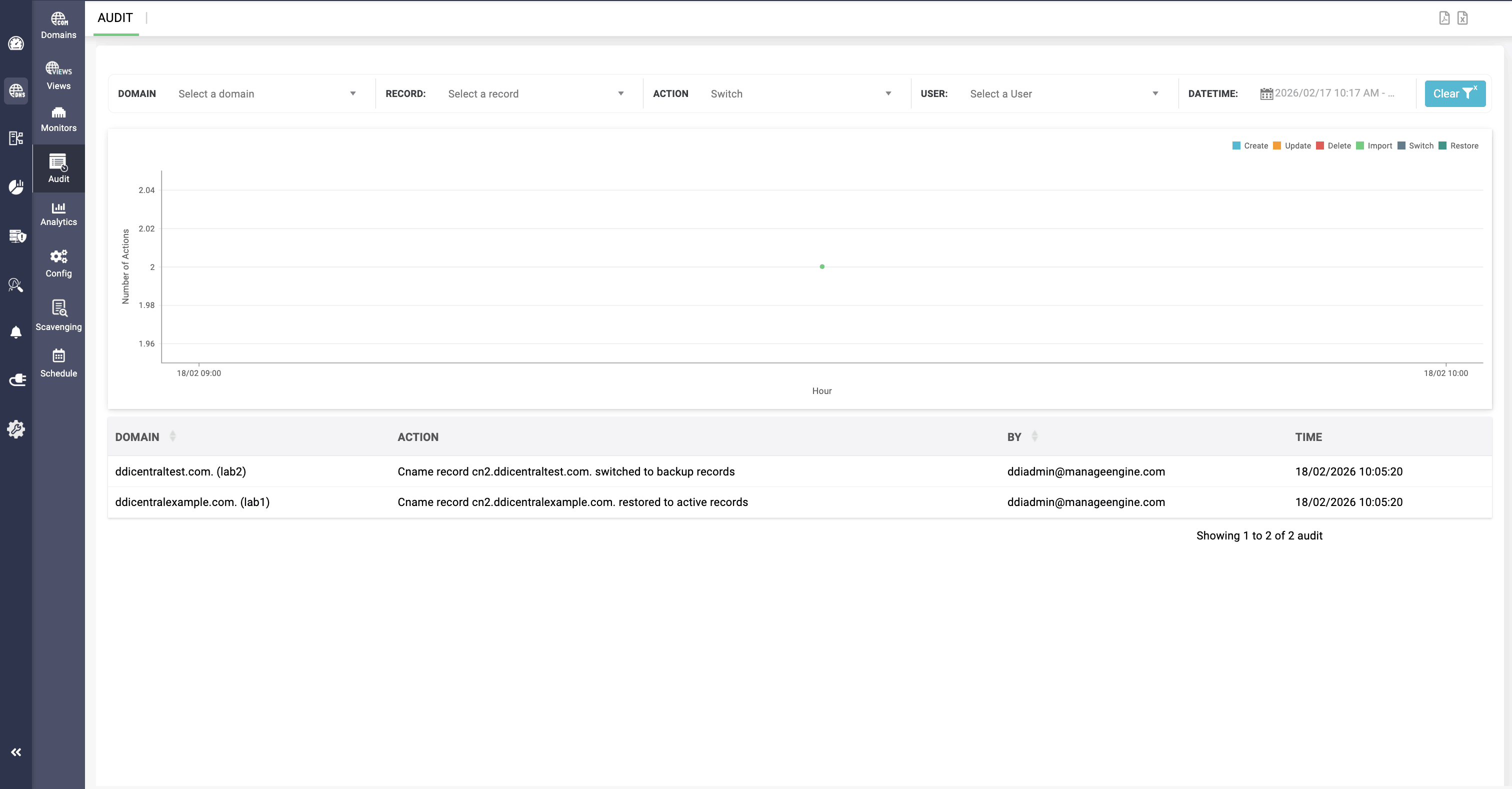
Switch
The domains that undergo a failover switch from active to backup records are logged under this action section.
Regularly reviewing your DNS infrastructure's security logs helps you ensure that the access control mechanisms are performing adequately, determine whether employees are sticking to your security practices, and catch new potential security weaknesses.