DDI Windows credentials management
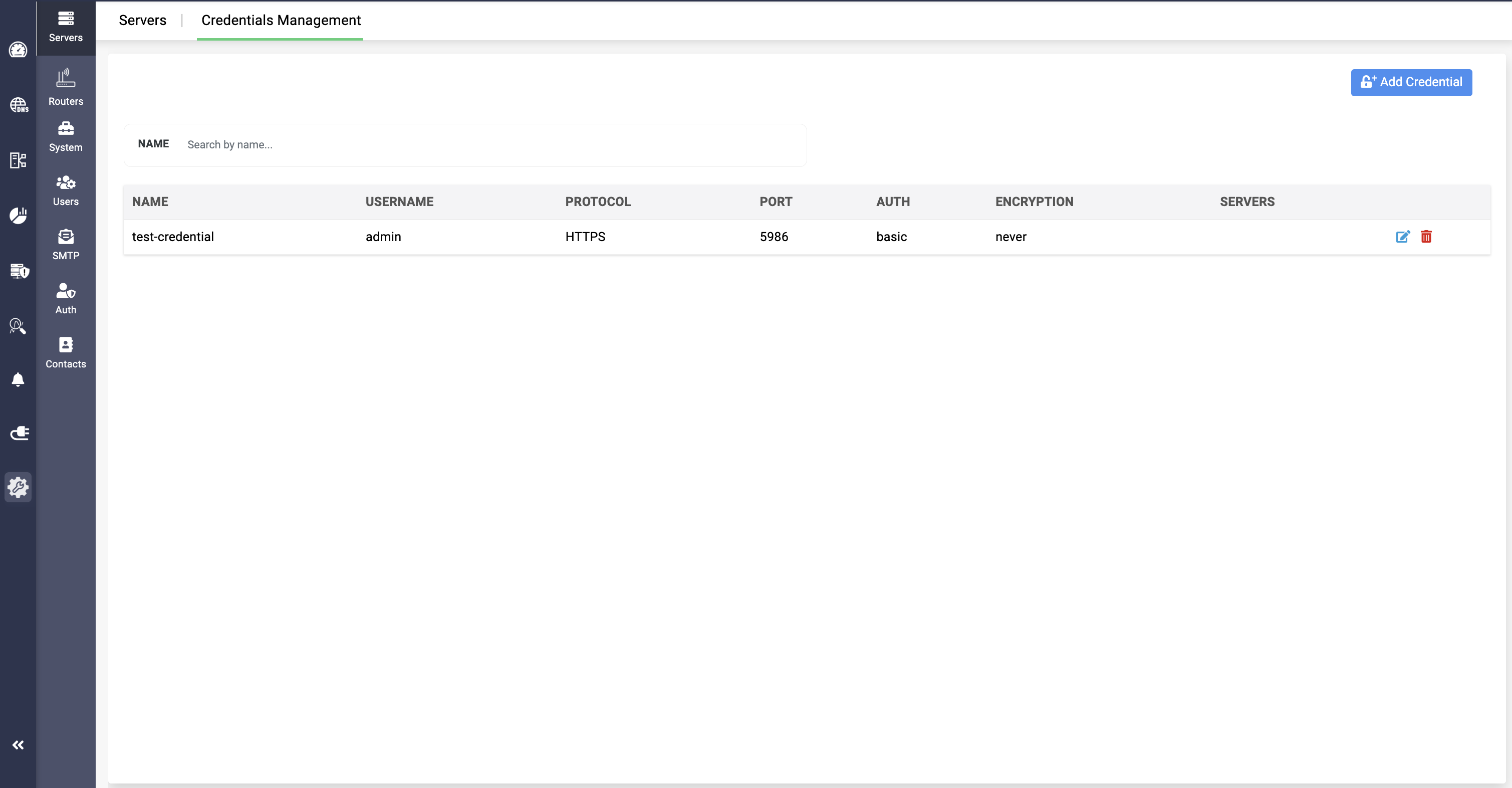
DDI Central Windows Microsoft facilities credentials management for your windows servers in the network. Add all of the servers' credentials in the application, and select them for signing in automatically. This reduces the need to remember credentials of individual hosts and sign in to each manually.
To add a server credential in DDI Central,
- Click on Add Credentials Option.
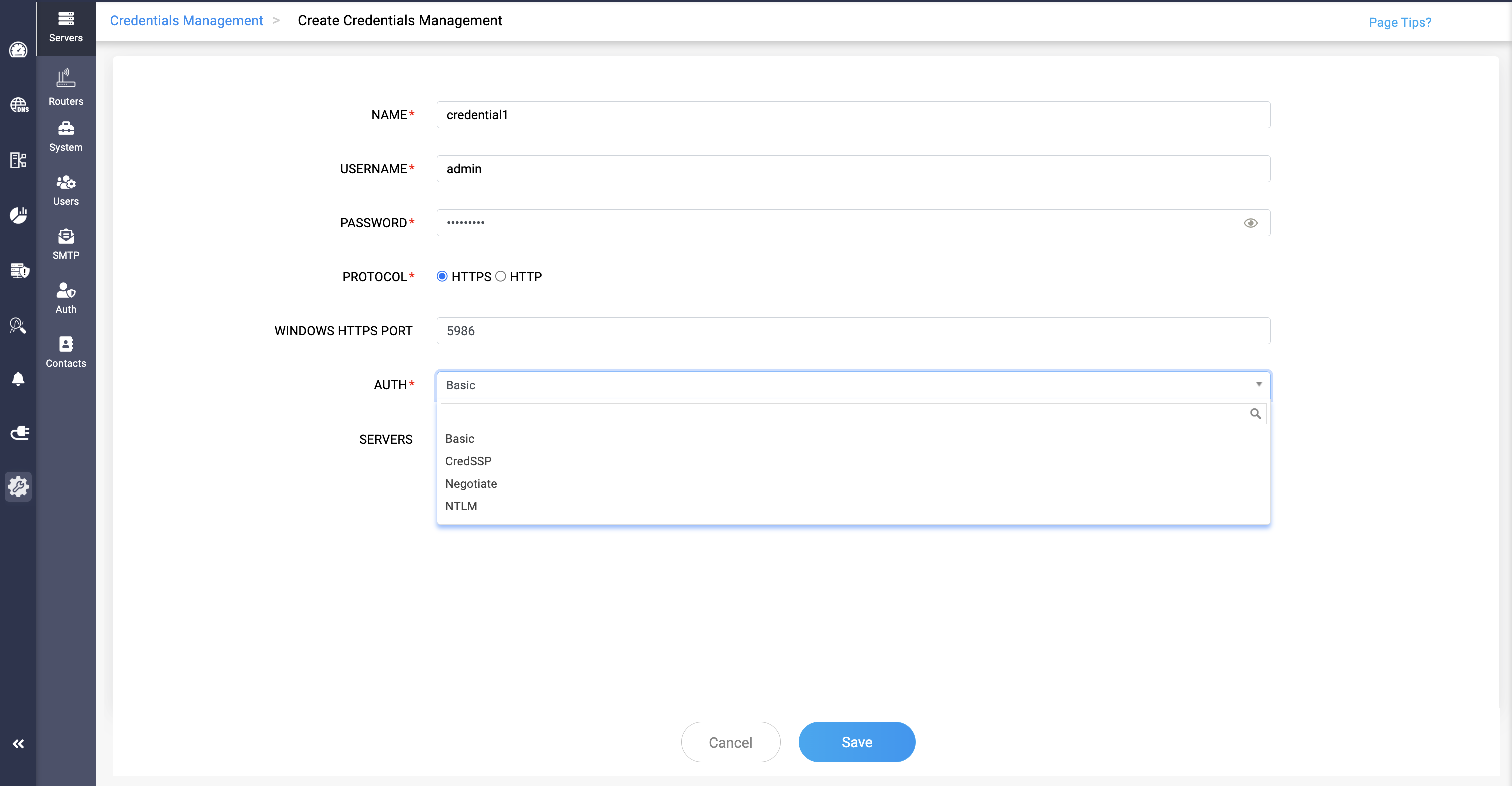
- Provide the following details in these given fields:
- NAME: Provide the name of the credential to be added in the application.
- USERNAME: Provide the username of the credential.
- PASSWORD: Provide the password of the credential.
- PROTOCOL: Select the protocol of windows server, HTTPS or HTTP.
- WINDOWS HTTPS PORT: Selecting the HTTPS displays this field with the port number.
- WINDOWS HTTP PORT: Selecting the HTTPS displays this field with the port number.
- AUTH: Select the type of authentication to be used for the authentication process.
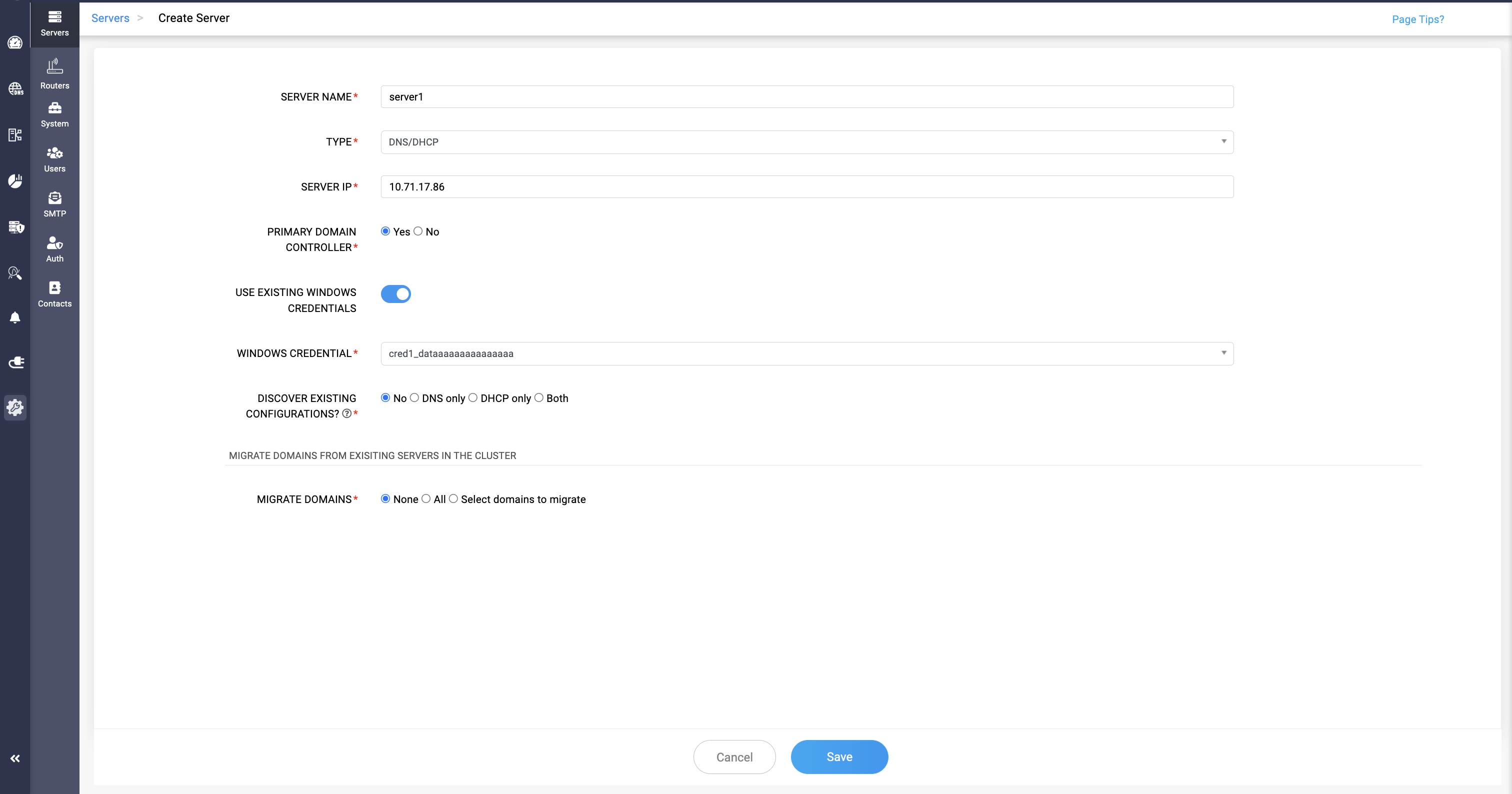
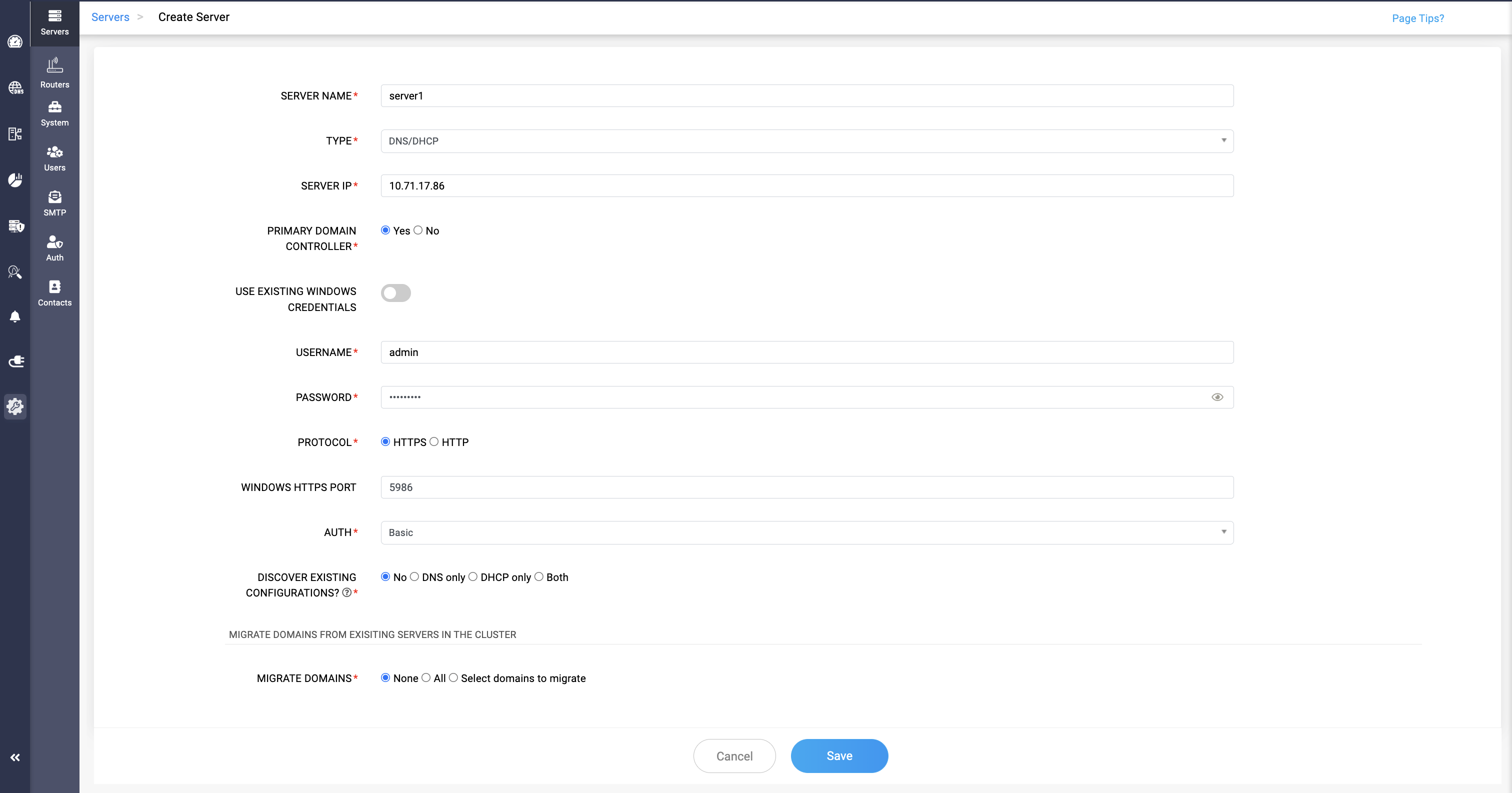
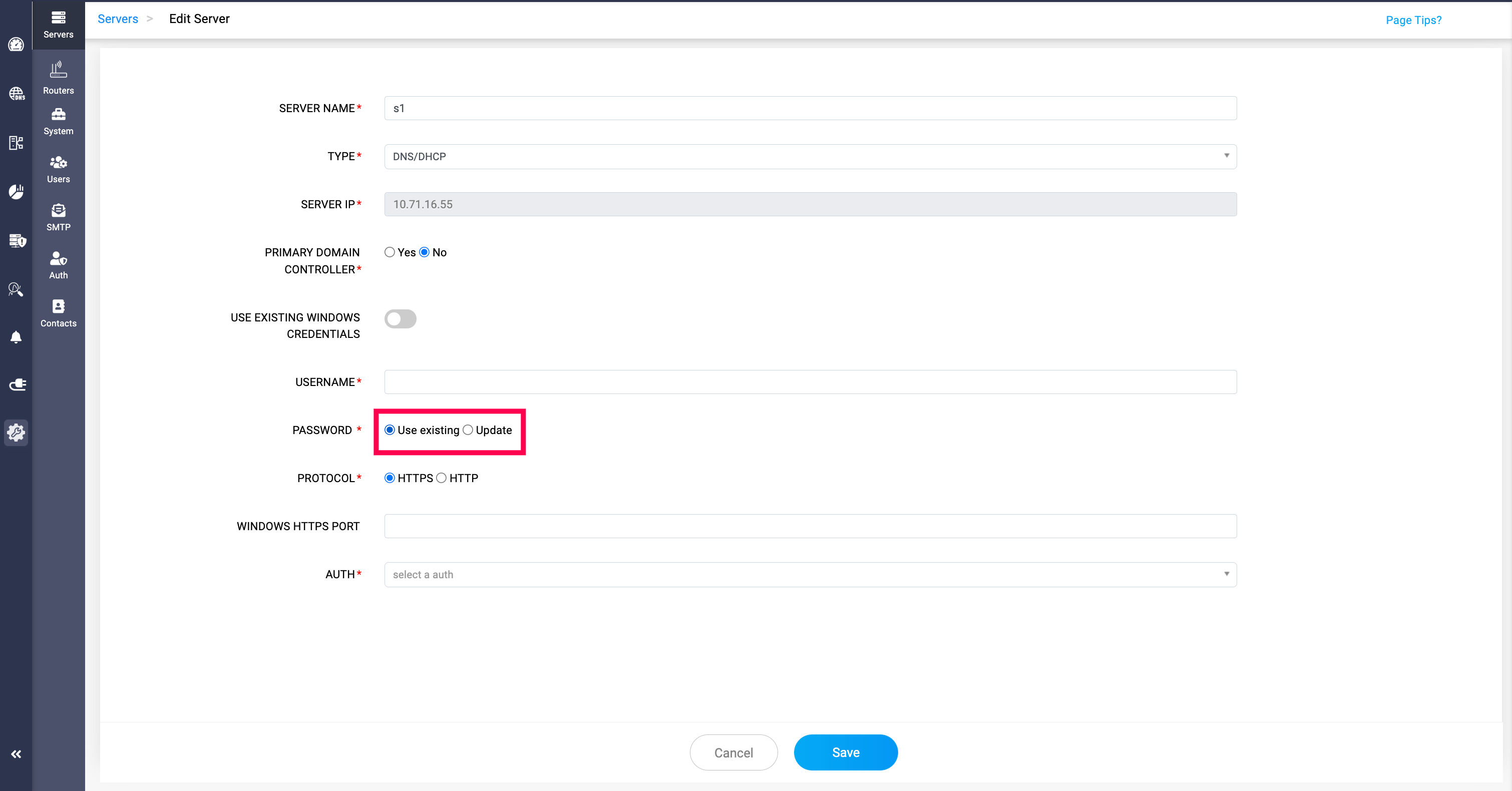
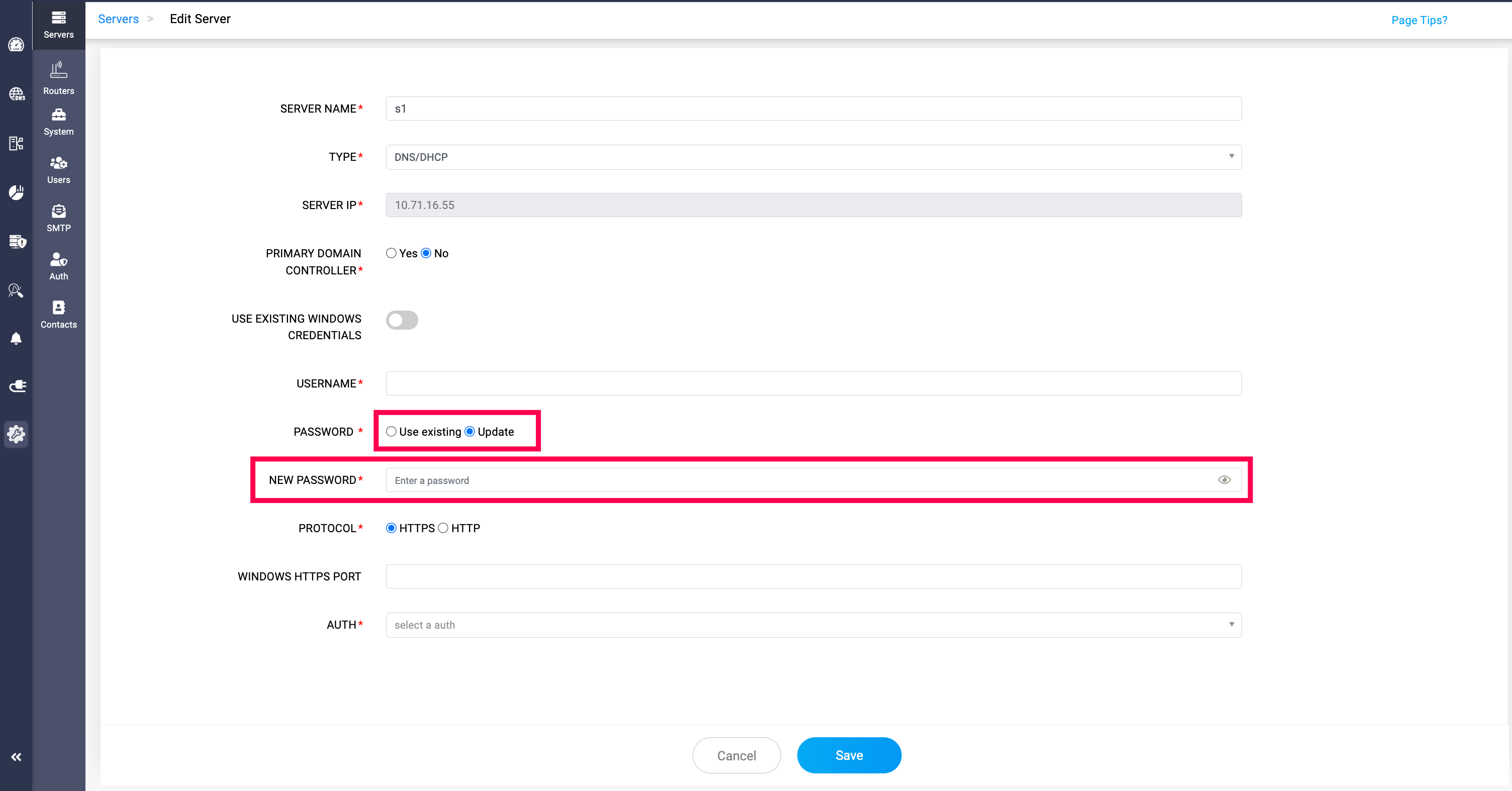
Note: By clicking the Edit option and disabling USE EXCISTING WINDOWS CREDENTIALS, you can update the existing password by selecting the Update option and entering the new password in the NEW PASSWORD field.
Alternatively, you can retain the current password by selecting the Use existing option.