DDI Central System settings
DDI Central provides customizable time configurations for both DNS and DHCP services, which lets administrators can set their own time period, based on their system configurations. This helps admins automate network tasks of updating data for DNS queries, DHCP lease, audits, and more with the time period of their preference.
They can also set notifications for IP exhaustion and query exceeding through the System settings for a specific range.
Configuring System settings in DDI Central
1. Open DDI Central homepage and go to the left menu bar
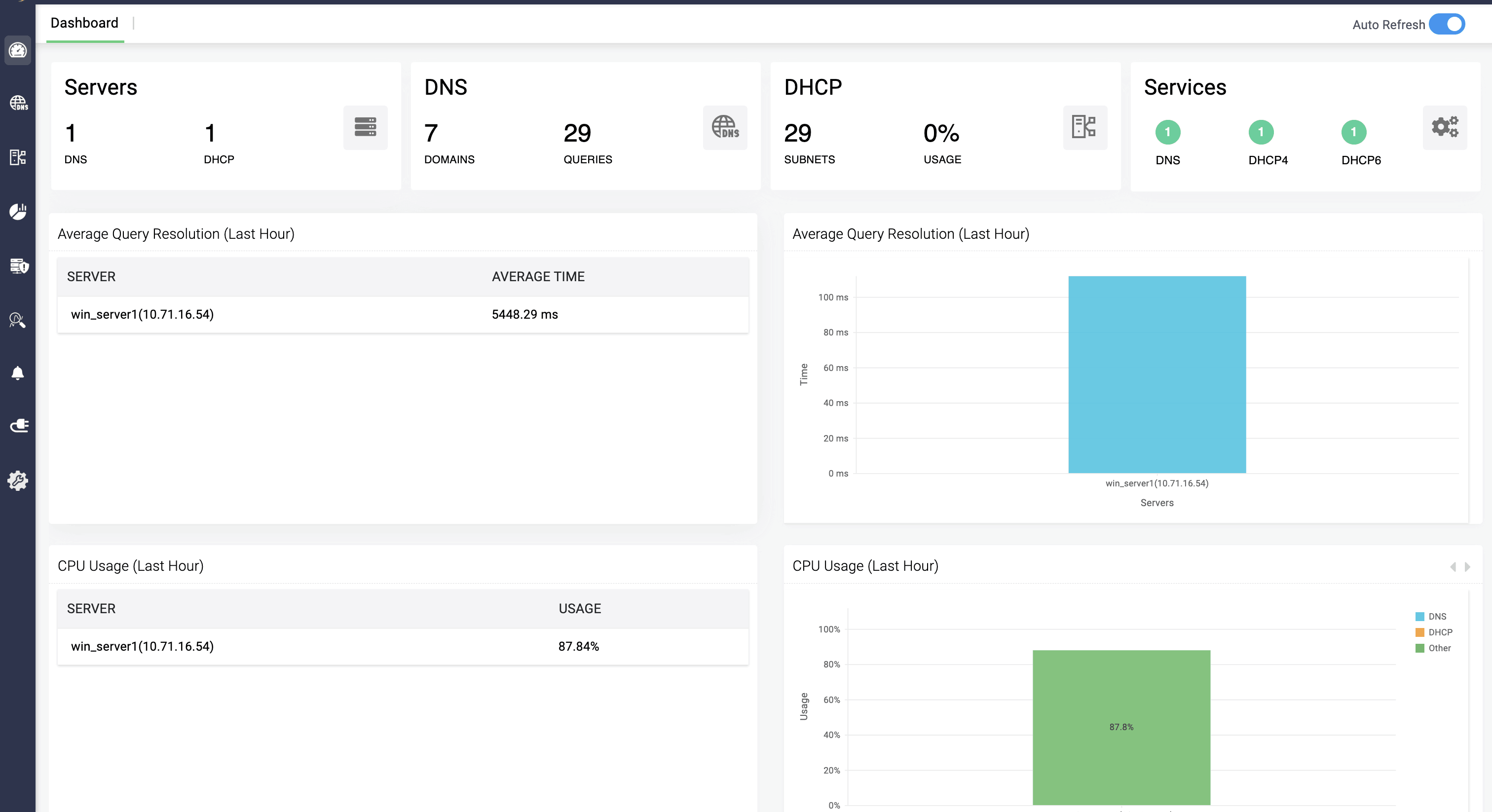
2.Open the settings menu and select the "System settings"option
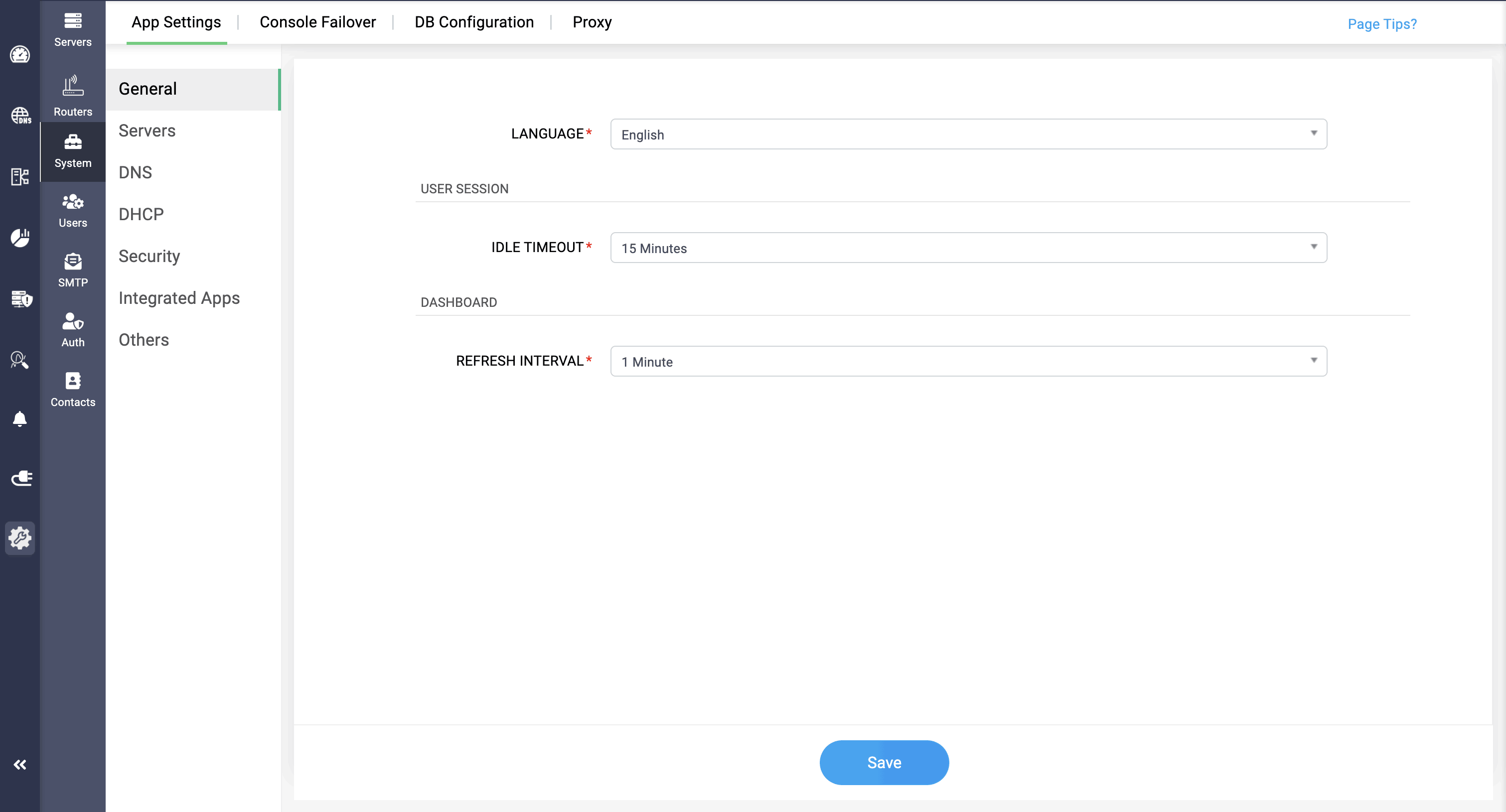
LANGUAGE:
DDI Central enables users to implement approved and recognized languages within the UI interface for simplified management and understanding, thus making it flexible for global organizations to utilize DDI Central.. Here are the list of languages you can implement:
- English
- Spanish
- French
- German
- Italian
- Japanese
- Portuguese
- Dutch
- Chinese(Simplified)
- Chinese(Traditional)
User session:
IDLE TIMEOUT :
This field helps you set the time interval for log out session, say 15 mins. When the application is not found in use within the time interval, the admin/user will be logged out after the session ends.
Dashboard
REFRESH INTERVAL :
This field helps you set the time interval for updating the dashboard, say 10 mins. When the DNS/DHCP clusters data has been changed, the dashboard will get refreshed with the updated stats within the given time interval.
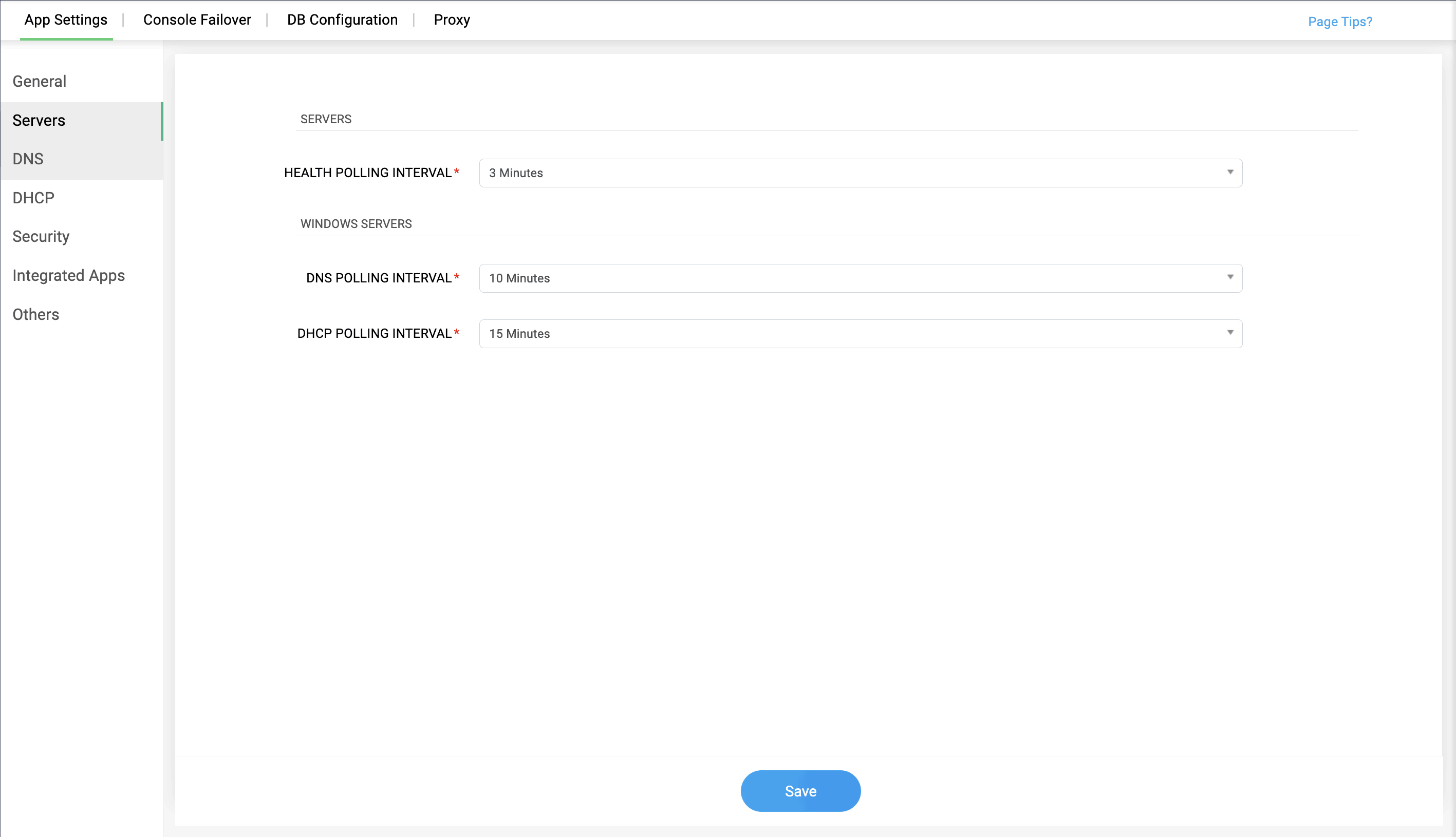
Servers:
HEALTH POLLING INTERVAL :
This field helps you set the time interval for updating the server status, say 15 mins. When the server is found to be down, the status of the server gets changed from up to down and vice versa.
Windows servers:
DNS POLLING INTERVAL:
This field fetches the updates made in the DNS servers' settings for the time interval set by the admin, say 10 mins. Every 10 mins, DDI Central checks for any change done in the configurations of the DNS servers, and when found, it fetches the data in the application.
DHCP POLLING INTERVAL:
This field transfers the updates made in the DHCP servers' settings for the time interval set by the admin, say 10 mins. Every 10 mins, DDI Central checks for any change done in the configurations of the DHCP servers, and when found, it fetches the data in the application.
DHCP leases:
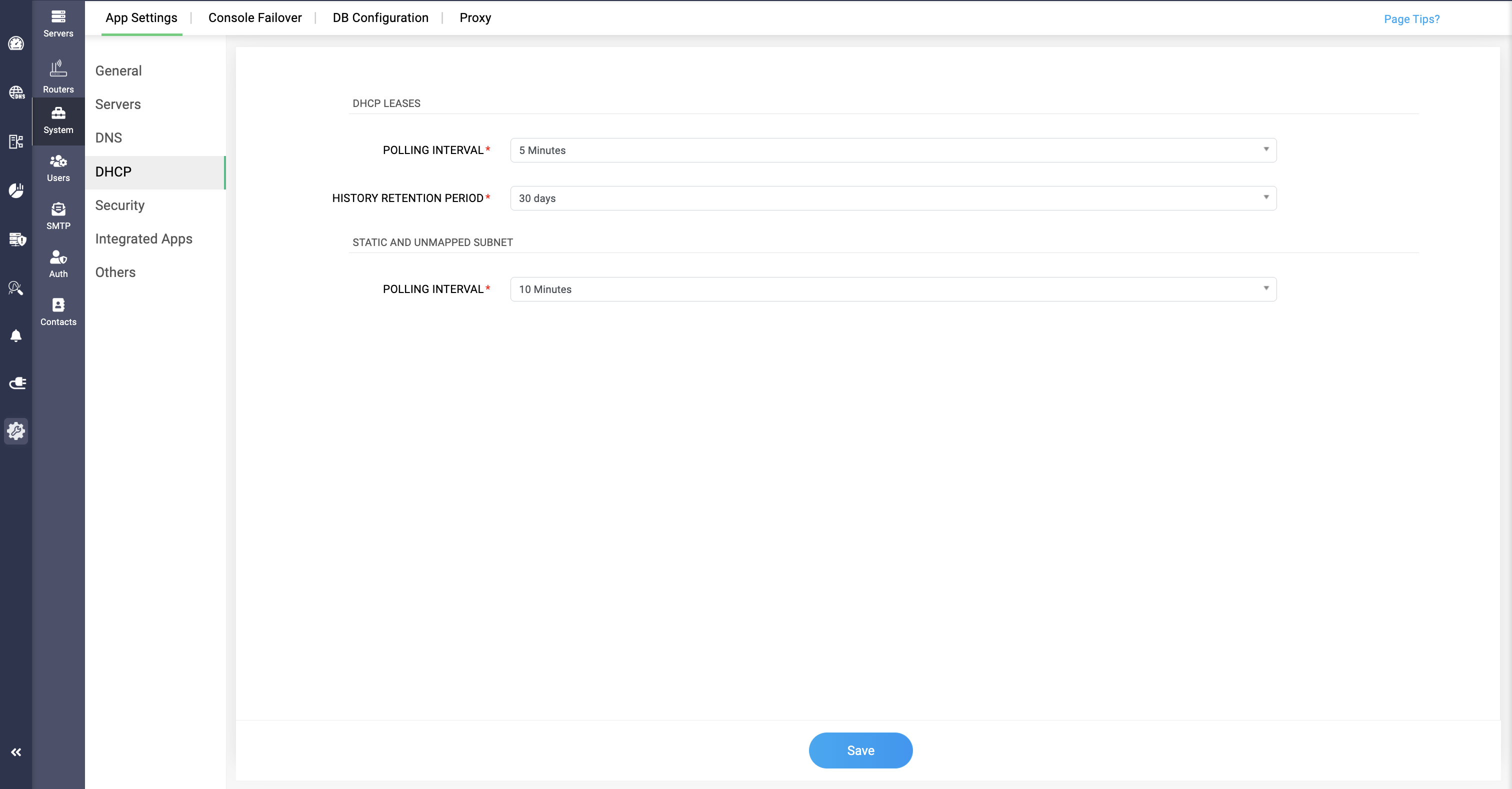
POLLING INTERVAL:
This field helps transferring the DHCP lease history of the servers to the application, for the giving time interval, and checks the servers for any new updates made in the lease history at every time interval.
HISTORY RETENTION PERIOD:
This field helps updating the DHCP lease history in the servers by deleting the old data in the application within the given time interval, and evaluates the servers for finding new changes in the lease history.
Static and Unmapped subnets:
POLLING INTERVAL:
This field allows network admins set time interval for polling for both static subnets and unmapped subnets in the network.
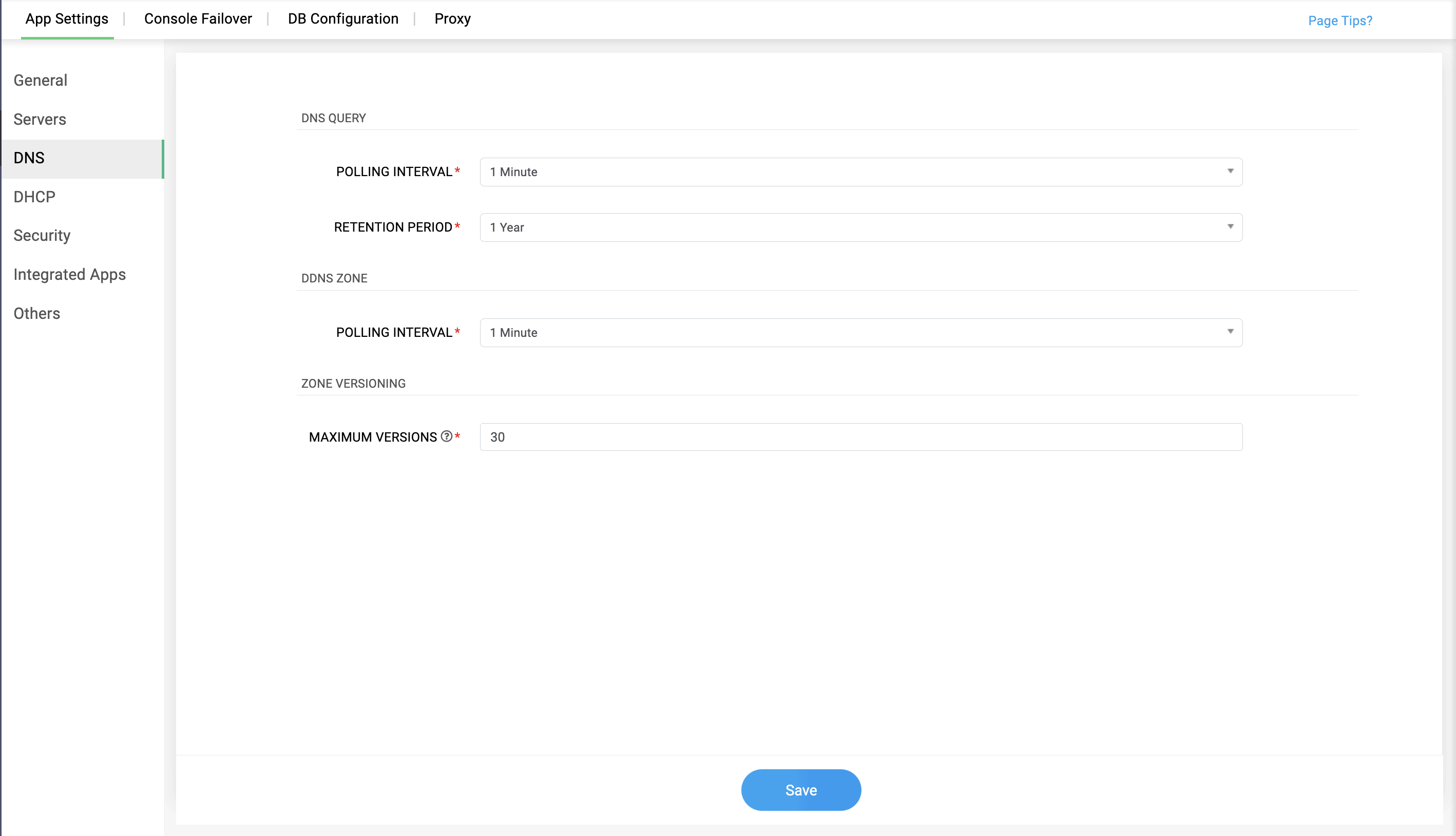
DNS query:
POLLING INTERVAL:
This field checks the updates of the DNS query requests made in the DNS server for the time limit set by the admin, say 10 mins. Every 10 mins, DDI Central checks for new query requests made in the DNS server and updates the data in the application.
RETENTION PERIOD:
This field helps updating the DNS query data in the servers by deleting the old data in the application within the given time interval, and evaluates the servers for finding new changes in the query data.
DDNS zone:
POLLING INTERVAL:
This field analyzes the servers to find any recent changes made in the DDNS zone and transfer the data into the application in the given time interval, and continues to analyze for every time interval.
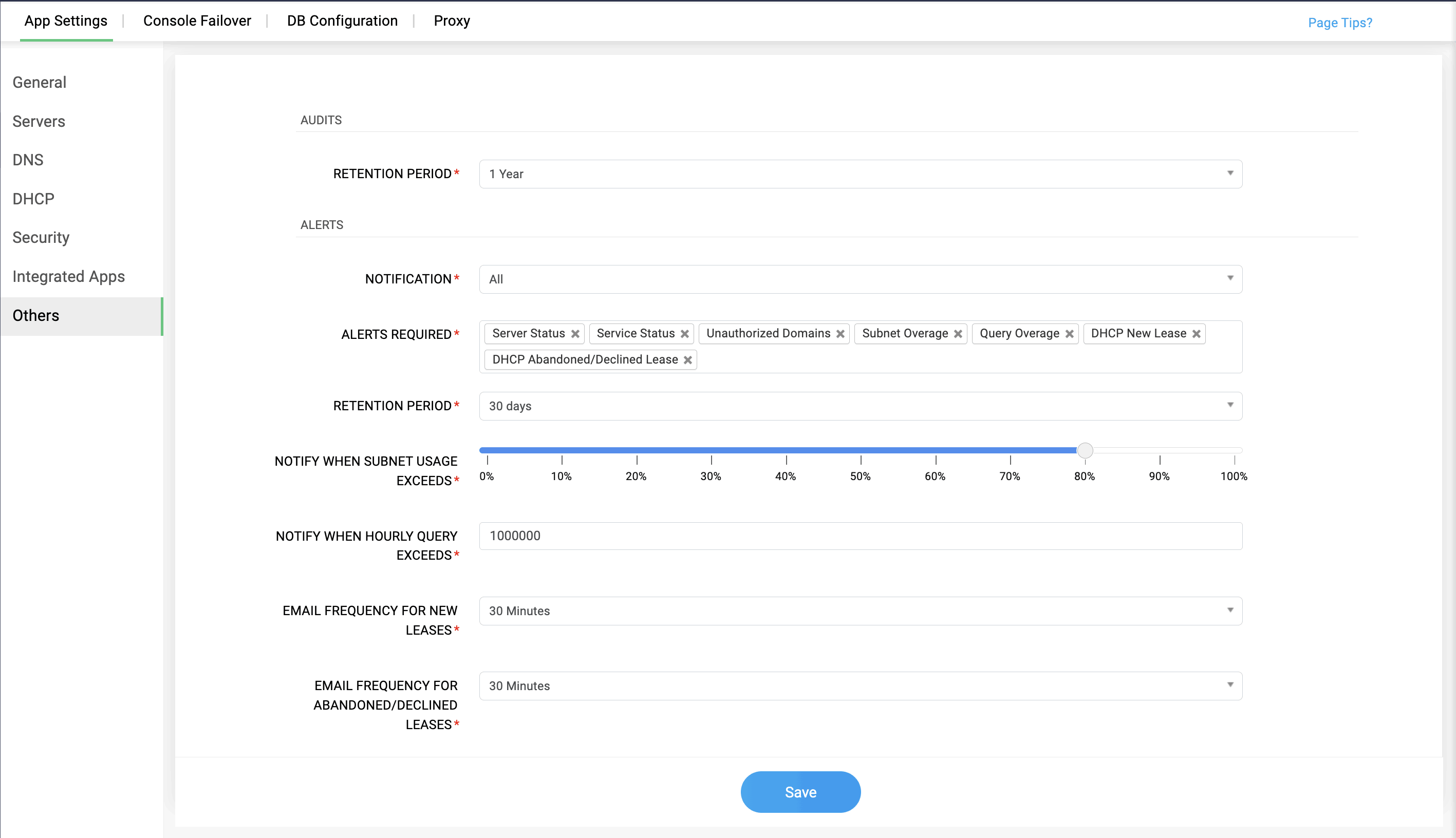
Audits:
RETENTION PERIOD:
This field helps updating the audits of DNS and DHCP servers by deleting the old data in the application within the given time interval, and evaluates the servers for finding new changes in the audits.
Alerts:
NOTIFICATIONS
Admins can now select and customize their notifications options within this field based on their preference. There are four types of notification options:
- All notifications option, where users get notifications through both the DDI Central interface and mail.
- Mail Only: This options allows only mail notifications to be sent to the user, when congifured with the SMTP server
- Application Only: This options allows to send notifications only within the DDI Central application and not externally
- Turning Off the notifications means that they wont appear in the UI, but gets stored and can be viewed in Alerts section.
ALERTS REQUIRED
You can select the type of alerts you want to receive in the notification sections. DDI Central provides options on:
- Server Status: Updating the current health and performance of the servers
- Service Status: Updating the current health and performance of the services
- Unauthorized Domains: Alerting when trying to access uanuthorized domains given in DNS firewall
- Subnet Overage: Alerting when the subnet volume exceeds the limit
- Query Overage: Alerting when the query volume exceeds the limit
- DHCP New Lease: Alerting when a new lease is added in the DHCP server
- DHCP Abandoned/Declined Lease: Alerting when the DHCP lease state is Abandoned(Linux) or Declined(Windows) or a new MAC address is given in a DHCP lease(Note: New MAC address option is only available for DHCPv4)
- Note: DHCP lease data gets stored when the option is selected in Alerts required, and wont get stored when the notification is turned off or the options is not selected in Alerts required
RETENTION PERIOD:
This field helps updating the alerts in DNS and DHCP servers by deleting the old data in the application within the given time interval, and evaluates the servers for finding new changes in the alerts.
NOTIFY WHEN SUBNET USAGE EXCEEDS:
This field allows the administrators to set a specific range for the subnet usage, and when the subnet usage exceeds the range, the administrators get notified.
NOTIFY WHEN HOURLY QUERY EXCEEDS:
This field allows the administrators to set a specific range for the hourly query load, and when the hourly query exceeds the range, the administrators get notified.
EMAIL FREQUENCY FOR NEW LEASES:
This field enables network admins to set the time period for receiving emails for every new leases that were assigned to a device in the DHCP server.
EMAIL FREQUENCY FOR ABANDONED/DECLINED LEASES:
This field enables network admins to set the time period for receiving emails for every leases that were abandoned (Linux) or declined(Windows) in the server.
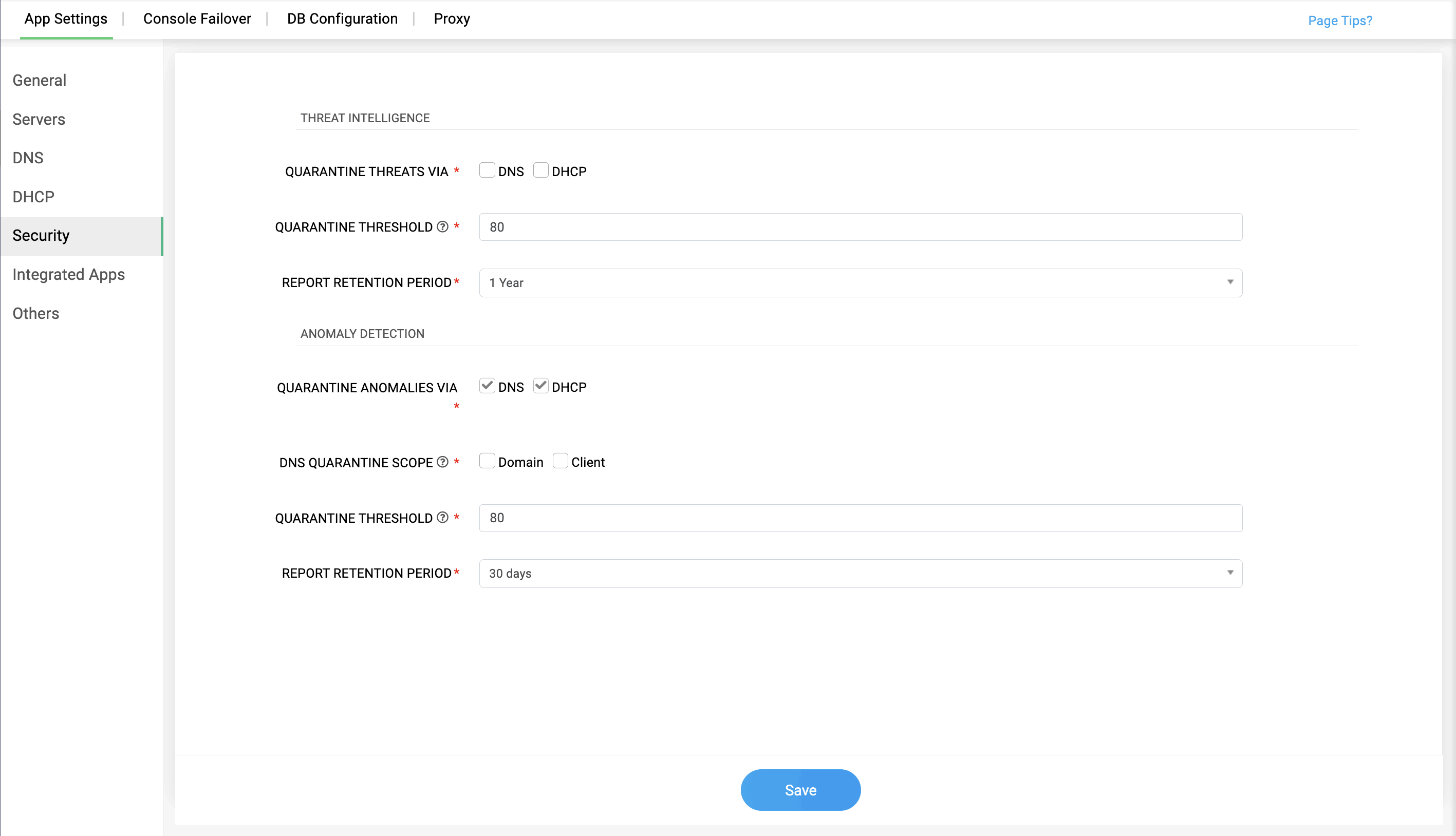
QUARANTINE THREATS VIA:
Network admins can implement quarantining on specific IP address of client's through DNS or DHCP. Selecting DNS options quarantines the client IP of their device. Selecting DHCP option quarantines the MAC address of their device.
Integrated applications
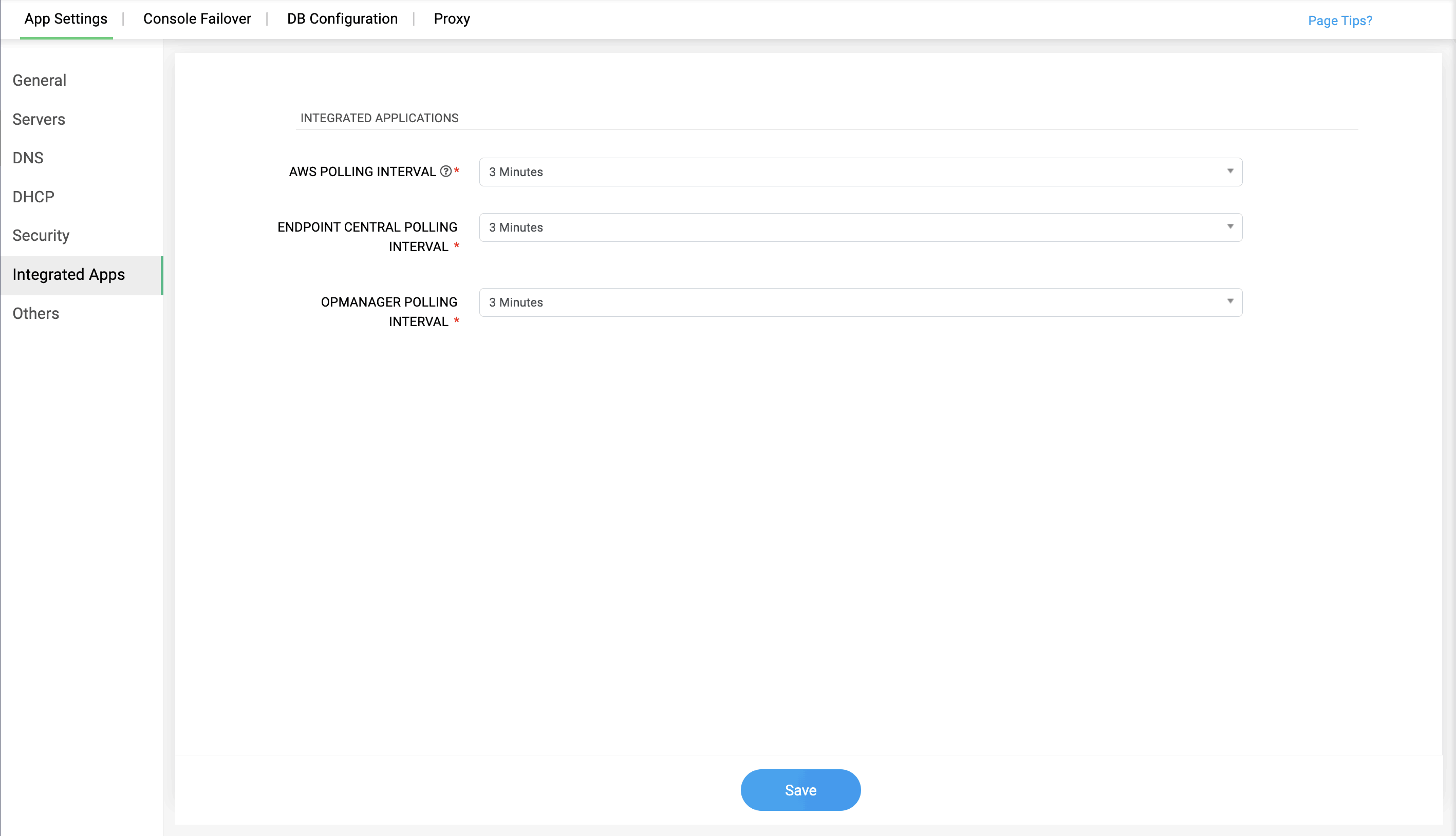
DDI Central's system settings provides polling intervals for Amazon Web Service (AWS) and Endpoint Central, where network admins can configure the polling intervals for the data's fetched from the integrated applications. There are two polling intervals in the System integration:
AWS POLLING INTERVAL:
This field updates the AWS data fetched and displays in AWS page within the given interval time. This helps in accurate data visualization in DDI Central during continuous data updates occurring in AWS.
ENDPOINT CENTRAL POLLING INTERVAL:
Updates the Endpoint Central data fetched and displays in Endpoint Central page within the given interval time. This helps in continuous visibility over the data changes and updates occurring in Endpoint Central.
OPMANAGER POLLING INTERVAL:
Updates the OpManager devices' data fetched and displays in OpManager page within the given interval time. This helps in continuous visibility over the data changes and updates of the devices occurring in OpManager database.