
A few more features that may be useful to users of the reports that are accessible are as follows:
You can add custom annotations for the reports. These annotations will be displayed in PDF, HTML, and XLSX Report exports.
To add Annotation,


All the exports of this report will have the custom Annotation.
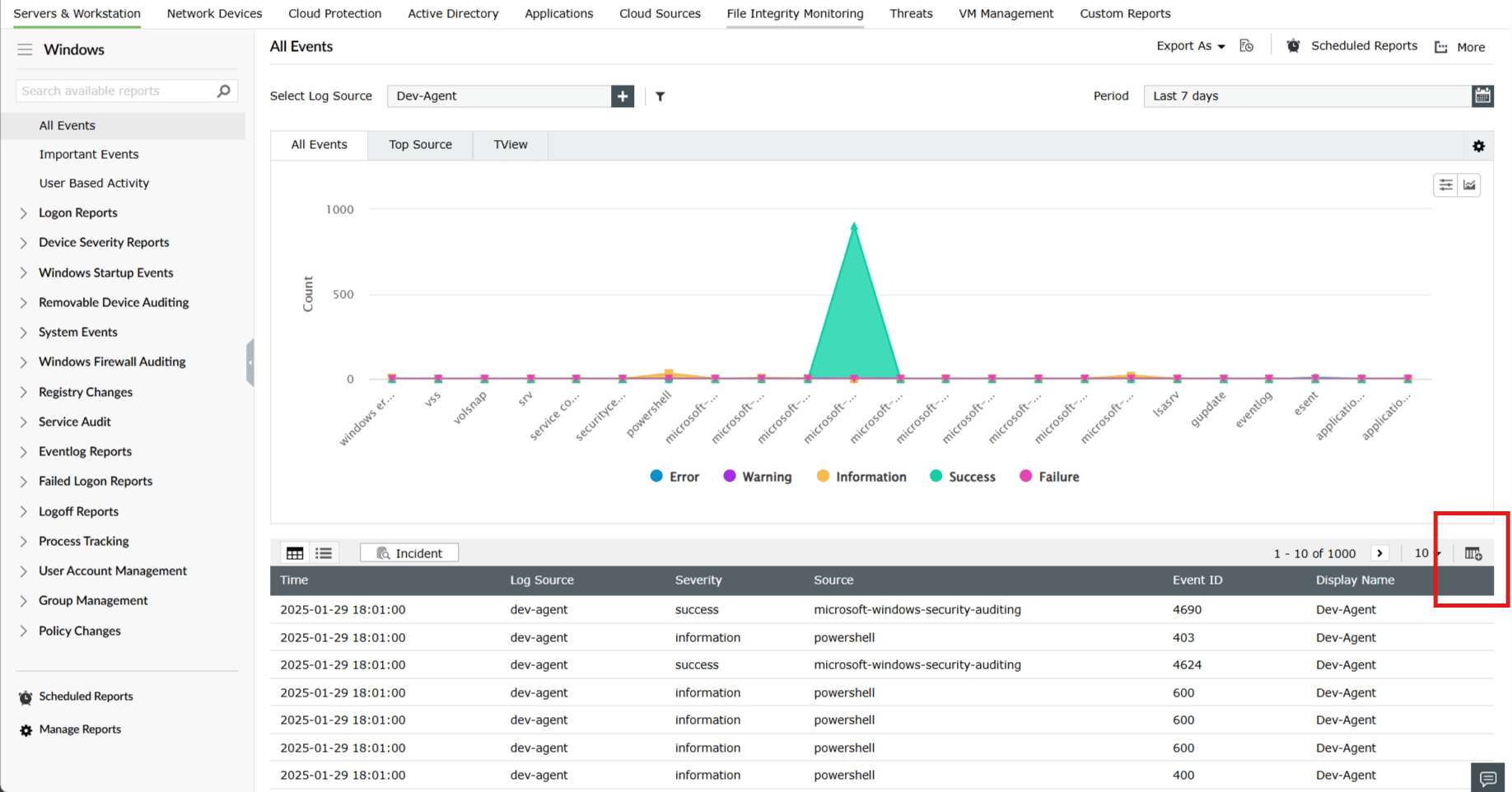

The Export as feature lets you export the reports in various file formats such as PDF, CSV, XLSX( Exports data with a default limit of 50,000 records per sheet) and HTML(Exports data into an HTML file for easier viewing in browsers)
This feature is available in:


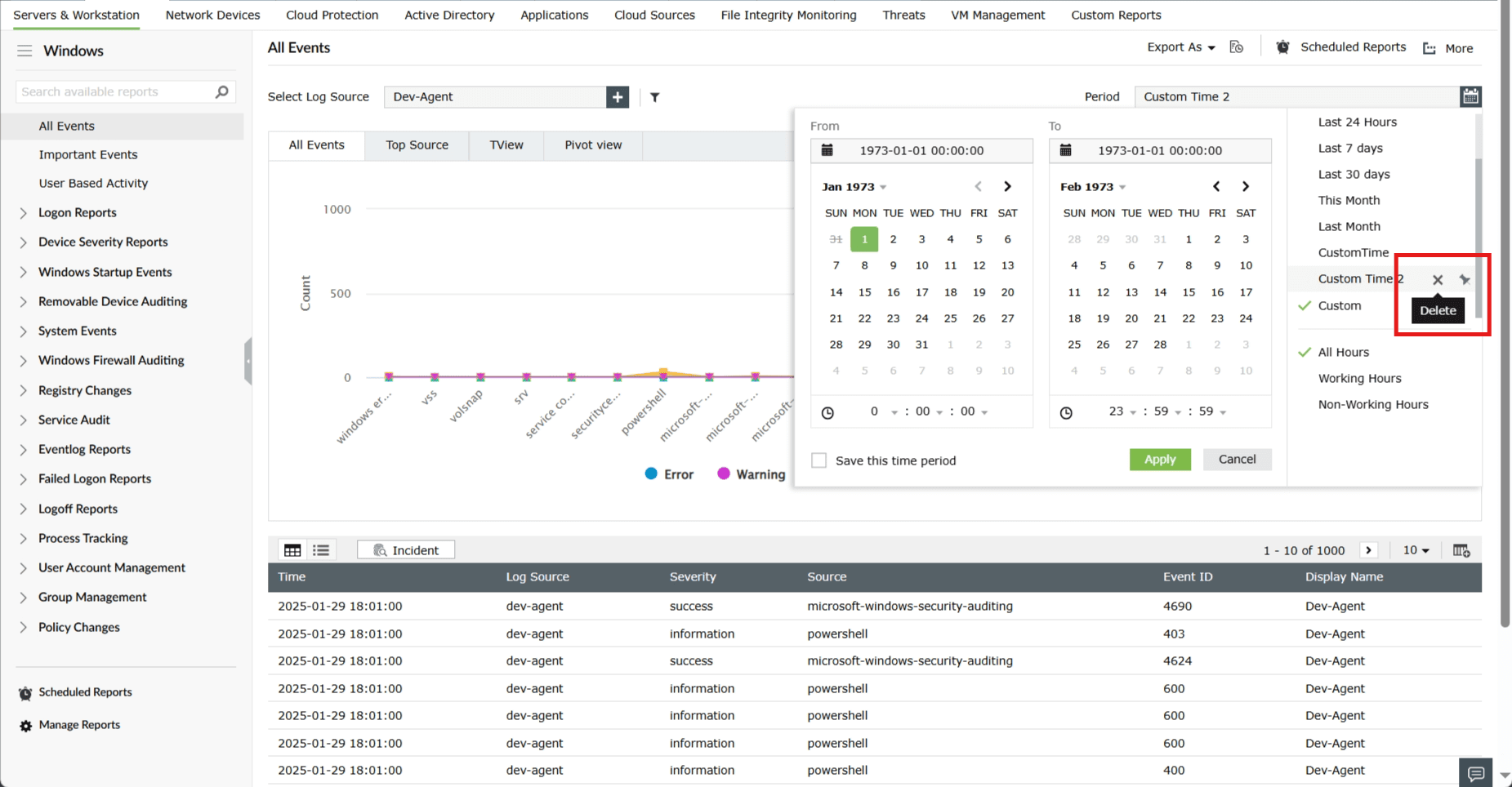
The Calendar Functionality feature introduces enhanced options for managing date ranges. This functionality provides greater flexibility and efficiency when working with date-specific data.
The date ranges can be managed in two ways as follows:


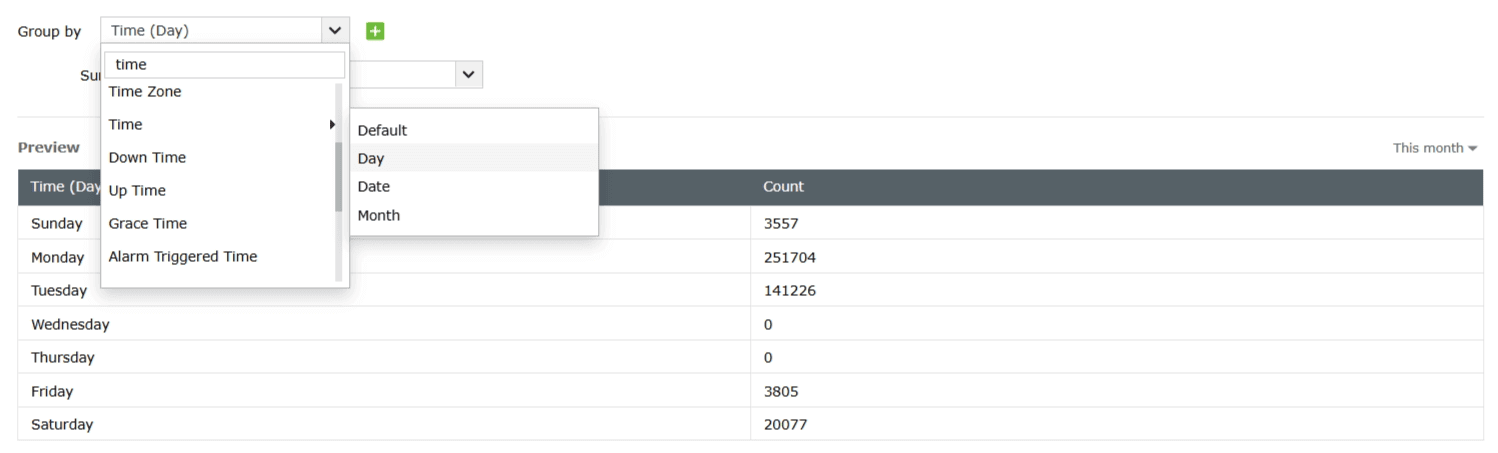
When creating a Custom Report or Report Views based on summary or pivot view, the following units are available for the field Time which will determine the unit of time:
Day - The time will be represented day-wise (by days of the week).
Date - The time will be represented date-wise (by dates of the month).
Month - The time will be represented month-wise (by months of the year).
Default - The time unit will adjust dynamically based on the selected time range in the date range picker. For example, if the time range is more than one hour, the time will be shown hour-wise; if the range exceeds one day, it will be displayed date-wise, and so on.