Freshservice
1. Unable to create users in Freshservice application via Identity360.
Cause:
The admin attempts to provision users in Freshservice application through orchestration, but the user creation fails as the accounts are missing the mandatory attributes required by Freshservice.
Solution:
Confirm whether the user account contains all the mandatory attributes necessary to create a Freshservice account.
- Email address
- First name
- Last name
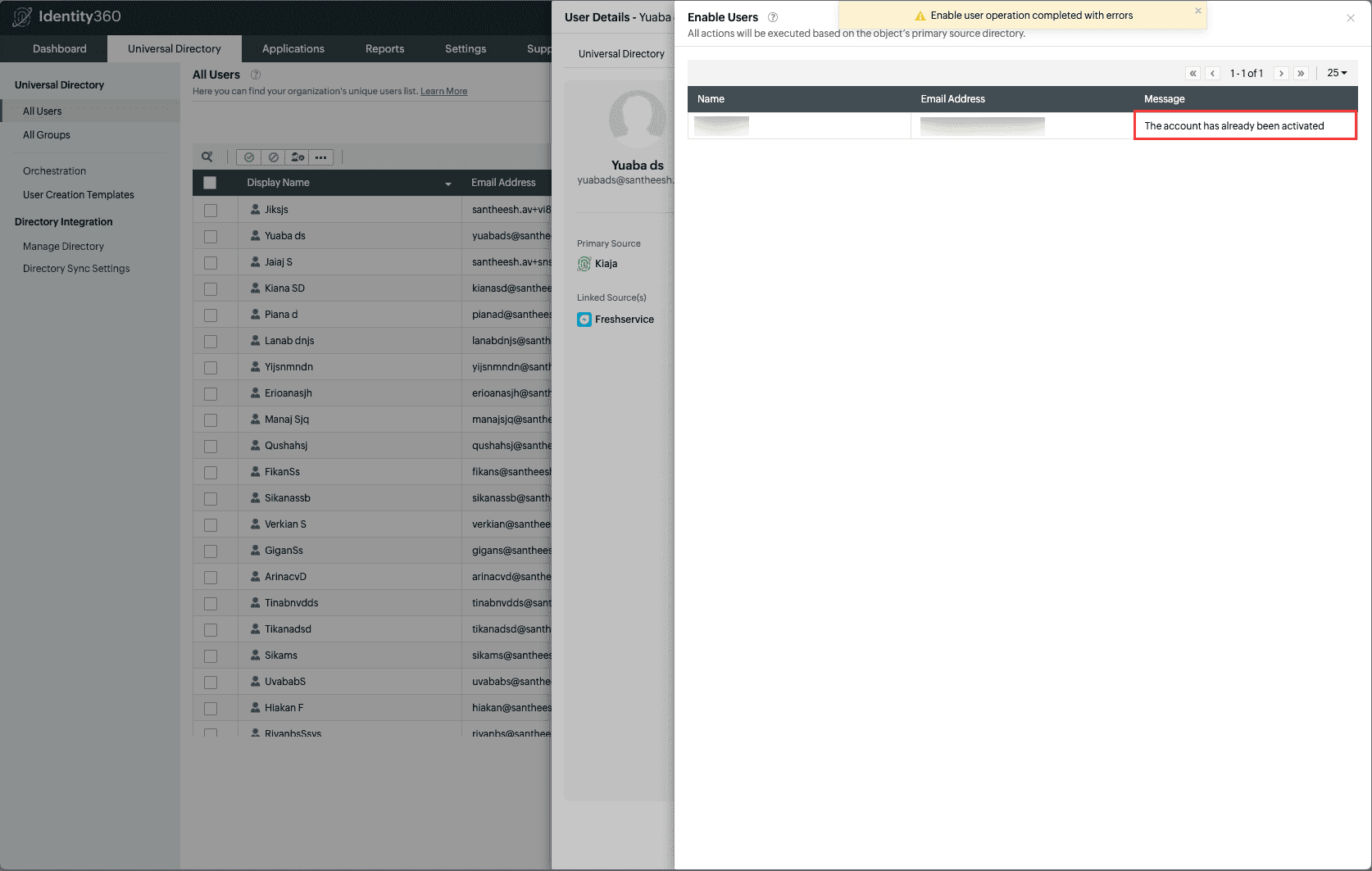
2. The account has already been activated
(Error while enabling a Freshservice user account in Identity360)
Cause:
This error message will be displayed when the admin attempts to enable a Freshservice account through Identity360 that was previously disabled via Identity360, later enabled in the Freshservice application, but the changes were not synced to Identity360's Universal Directory.
Solution:
Run the Freshservice application sync to update the latest changes in the Universal Directory.
- Navigate to the Universal Directory tab > Directory Sync Settings.
- Under Next Sync Time column for the Freshservice application, click Sync Now
 icon.
icon.