Capture every operation
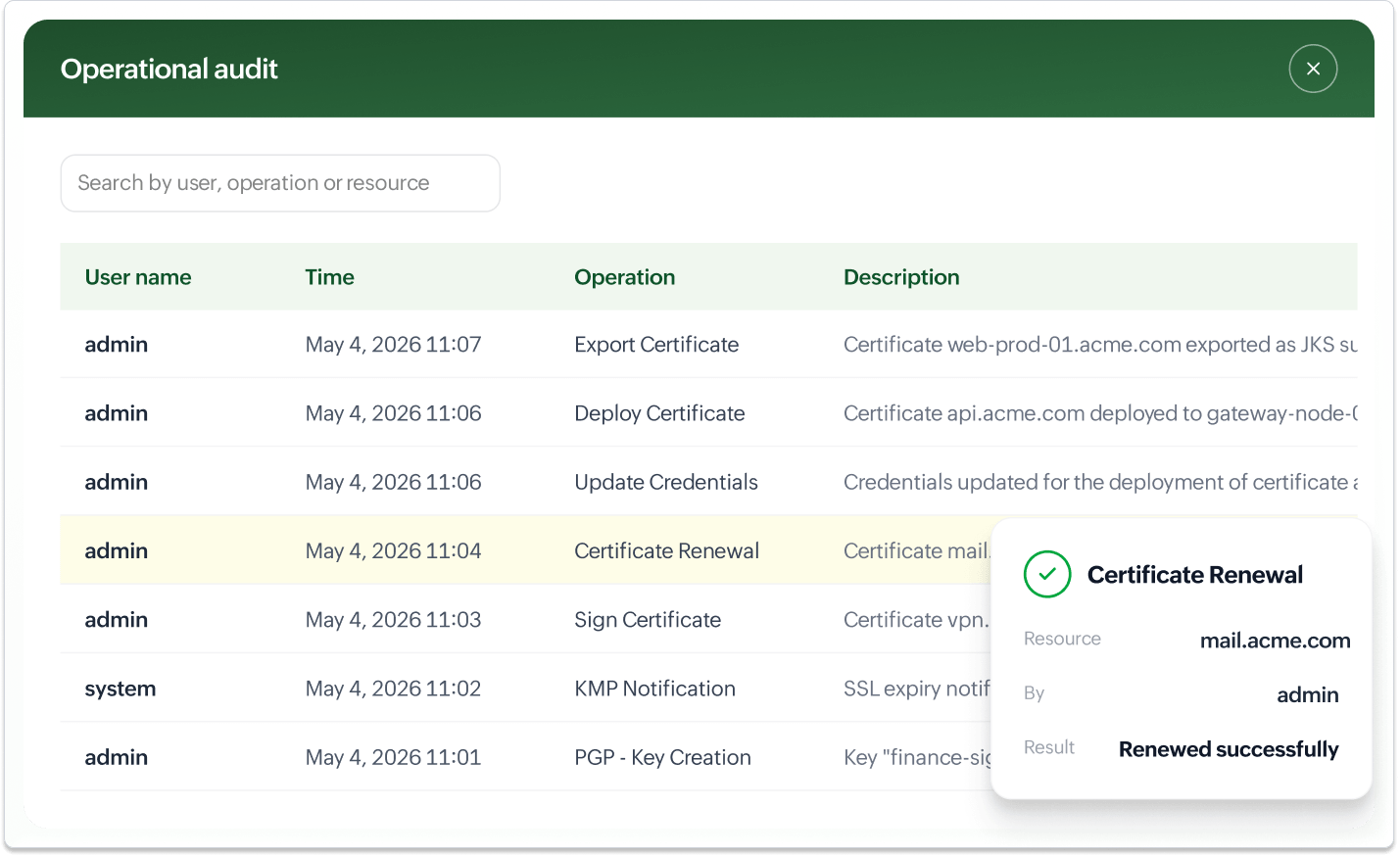
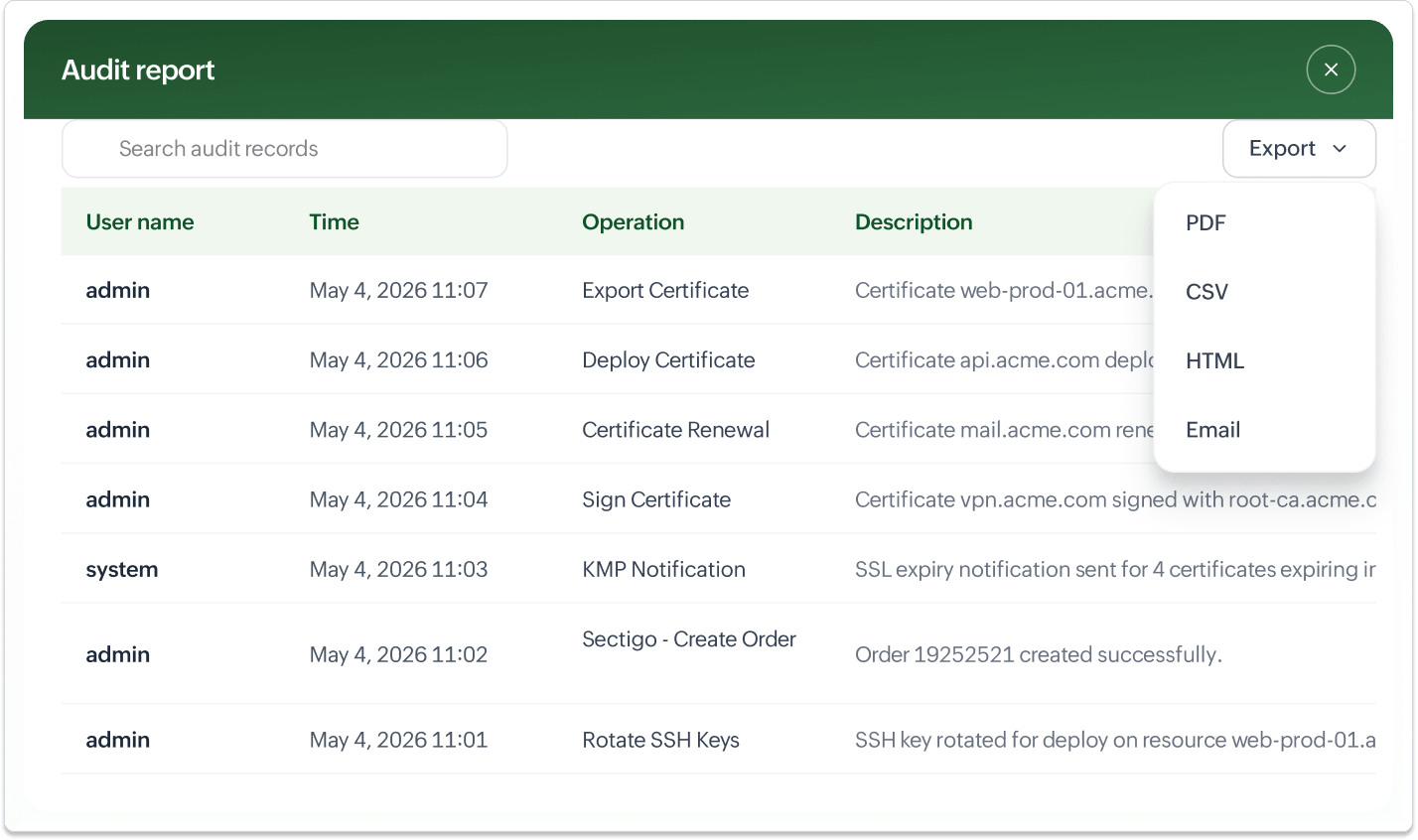
Key Manager Plus captures every SSL/TLS certificate, SSH key, PGP key, and secret operation performed in the product, including creations, imports, discoveries, deployments, renewals, rotations, revocations, and exports. Scheduled tasks like automatic certificate renewals through public CAs, private CA, and Microsoft CA, SSH key rotations, and recurring discovery scans are tracked alongside on-demand operations.
Record and replay privileged SSH sessions
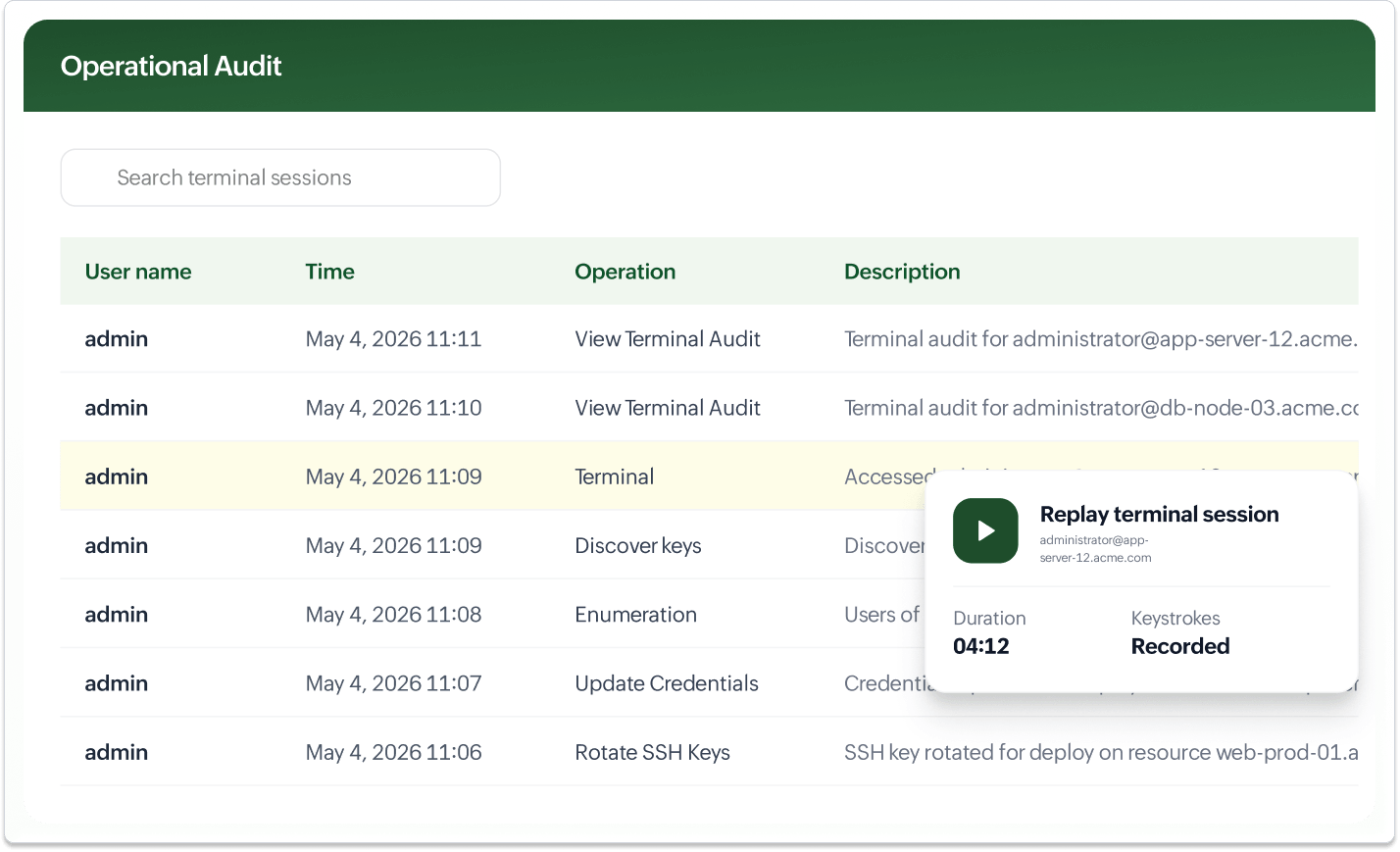
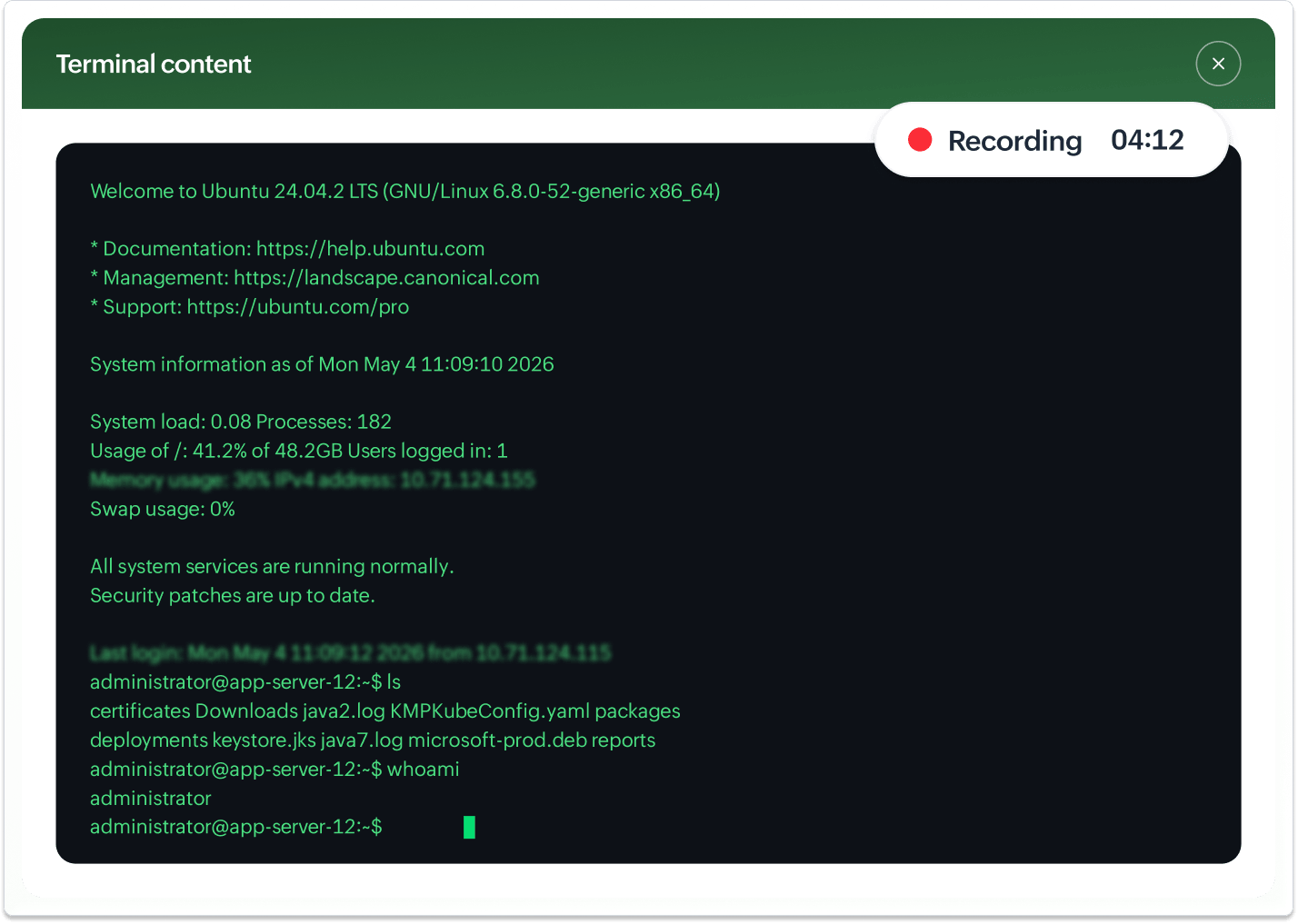
When users launch remote SSH sessions from Key Manager Plus, the session is recorded and stored for playback. Administrators can replay these recorded sessions directly from the audit interface for forensic analysis and compliance reviews. Each session is tied to the user, target server, and SSH key used.
Implement role-based audit visibility
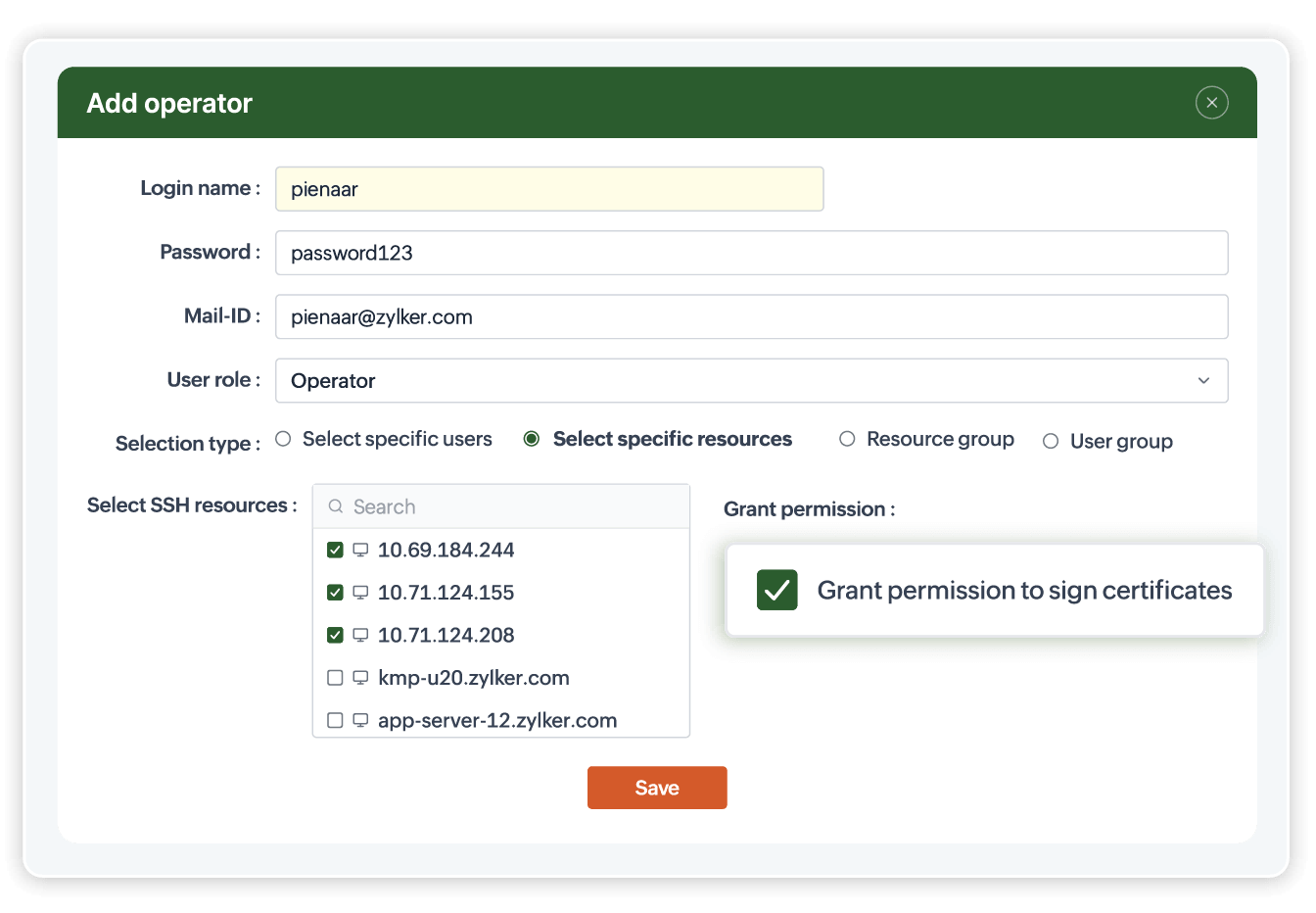
Administrators have visibility across all users and operations, while SSL power users see only records tied to the certificates and templates in their scope. Operators only see records for the resources shared with them. This ensures teams access the audit data relevant to their responsibilities without exposing broader operational detail.
Export audits on demand or on schedule
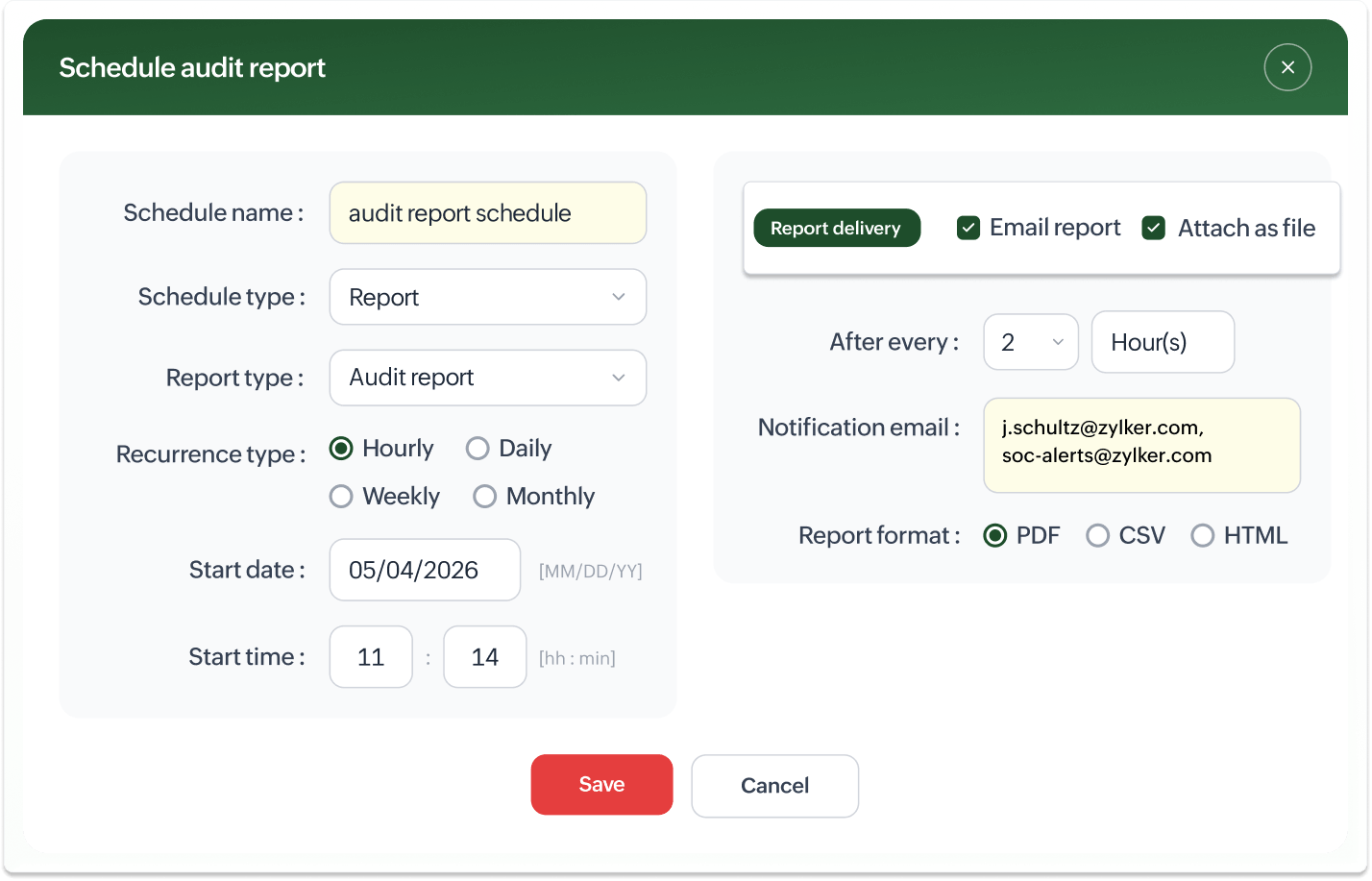
Audit trails can be exported as a PDF or CSV, or emailed directly to recipients. Periodic delivery can be scheduled on a daily, weekly, or monthly basis to keep auditors, stakeholders, and security teams on track without manual effort.