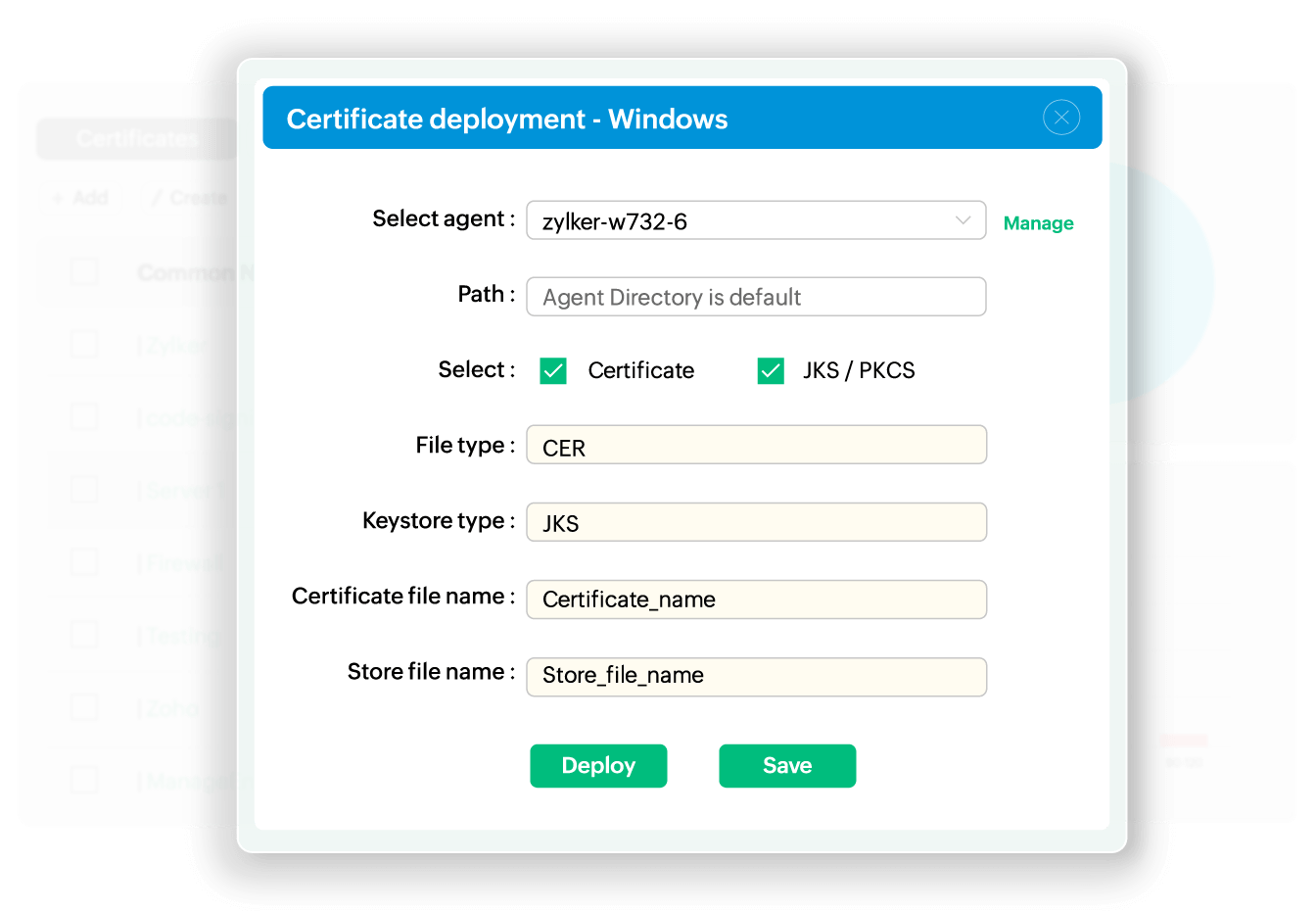
Deploy across diverse infrastructure
Whether you manage on-premise infrastructure, multi-cloud environments, or hybrid architectures, Key Manager Plus provides consistent deployment workflows. Deploy certificates to your servers, enterprise platforms, web browsers, devices, and cloud services. This comprehensive coverage eliminates the need for multiple deployment tools and custom scripts.
Scale with bulk deployment
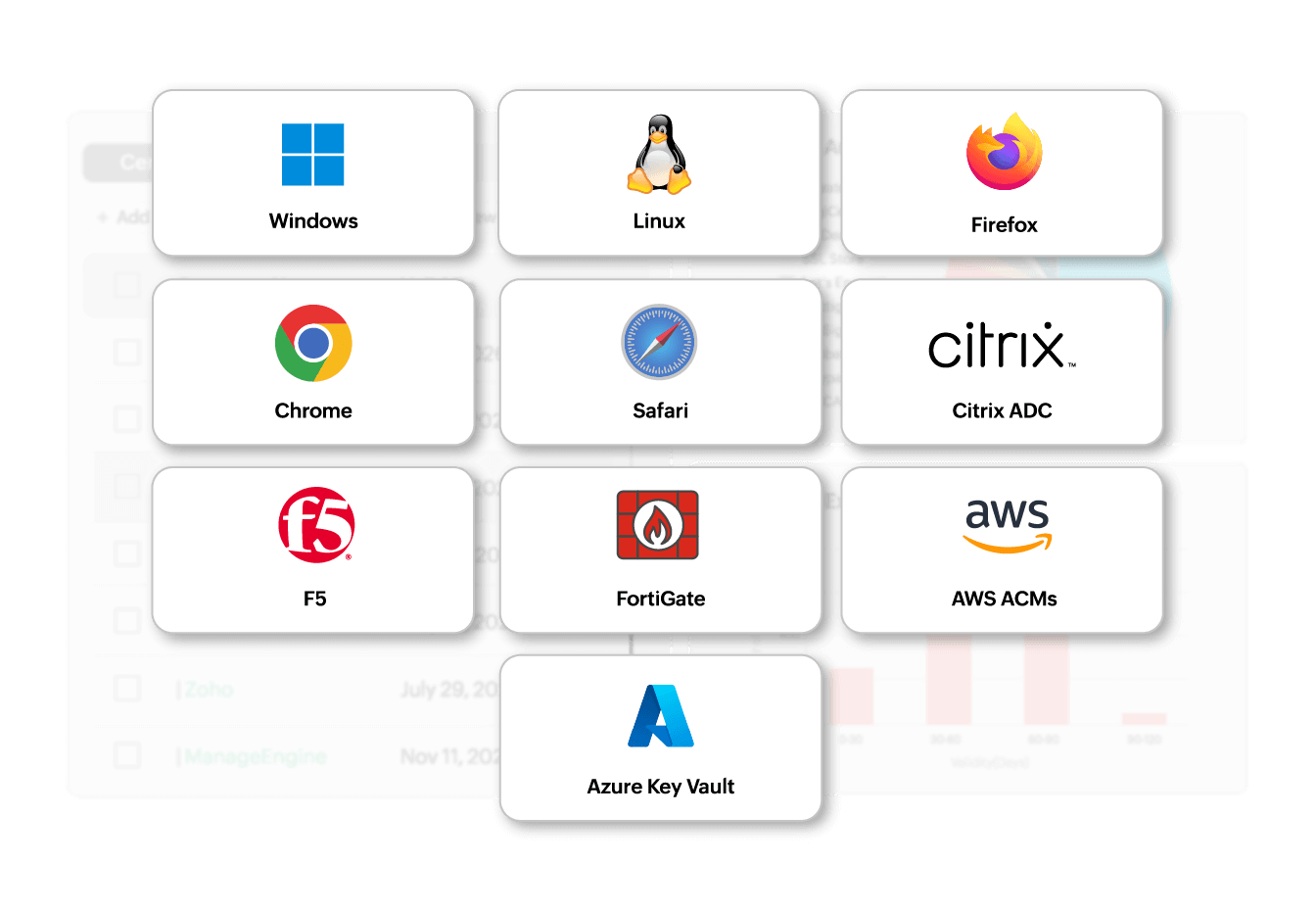
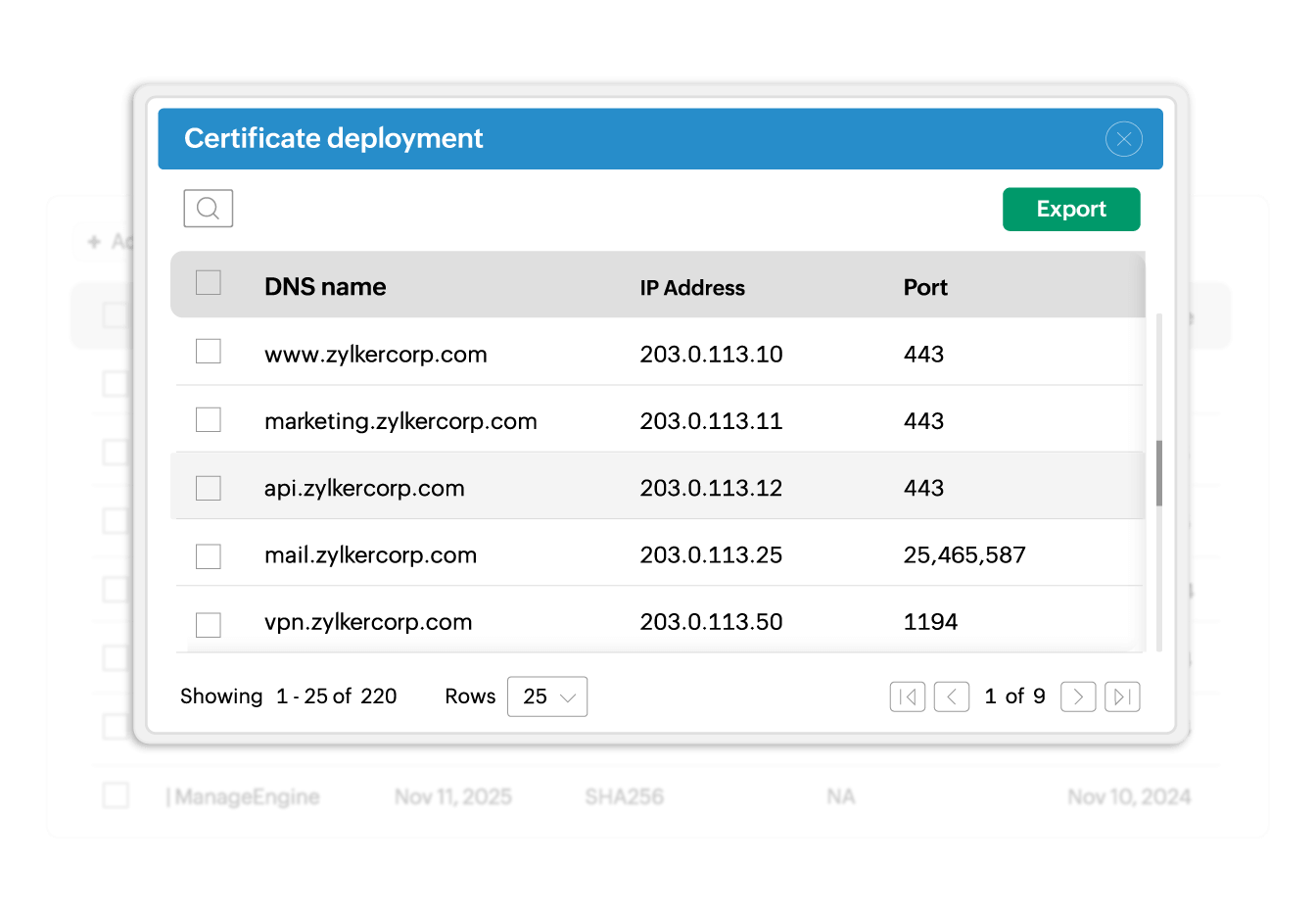
Deploy certificates to single endpoints or hundreds of servers simultaneously. Upload the server lists and deployment parameters to execute bulk deployment operations in one action. This is essential when renewing wildcard certificates deployed across multiple servers or rolling out organization-wide certificate updates. Monitor deployment status per server to verify all endpoints are running current versions and identify any that need attention.
Seamless deployment post renewal
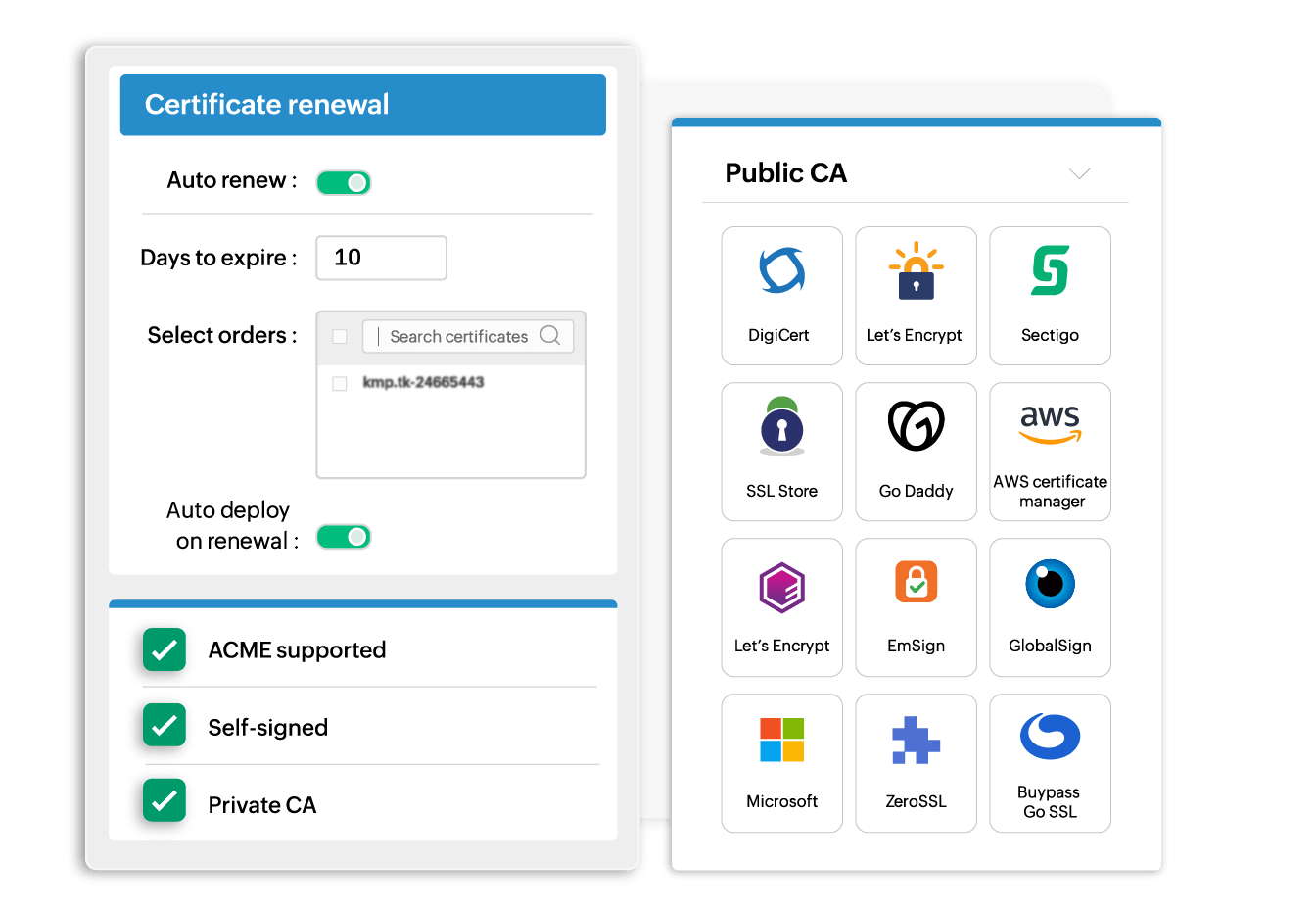
When Key Manager Plus automatically renews certificates the renewed certificates can be automatically deployed to their target locations. Whether signed from public CAs, private CAs, or through self-signing, your certificates get deployed regardless of the issuing authority.
Deploy certificates in restricted zones
Security zones and network segmentation place critical infrastructure beyond the direct reach of central management servers. Key Manager Plus agents bridge this gap by deploying certificates to servers in DMZ environments, air-gapped networks, and other restricted zones. Agents operate securely within isolated segments, receiving deployment instructions from the central Key Manager Plus server and executing local certificate installations.
Maintain deployment flexibility and control
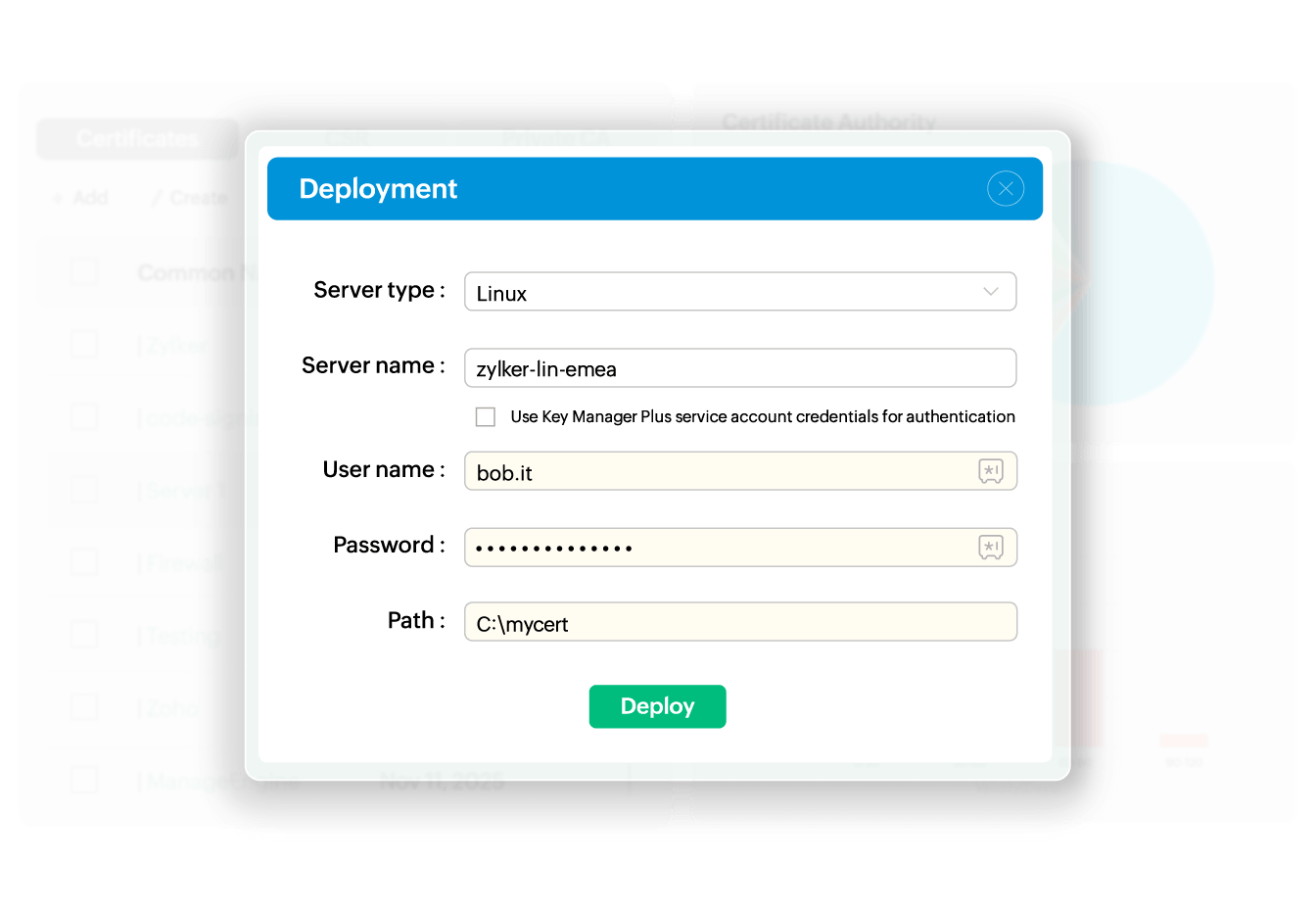
Configure deployment workflows to match your security policies and operational requirements. Use service account credentials for streamlined deployment, specify credentials per server for granular control, or implement SSH key-based authentication for passwordless access. You can also define deployment paths, certificate formats (PEM, JKS, PKCS), and store locations based on your application needs, and save deployment configurations to streamline recurring certificate updates.