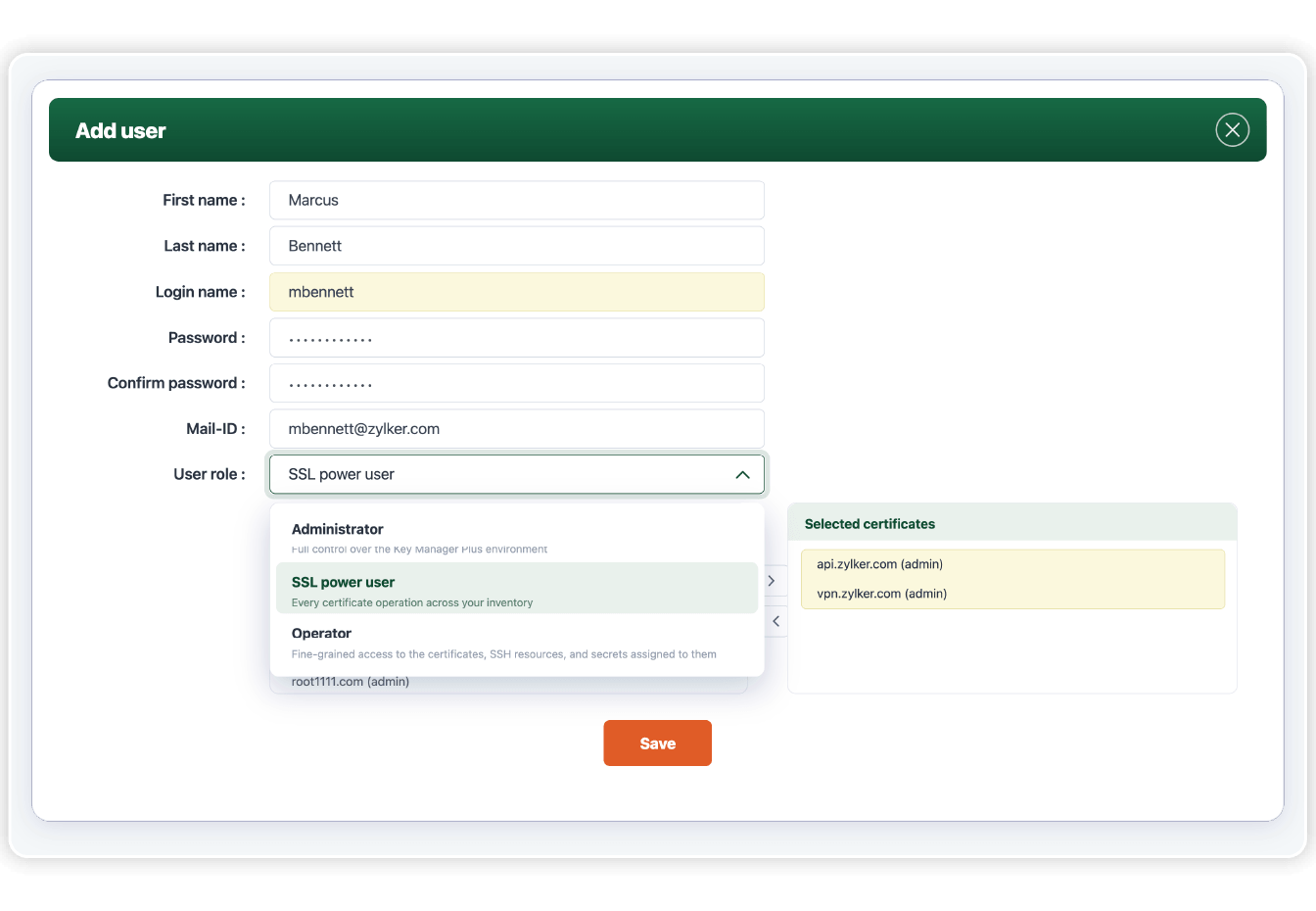
Define access by role
Key Manager Plus comes with three predefined roles that set the baseline of what each user can do. Administrators have full control over the Key Manager Plus environment, SSL power users handle every certificate operation across your inventory, and operators get fine-grained access to the specific certificates, SSH resources, and secrets assigned to them.
Provision operator access by resource or group
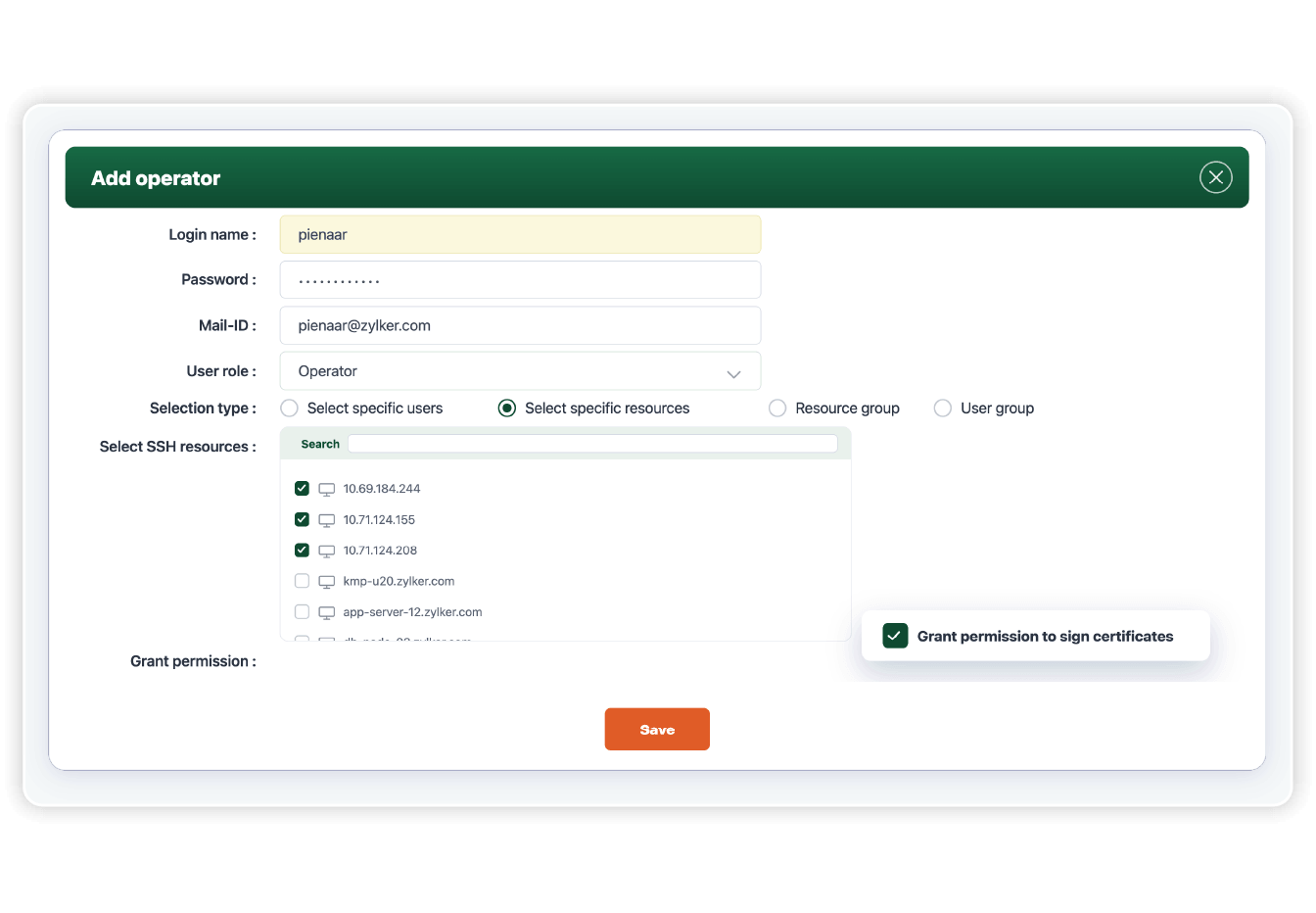
Operators can be assigned access to specific user accounts, resources, or resource groups, giving you flexibility in how you delegate operations across your team. Key Manager Plus empowers IT and security administrators to assign access for SSH resources and SSL certificate groups simultaneously, and adjust scopes as team responsibilities change. Once assigned, operators only see what they need to act on, without visibility into the broader Key Manager Plus environment.
Sync access with AD and LDAP groups
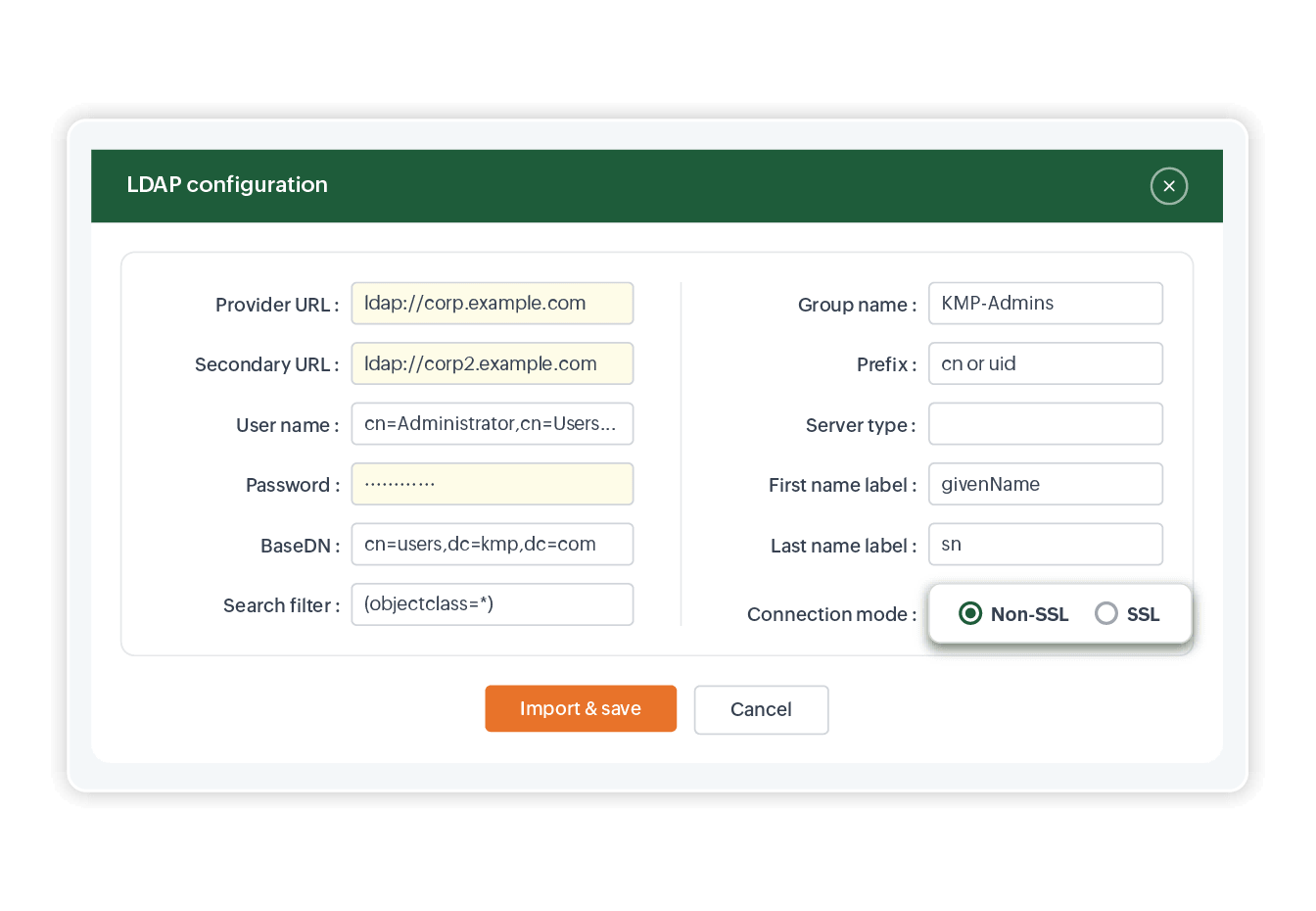
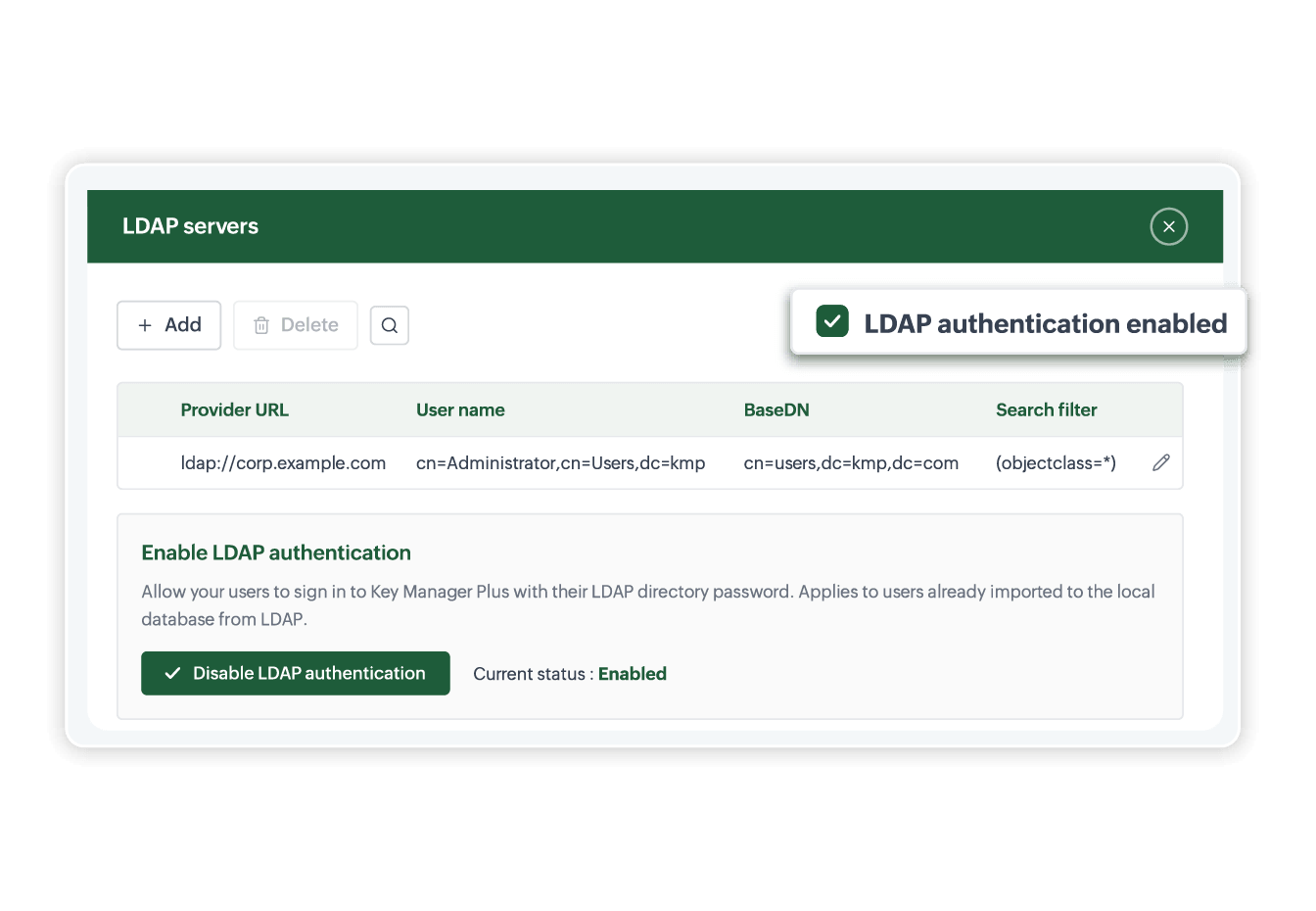
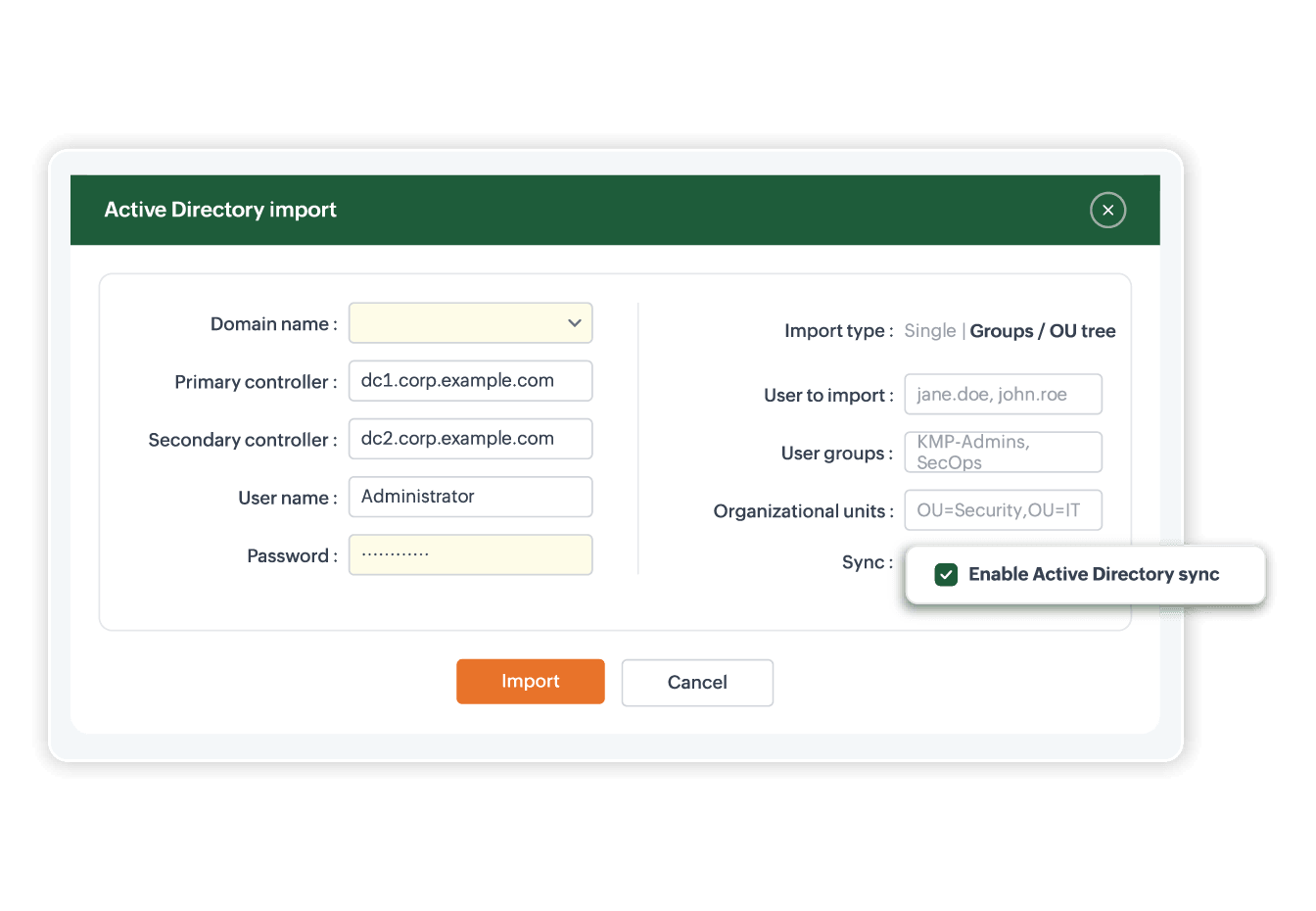
Import users and groups directly from your AD or LDAP setup, with periodic syncs to keep them updated as team membership changes. Assign access at the group level so permissions stay aligned with org structure, and use SSO to let users authenticate through your existing IdP without managing a separate set of credentials.
Govern certificate signing and template use
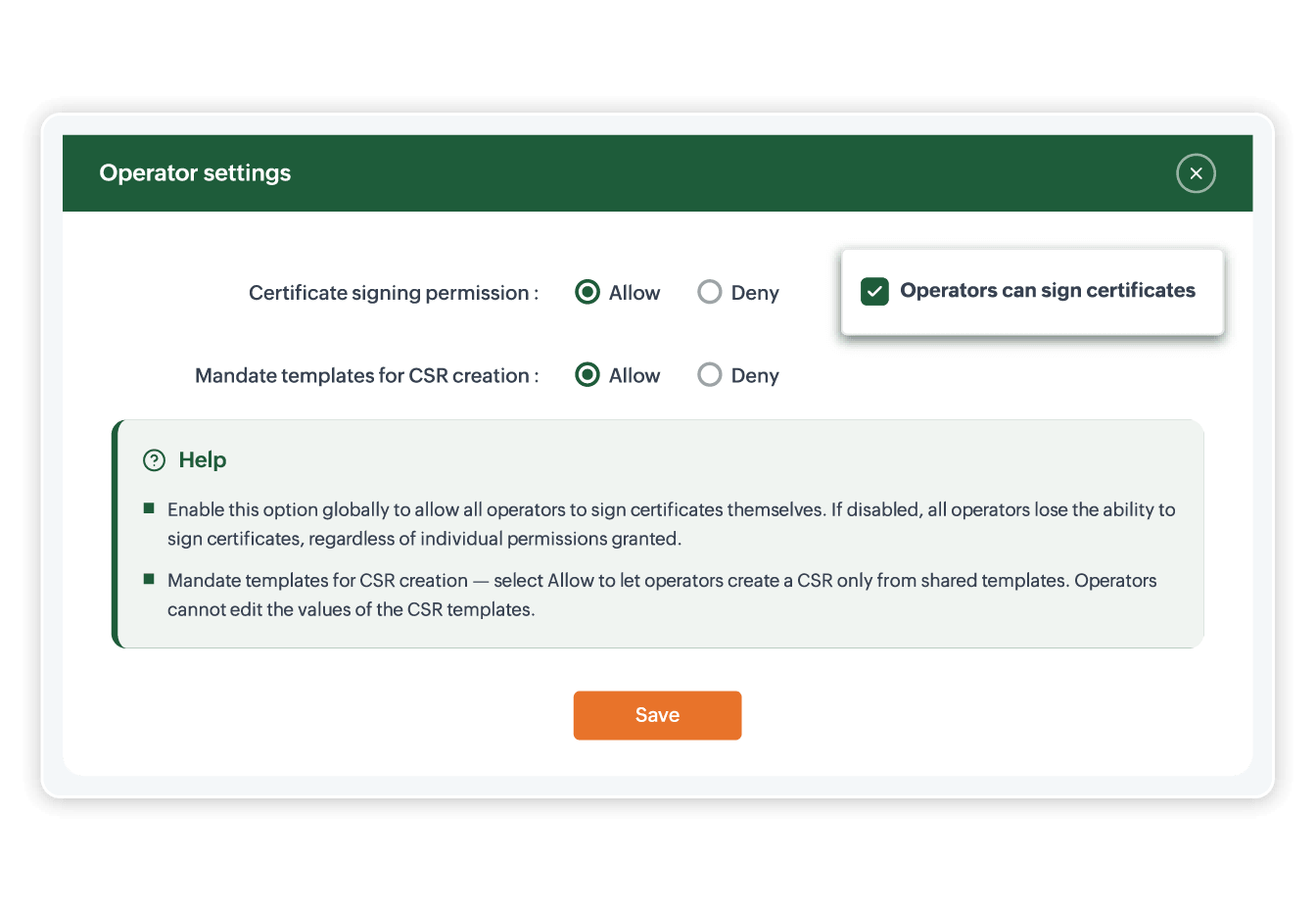
Control who can request CSR signings across public CAs, private CAs, and Microsoft CA. Share CSR templates with operators and restrict them to only request certificates using shared templates, ensuring all certificate requests meet your internal policies regardless of which CA is issuing the cert.
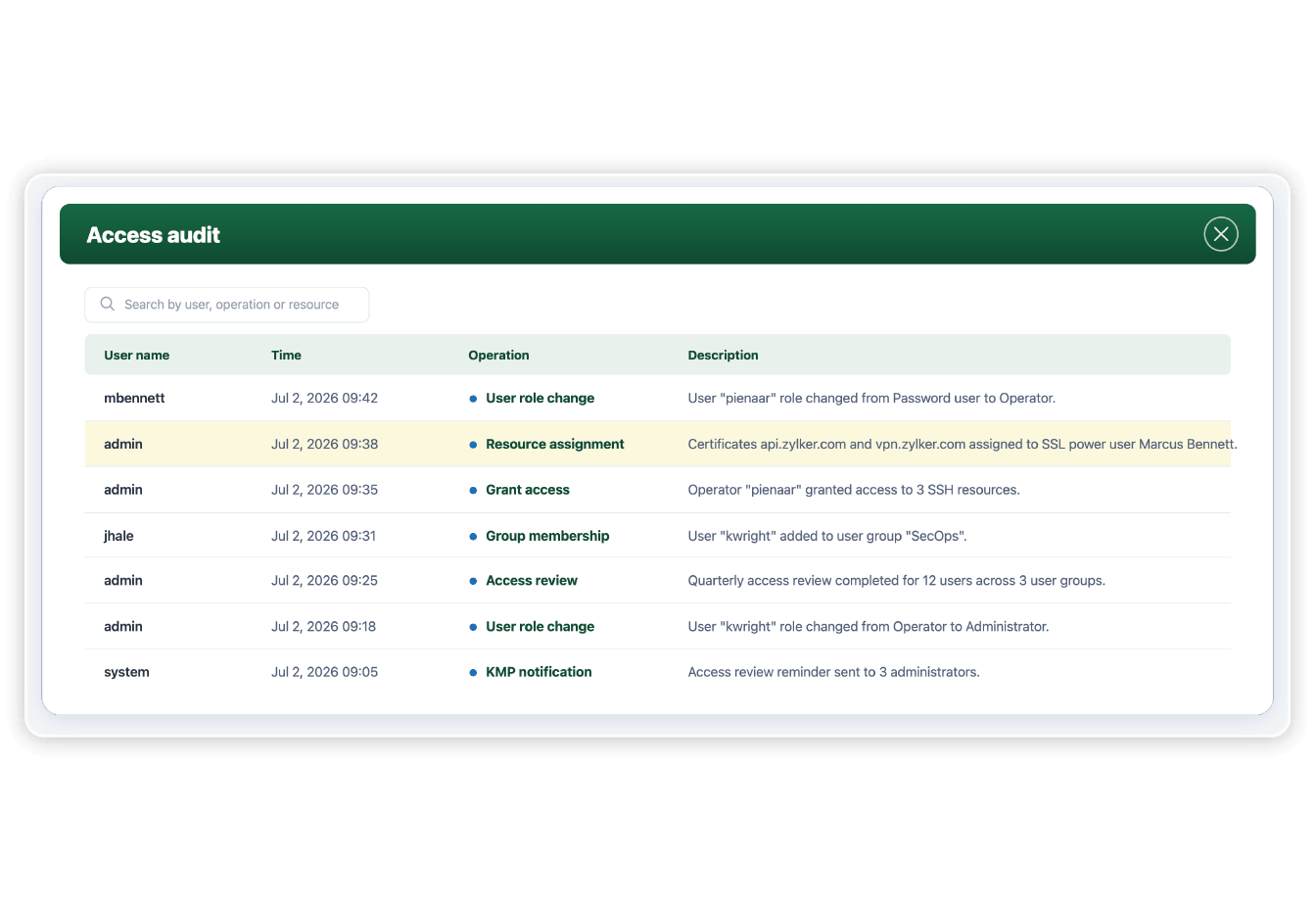
Track every access change in audit
Every change to user roles, group memberships, and resource assignments is recorded in the Key Manager Plus audit trail. Review who granted access, when, and to what, and revoke or reassign permissions at any time.