
User analytics in Incident Workbench
Last updated on:
In this page
The user analytics data in Incident Workbench incorporates UEBA from the Log360 suite. It's necessary to purchase UEBA to get behaviour analytics and risk score trends of users.
- Please refer to the Incident Workbench Overview page to learn about the feature, and check the Access page to learn how to invoke Incident Workbench from different dashboards of the product.
- To get user analytics, you can click on any of the following fields that uniquely identify a user:
- Username
- Target User
- VPN UserName
- User Principal Name
- Destination User
- Sourceuser
- Subject Username
The following data will be available in the user analytics section of the Incident Workbench:
User Risk analysis
View the user's Risk Score Trend, Peak Risk Score and the Cards Based Peak Risk Score for possible insider threat and data exfiltration activities. Click on the Calendar icon and set the required period.
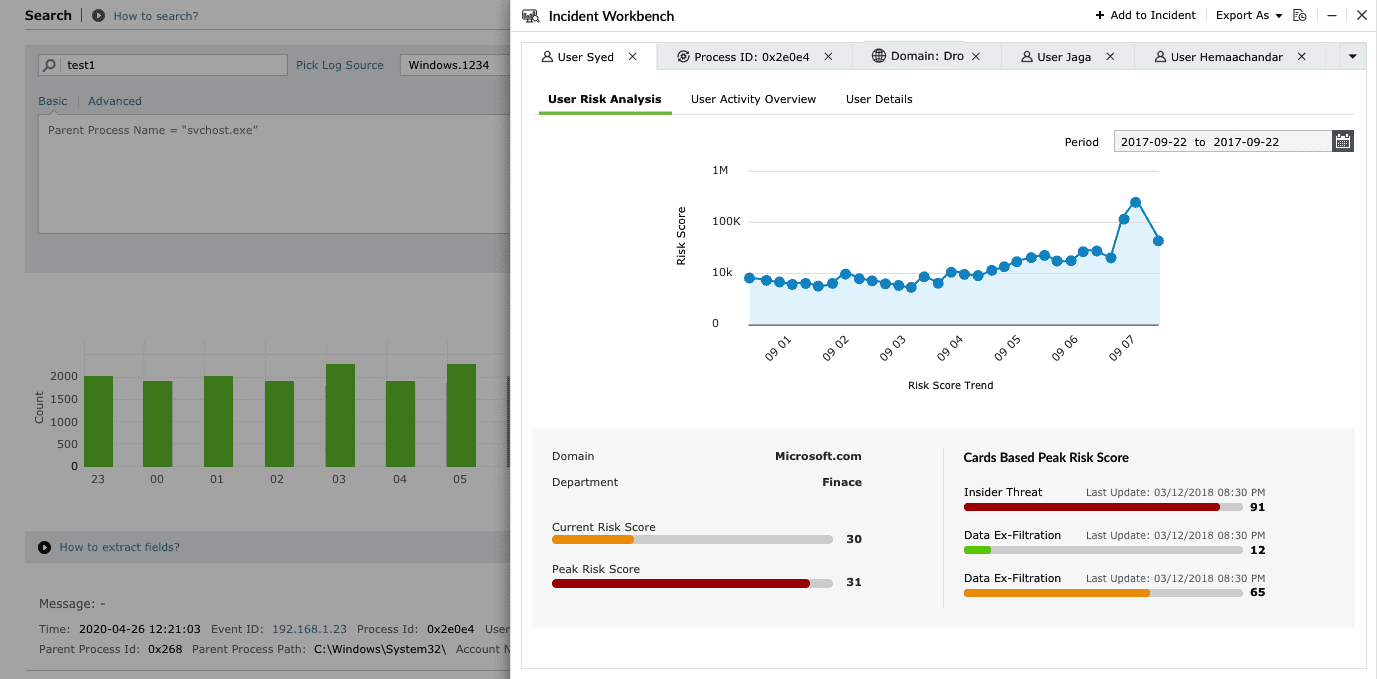
-
Here are the possible messages that will be displayed in the User Risk Analysis section and the causes
- Case 1: UEBA not purchased
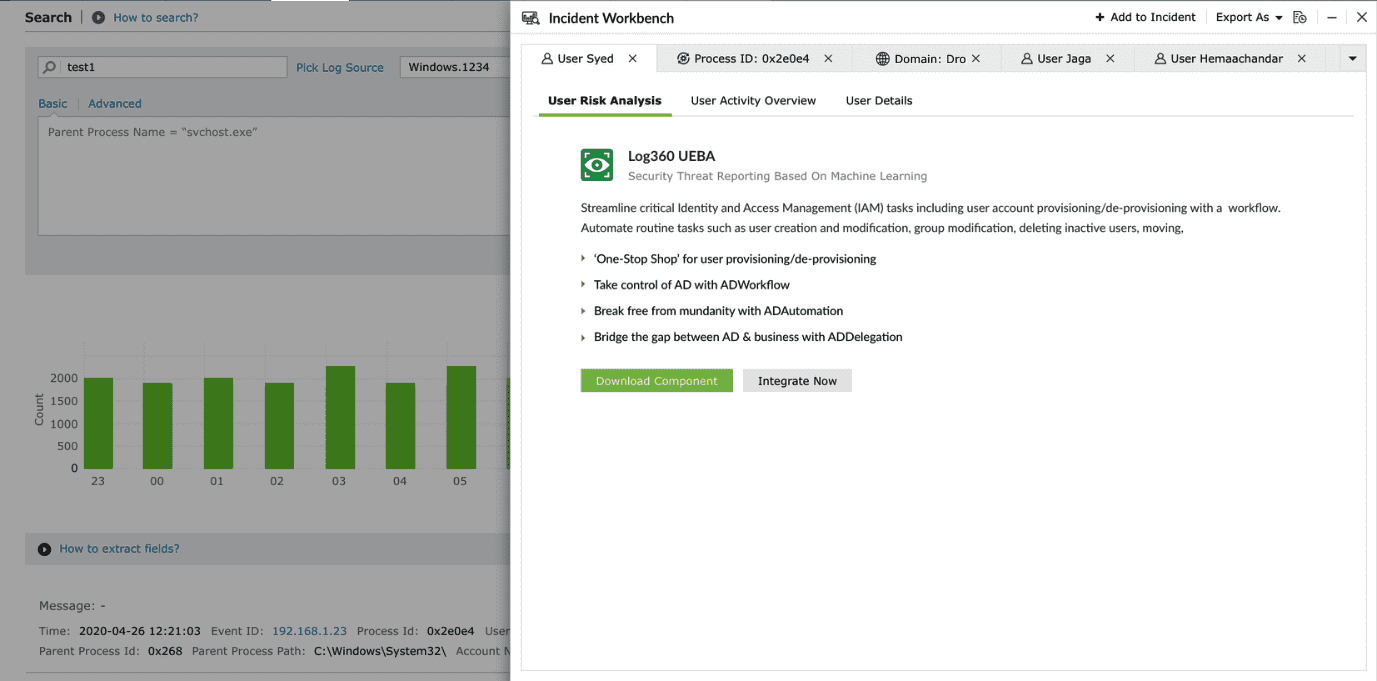
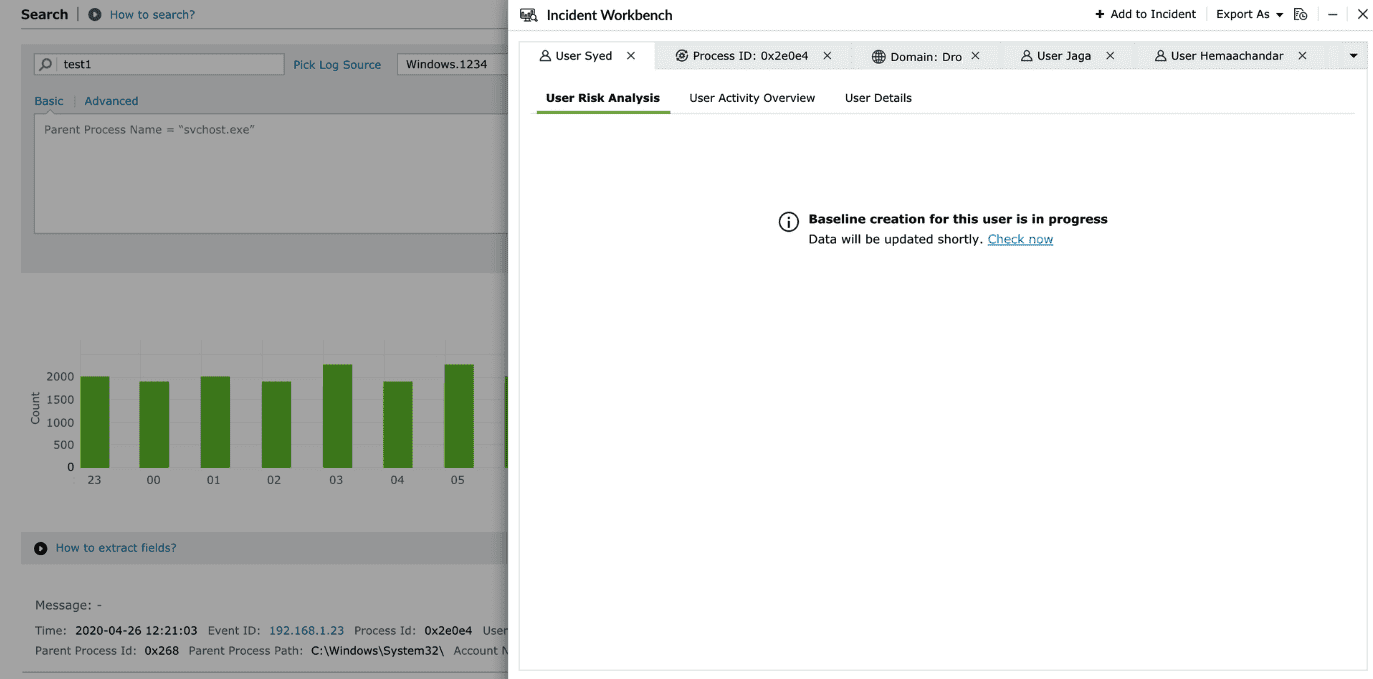
- Case 2: Baseline creation is in progress as the model is training
- Case 3: The particular user has no anomalies
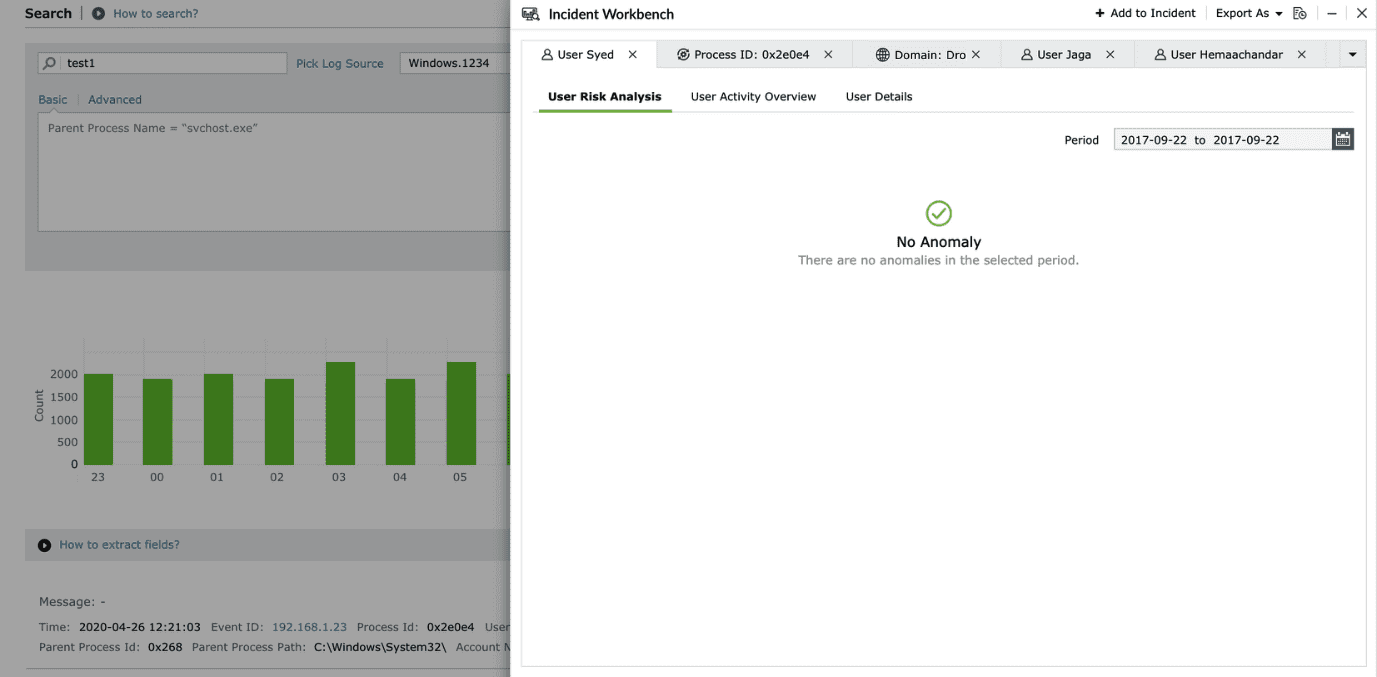
- Case 1: UEBA not purchased
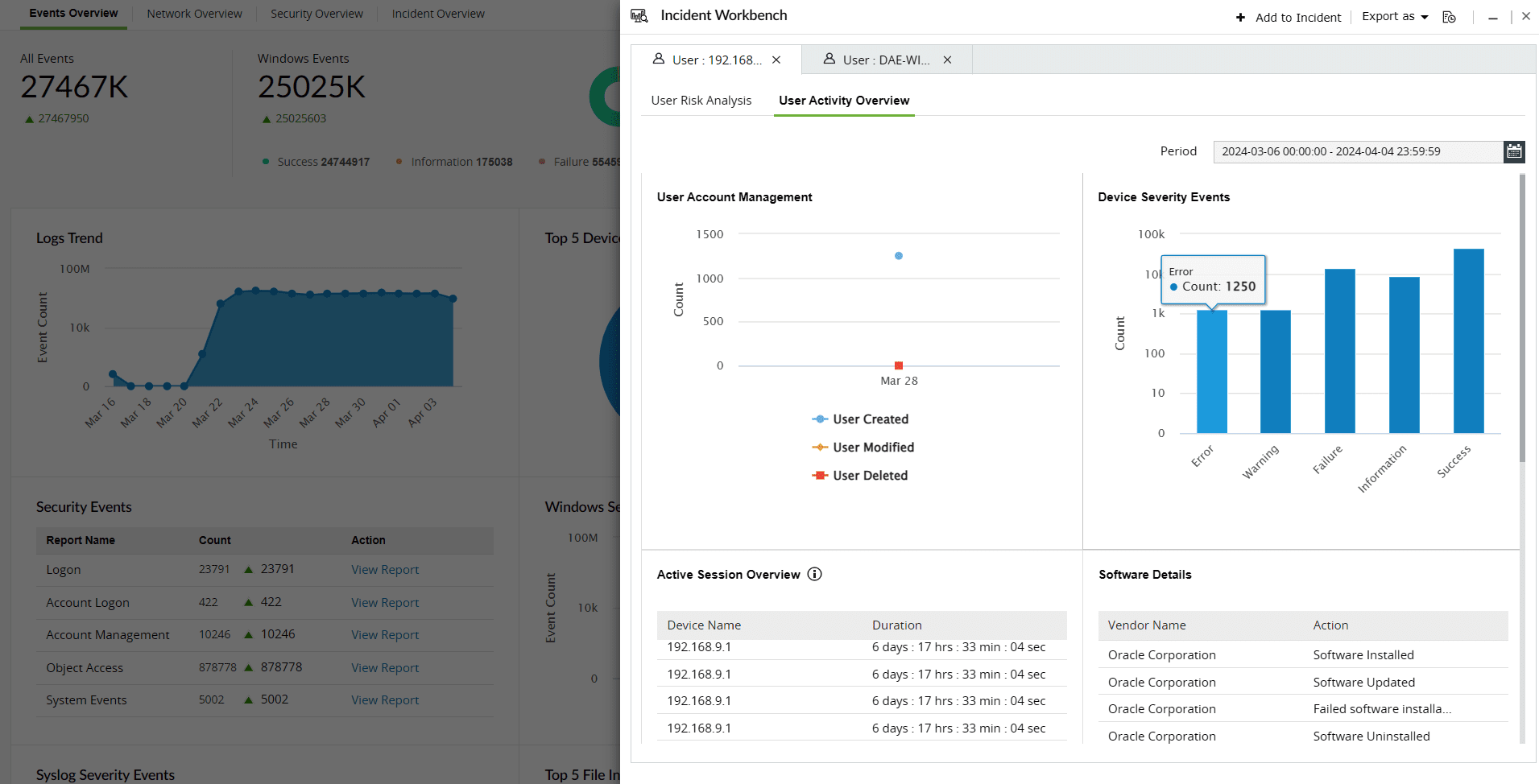
User Activity Overview
Note: The User Activity Overview section in the Incident Workbench does not require UEBA integration.
The User Activity Overview contains the following widgets:
| User Account Management | Tracks create, modify, and delete actions related to the user account. |
| Device Severity Events | Consolidates the device severity events for the devices accessed by the user |
| Active Sessions Overview | Shows the list of active sessions on different devices and their duration |
| Software Installations and Updates | List of softwares installed, uninstalled and updated by the user during the selected period |
| Top 5 File Integrity Monitoring Events | Tracks events related to file creation, deletion, modification and access. |
| Process Tracking | Tracks process creation and termination activities |
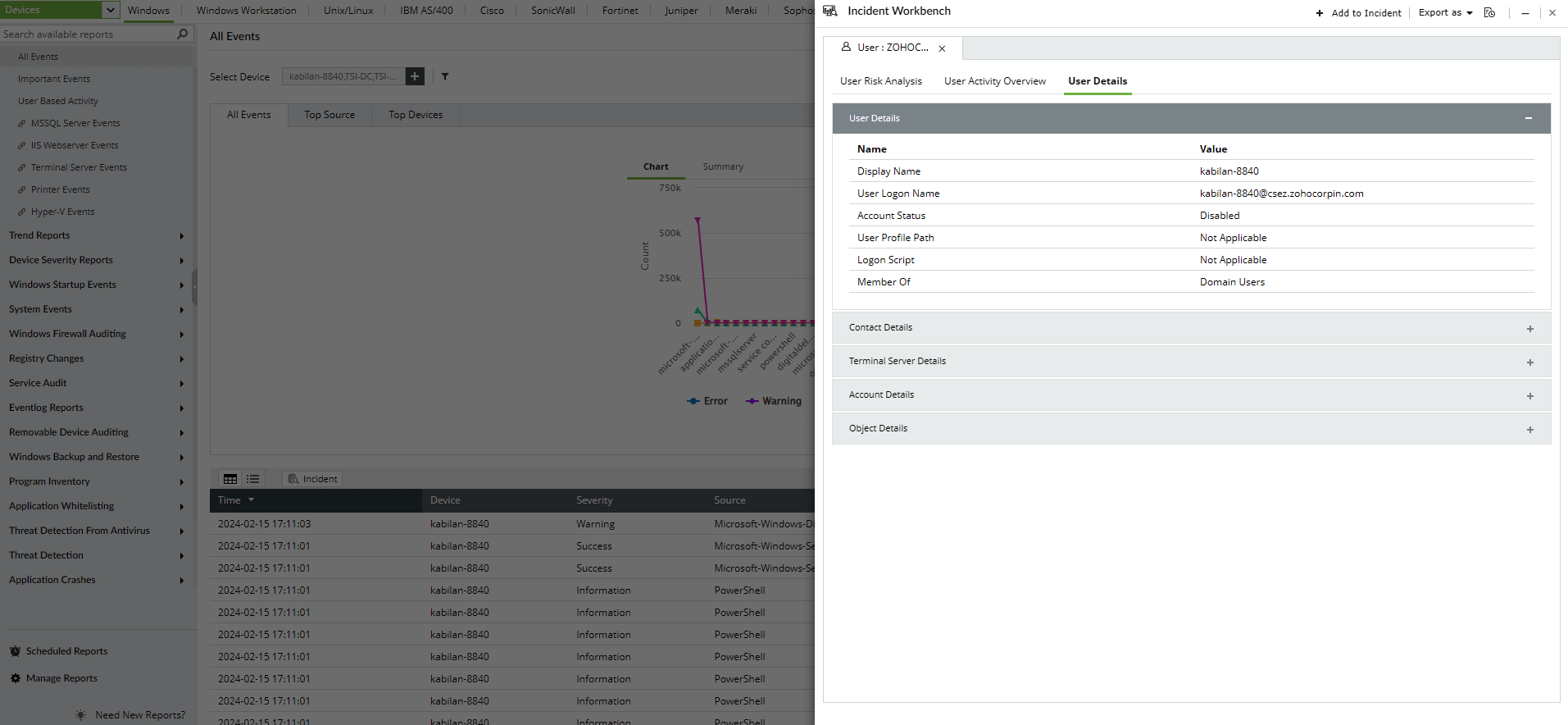
User Details
Note The User Details section in the Incident Workbench doesn't require UEBA integration.
This sections fetches the Active Directory object details such as:
- User Details
- Contact Details
- Terminal Server Details
- Account Details and
- Object Details
Note: Minimize the tab to access the Incident Workbench while you traverse through different pages in the product. As long as you don't close the workbench, the analysis will be available even if you log out of the product and login again. You can also save it to an existing incident or create a new one.